Answer

Add Custom GI to Customer Portal

  • April 10, 2023
  • 2 replies
  • 190 views

Looking to add a Generic Inquiry to the customer portal which shows any open projects associated with the business account of the user currently logged into the portal. 

Adding the GI itself to the portal is easy however, I am unable to find a way to construct a filter that would look at the currently logged in users associated business account. 

I tried using the AccessInfo table in the GI however this was unsuccessful. Has anyone attempted something like this with the Customer Portal and a GI? 

Best answer by Kandy Beatty

Looking to add a Generic Inquiry to the customer portal which shows any open projects associated with the business account of the user currently logged into the portal. 

Adding the GI itself to the portal is easy however, I am unable to find a way to construct a filter that would look at the currently logged in users associated business account. 

I tried using the AccessInfo table in the GI however this was unsuccessful. Has anyone attempted something like this with the Customer Portal and a GI? 

Hi @Nicole Ronchetti 

We had to do a customization for this. The customer portal does not allow as much flexibility as of yet without a customization package. 

2 replies

Kandy Beatty
Captain II
Forum|alt.badge.img+17
  • Captain II
  • Answer
  • April 10, 2023

Looking to add a Generic Inquiry to the customer portal which shows any open projects associated with the business account of the user currently logged into the portal. 

Adding the GI itself to the portal is easy however, I am unable to find a way to construct a filter that would look at the currently logged in users associated business account. 

I tried using the AccessInfo table in the GI however this was unsuccessful. Has anyone attempted something like this with the Customer Portal and a GI? 

Hi @Nicole Ronchetti 

We had to do a customization for this. The customer portal does not allow as much flexibility as of yet without a customization package. 


Doug Johnson
Acumatica Moderator
Forum|alt.badge.img+4
  • Acumatica VP, Product Management
  • November 7, 2025

@Nicole Ronchetti here is an option. I am using 2025 R2 and the Classic Portal (the functionality that I’m describing here is not yet available in the Modern Portal)

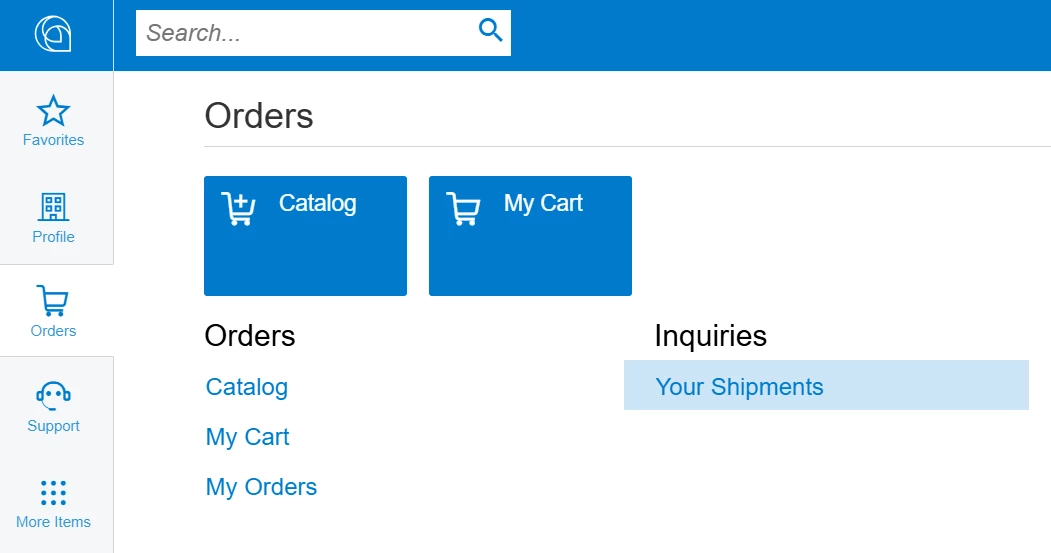
My example: Assume I want to publish a list of shipments in the orders Workspace on the portal

Shipments GI added to the Portal

Step 1: Create the Generic Inquiry

When creating the inquiry we need to build in a mechanism to prevent the user from seeing everybody’s shipments.

  • Add the table PX.Objects.CR.Contact to your inquiry. This table includes a field called UserID that can be used to limit query results. 
    • In the relations tab do an inner-join to link a BAccountID or CustomerID on your main table to the BAccountID field on the CR.Contact table.
  • On the Conditions Tab add line CR.Contact equals @me. This will limit the results to lines that belong to the logged in user. 
Conditions Tab (I renamed CR.Contact as CustomerUser)

Step 2:  Add the GI to the Portal Map

Login to the portal as the administrator and open the Generic Inquiry screen. Click Publish to the UI and select an appropriate Site Map Title. Note the Screen ID (it will look something like GI.P0.00.00).

Next go to the Portal Map screen. Add the GI as shown in the picture below.

Adding the GI to the portal Map

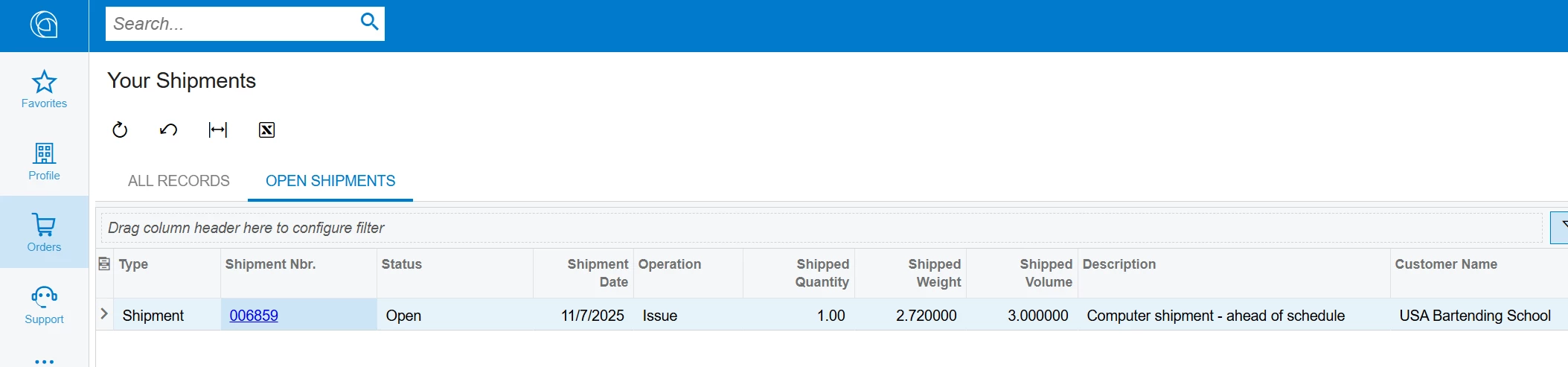
Results

When logging into the portal as malone/123 (salesdemo data) note that only the shipments related to ABARTENDE show up!

End result