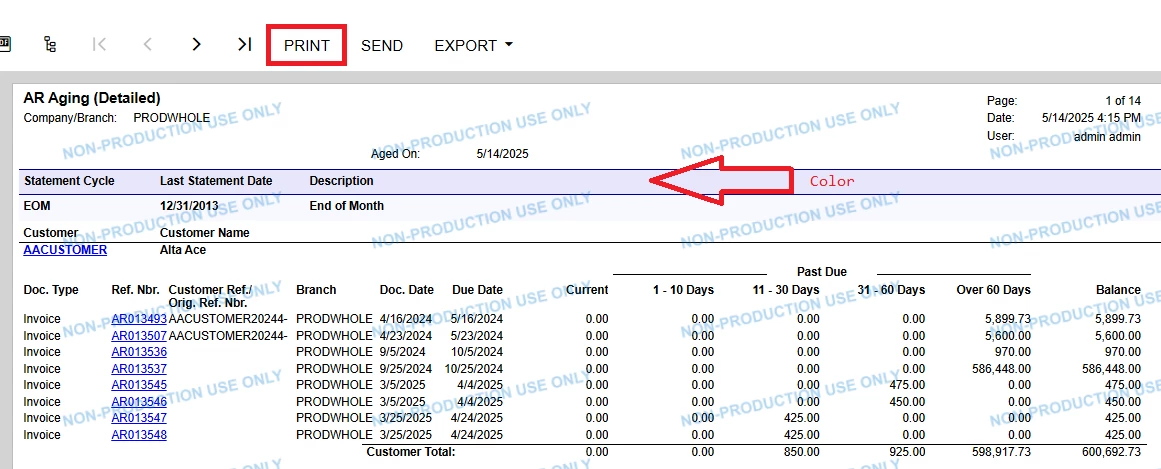
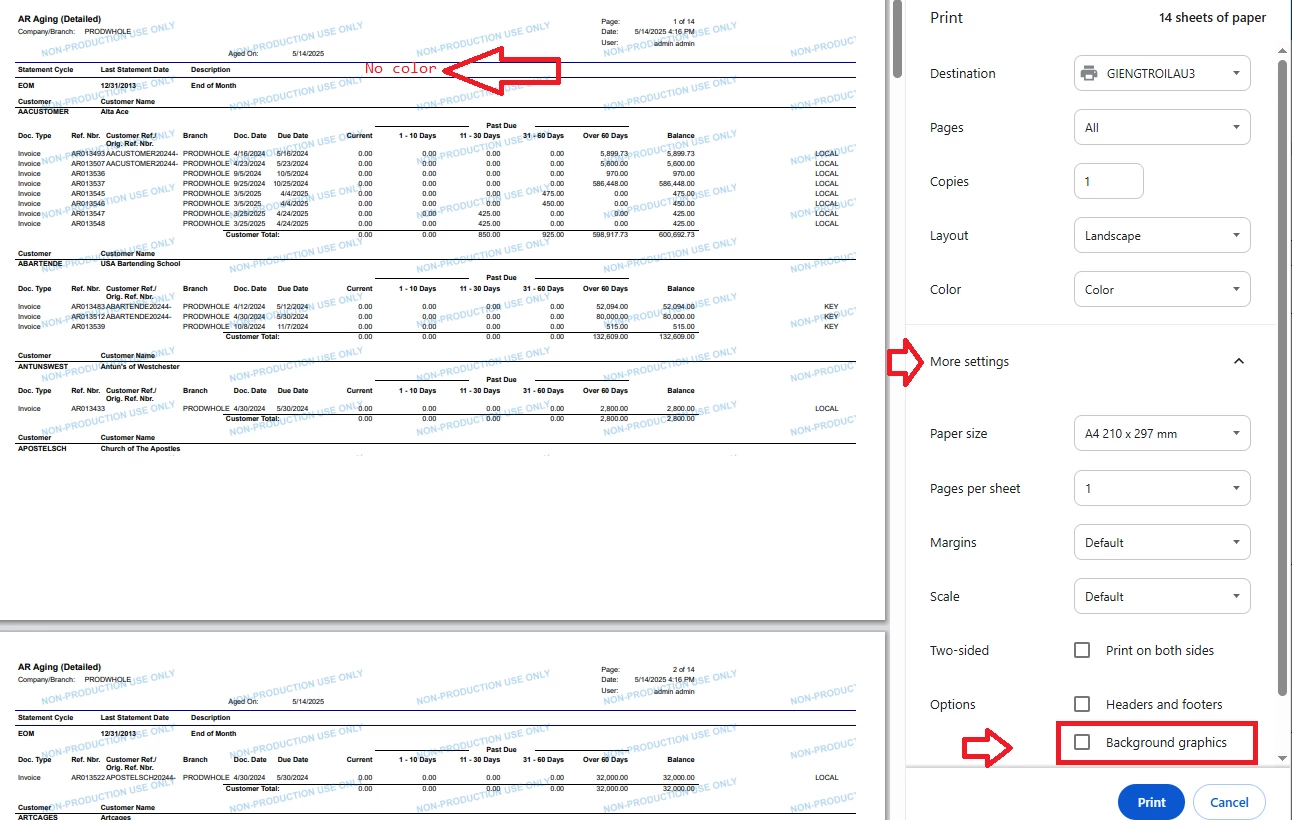
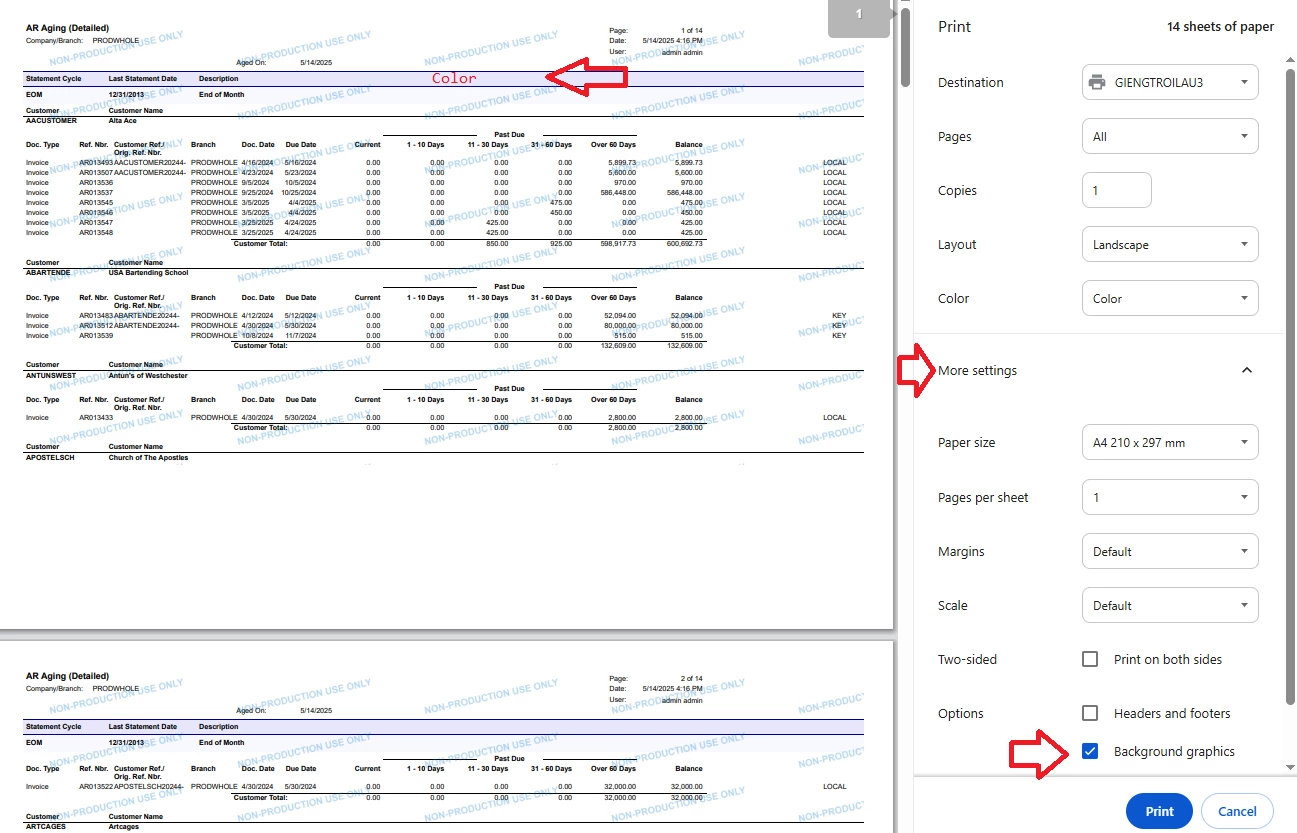
I have an report in Acumatica that I have customized and when I run the report withing the Acumatica software the formatting is exactly as I designed it but as soon as I print it the formatting is lost. I am not sure if there is a setting that I need to change in order for the formatting to stay when the report is acually printed.
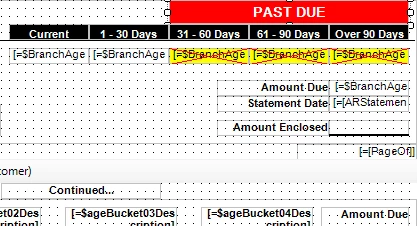
Here is what the section looks like in the report writer:
Here is what it looks like when I run the report in the system:
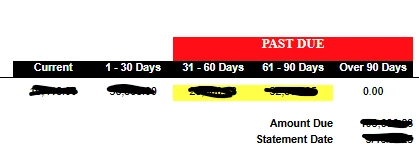
But as soon as I print it the red past due box and the yellow highlighting of past due amount is gone as is the formatting of my aging fields as shown below:
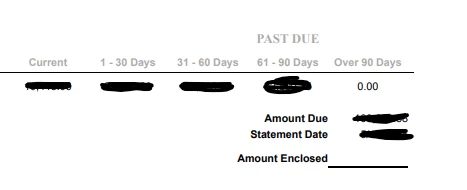
Am I missing a setting or something or is the report designer really limited in what can be formatted when the report is actually printed. Any help on this would be greatly appreciated.