Answer

Want to write a custom process and Schedule it on a timer

  • September 28, 2022
  • 4 replies
  • 151 views

Forum|alt.badge.img

Can I write a custom process (not a screen) and schedule it run within Acumatica? 

By a process I mean some code that says loops a Generic Query and calls some web services.  Not attached to particular screen

Thanks in advance.

Best answer by Dmitrii Naumov

The recommended approach for that is to create the process on a processing screen and add it to schedule via the standard scheduling tool. 

If you do not want the screen to be visible to end users, you can hide it from the menu.  


4 replies

Dmitrii Naumov
Acumatica Moderator
Forum|alt.badge.img+7
  • Acumatica Moderator
  • Answer
  • September 28, 2022

The recommended approach for that is to create the process on a processing screen and add it to schedule via the standard scheduling tool. 

If you do not want the screen to be visible to end users, you can hide it from the menu.  


Forum|alt.badge.img

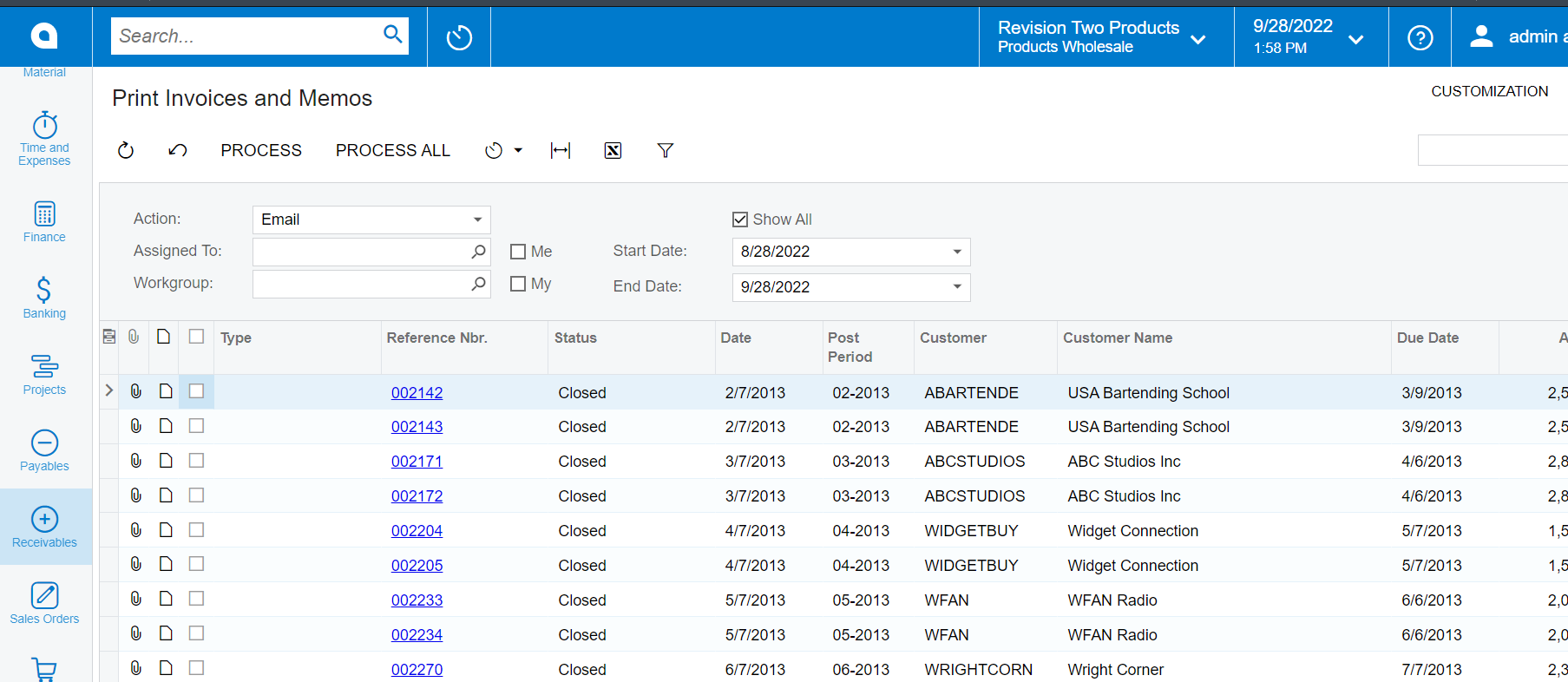
Got it.  By a processing screen you mean something that on load of screen, runs the process then it closes itself when done correct? Or is there a specific form type called processing.  


Dmitrii Naumov
Acumatica Moderator
Forum|alt.badge.img+7
  • Acumatica Moderator
  • September 28, 2022

Please refer to that training to better understand the processing screen:

https://openuni.acumatica.com/courses/development/t240-development-processing-forms/


Basically, it’s a screen that contains the list of the records and Process button.


Forum|alt.badge.img

Got it, I haven’t done that training yet but will. Thanks