Answer

Modern UI Screen (RS201000) Loads as Blank in SmartFix_T290 Instance (25R1)

  • July 30, 2025
  • 9 replies
  • 92 views

Forum|alt.badge.img+2

I'm following the Modern UI course for Acumatica and working with a SmartFix_T290 instance (version 25R1). I have followed the instructions provided in the course PDF, including:

  • Creating the RS201000.ts and RS201000.html files in the following path:
    ..\SmartFix_T290\FrontendSources\screen\src\screens\RS\RS201000

  • code is copied from Acumatica help git repository

  • Running the npm run build-dev command inside the ..\FrontendSources\screen folder
    (this completed successfully without any errors)

After publishing the customization and updating the site map, I’m able to switch to the Modern UI version of the RS201000 screen without any issues. However, when the screen loads, it only displays a blank white space — no UI elements, grids, or fields appear, as shown below.

There are no visible errors or warnings in the UI or browser console.
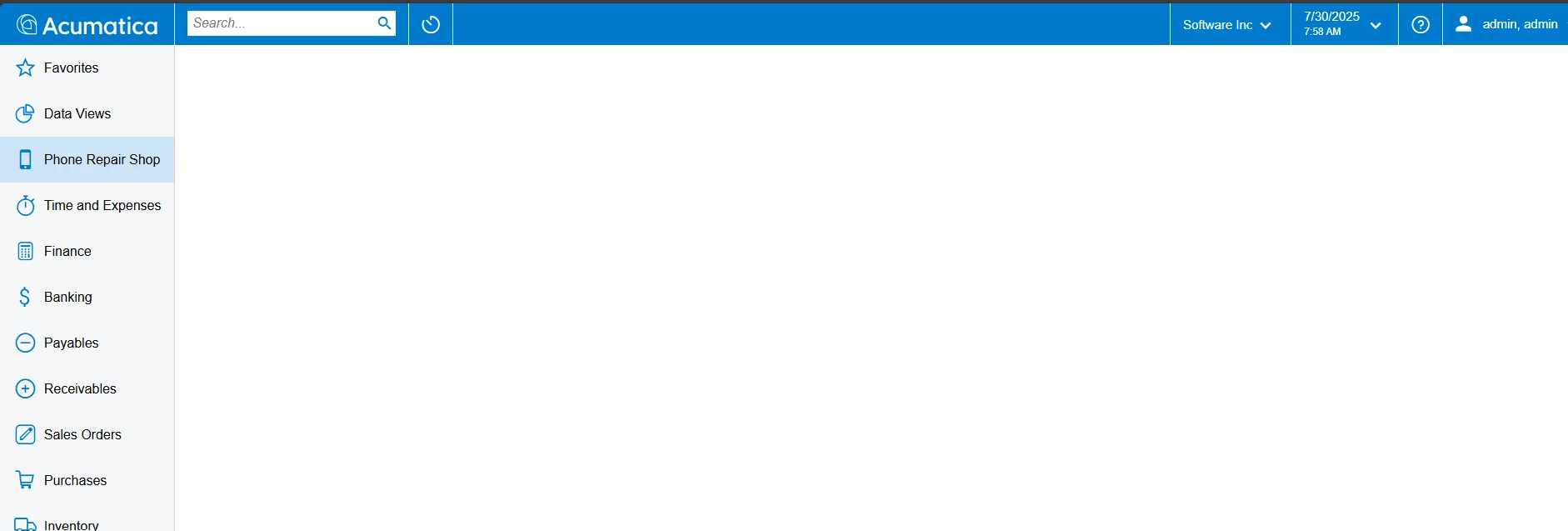
Could you please advise what might be missing or misconfigured?

Thank you!

Best answer by PDharmasena10

I was finally able to resolve the issue. I created a new T290 instance using version 25.101.0153, and the screen was displayed in the modern UI format as expected.

I followed the same procedure in both the previous and current cases, but in the initial instance, the screen appeared empty.

9 replies

Freeman Helmuth
Semi-Pro I
Forum|alt.badge.img

I would recommend doing Modern UI dev on 25R2(yes the preview or beta) as it’s the first version where the modern UI is fully supported.


darylbowman
Captain II
Forum|alt.badge.img+15

I would recommend doing Modern UI dev on 25R2

I’ve built screens in 25 R1 with no issues. Not a dumb recommendation, but also not the problem.


darylbowman
Captain II
Forum|alt.badge.img+15

JSpikowski
Jr Varsity II
Forum|alt.badge.img
  • Jr Varsity II
  • August 3, 2025

I did some research on the Modern UI and how it replaces the ASP generated pages. I gasped for a minute when I saw Node.js mentioned. Lucky Node.js is only used for HTML, JavaScript and CSS page generation. The UI uses REST to interact with the Acumatica business object REST engine.

This will allow me to modify / add AJAX calls to my Linux ScriptBasic webserver to process the custom request.

It looks like I hopped on the Acumatica bus at the right stop. R25.2 is supposed to be 100% Modern UI.


JSpikowski
Jr Varsity II
Forum|alt.badge.img
  • Jr Varsity II
  • August 3, 2025

In the future I would love to see Acumatica convert their .NET code base to PHP and make it Linux based.


darylbowman
Captain II
Forum|alt.badge.img+15

In the future I would love to see

I've seen several of these from you. If you really want to get Acumatica's attention, you need to submit a Feature Request. Posting it here doesn't count for anything (except swaying public opinion, perhaps).


Forum|alt.badge.img+2
  • Author
  • Semi-Pro I
  • Answer
  • August 4, 2025

I was finally able to resolve the issue. I created a new T290 instance using version 25.101.0153, and the screen was displayed in the modern UI format as expected.

I followed the same procedure in both the previous and current cases, but in the initial instance, the screen appeared empty.


Forum|alt.badge.img+2
  • Author
  • Semi-Pro I
  • August 4, 2025

Hi ​@darylbowman 

I follow the process as correctly as you mentioned in the comment. But in the initial instance I end up with above error. I was able to fix it by creating a new instance with latest Acumatica version, 


Chris Hackett
Community Manager
Forum|alt.badge.img
  • Acumatica Community Manager
  • August 5, 2025

Thank you for sharing your solution with the community ​@PDharmasena10!