

Question

Audit History Flow

  • September 17, 2025
  • 2 replies
  • 38 views

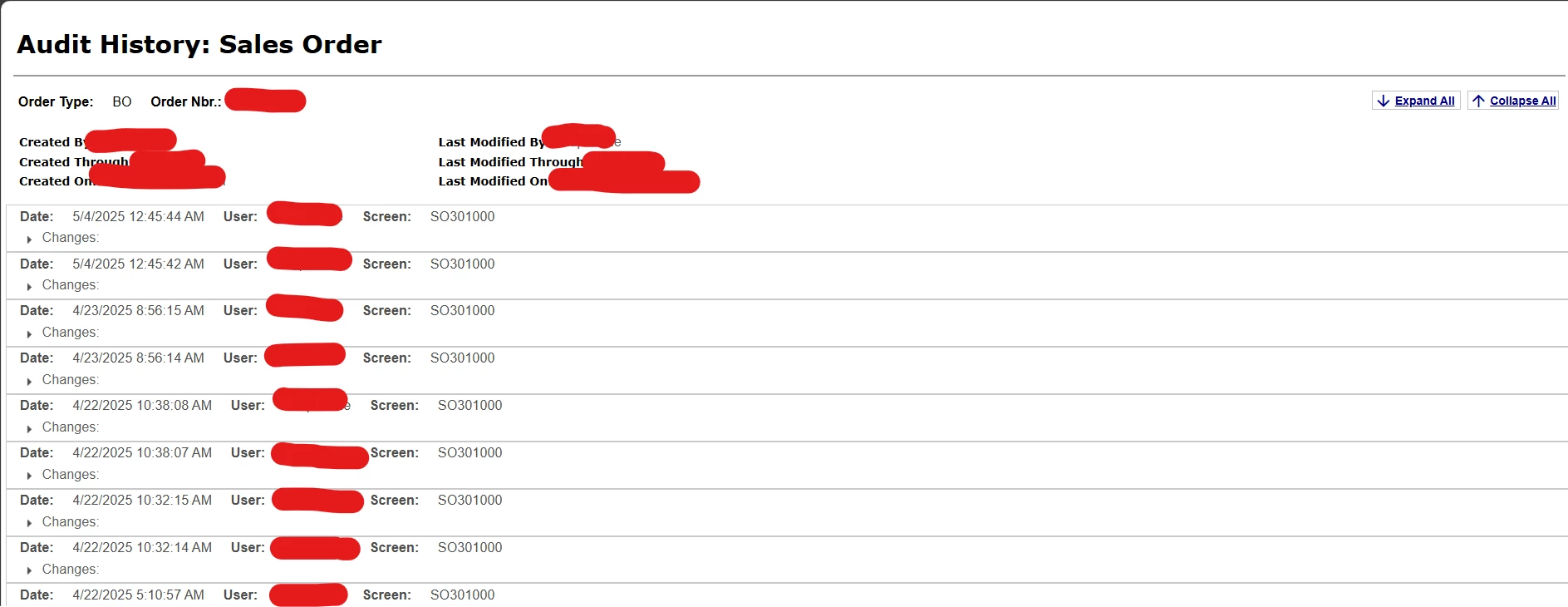
I want to know the flow of Audit History for every page
1. How the histories are maintained for every Page?
2. What is the database flow for the tables used?
 

Below is the query I have created according to my understanding for the Sales Order Screen (SO301000). Is it correct to check the history for every OrderNbr.

Select 
Distinct u.username,
sl.OrderNbr,
au.ScreenID,
au.UserID,
au.ChangeDate,
sl.LastModifiedDateTime,
au.ChangeID,
au.BatchID,
au.Tablename,
au.ModifiedFields
From
SOLineSplit sl
Inner Join
AuditHistory au
ON sl.LastModifiedByID = au.USerID
Inner Join Users u
ON au.UserID = u.PKID
WHERE sl.OrderNbr = `ordernbr`and au.ScreenID = 'SO301000' and sl.LastModifiedByID = `userid`

2 replies

Hi ​@anupusefulbi,


Audit History is recorded at the application (graph) level.

When a user updates a document on a screen (for example, Sales Order – SO301000):

  • The Graph saves changes to the DAC cache

  • The audit engine compares old field values vs new field values

  • If any tracked fields are changed, a record is written to the AuditHistory table

You can check the audit entries for screen-SO301000 using the following query:

SELECT    AH.ChangeDate,    U.Username,    AH.TableName,    AH.Operation,    AH.ModifiedFields,    AH.CombinedKeyFROM AuditHistory AHLEFT JOIN Users U ON AH.UserID = U.PKIDWHERE AH.ScreenID = 'SO301000'AND AH.TableName IN ('SOOrder','SOLine','SOLineSplit')ORDER BY AH.ChangeDate DESC;

Forum|alt.badge.img
  • Jr Varsity I
  • February 10, 2026