Question

Acumatica Mobile App - Minimize the Steps to Add Line Items in the GRID

  • December 11, 2025
  • 1 reply
  • 13 views

Forum|alt.badge.img

Hi Everyone, 

We have a requirement involving a Form and Grid in the Mobile Application. Currently, adding a single line item requires about six steps (as listed below). If a user needs to add more than 20 lines, it results in a large number of clicks and becomes inefficient.

Is there a way to streamline this process or reduce the number of clicks required to add multiple lines?

  1. Click on the Details Tab
  2. Click on the (+) button
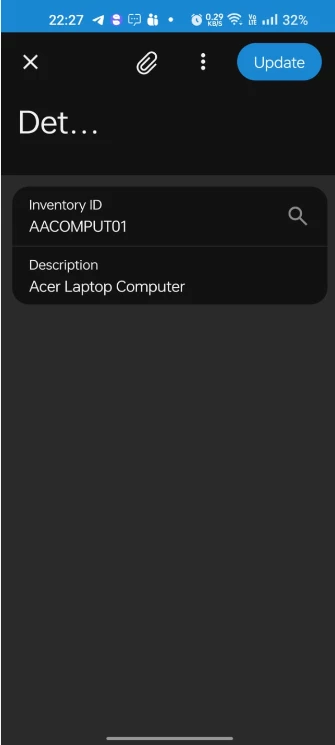
  3. Click on the Inventory ID selector 
  4. Select the Inventory ID
  5. Click on the Update button

Web Screen:
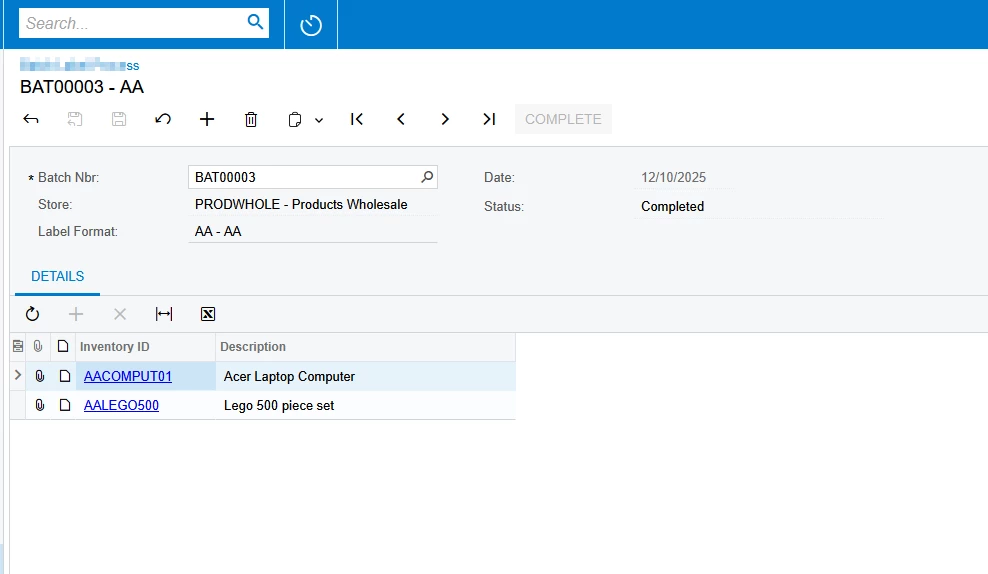
 

Mobile:

 

Click on Details tab and click on +


Select the Inventory ID


Click on Update


Added Item to GRID


1 reply

Forum|alt.badge.img+1
  • Jr Varsity II
  • December 12, 2025

HI ​@nsmith51 ,

We can make Use of Barcode Scanning for Inventory,

Mobile app supports native barcode scanning.

If your scenario allows barcodes:

Tap Scan

Scan item → line is auto-created

Repeat scanning for each line

1 scan = 1 added line

Hope above helps!!