Answer

Unable to Access Inventory Preferences, Warehouses, Shipments, or Invoices After Applying Developer License in MYOB Advanced

  • July 16, 2025
  • 7 replies
  • 110 views

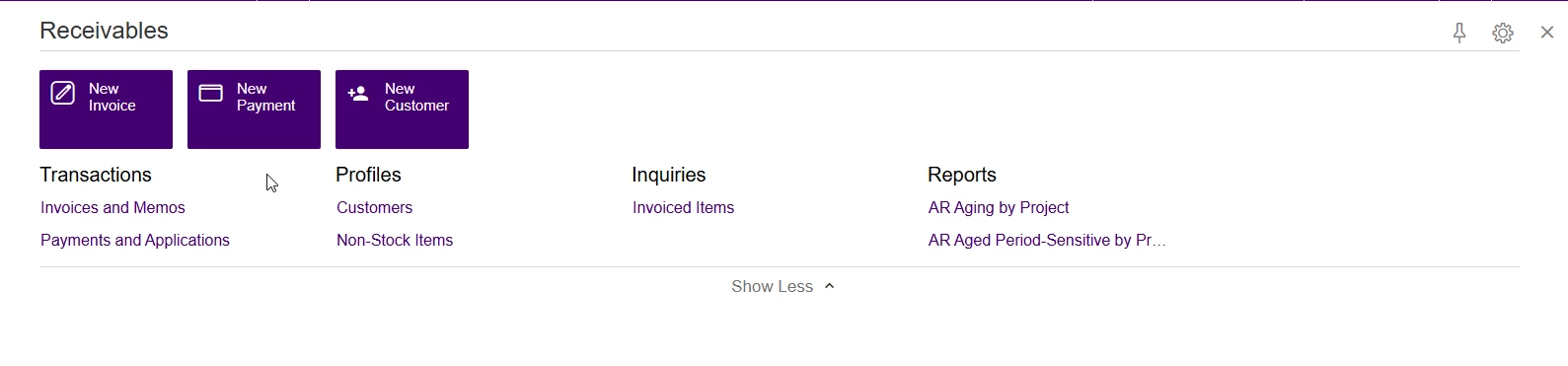
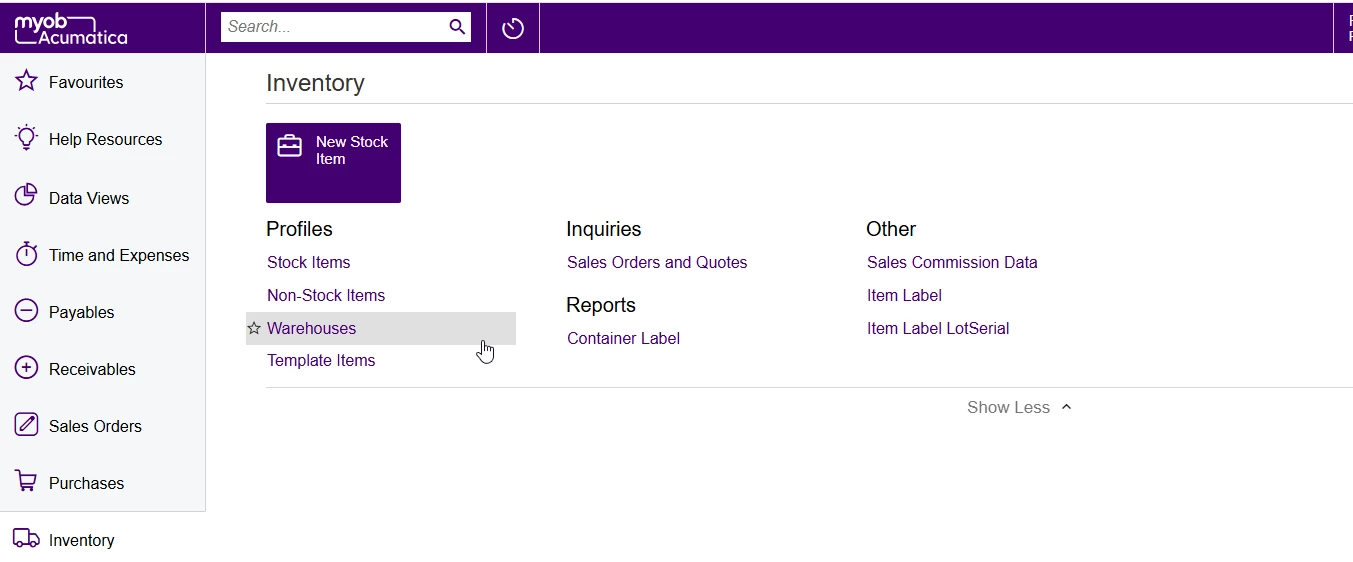
I’ve installed MYOB Advanced Build 2024.210.100.3447 [24.210.0019] and applied the developer license key successfully. I can see some default screens like Stock Items and Sales Orders, but I’m unable to access screens like:

  • Inventory Preferences
  • Warehouses
  • Shipments
  • Invoices

I have verified access rights (granted full permissions including delete), but the screens still don’t appear.

Is there anything else I need to configure after applying the developer license to make all standard screens available?
Thanks in advance!
Best answer by Graeme Laughton-Mutu

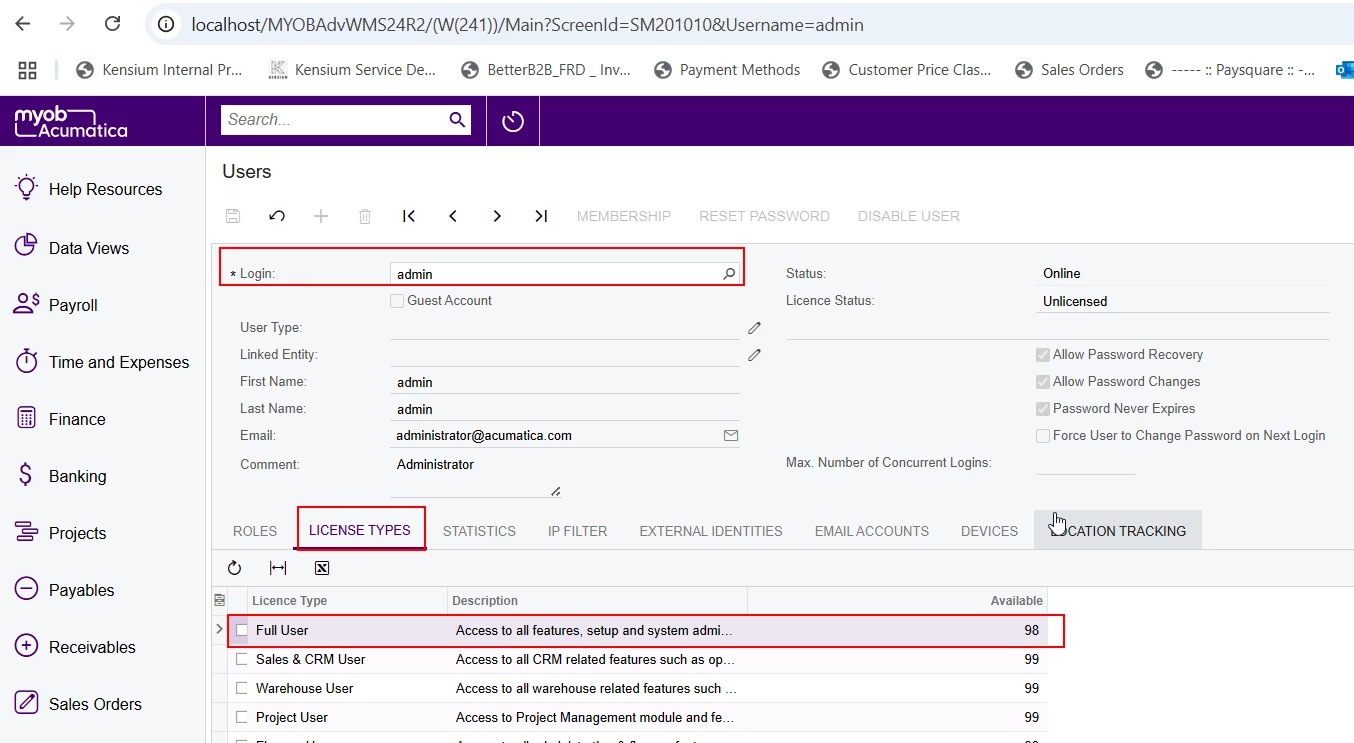
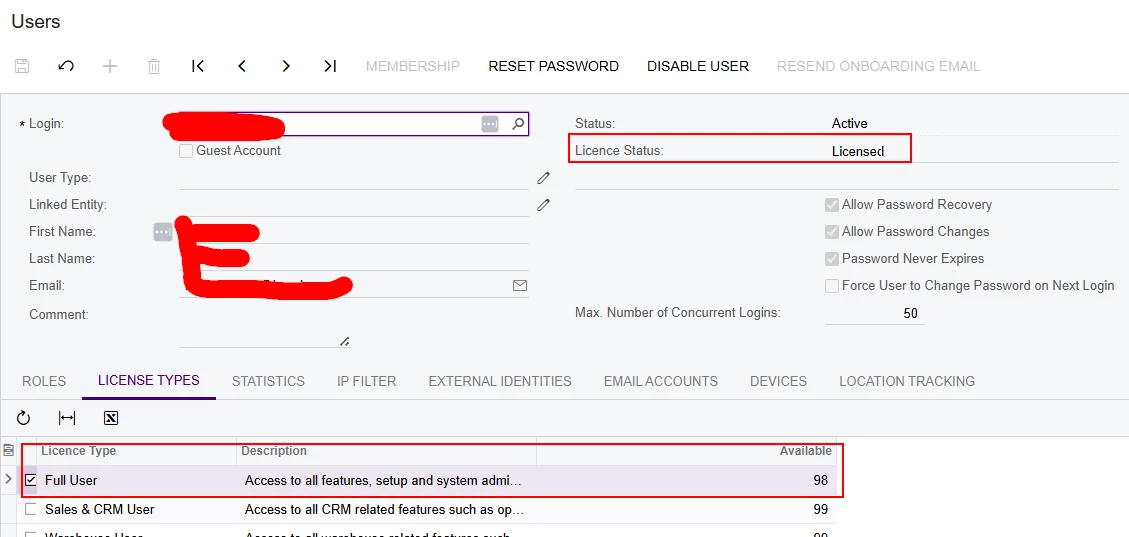
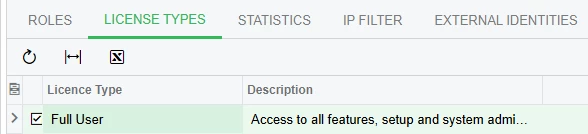
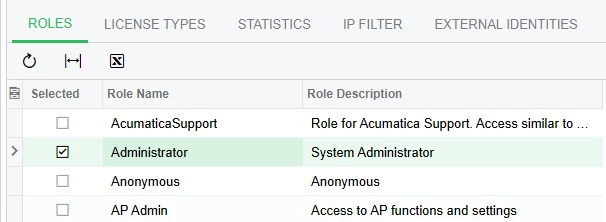
Check you have given your user a Full User license, and the Administrator role (also test removing all other roles to rule out any access conflicts).


7 replies

Forum|alt.badge.img+2

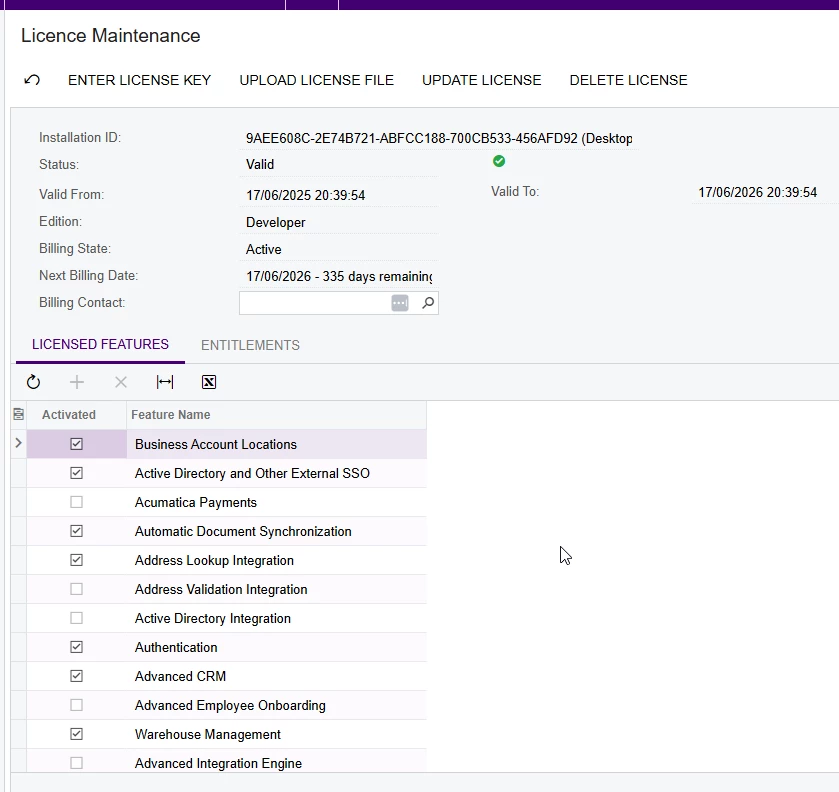
@BhavyaSreeG Please check all the modules are enabled in enable disable screen CS100000. Also, check the user access assigned to your user in user screen. If possible share the Activate License screen SM201510 screenshot to identify the feature which got enabled for your instance.


Graeme Laughton-Mutu
Semi-Pro I
Forum|alt.badge.img+1

Check you have given your user a Full User license, and the Administrator role (also test removing all other roles to rule out any access conflicts).


  • Author
  • Freshman I
  • July 17, 2025

Hi ​@ranjithduraisamy72 

I have cross-checked the Enable/Disable Features screen (CS100000) and confirmed that all necessary features are enabled. However, I’m still unable to access some of the default screens. I have also verified the user access settings, and everything appears to be in order.
Here is the screenshot of the license one
Please let me know if you want me to check any other possible ways

Thanks!


  • Author
  • Freshman I
  • July 23, 2025

Hi ​@Graeme Laughton-Mutu , I have verified using the default admin user that the "Full User" checkbox under the License Type tab is not enabled and cannot be marked as true.

However, when I created a new user, I was able to assign Full User access, and all screens were visible by default for that user.

Thank you for your help and guidance.


Graeme Laughton-Mutu
Semi-Pro I
Forum|alt.badge.img+1

Hi ​@BhavyaSreeG 

I only use the Admin user during the initial creation and licensing of the site, then I immediately create myself, or another user with a Full User license and the Administrator role to use for further configuration and setup. That way I know I’m replicating the same behaviour/permissions as an “End-User-Administrator” on a live hosted site.


madelcorvera
Freshman I
  • Freshman I
  • August 14, 2025

Hi, have you figured it out? 
Mine’s the same even if my account is the admin and full user. End up using Acumatica local instance instead. Also, the licence key only works when using the MySQL, and not properly working on MSSQL - especially when changing licences. Problem with MySQL is that when you create a table in your local instance and publish it to the sandbox, the sandbox will just ignore it.


madelcorvera
Freshman I
  • Freshman I
  • August 19, 2025

NVM my past comment. all good