Answer

Embed an image based on condition in MyOB Acumatica Report designer

  • April 7, 2025
  • 7 replies
  • 118 views

Forum|alt.badge.img

Hi,


Can you please help to display embedded image based on condition like ‘Branch Name’ in MyOb Acumatica Report Designer.


Thanks,

Suja

Best answer by nhatnghetinh

Hi ​@SujaFMS 

If the images are external, you can do it by the following way.

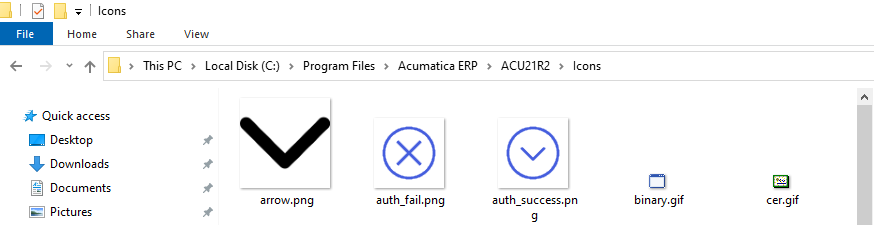
Copy the image to the Source folder containing Acumatica on the server (for example: C:\Program Files\Acumatica ERP\ACU21R2\Icons).


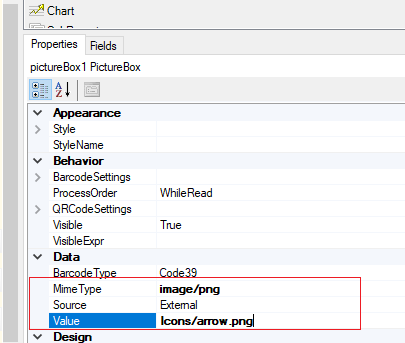
Then on Acumatica Report Designer > you specify the path containing that image.


Please refer to the post below.


Best Regards,

NNT

7 replies

nhatnghetinh
Captain II
Forum|alt.badge.img+11
  • Captain II
  • April 7, 2025

Hi ​@SujaFMS 

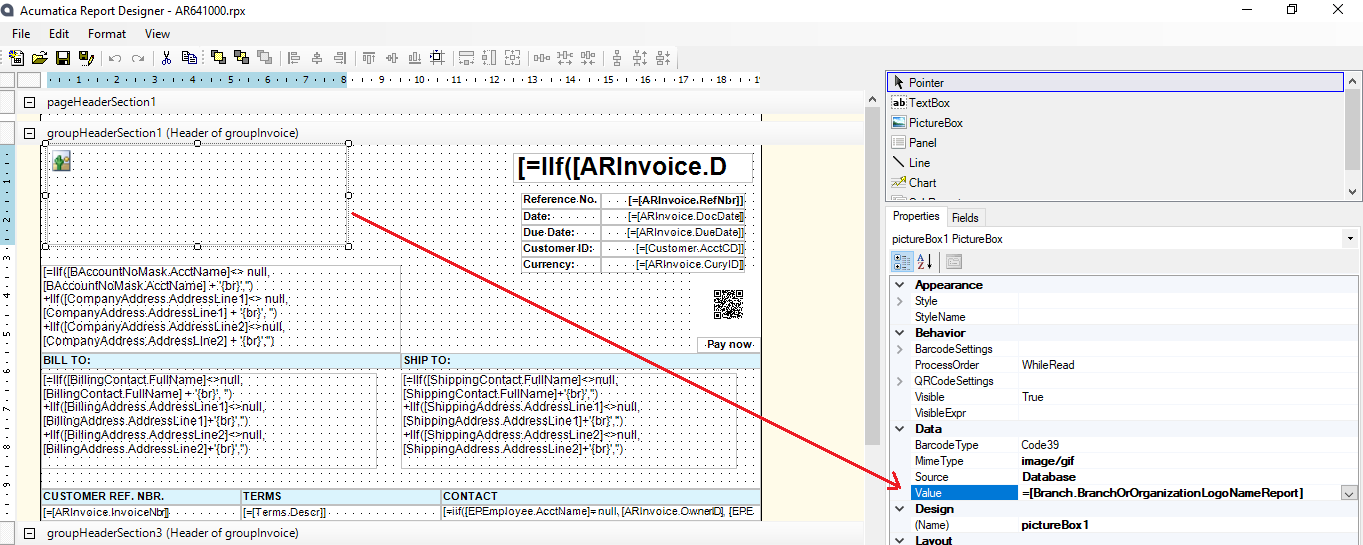
Please choose the Value of the image = [Branch.BranchOrOrganizationLogoNameReport]


Best Regards,

NNT


Forum|alt.badge.img
  • Author
  • Freshman II
  • April 7, 2025

Hi NNT,   

Thanks for your reply.

My images are external not from database. 

However, based on the Branch Name I need to select the external images from my one drive.

Thanks,

Suja


Forum|alt.badge.img
  • Author
  • Freshman II
  • April 7, 2025


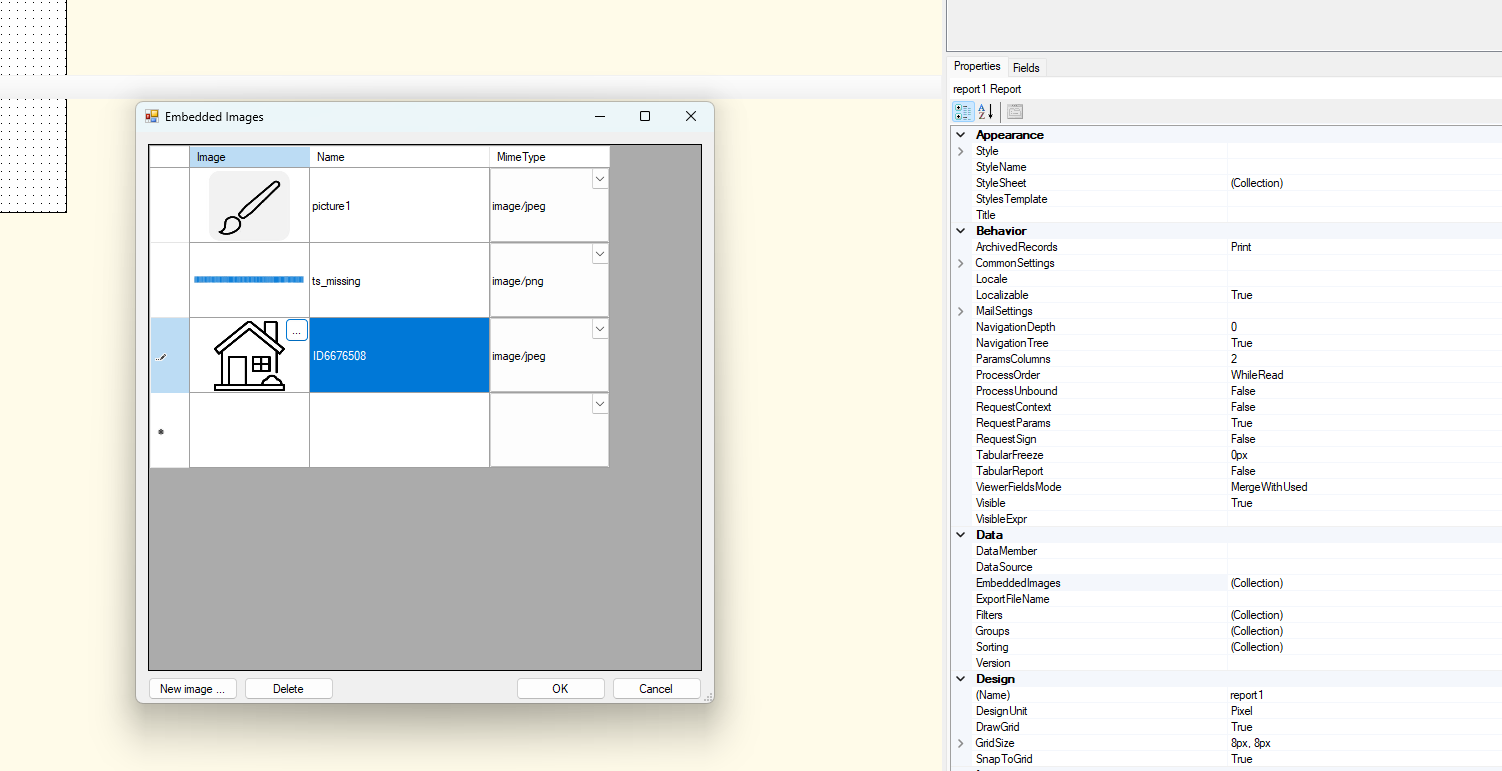
I have added Embedded images as in the above scrrenshot. For the picture element it should select picture 1 if Branch_name is ‘XYZ’ and if the Branch_Name is ‘ABC’ then it should pick pictur2. How this can be achieved.?

Thanks,

Suja


nhatnghetinh
Captain II
Forum|alt.badge.img+11
  • Captain II
  • Answer
  • April 7, 2025

Hi ​@SujaFMS 

If the images are external, you can do it by the following way.

Copy the image to the Source folder containing Acumatica on the server (for example: C:\Program Files\Acumatica ERP\ACU21R2\Icons).


Then on Acumatica Report Designer > you specify the path containing that image.


Please refer to the post below.


Best Regards,

NNT


Forum|alt.badge.img
  • Author
  • Freshman II
  • April 7, 2025

Thanks .. It helped me a lot!!


sangland
Varsity I
Forum|alt.badge.img
  • Varsity I
  • April 7, 2025

Hi ​@SujaFMS the best answer was provided by ​@nhatnghetinh. MYOB Acumatica is not on-premise so images need to be loaded to the database or embedded. 


Forum|alt.badge.img
  • Author
  • Freshman II
  • April 7, 2025

Hi ​@sangland , Thanks for the correction.  I tried by creating a variable in the group header for storing the image path by providing condition (used Switch) If branch name =” XYZ” then Image1 else if branch name =”ABC” then image 2. Both the images are in SharePoint. Then I assigned the variable in Value field of PictureBox element by selecting source as External. Though, I tried the above logic the result was showing as Not a valid image link. So, I hope if I give the correct path it should work. Anyways, our requirements have changed, and I have to create separate reports for each branch. Thanks a bunch for your reply.

Regards,

Suja