Question

Mass Edit Error - GI Screen

  • December 2, 2025
  • 6 replies
  • 56 views

Forum|alt.badge.img

Hello


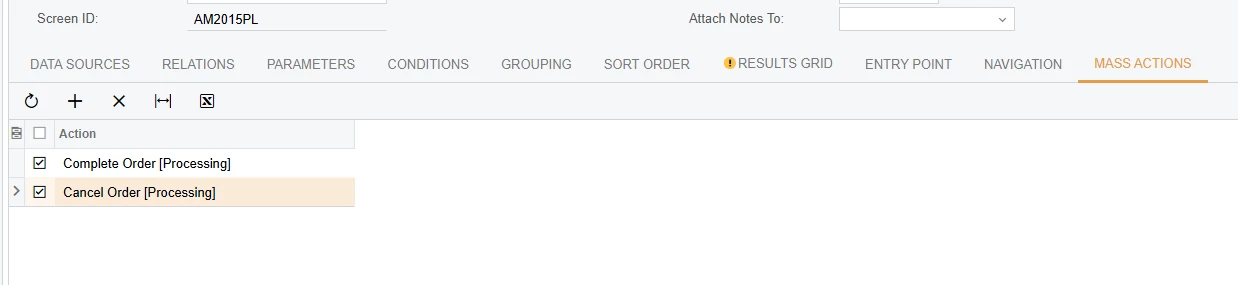
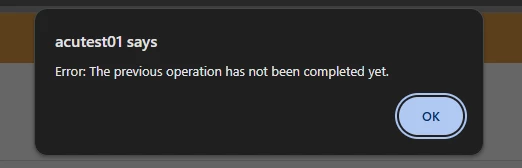
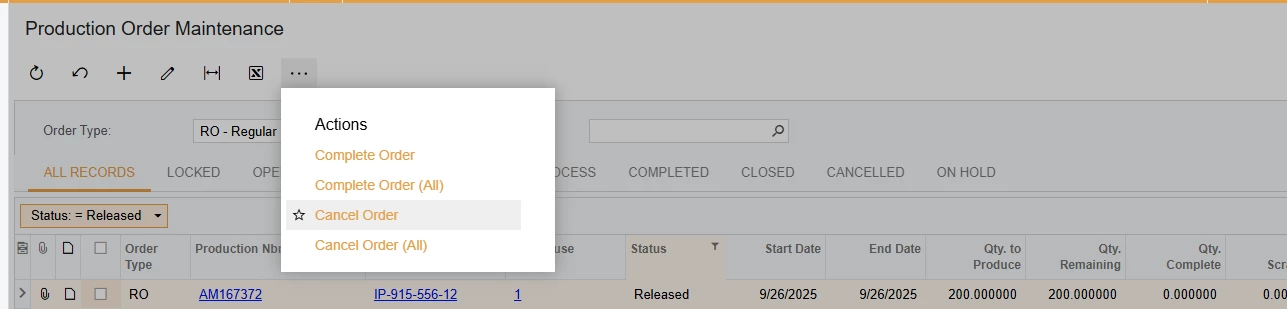
Has anyone seen this error? I added Mass Actions to a GI for Production Order Ticket, but when I try to mass edit them or even one, I get this error. I was looking to complete or cancel multiples at once.


6 replies

DipakNilkanth
Pro III
Forum|alt.badge.img+13

Hi ​@JReppard,

I believe the Complete Order and Cancel Order actions include a popup confirmation dialog that appears before the process is initialized.

From a Generic Inquiry (GI), you are able to process multiple records at once, but these actions are designed to be executed individually, not in bulk.

So when you run the Complete or Cancel action from the GI processing screen, the popup that normally requires user confirmation is ignored. Because that confirmation step does not complete, Acumatica returns the error: “The previous operation has not been completed yet.”


Forum|alt.badge.img
  • Author
  • Varsity I
  • December 2, 2025

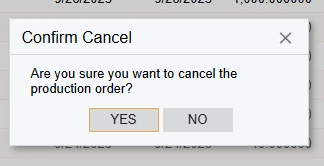
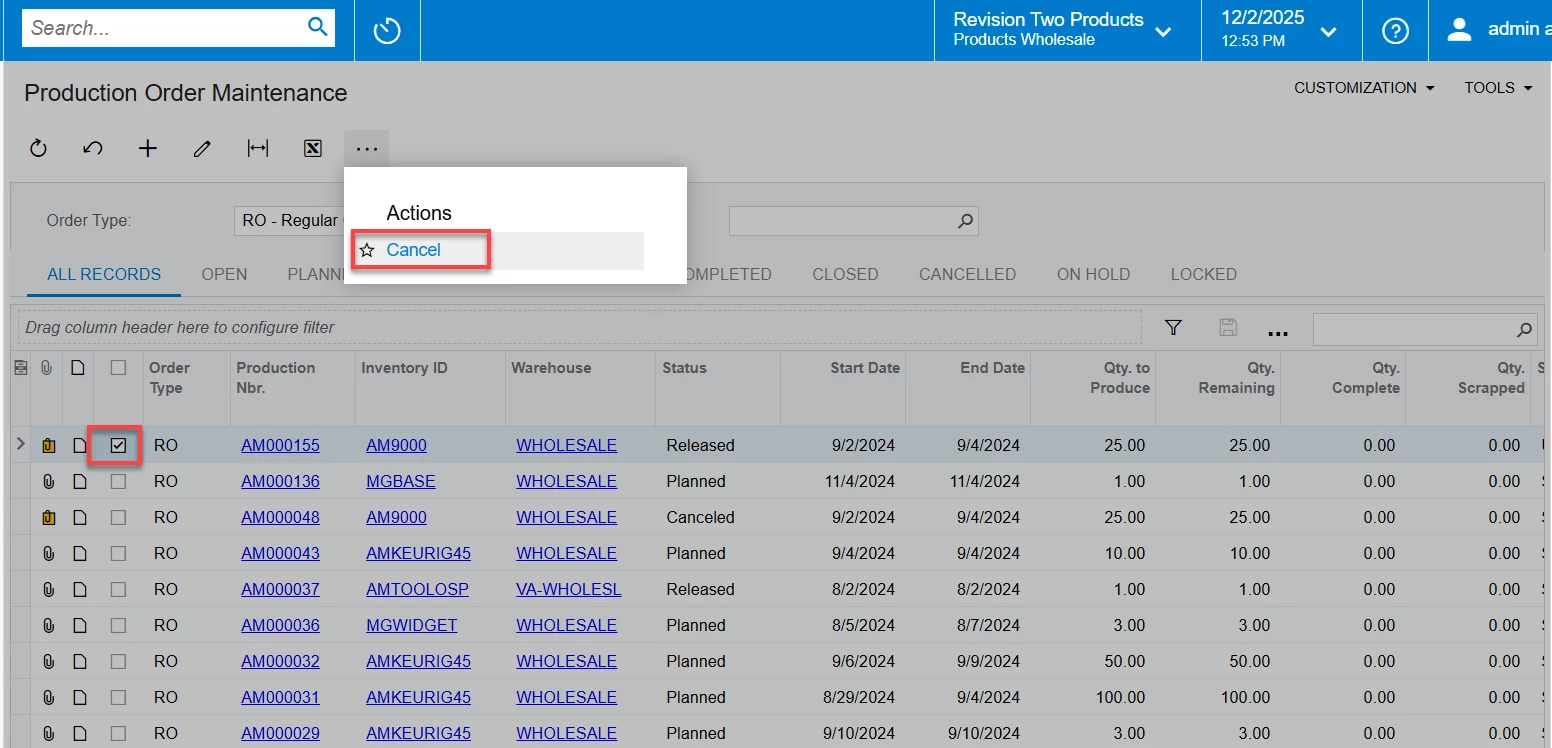
@DipakNilkanth -Thanks I do get the confirmation (below) - Click Yes- but then get the error screen after.

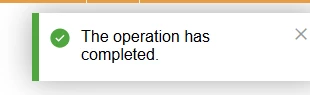
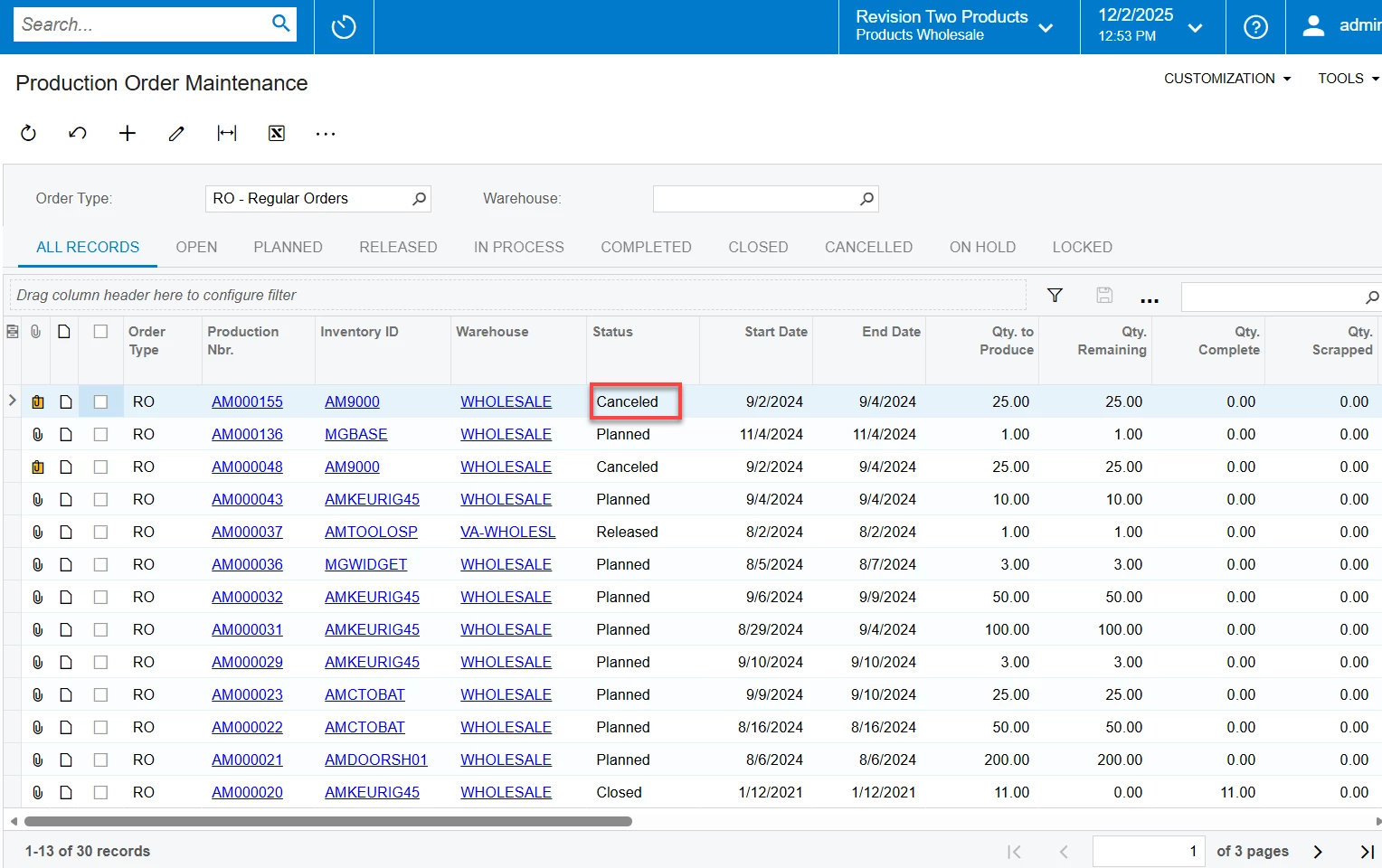
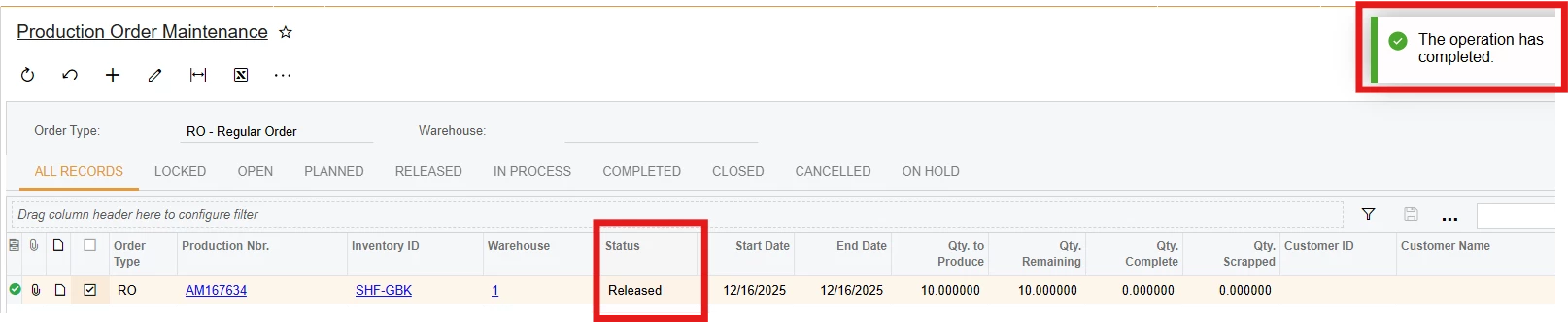
It will note the operation is complete, but the status is the same. I tried this with selecting 1 or many records and yield the same results 


MissyMain41
Jr Varsity I
Forum|alt.badge.img
  • Jr Varsity I
  • December 2, 2025

Hello, 
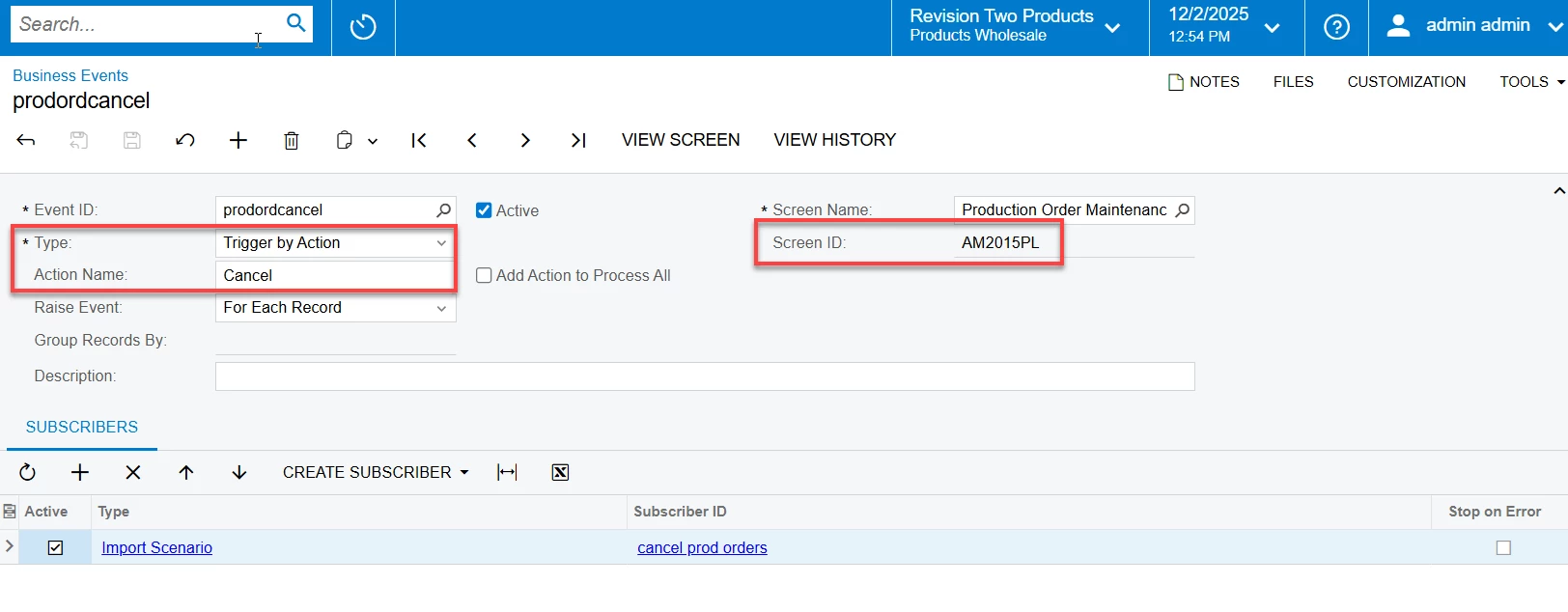
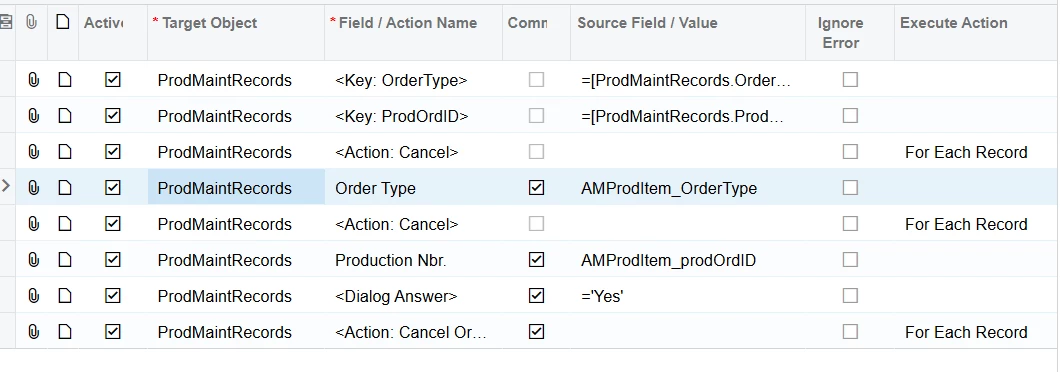
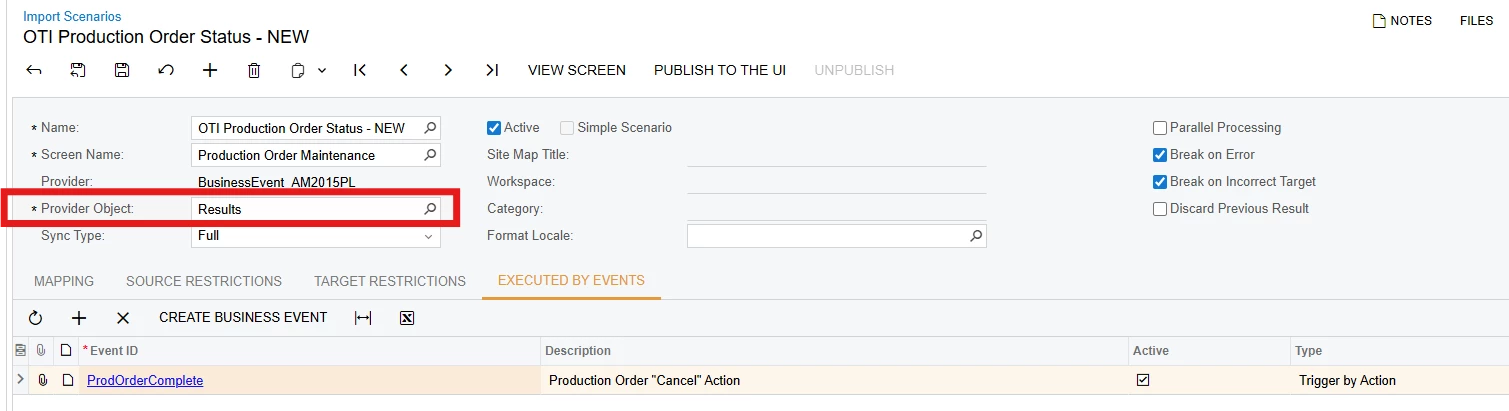
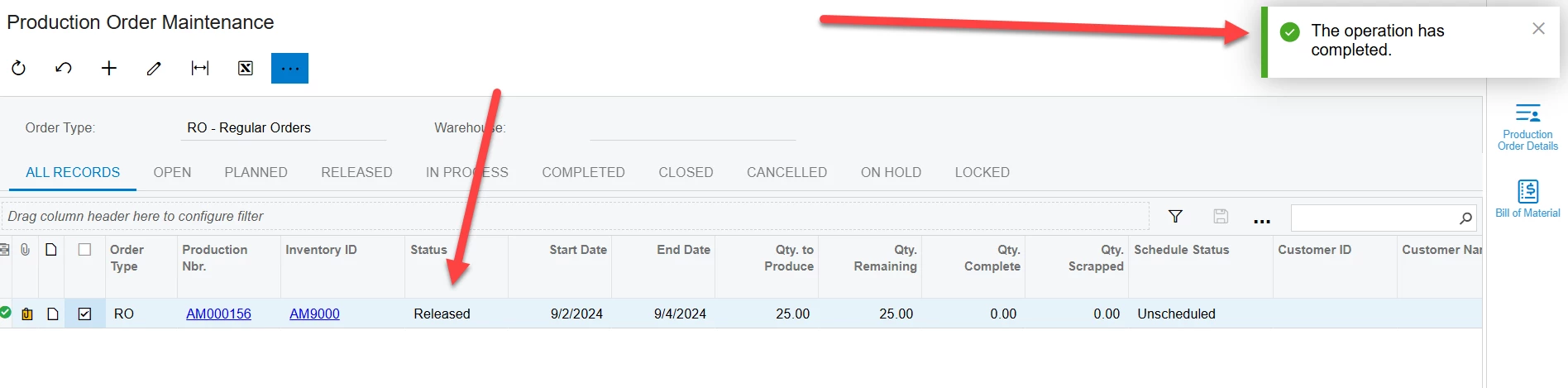
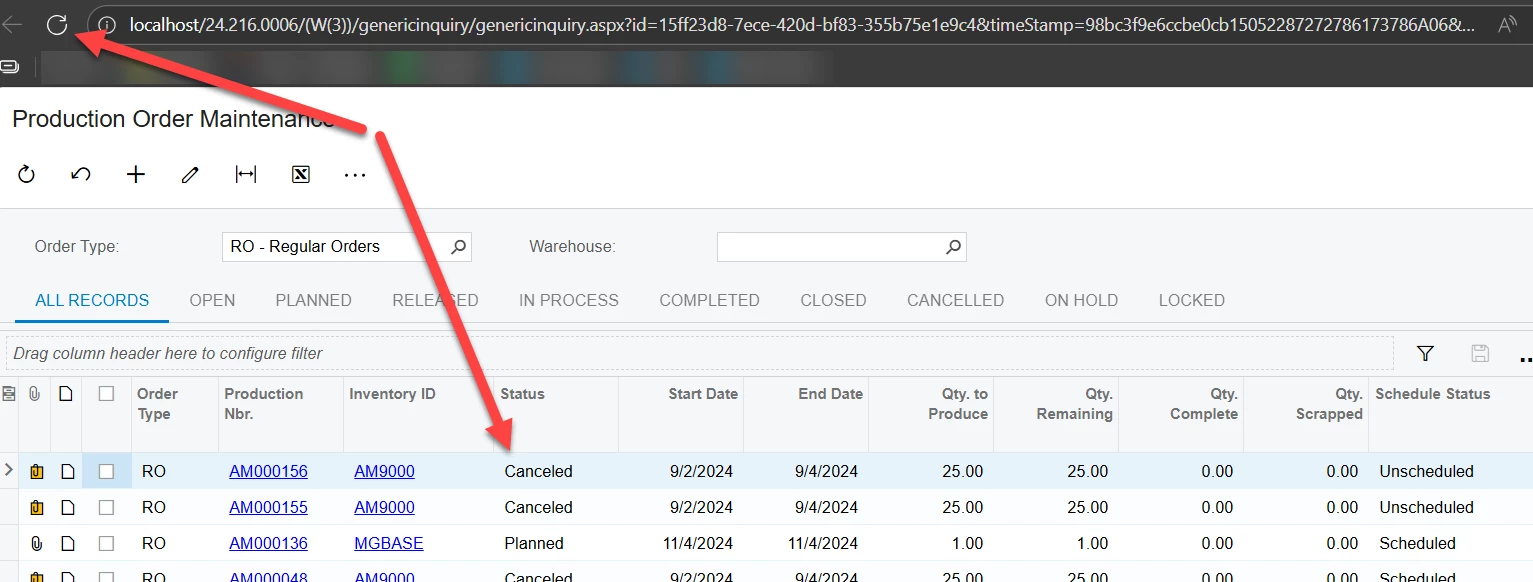
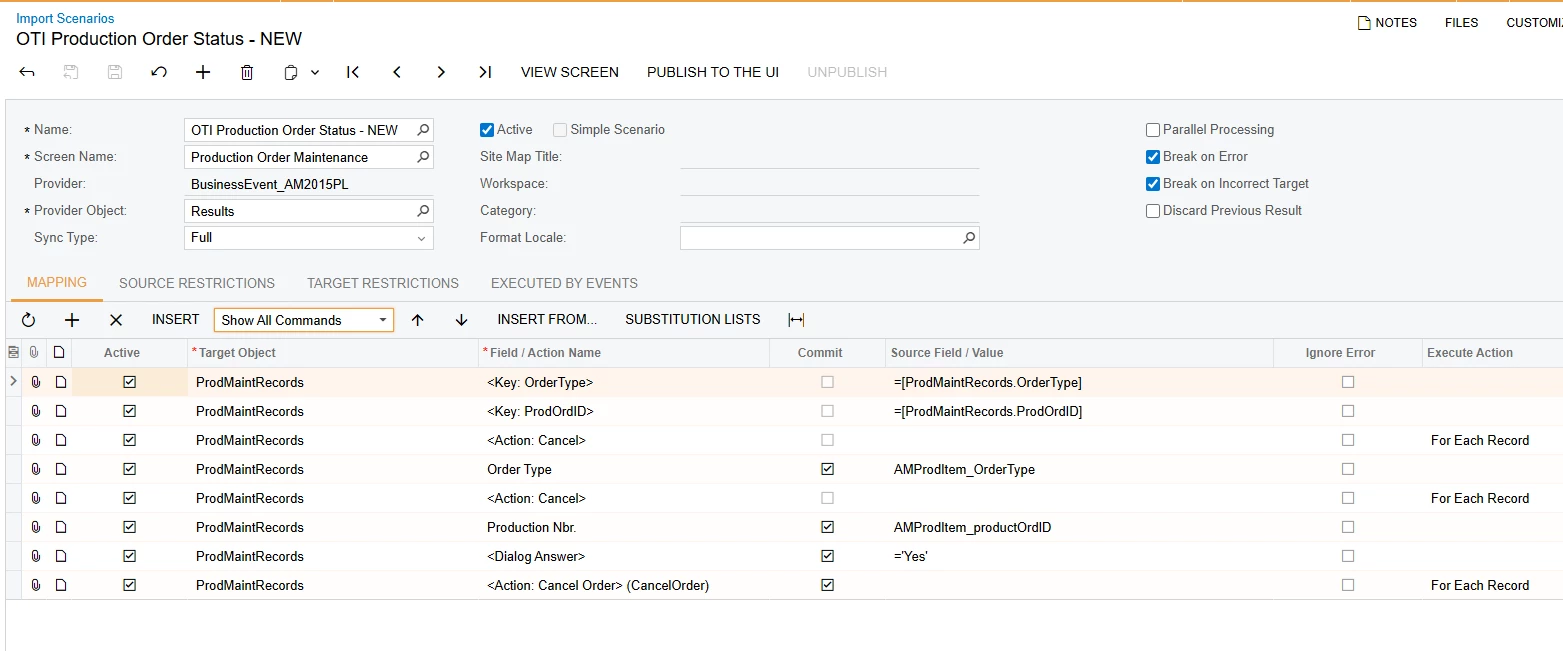
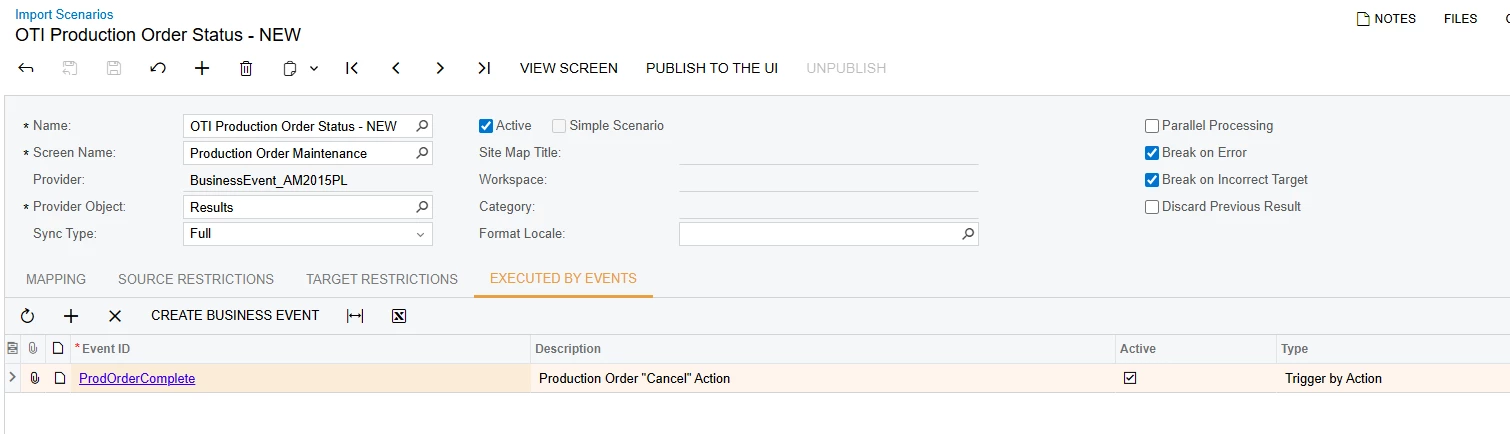
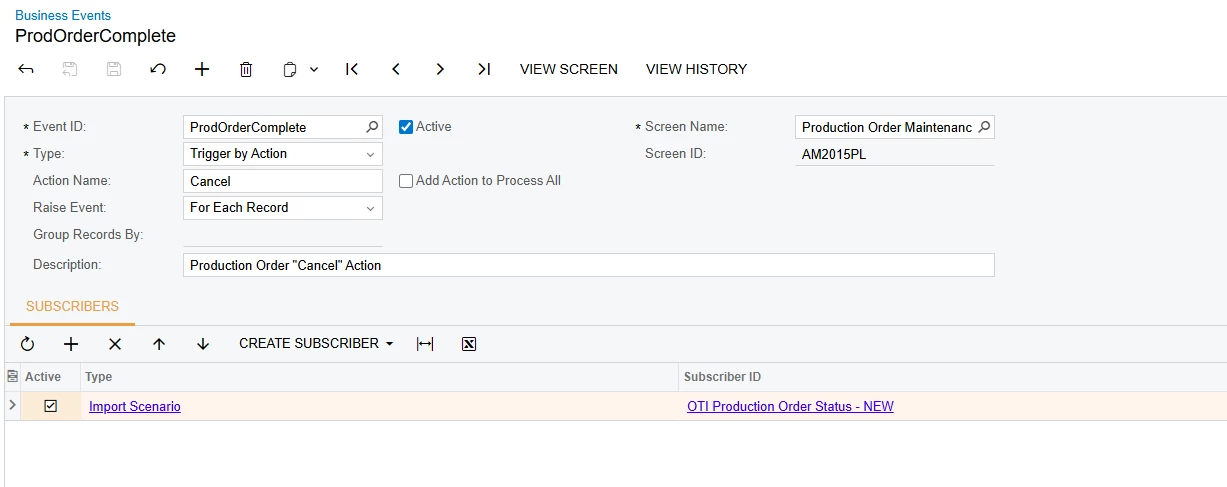
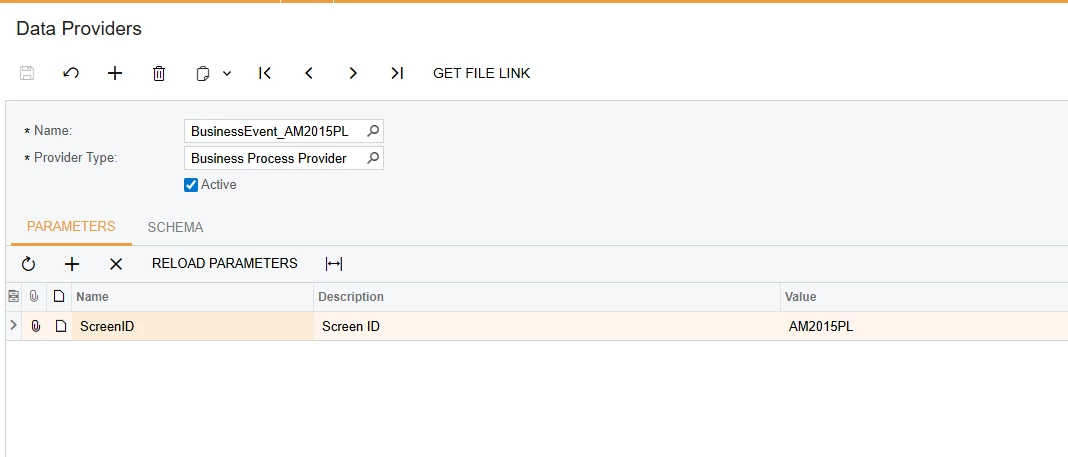
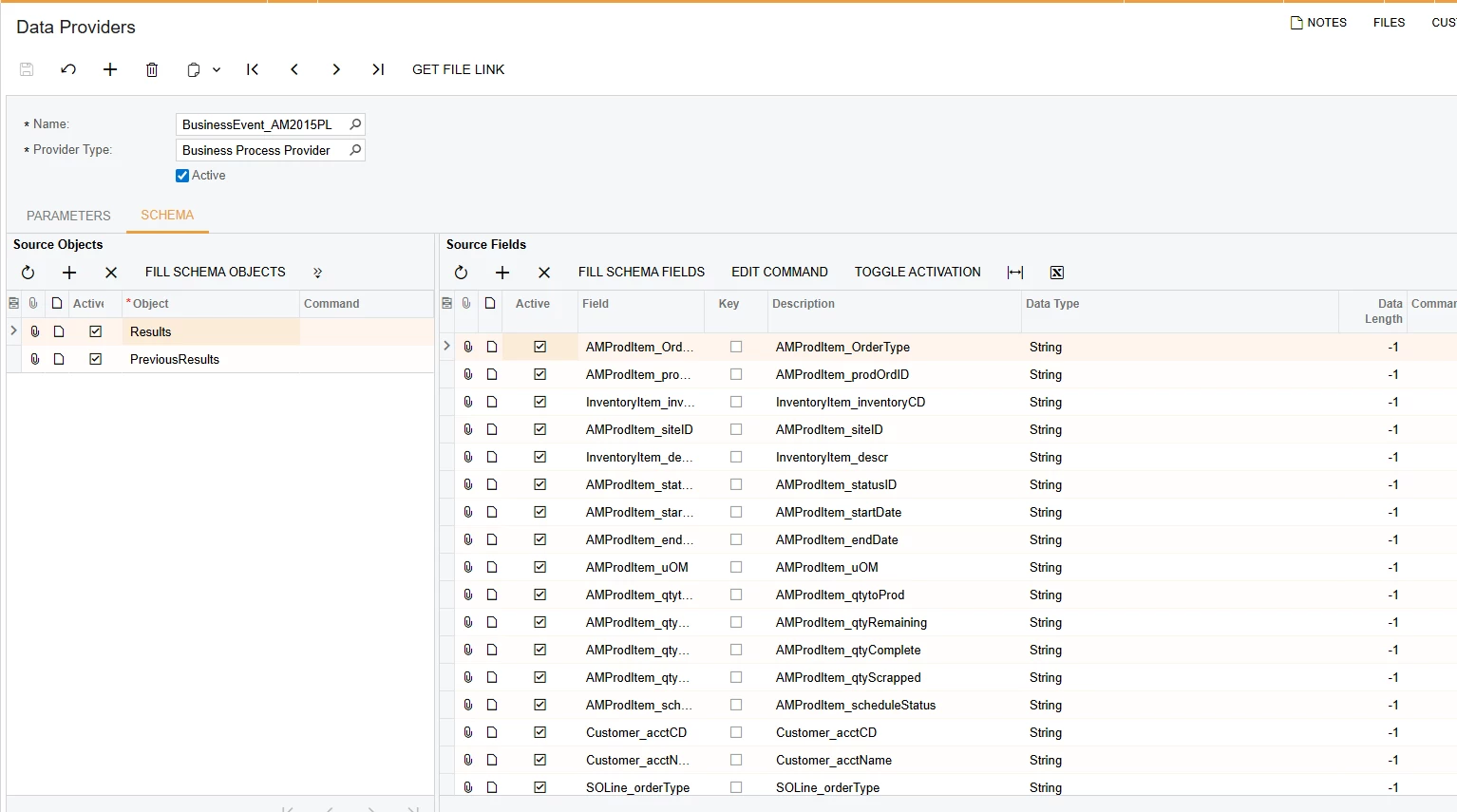
I was able to accomplish this using business event as a mass action for that same GI instead, the BE runs an import subscriber which can get passed the “Yes” action.  
Images below: 


Forum|alt.badge.img
  • Author
  • Varsity I
  • December 3, 2025

@MissyMain41 Let me try that solution since the Mass Edit is not working as expected. 


Thanks for suggestion - I will follow up


Forum|alt.badge.img
  • Author
  • Varsity I
  • December 3, 2025

@MissyMain41 How did you setup the “cancel prod orders” subscribers? Can you show me?


MissyMain41
Jr Varsity I
Forum|alt.badge.img
  • Jr Varsity I
  • December 3, 2025

Hello,
The import is quite simple and uses only the basics taught in the i100 training.
I recommend reviewing this webinar below, as well as the i100 training for the future when you get a chance, as imports are very useful for automating and streamlining processes in Acumatica. 

July 2025 Partner Support Webinar | Community