Question

How to generate consolidated MRP for a single item?

  • June 28, 2026
  • 2 replies
  • 6 views

Forum|alt.badge.img

Hello all,

How can I generate MRP consolidated out of all demands under a single row?

2 replies

ArshdeepDandial39
Acumatica Employee

Thanks for reaching out! Assuming you are looking to have MRP generate one single planned order to cover multiple demands for the same item rather than one planned order per demand line, Acumatica supports this through two consolidation settings on MRP Preferences (AM100000).

1. Use Days of Supply to Consolidate Orders

This is your near-term consolidation. MRP looks at the Days of Supply value set on the item's Item Warehouse Detail record and groups all demands that fall within that window into one planned order.

For example, if Days of Supply = 10, instead of getting separate planned orders for demands due on 8/1, 8/5, and 8/9 — MRP consolidates them all into one planned order.

2. Use Long-Term Consolidation Bucket

This handles demand that is further out. Once demand goes beyond the Consolidate After (Days) threshold, MRP rolls it up into fixed time buckets defined by the Bucket (Days) setting.

For example, with Consolidate After = 60 and Bucket = 30, anything beyond 60 days gets grouped into one row per 30-day period instead of individual rows.

To enable these settings:

  • Go to MRP Preferences (AM100000)
  • Enable Use Days of Supply to Consolidate Orders
  • Optionally enable Use Long-Term Consolidation Bucket and set your Consolidate After and Bucket days
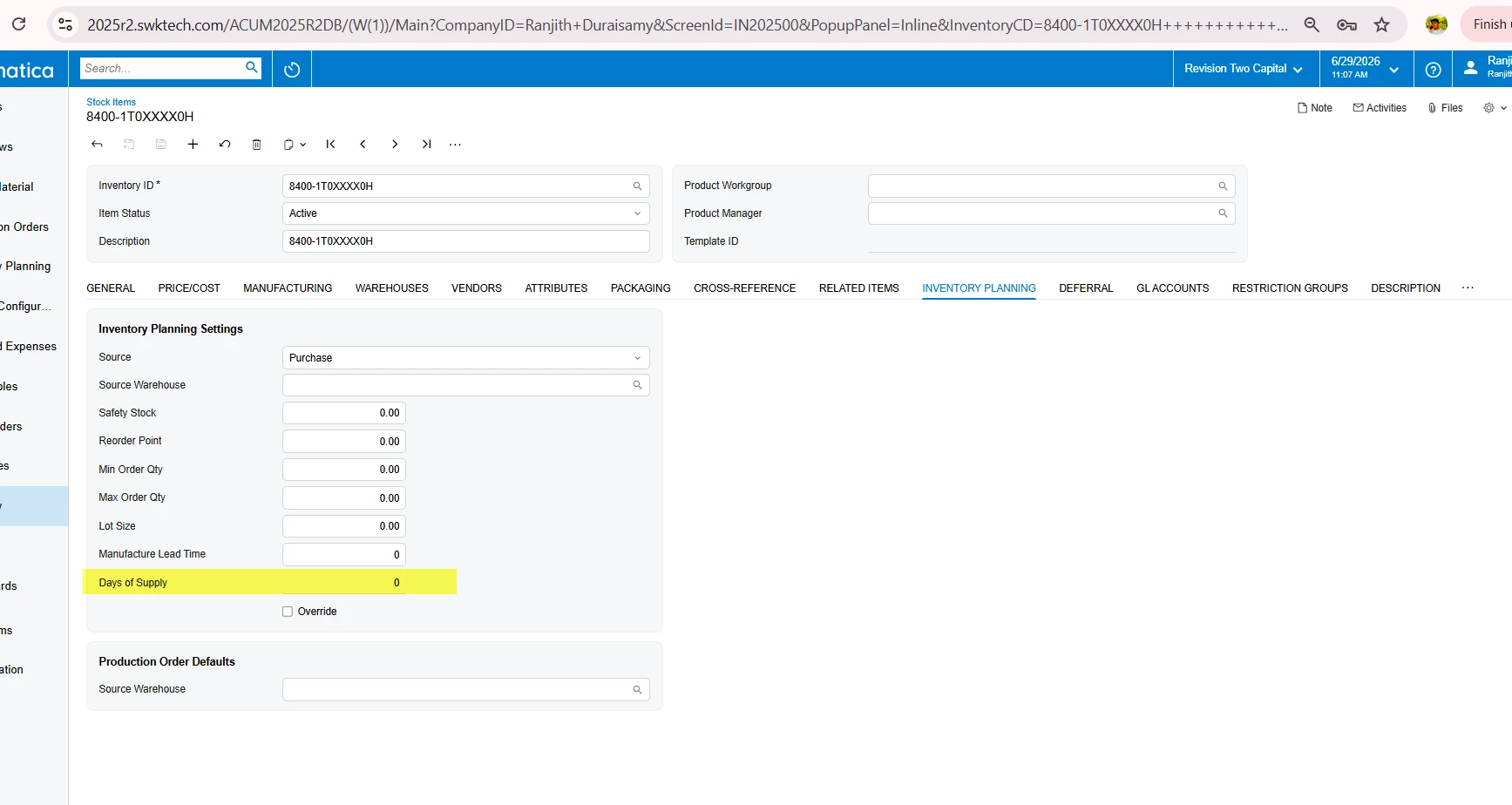
  • Make sure Days of Supply is set on the item's Item Warehouse Detail record

For a detailed walkthrough with step-by-step examples check out the Acumatica MRP Whitepaperhttps://community.acumatica.com/topic/trackAttachment?file_uuid=86259ab4-da19-4dda-89a3-deec2c68675e&redirect=1

Hope that helps! Let us know if you have any further questions.


Forum|alt.badge.img+3

@Harry  Adding to the ​@ArshdeepDandial39 Comment, if the consolidation days are the same for all item warehouse locations, it is sufficient to update them on the Stock Item screen. This will automatically update the corresponding Item Warehouse records for all warehouses.