Question

How to Delete Configuration Maintenance Revision

  • November 12, 2025
  • 2 replies
  • 38 views

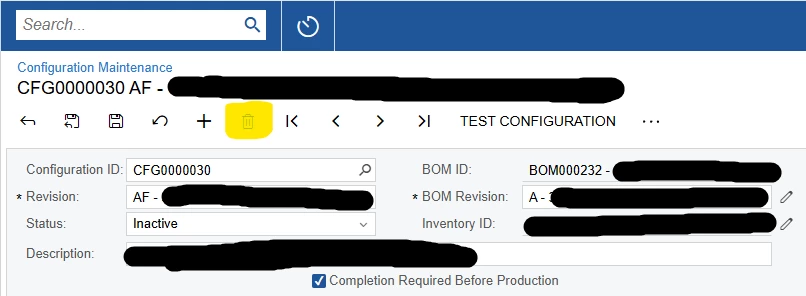
Cannot delete revision nor choose which revision from which to copy to a new revision

In the product configurator module, I made a new revision (AF) on CFG0000030, but in doing so, I made a sizable error that I cannot easily undo. What I want to do is delete revision AF, go back to revision AE, and have that be the basis for yet another revision for the rest of the edits I need to make. However, the system does not allow me to delete revision AF. I can only inactivate it. If I do this, AF remains the basis for the new revision (call it ‘AG’). Is there anything I can do here?

2 replies

nickcerri32
Jr Varsity III
Forum|alt.badge.img+1
  • Jr Varsity III
  • November 13, 2025

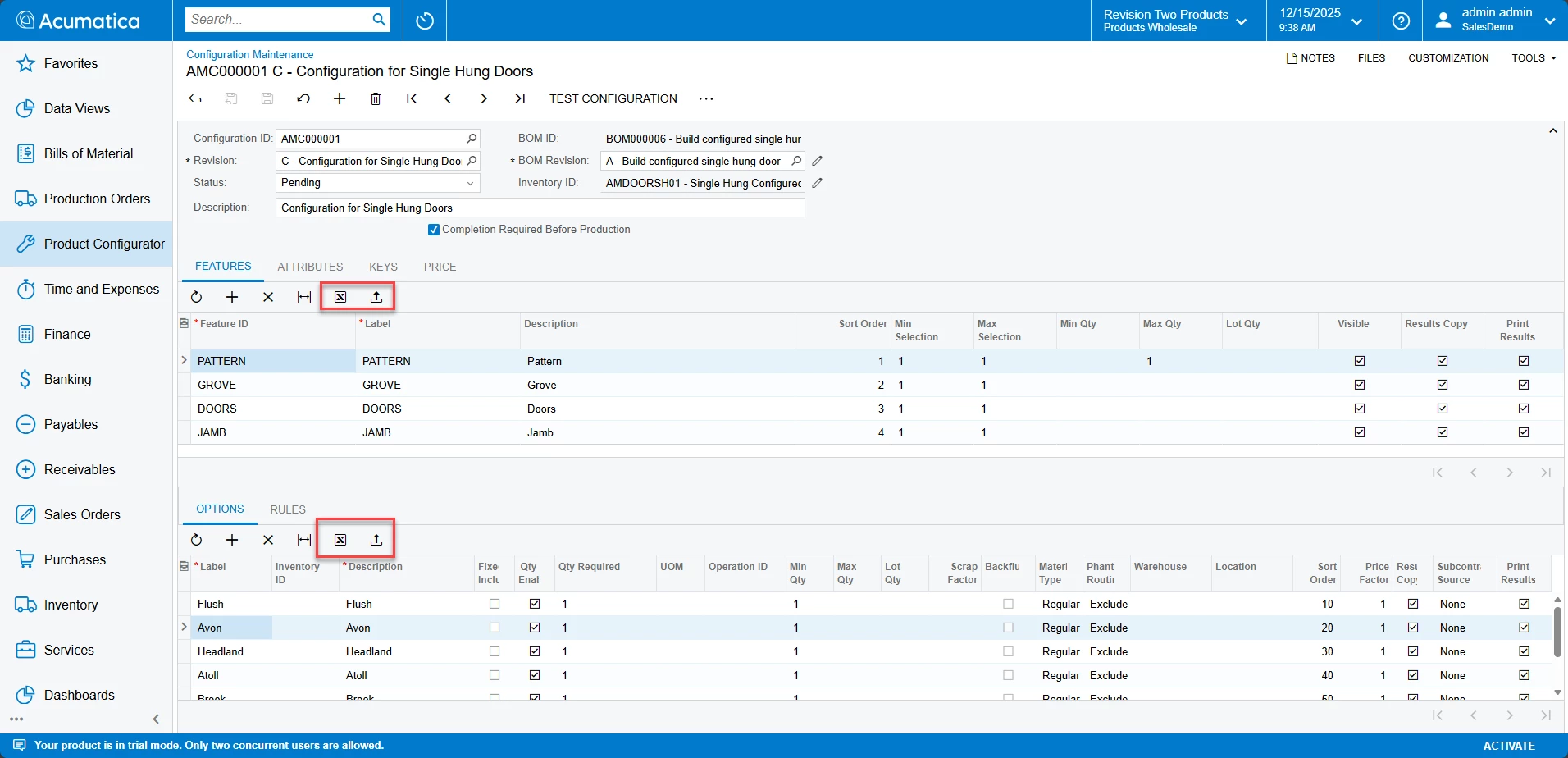
@cahayes2 - I think you can only delete a revision that’s set to the Pending status, but you can only have one revision that is Pending and one revision that is Active for any given configuration.  The rest can be Inactive.  If you can’t change Revision AF to Pending, it may be because there’s another revision that is already set to Pending.  


  • Author
  • Freshman I
  • November 13, 2025

@cahayes2 - I think you can only delete a revision that’s set to the Pending status, but you can only have one revision that is Pending and one revision that is Active for any given configuration.  The rest can be Inactive.  If you can’t change Revision AF to Pending, it may be because there’s another revision that is already set to Pending.  

Thank you for the reply! Unfortunately, once the revision has been used, it cannot be set back to Pending status. When you attempt this, you get the following error: “The status of the revision cannot be changed because at least one result has already been generated.”