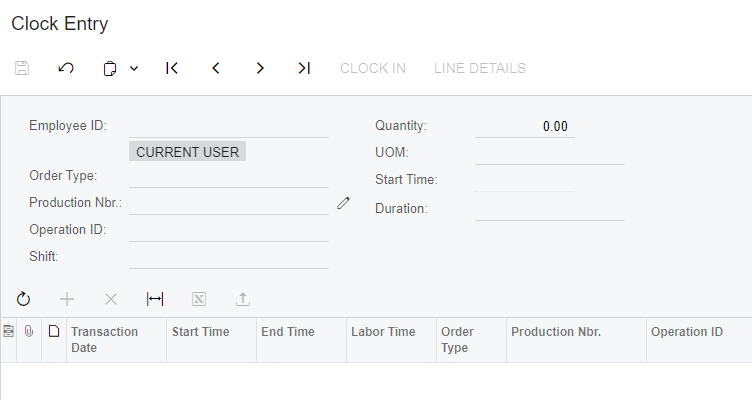
I am testing employee labor tracking to production orders and I cannot enter an Employee ID. The field is grayed out. I have tried clicking Current User, clicking the plus sign for a new labor entry, etc. and nothing will stick.
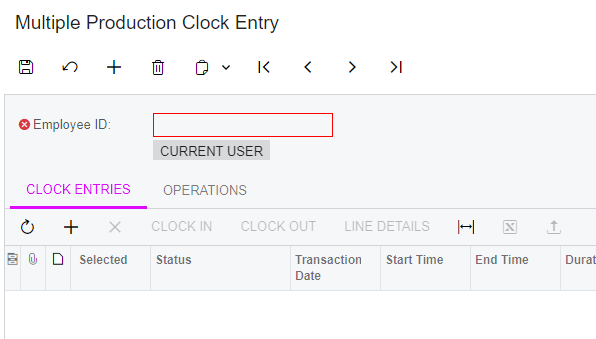
I am testing employee labor tracking to production orders and I cannot enter an Employee ID. The field is grayed out. I have tried clicking Current User, clicking the plus sign for a new labor entry, etc. and nothing will stick.
Best answer by Debbie Baldwin
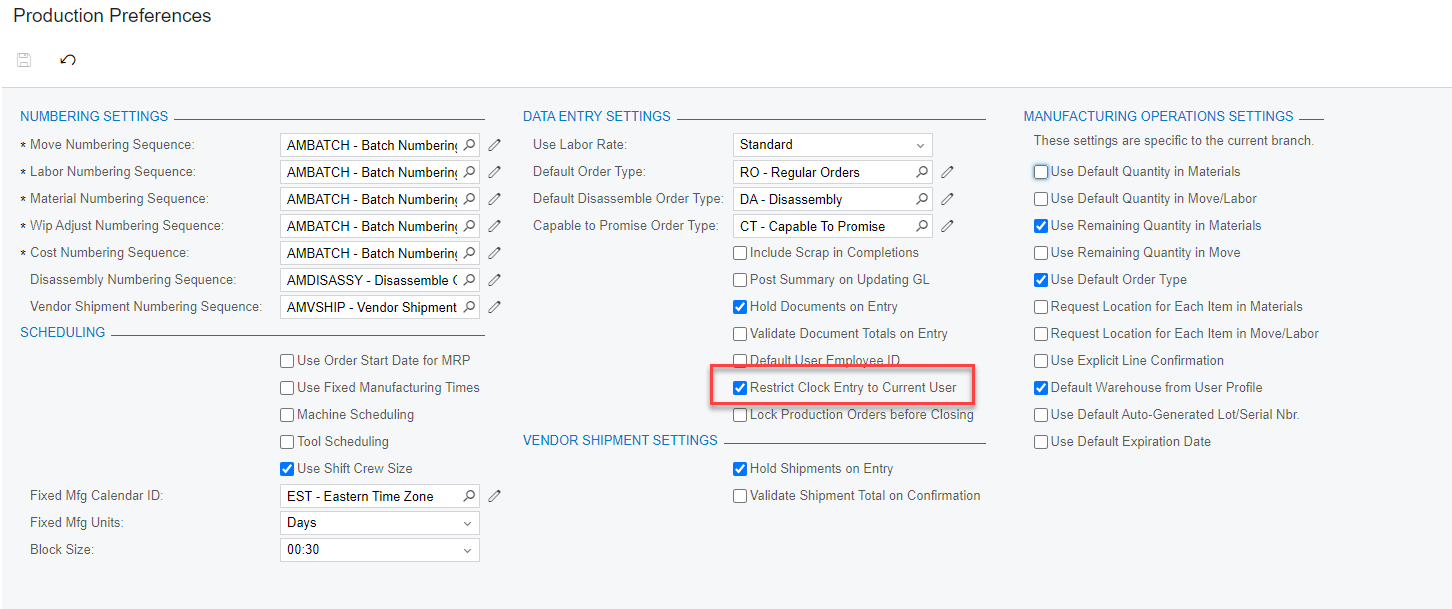
Uncheck this and see what happens:
No account yet? Create an account
Enter your E-mail address. We'll send you an e-mail with instructions to reset your password.