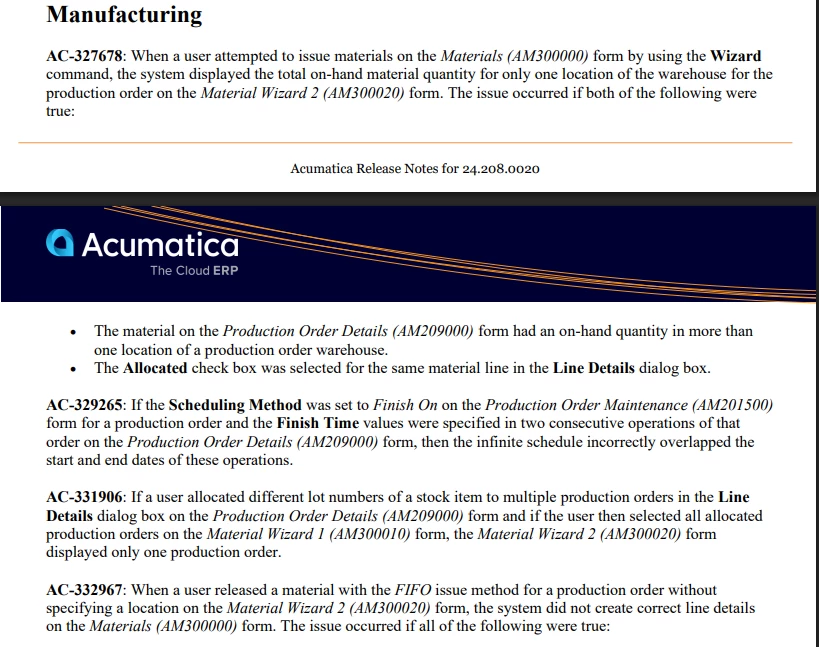
Hello all,
We are having issues when creating a move transaction for a production order, even though all materials have been allocated to the production order, when we try to release the move transaction we get a backflush error : “Backflush material shortage was found for the item in the 1 line of the operation in the order.”.
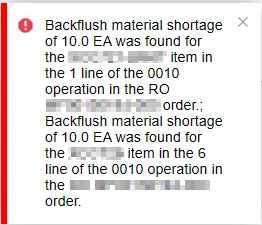
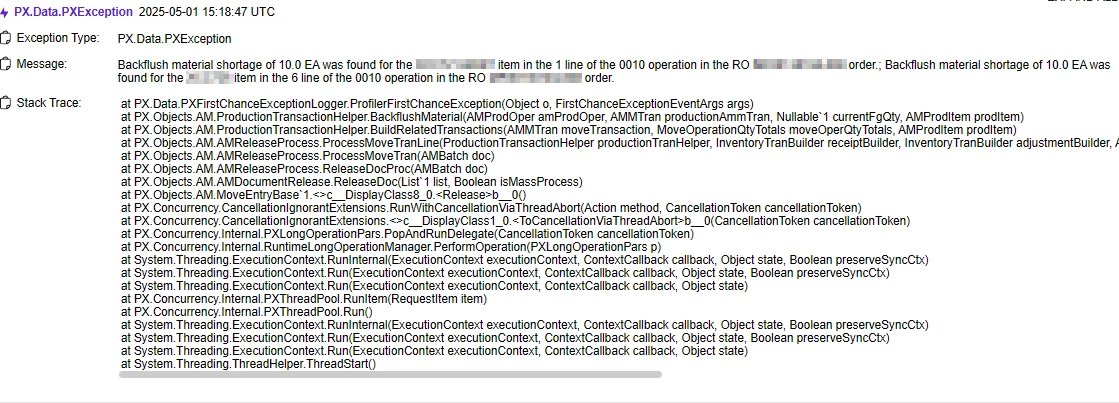
We noticed that this happens when we allocate material, by clicking Line Details on Production Order Details and checking the allocated box, and the available quantity in that location is less than the material required.
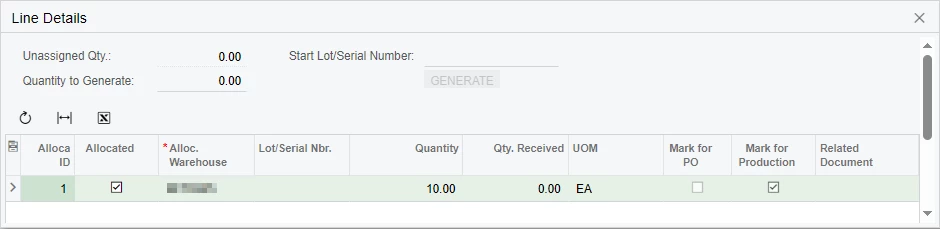
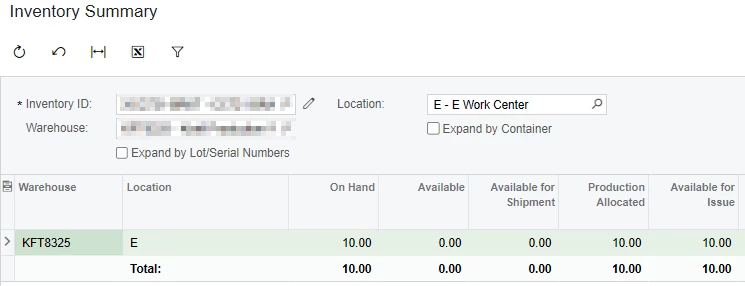
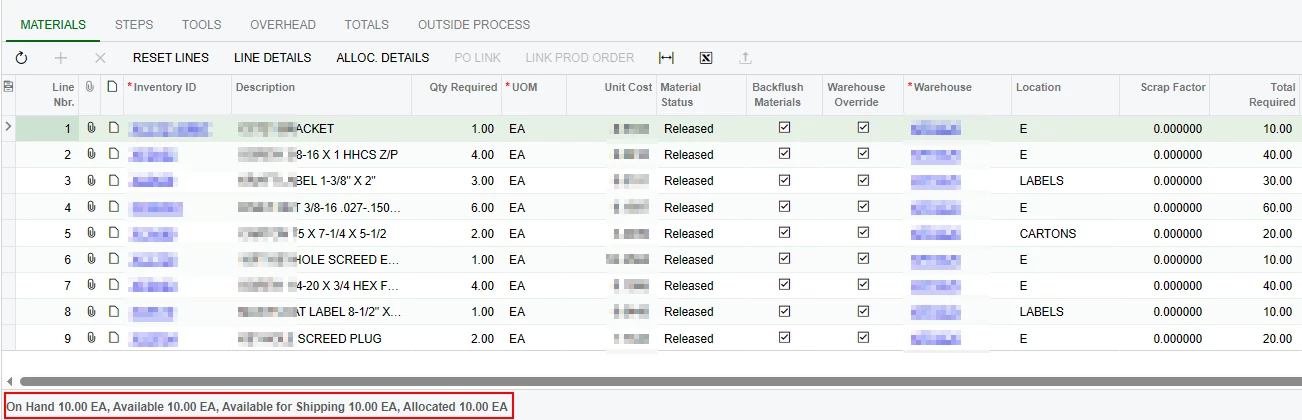
Our workaround is to not allocate the material , however, this causes problems with our inventory because it takes material from other locations and not the ones specified on the BOM.
All of our items are manufactured on a various work centers, an item can only be manufactured on one work center. We created material staging locations for each work center, because different items can use the same material. Our BOMs have the work center staging location set on the material grid and backflush enabled, when a production order is created and released, material handlers will transfer material (with a scan gun) out of inventory bin locations and into the work center staging location, when enough material is transferred for a production order material, our business event auto allocates these materials, when all material for the production order has been allocated, shop floor workers do the work and create a move transaction (on a computer) to finish the order.
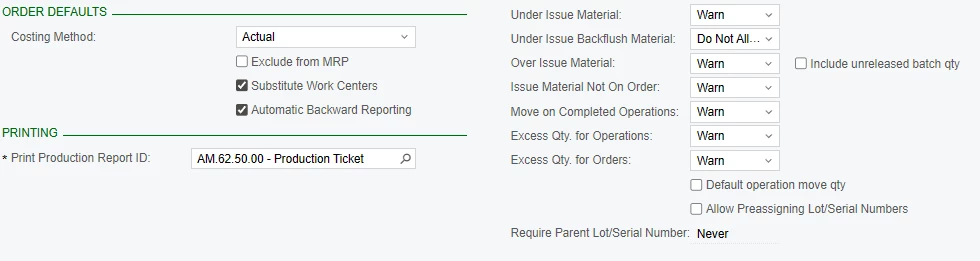
Our production order type settings.
We did not have any issues prior to upgrading to 2024R2.
What could be causing this error? Is it a bug? A setting we are not turning on?
Any help would be appreciated, let me know if more information is required.