Question

Add existing field to customization

  • April 4, 2026
  • 2 replies
  • 40 views

Forum|alt.badge.img

Hi,

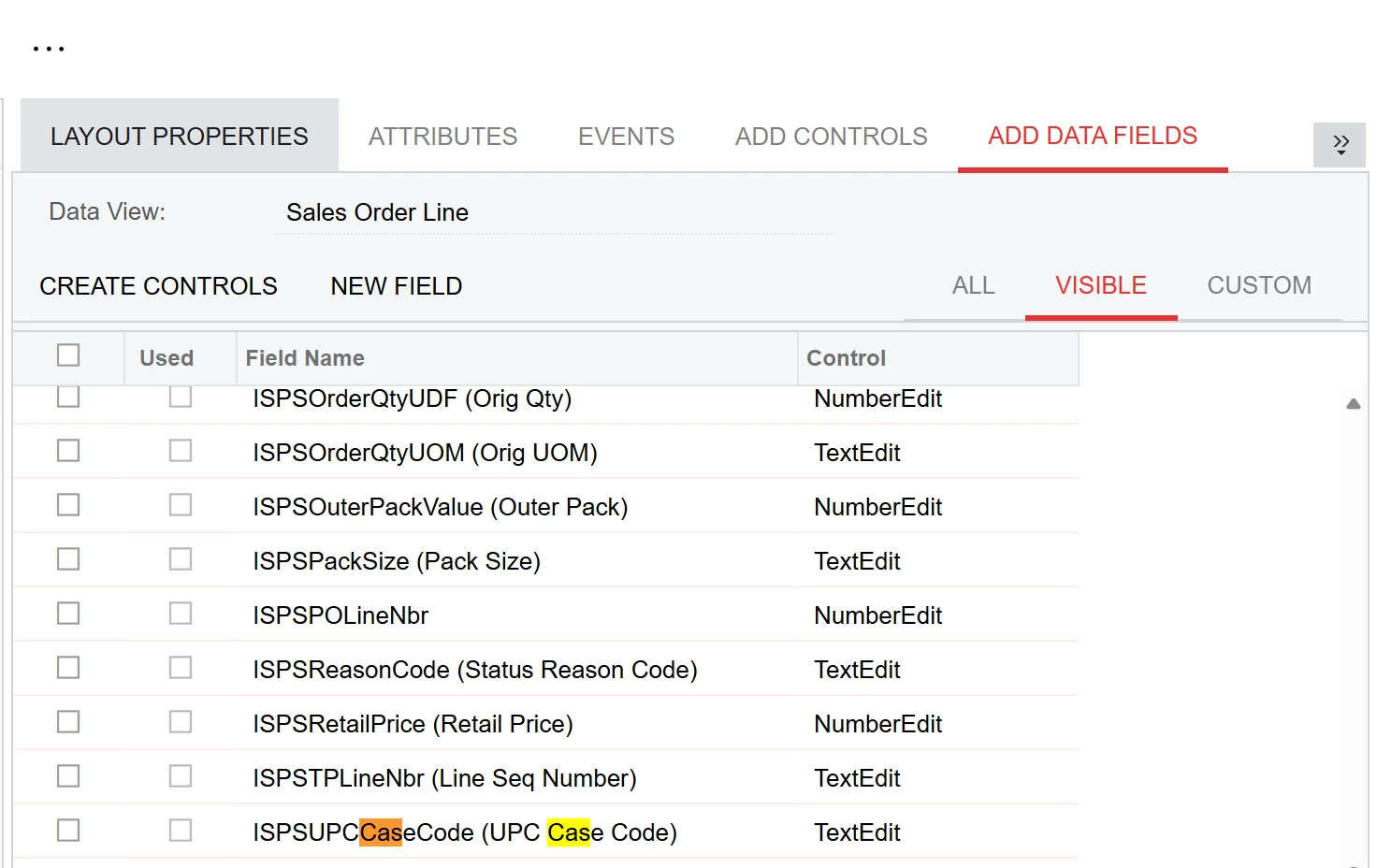
Can the attributes from inventory item screen be added as a field into a customization? I am looking to add a few attributes from inventory items to the Sales Orders detail tab so when entering an line item for an order it will lookup the field from the attributes. I cannot see the attributes I have created to add them. Any thoughts?
 

2 replies

Forum|alt.badge.img
  • Freshman I
  • April 5, 2026

Inventory item attributes are stored as key-value pairs in a separate table (CSAnswers), not as native DAC fields. Because of this, they do not appear in the field picker. To use them on the SO Lines grid, a customization is required to surface them as usable fields.

In Acumatica, attributes are stored in the CSAnswers table and linked to records using EntityType and RefNoteID. Since these attributes are not physical columns on the InventoryItem DAC, they won’t appear in the standard Add Fields dialog or the GI field picker without additional configuration.

To make these attributes available on the SO Lines grid:


  1. Create a DAC Extension on SOLine
    • Add unbound fields that will hold the attribute values.
  2. Create a Graph Extension
    • Populate the unbound fields by retrieving values from CSAnswers.
  3. Populate the Fields at Runtime
    • The most reliable methods are:
      • FieldSelecting, or
      • RowSelecting

Once this is done, the attribute values should behave like standard fields and can be added to the SO Lines grid or used elsewhere in the UI.


Forum|alt.badge.img+2
  • Jr Varsity III
  • April 6, 2026

@JReppard 
 

Attributes from the Inventory Item screen (CSAnswers) are:

  • Stored in CSAnswers table
  • Linked using:
    • RefNoteID → Inventory Item
    • AttributeID → your attribute name

So they are dynamic values, not strongly typed fields like InventoryID, Qty, etc

Here I am providing some example you need to modify according your customization.
Use PXDBScalar only for display purpose.

#region UsrColor
[PXString(50)]
[PXUIField(DisplayName = "Color", IsReadOnly = true)]
[PXDBScalar(typeof(Search<CSAnswers.value,
    Where<CSAnswers.refNoteID, Equal<InventoryItem.noteID>,
    And<CSAnswers.attributeID, Equal<Constant<string>>>>>>))]
public virtual string UsrColor { get; set; }
public abstract class usrColor : PX.Data.BQL.BqlString.Field<usrColor> { }
#endregion

Please replace “color” with your actual Attribute ID.

Or can try

protected void _(Events.FieldUpdated<SOLine.inventoryID> e)
{
    var row = e.Row as SOLine;
    if (row?.InventoryID == null) return;

    InventoryItem item = InventoryItem.PK.Find(Base, row.InventoryID);
    if (item == null) return;

    CSAnswers attr = PXSelect<CSAnswers,
        Where<CSAnswers.refNoteID, Equal<Required<CSAnswers.refNoteID>>,
        And<CSAnswers.attributeID, Equal<Required<CSAnswers.attributeID>>>>>
        .Select(Base, item.NoteID, "COLOR");

    if (attr != null)
    {
        row.GetExtension<SOLineExt>().UsrColor = attr.Value;
    }
}
