Question

Unable to change Inventory item in the side Panel

  • February 12, 2026
  • 3 replies
  • 0 views

Forum|alt.badge.img+3

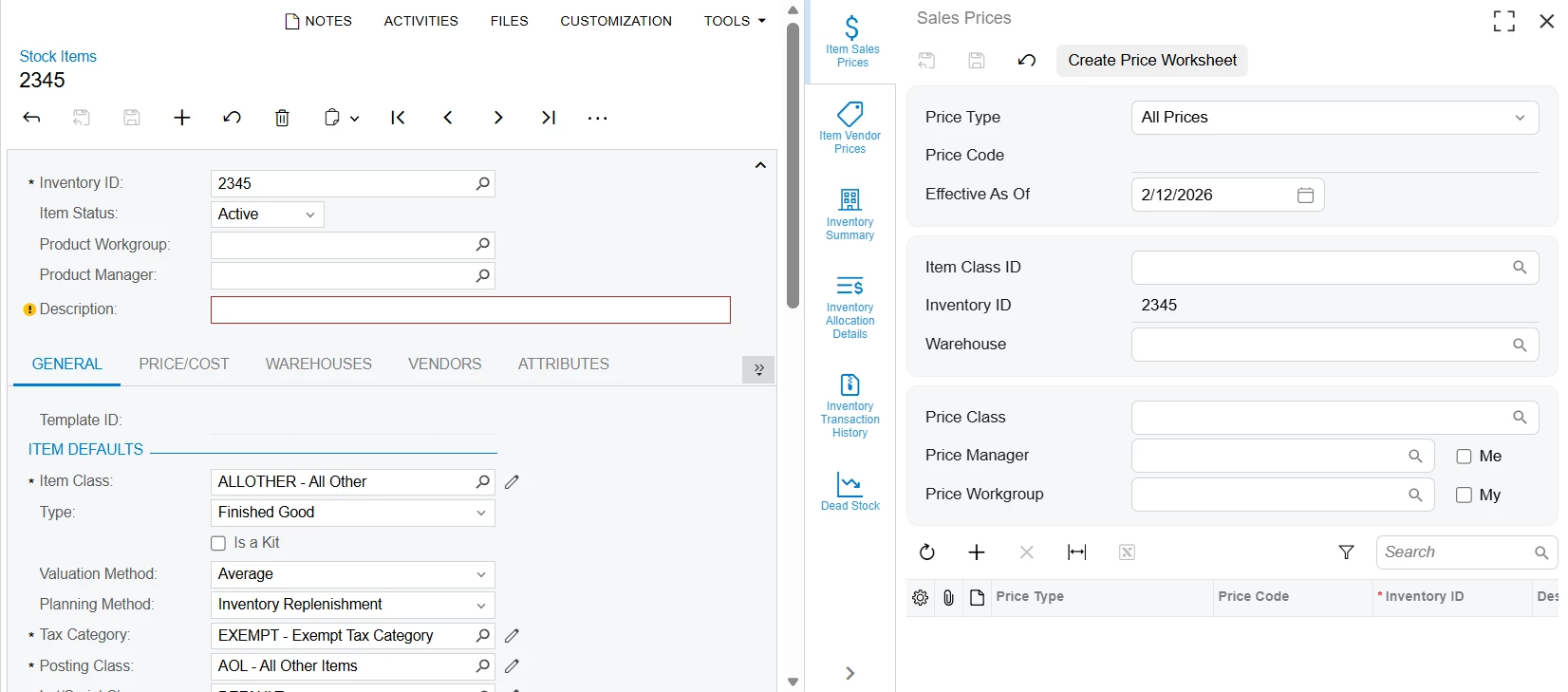
On the "Stock Items" screen IN202500, side panels "Item Sales Prices", "Item Vendor Prices", "Inventory Summary", "Inventory Allocation Details", "Inventory Transaction History", and "Dead Stock", the "Inventory ID" field is not able to be changed 25R2. In 2024R1 thee sub-panels open with the selected stock item applied in the filter, but the user is able to change the Inventory ID once the side panel opens.

I tried to review the release notes from 24R2 to 25R2. But there is no information about the function change. Did anyone aware about this change?

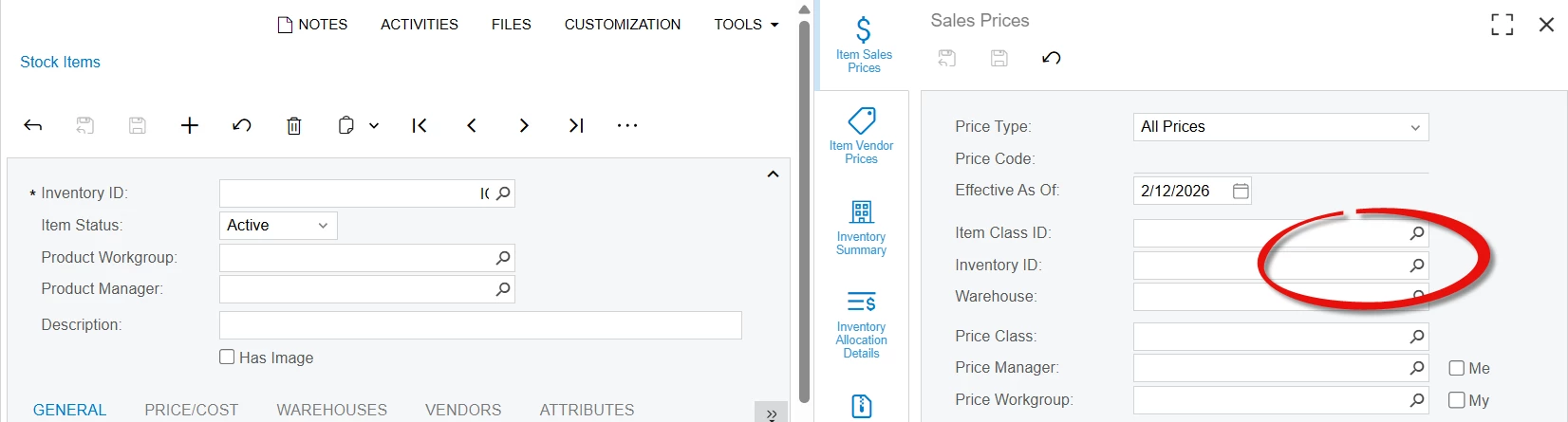
24R1:
Here we have selection option,

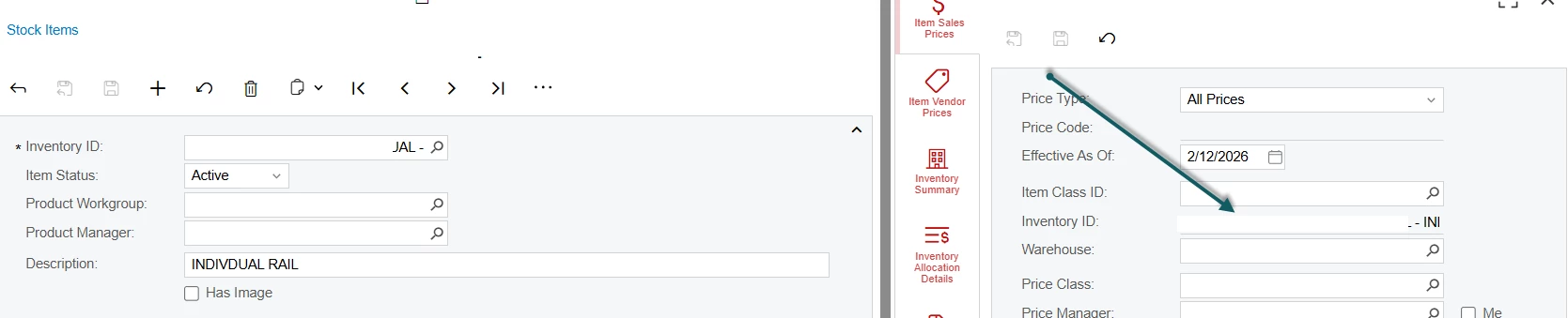
25R2:

Here the selection option is removed
 

3 replies

abhimanyuprajapati52
Jr Varsity I
Forum|alt.badge.img

Hi ​@ranjithduraisamy72,
 

In 25R2, behavior is consistent — the Inventory ID field in the side panel is now read-only and the selector is not available.

Starting in 25R2, side panels are context-bound to the main screen record and key fields are intentionally locked to prevent switching context within the panel.

If users need to change the Inventory ID, they must do so from the main Stock Items screen and then reopen the side panel.


Forum|alt.badge.img+3

@abhimanyuprajapati52 Thanks for the information. But I could find this in the release notes. Do you have any reference for this change.


abhimanyuprajapati52
Jr Varsity I
Forum|alt.badge.img

@ranjithduraisamy72,

Thanks for checking.

I was not able to find a specific mention of this change in the 25R2 release notes either.

My response was based on testing in a clean 25R2 instance where the side panel Inventory ID field is consistently read-only.