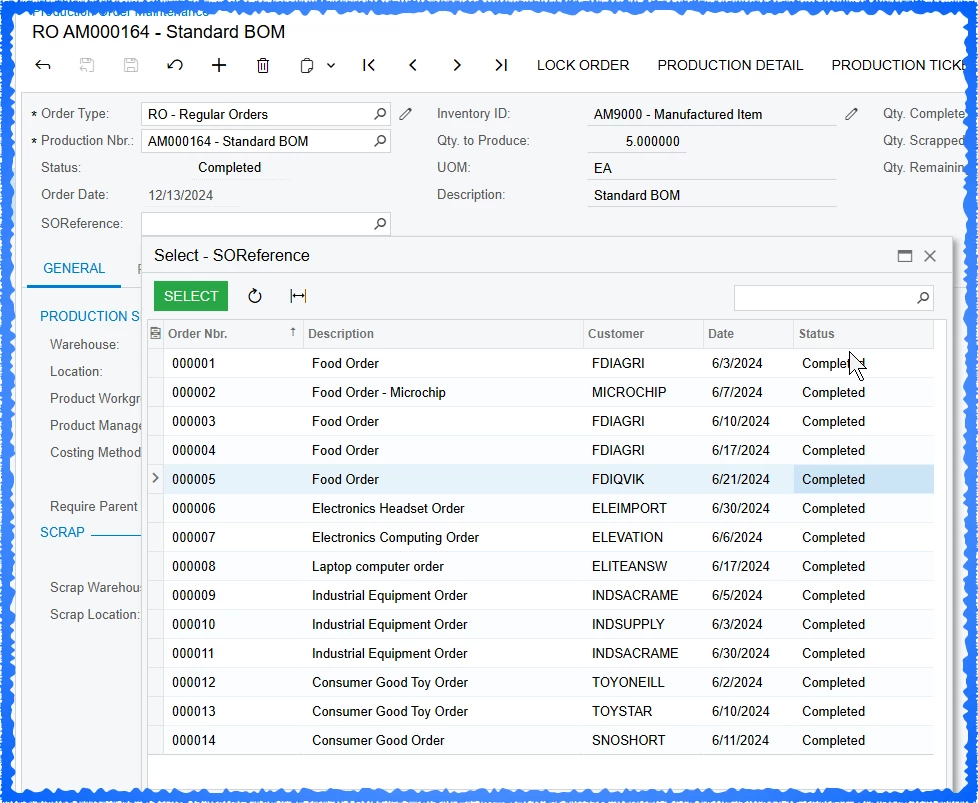
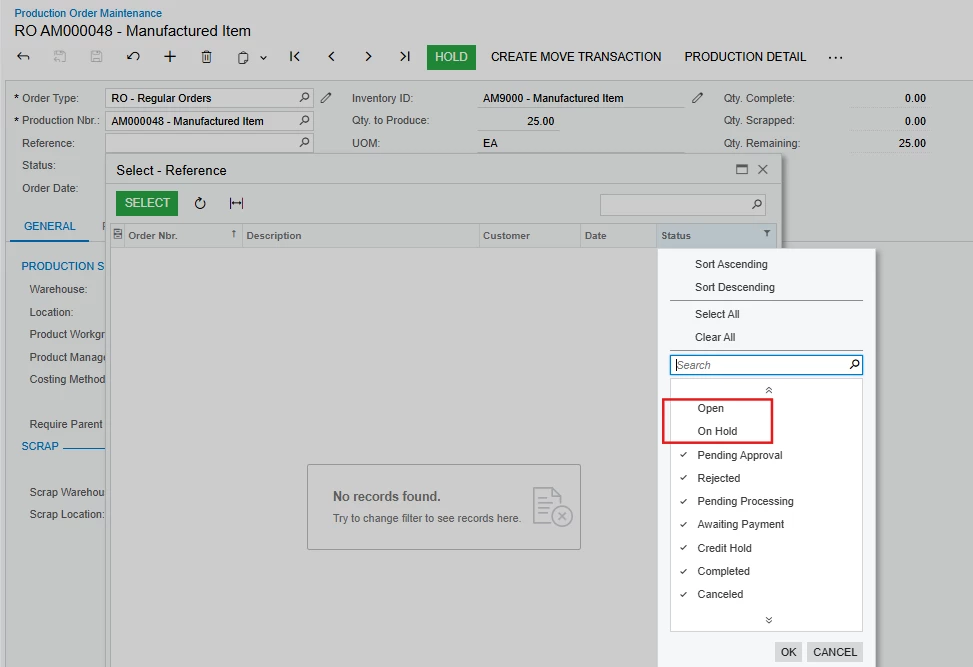
I’m playing around with customizations and trying to add a sales order reference to the Production Order Maintenance screen. When I open the selector, it’s not only showing the results that are open or on hold. How can I have it filter the results just to those two values?
What am I doing wrong?
namespace PX.Objects.AM
{
  public class AMProdItemExt : PXCacheExtension<PX.Objects.AM.AMProdItem>
  {
    #region UsrSOReference
    [PXDBString(30)]
    [PXUIField(DisplayName="Reference")]
[PXSelector(
  typeof(Search<SOOrder.orderNbr,
                    Where<SOOrder.status,
                    Equal<SOOrderStatus.open>,
                    Or<SOOrder.status,
                    Equal<SOOrderStatus.hold>>>>),
    typeof(SOOrder.orderNbr),
    typeof(SOOrder.orderDesc),
    typeof(SOOrder.customerID),
    typeof(SOOrder.orderDate),
    typeof(SOOrder.status),
    SubstituteKey = typeof(SOOrder.orderNbr),
    DescriptionField = typeof(SOOrder.orderDesc)
)]
    public virtual string UsrSOReference { get; set; }
    public abstract class usrSOReference : PX.Data.BQL.BqlString.Field<usrSOReference> { }
    #endregion
  }
}