Answer

Restrict visibility of cases based on resolution

  • April 17, 2025
  • 2 replies
  • 46 views

Forum|alt.badge.img

Hi all,

Is there a low code way to restrict the visibility of cases based on certain criteria?

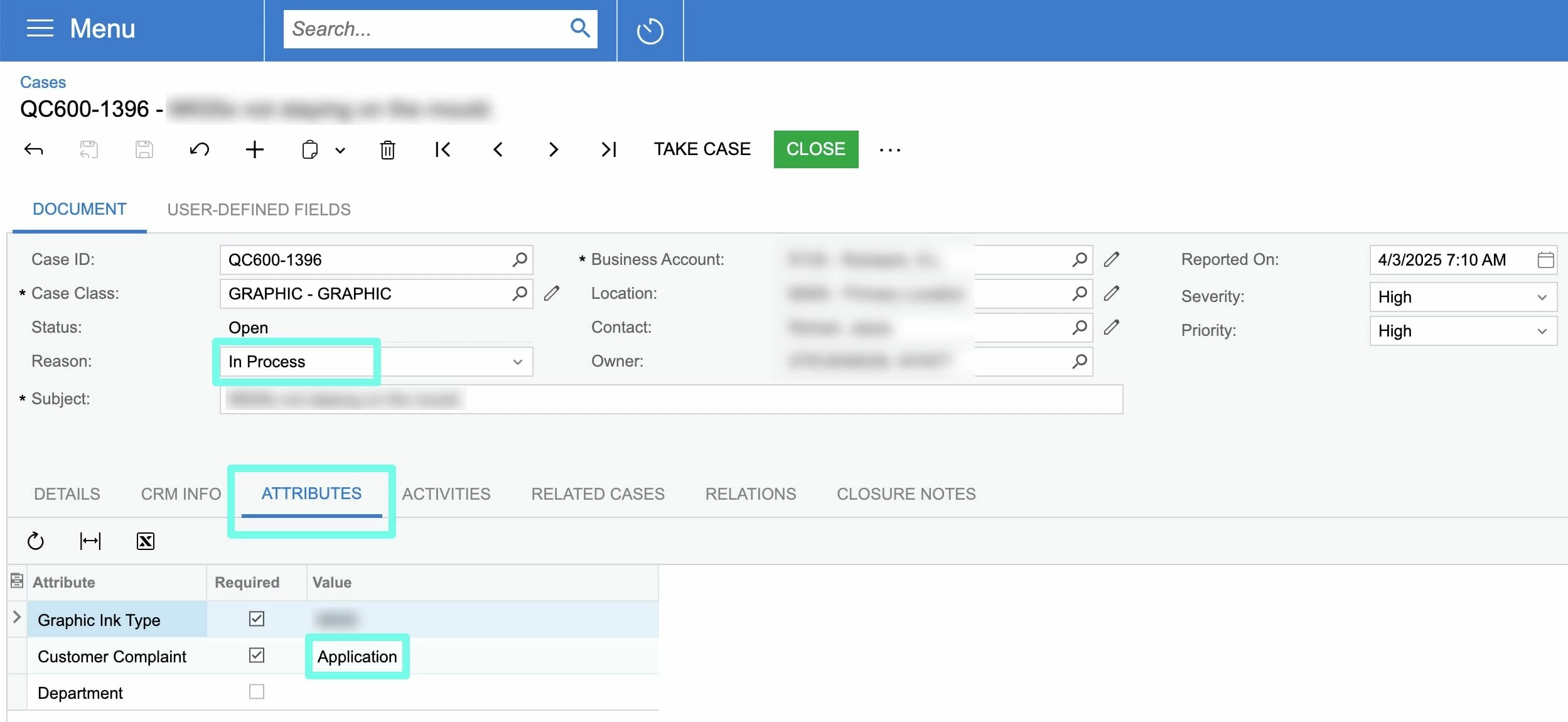
Our quality cases usually come in two varieties: application (ie, the customer didn’t apply the graphic properly) and other reasons (these are internal production issues on our end).

We want our Sales team to be able to address the Application issues, as they know how to walk the customer through the process of application.

For the rest of the cases, they are not relevant to our Sales team.

Can I low code something like “if Workgroup = Sales, then restrict visibility to UNASSIGNED or APPLICATION”?

Can I do this low code? Customization? Row level security? Something else?


Best answer by miguel80

Hi!

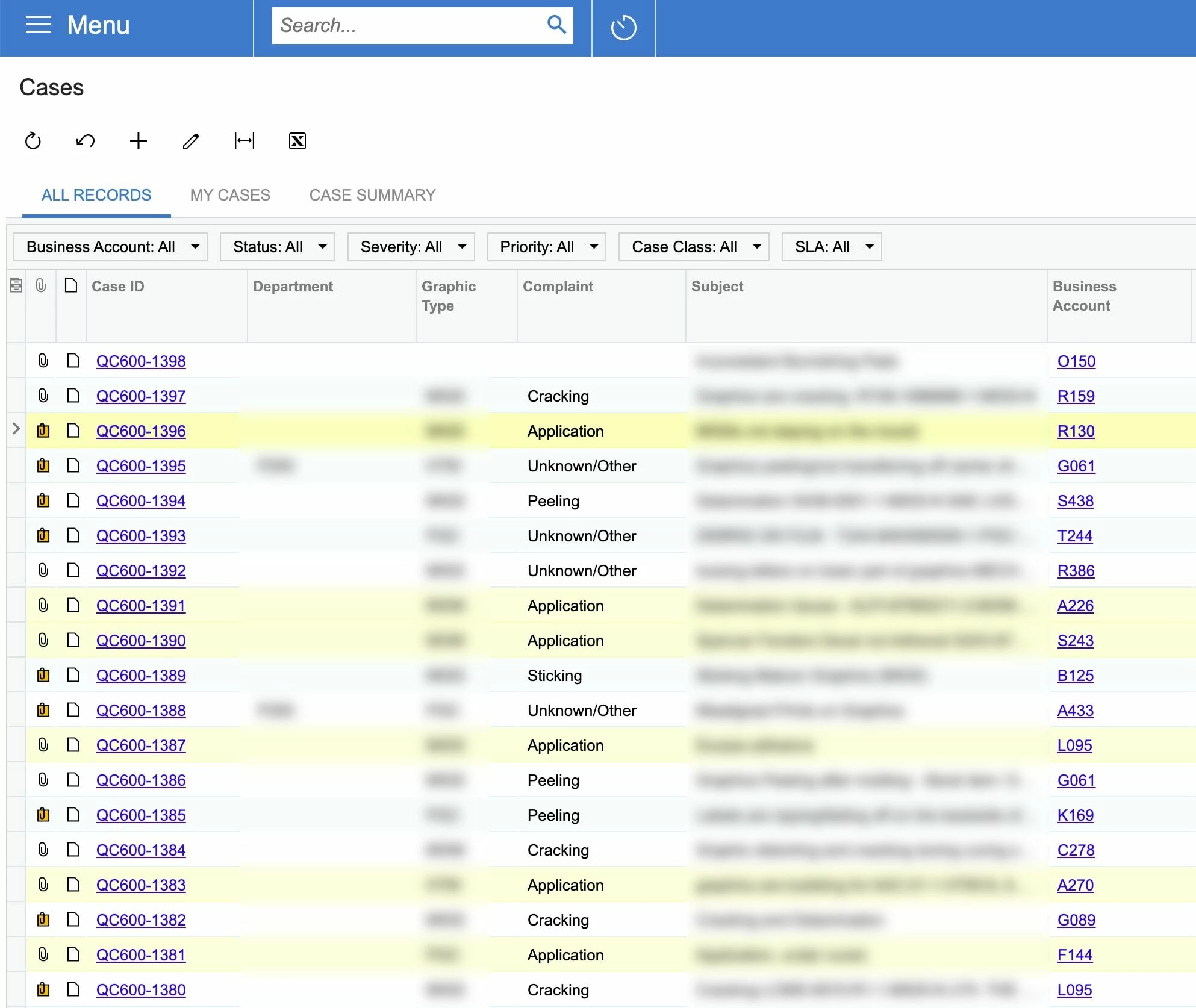
The way I have solved this kind of requirements is by creating different Generic Inquiries for different roles.

In this case you could create a Generic Inquiry that only has the cases that you want them to see and give access to the correct user by using security roles.

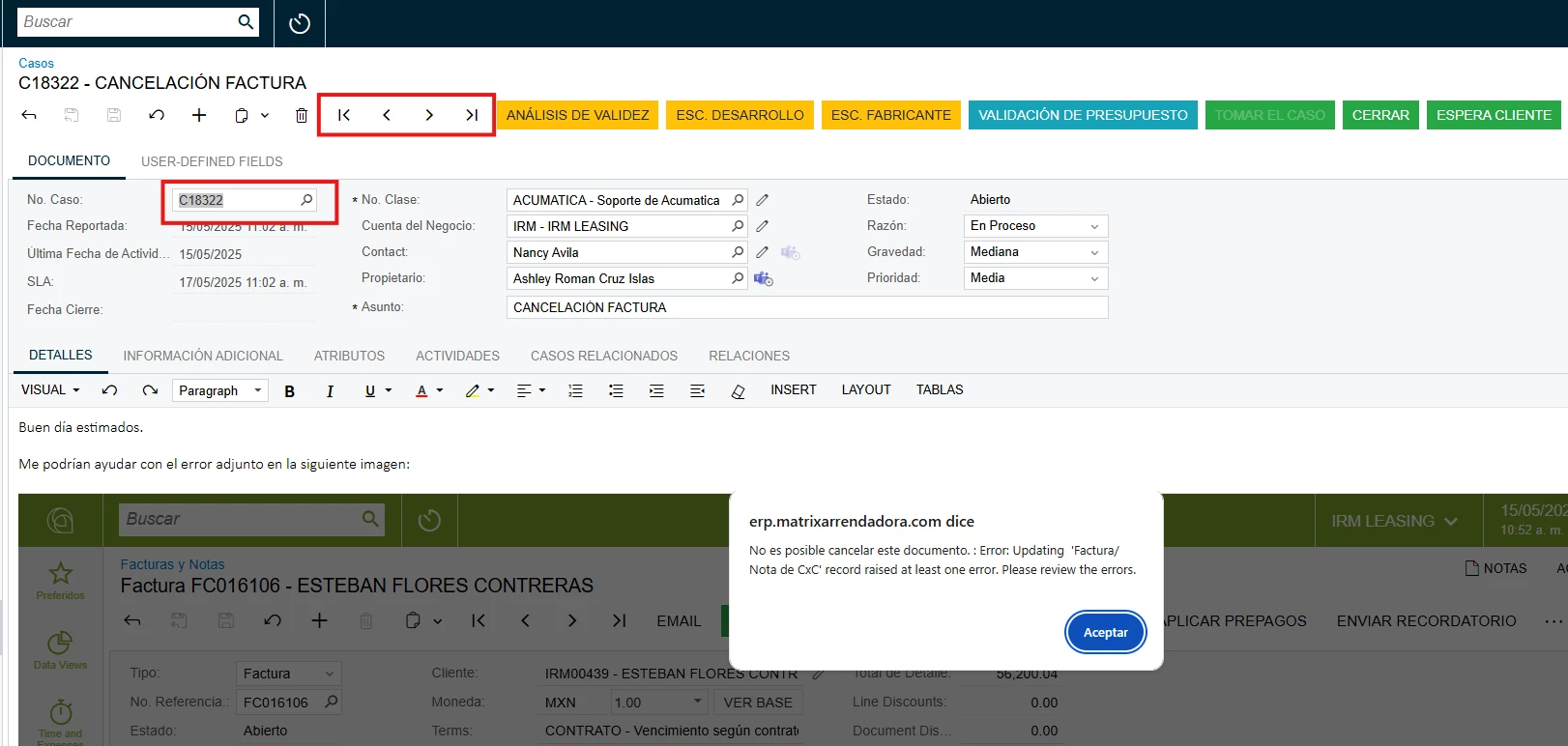
If you don’t want them to be able to navigate to other records you can disable the navigation controls:

 That way they could only access the cases that are available on the Generic Inquiry.

I hope this gives you another alternative.


2 replies

dcomerford
Captain II
Forum|alt.badge.img+15
  • Captain II
  • April 17, 2025

@swartzfeger The only low code way to do it would be to use condition on the GI like if the Complaint = Application and @Groups is in ‘Sales’ or Complaint <> Applicaiton and @Groups is not in Sales. Or you could create a Shared Filter with this in it also.

This will mean the list should then show correctly.

However if a user opens a Case and then uses the arrow to go to the Next record then this filter will be ignores

Article might help on Filter https://help.acumatica.com/(W(2))/Help?ScreenId=ShowWiki&pageid=f6bd0804-543a-4e52-9fe9-4cd8305c575b


miguel80
Semi-Pro III
Forum|alt.badge.img+3
  • Semi-Pro III
  • Answer
  • May 15, 2025

Hi!

The way I have solved this kind of requirements is by creating different Generic Inquiries for different roles.

In this case you could create a Generic Inquiry that only has the cases that you want them to see and give access to the correct user by using security roles.

If you don’t want them to be able to navigate to other records you can disable the navigation controls:

 That way they could only access the cases that are available on the Generic Inquiry.

I hope this gives you another alternative.