
More than 10 images Login images

  • May 15, 2025
  • 2 replies
  • 152 views

Forum|alt.badge.img

Please find the explanation below.

When publishing the login image in a SaaS environment, if you encounter the error below, follow these steps to resolve it.
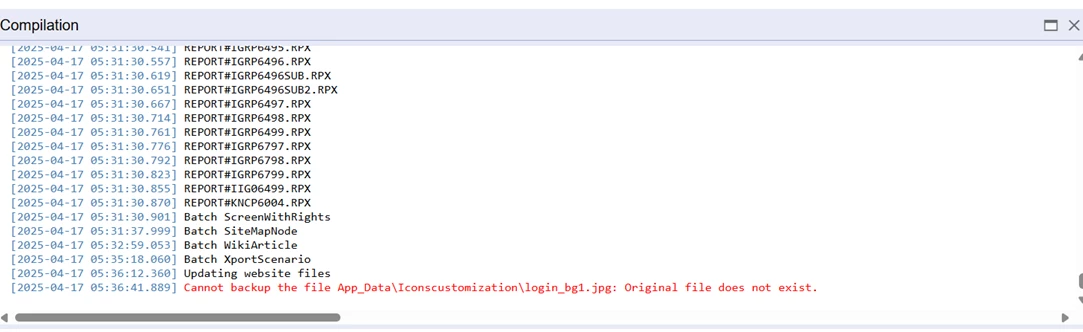
 

SystemFile="True" should be specified only for the files that are originally present in the icons folder.


The system is only able to replace the images present in original "Icons" folder but not add new images present in the customization project.


For example-

The Icons folder has 12 login_bg images.


But the IconsCustomized has 15 images, so when we publish this package with SystemFile="True" , it gives the following error.
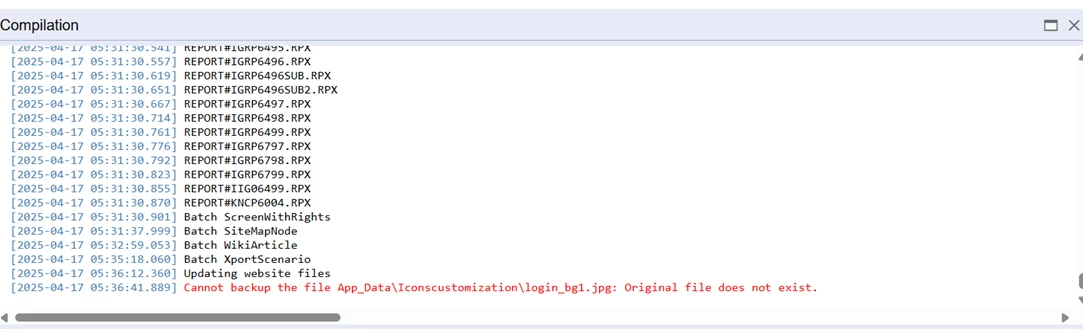
 

Cannot backup the file Icons\login_bg11.JPG: Original file does not exist.

The number of images in Icons folder in 2024R2 have been reduced to 10.


So if you have more than 10 images in your customization package, make sure to set SystemFile="True" only for the files that are originally present in the icons folder. For new images, SystemFile should not be set to true.

2 replies

  • Freshman I
  • May 23, 2025

This was a great help. However we want to actually replace the original 10. We use to do this by overriding an added file with the file name Icon\login_bg1, but now it is simply adding our 14 pictures to the 10 original ones. When we did systemFile =”True” on the first 10 it still gave the error about the original file.
Has the ability to replace the original files been removed as of 24R2?


Forum|alt.badge.img
  • Author
  • Varsity I
  • May 28, 2025

@zschneck6

To completely replace the default 10 images, you need to first remove those images from the Icons folder. Then, replace the folder contents with your 14 custom images, ensuring the filenames follow the format (e.g., login_bg1, login_bg2, etc.).

Next, go to the Packages section, select the path where the images are located, click on 'File' and export it as an XML file. In the exported XML, change systemFile="true" to systemFile="false" for your custom images. Then re-import and verify.