Please find the explanation below.
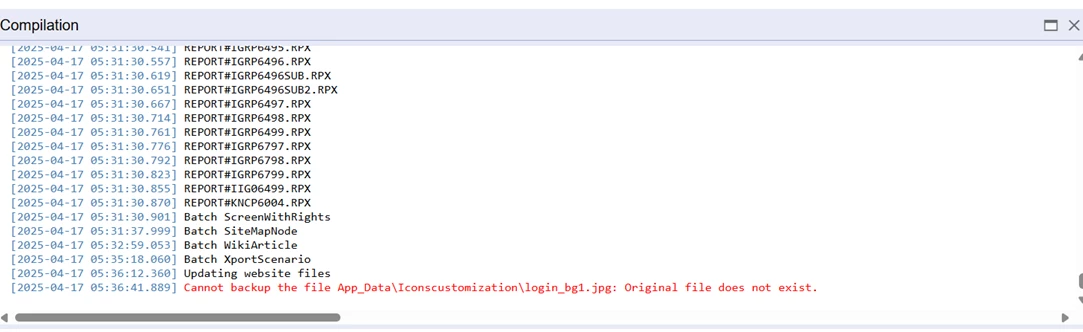
When publishing the login image in a SaaS environment, if you encounter the error below, follow these steps to resolve it.
SystemFile="True" should be specified only for the files that are originally present in the icons folder.
The system is only able to replace the images present in original "Icons" folder but not add new images present in the customization project.
For example-
The Icons folder has 12 login_bg images.
But the IconsCustomized has 15 images, so when we publish this package with SystemFile="True" , it gives the following error.
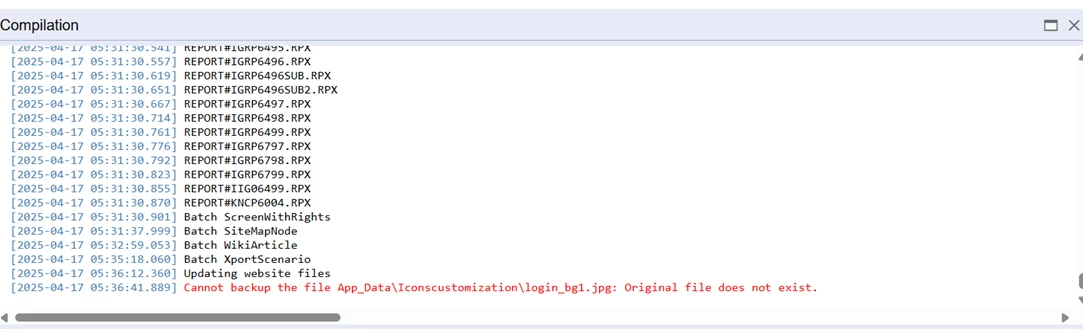
Cannot backup the file Icons\login_bg11.JPG: Original file does not exist.
The number of images in Icons folder in 2024R2 have been reduced to 10.
So if you have more than 10 images in your customization package, make sure to set SystemFile="True" only for the files that are originally present in the icons folder. For new images, SystemFile should not be set to true.