



We have a couple of business processes that require us to immediately update sales orders as new records are created in the system - not on a schedule. For example, we need to add the CRDF non-stock item to CO shipping address sales orders as they land in the system for tax calculation purposes.
I’ve been able to create GI’s to filter down to the orders we want to update, and a business event that uses an import scenario to add the item to an order. The GI is configured to trigger based on record change, when the record is inserted into the search. We need to do this because we also apply filtering on the GI.
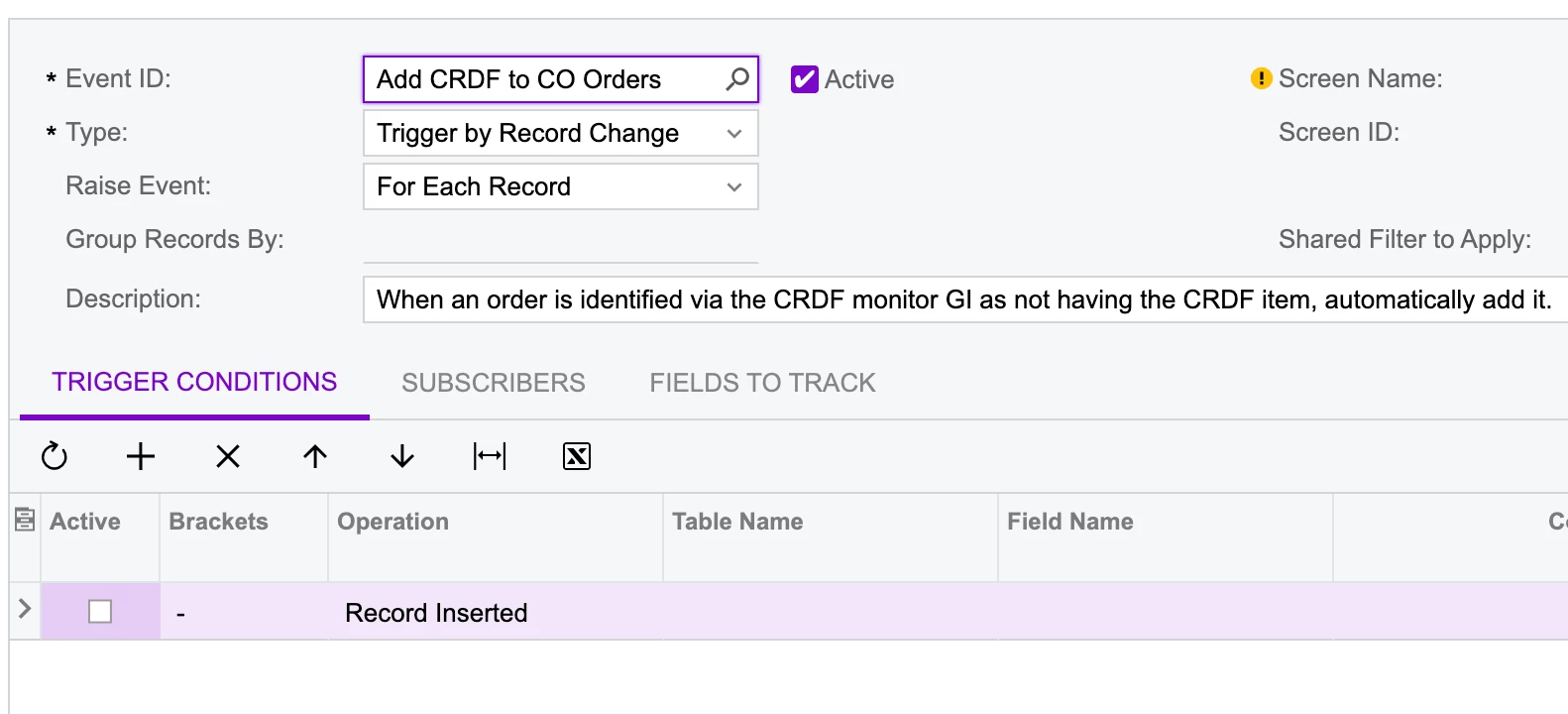
I’ve confirmed all the functionality works in testing, but in a live situation the flow fails because of error: 0 records of 1 have been processed. The last error was Another process has updated the 'SOOrder' record. Your changes will be lost.
As best I can tell this is happening because the business event’s import scenario is running too fast. I believe the import fails because the record is currently being saved by the original create process.
Any insight into how to solve for this situation or alternate approaches?