Answer

How to set "hard" Filter for "All E-Mails" tab

  • October 21, 2025
  • 6 replies
  • 58 views

FinnSystemAG
Freshman II
Forum|alt.badge.img

Hello,

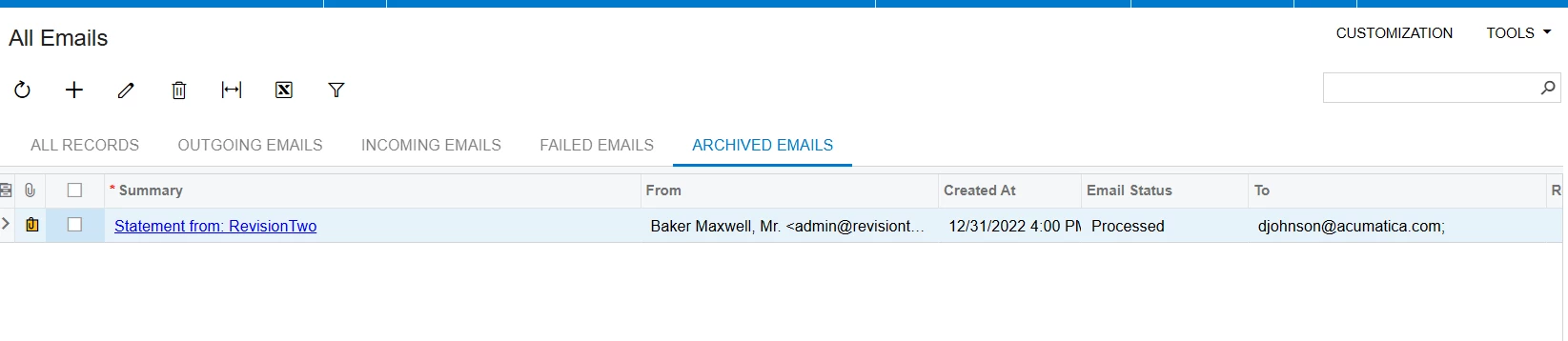
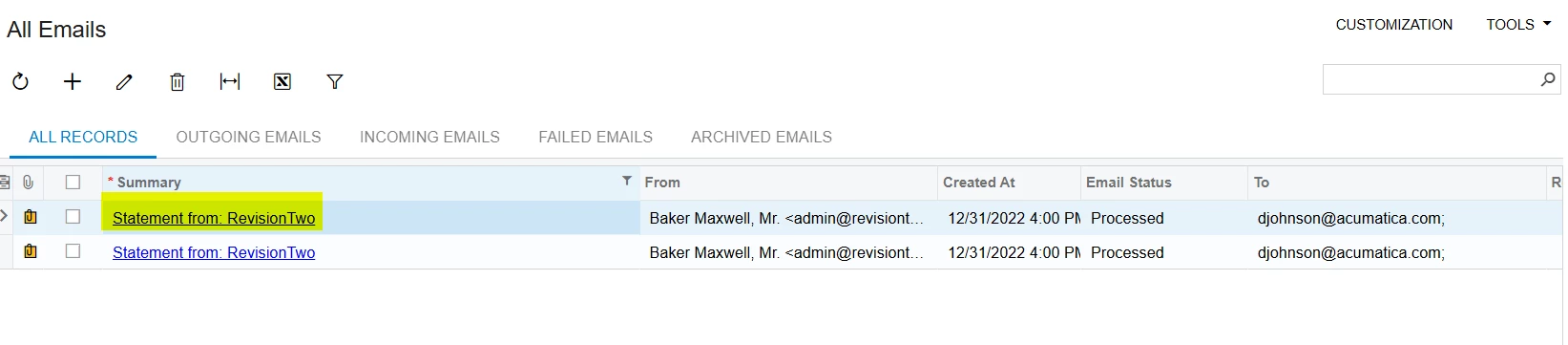
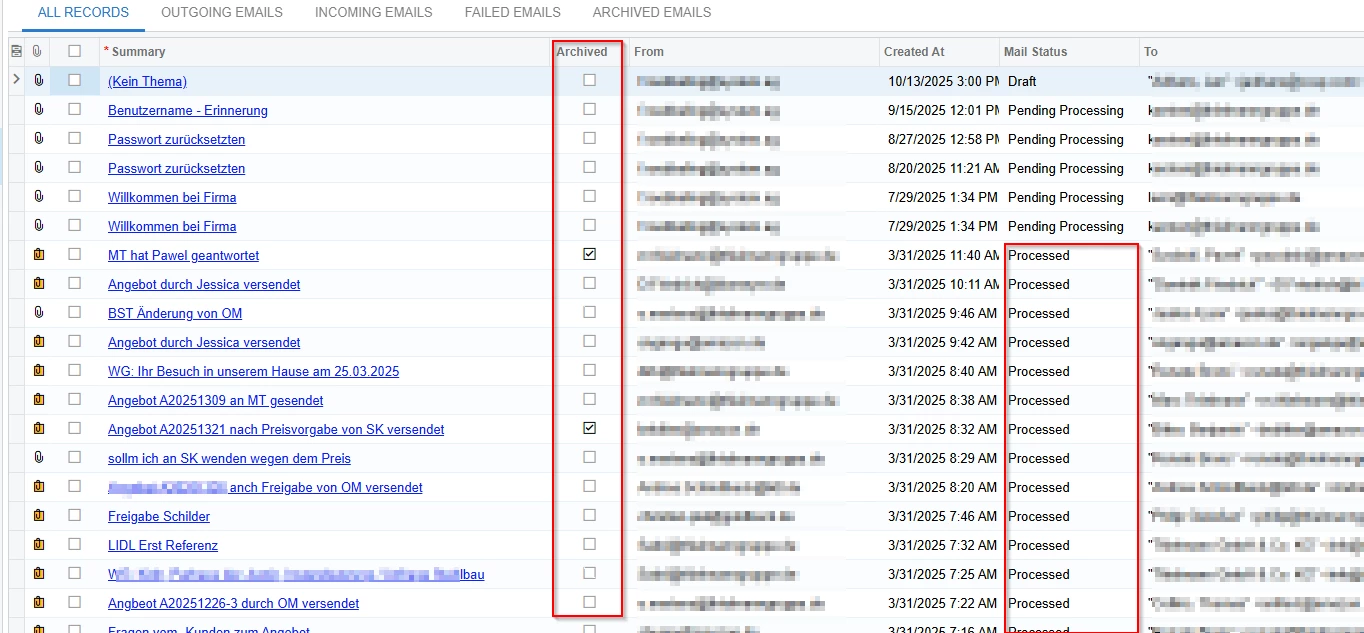
under “all E-Mails” we have the tab “all records”. When i archive an e-mail in the “all records” list, the archived E-Mail is now visible under “archived E-Mails” but still also visible under “all records”.

I want to build in an steady filter, that excludes the archived e-mails, so that archived e-mails are only visible under “archived E-Mails” and not under “all records” anymore,
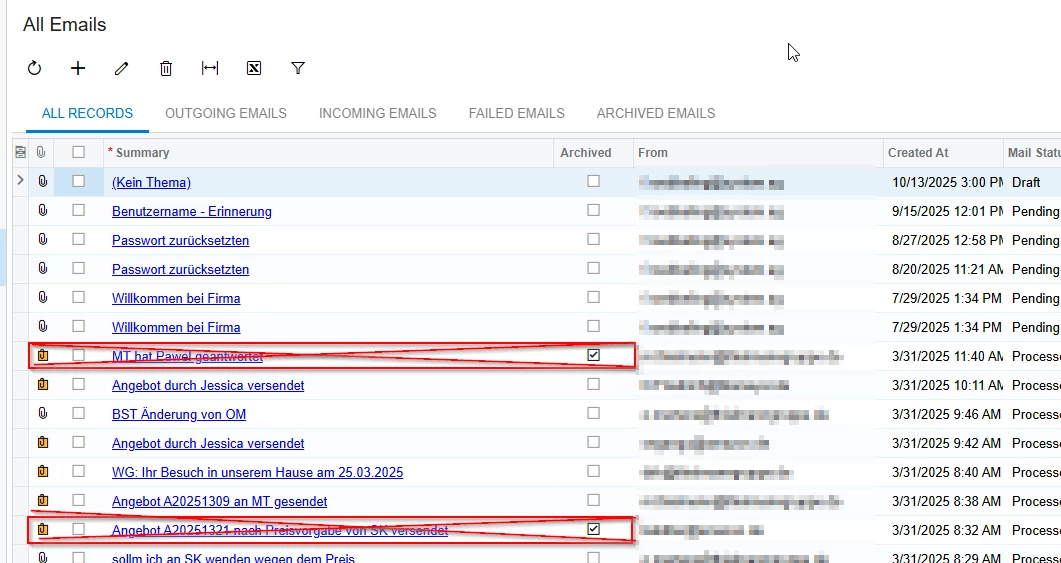
 

So to sum it up, i just want to exclude the archived e-mails under “all records”, without using an standard temporary filter. (Via graph extension for example).

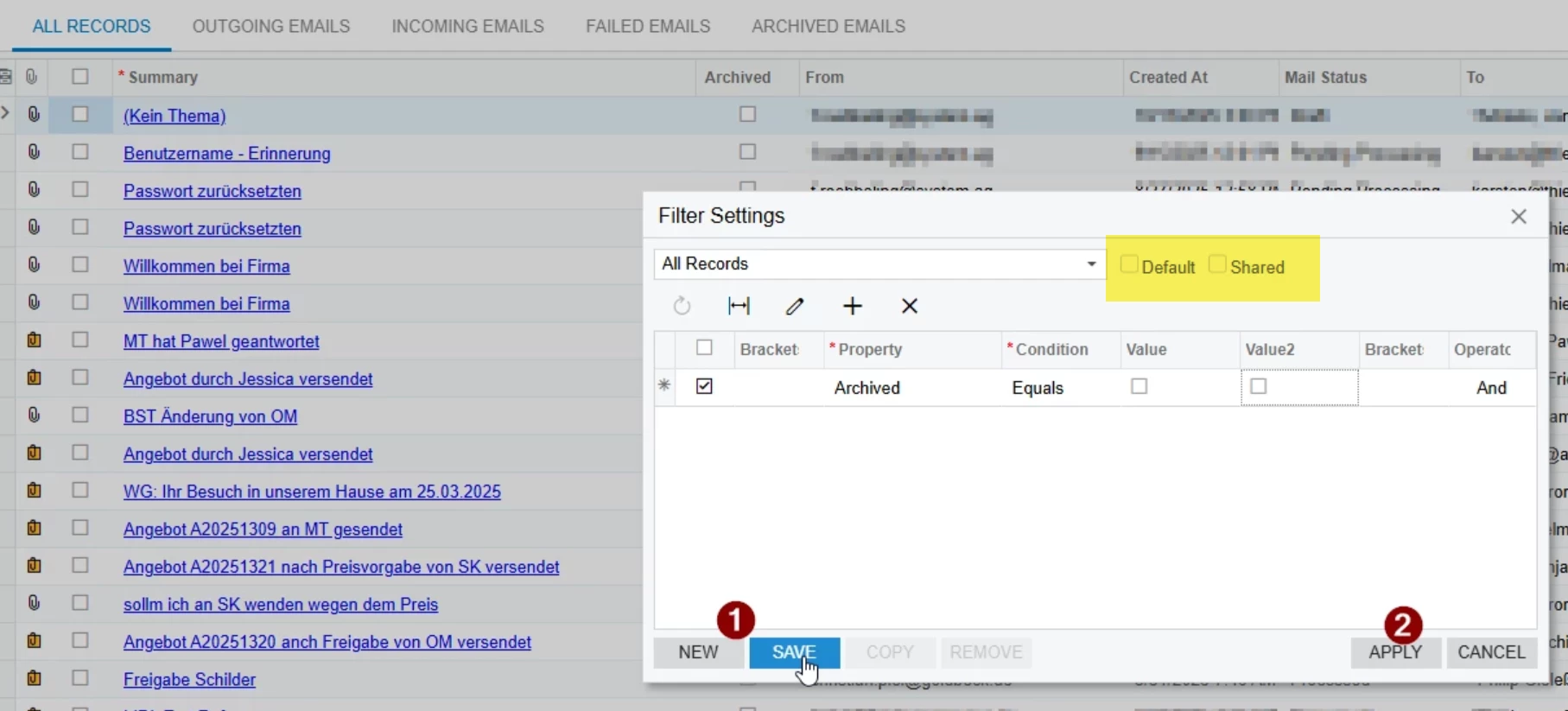
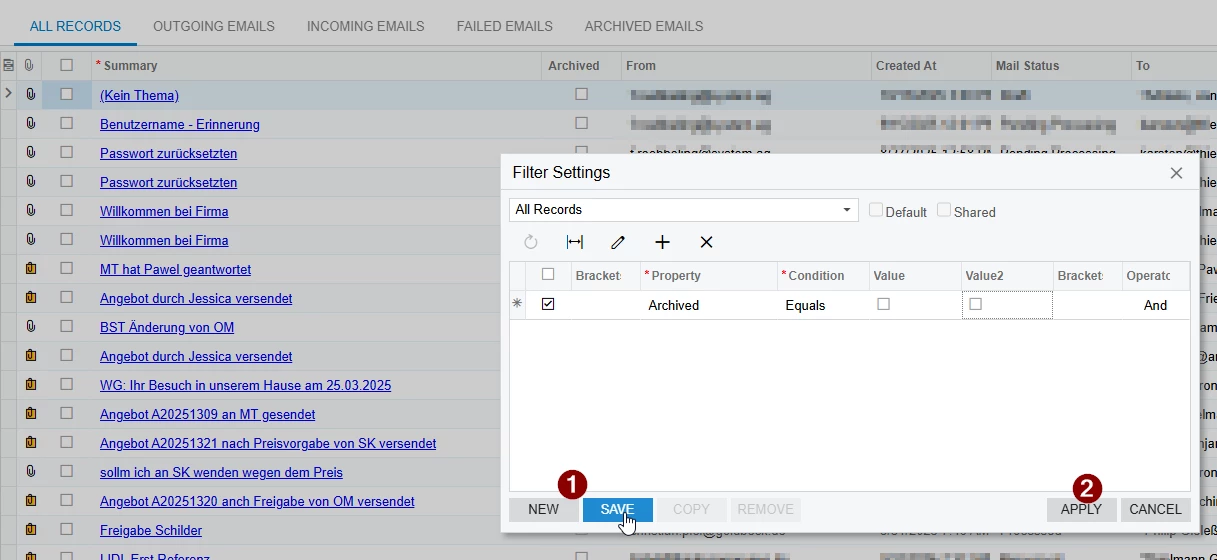
I dont want to do it like shown in the folliwing screenshot, because i dont want a new tab, i just want to edit the existing “all records” tab non-temporarily:
 

How can i build the code to do that?

Hope you can help.


Greetings



Best answer by bwhite49

OK, outside of a customization you could recreate the “All Emails” screen as a generic inquiry. This way you can filter the list through the conditions tab of the GI editor.

I believe the “All Emails” screen should be a PL list anyway. Once you have the new inquiry, you can hide the original “All emails” screen from the site map. 

6 replies

mohammadnawaz51
Jr Varsity I
Forum|alt.badge.img+4

@FinnSystemAG Seeing the same behavior, can you create a new GI and confirm if your are seeing same behavior.


mohammadnawaz51
Jr Varsity I
Forum|alt.badge.img+4

@FinnSystemAG 

i am seeing the emails which is archive in All emails tab with different status.


bwhite49
Captain II
Forum|alt.badge.img+11
  • Captain II
  • October 21, 2025

Just sharing an option: If you make the filter both default and shared, it will become the default list for all users when entering the screen. Users will have to select all records to see the full list, so setting the filter as “default” may be worth a try.


FinnSystemAG
Freshman II
Forum|alt.badge.img
  • Author
  • Freshman II
  • October 22, 2025

@FinnSystemAG 

i am seeing the emails which is archive in All emails tab with different status.

---------------------------------------------------------------------------------------------------------------------------


Hi, what do you mean?

In my case the most E-Mails, also those that arent archived, have the status “processed” under “all records”. I think this status has nothing to do with thet archiving function.
 

Greetings


FinnSystemAG
Freshman II
Forum|alt.badge.img
  • Author
  • Freshman II
  • October 22, 2025

Just sharing an option: If you make the filter both default and shared, it will become the default list for all users when entering the screen. Users will have to select all records to see the full list, so setting the filter as “default” may be worth a try.


----------------------------------------------------------------------------------------------------------------------------------------

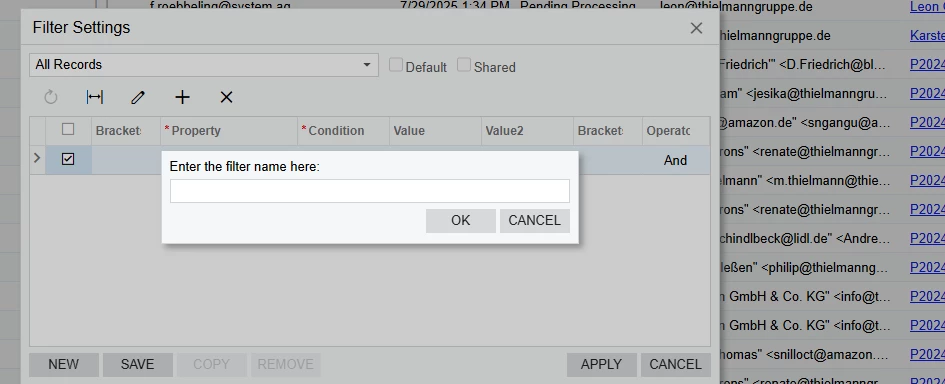
Thank you, the problem here is, that as soon as you klick “save” ist is mandatory to name an new filter tab. So as solution i have two “all records” tabs since i cant just delete the normal “all records” tab. Im looking for a solution to edit the filter of the “all records” tab permanently without having to create an new tab section.
 

Greetings


bwhite49
Captain II
Forum|alt.badge.img+11
  • Captain II
  • Answer
  • October 22, 2025

OK, outside of a customization you could recreate the “All Emails” screen as a generic inquiry. This way you can filter the list through the conditions tab of the GI editor.

I believe the “All Emails” screen should be a PL list anyway. Once you have the new inquiry, you can hide the original “All emails” screen from the site map.