Question

Custom label will not populate when production order is in Released status

  • February 26, 2026
  • 6 replies
  • 33 views

Forum|alt.badge.img

Hello, 

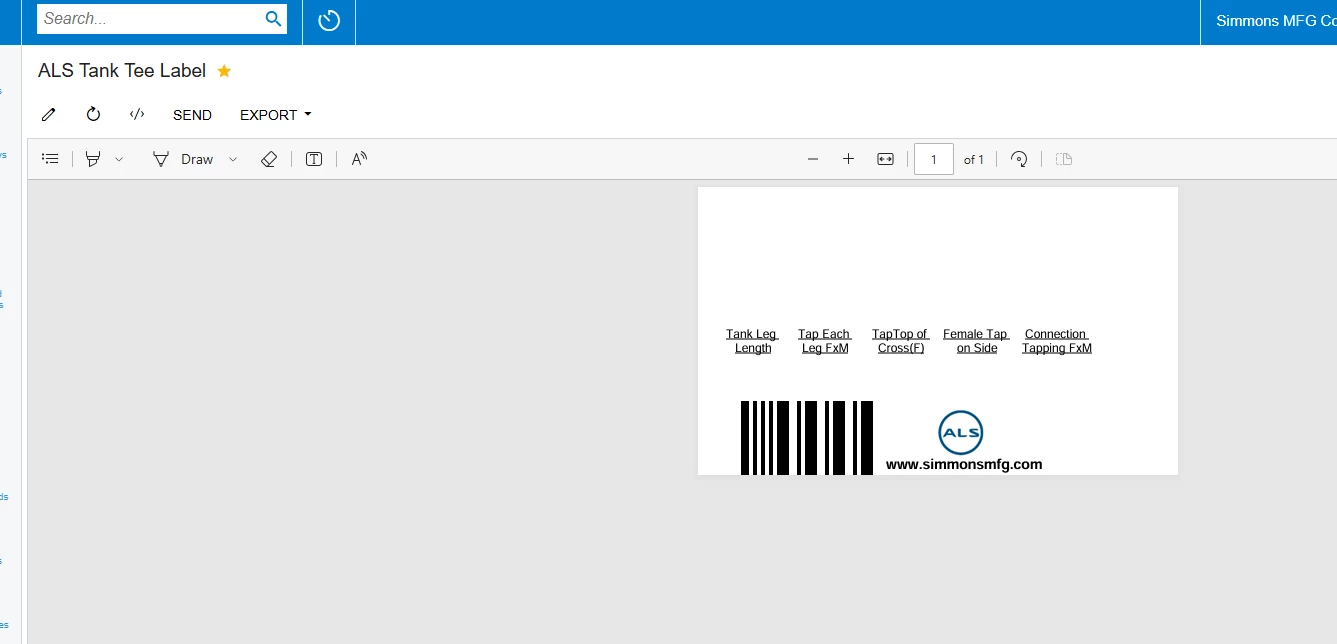
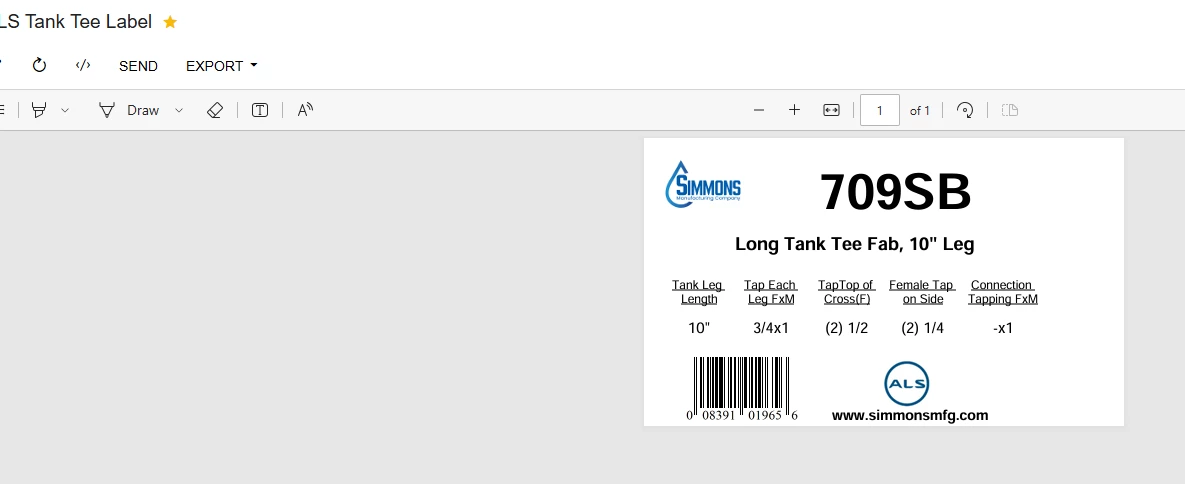
I created a custom label where an employee can put in the production ticket number and print a label. Upon testing, I realized that the information will not populate unless the WO is in a “Completed” status. I would like for this to populate in the “Released” status as well. Does anyone know how to achieve this? 

Released Status: 
Completed Status: 
 

6 replies

darylbowman
Captain II
Forum|alt.badge.img+16

Two things:

Have you confirmed the report doesn't have a condition driving this behavior?

Please attach the report for someone to look at.


Forum|alt.badge.img
  • Author
  • Jr Varsity II
  • February 26, 2026

Two things:

Have you confirmed the report doesn't have a condition driving this behavior?

Please attach the report for someone to look at.

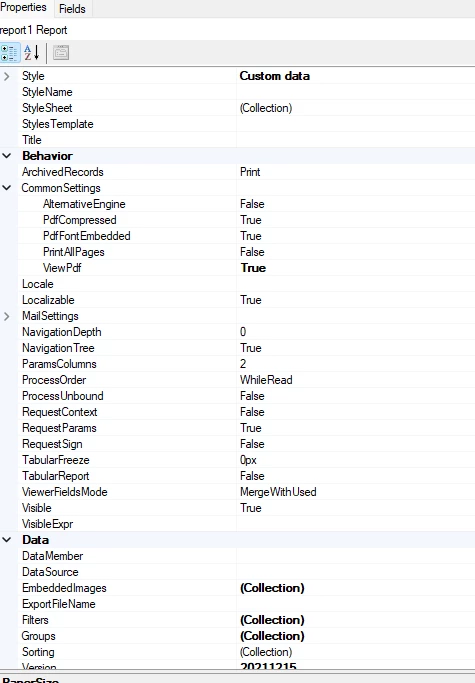
This report is in report designer. I cannot attach a rpx. file. 


darylbowman
Captain II
Forum|alt.badge.img+16

Try zipping it


Forum|alt.badge.img
  • Author
  • Jr Varsity II
  • February 26, 2026

Try zipping it

Here is the zipped file.


Forum|alt.badge.img+1

Change your join on InventoryItem to AMProdItem.  You have LEFT, I’d use RIGHT.  That should fix it.  What that is telling it is to get ALL of the inventory ID’s in AMProdItem and try to match it to InventoryItem.  


The correct (in my opinion) way though is since you’re going from AMProdItem (those are your filters), I would use AMProdItem as my Parent Table and InventoryItem as your Child.  You want to start at the top level, AMProdItem, then build the lower level (children) table joins.  


Forum|alt.badge.img
  • Author
  • Jr Varsity II
  • February 26, 2026

Change your join on InventoryItem to AMProdItem.  You have LEFT, I’d use RIGHT.  That should fix it.  What that is telling it is to get ALL of the inventory ID’s in AMProdItem and try to match it to InventoryItem.  


The correct (in my opinion) way though is since you’re going from AMProdItem (those are your filters), I would use AMProdItem as my Parent Table and InventoryItem as your Child.  You want to start at the top level, AMProdItem, then build the lower level (children) table joins.  


Thank you, but I am still unable to get this to work