



Hi, how do I add the Customer PO in Customer Details (AR402000)?
I want to add Customer PO below:
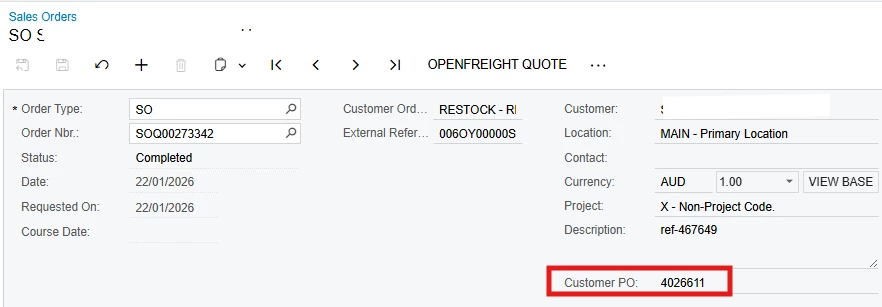
To populate here:
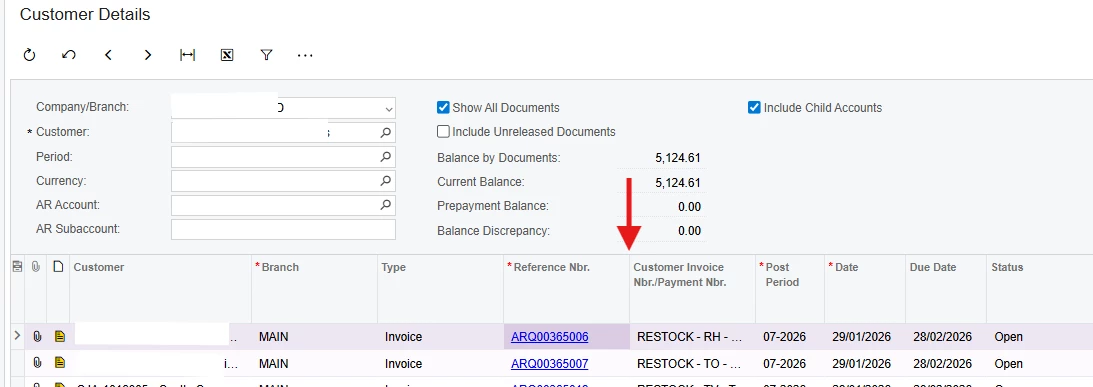
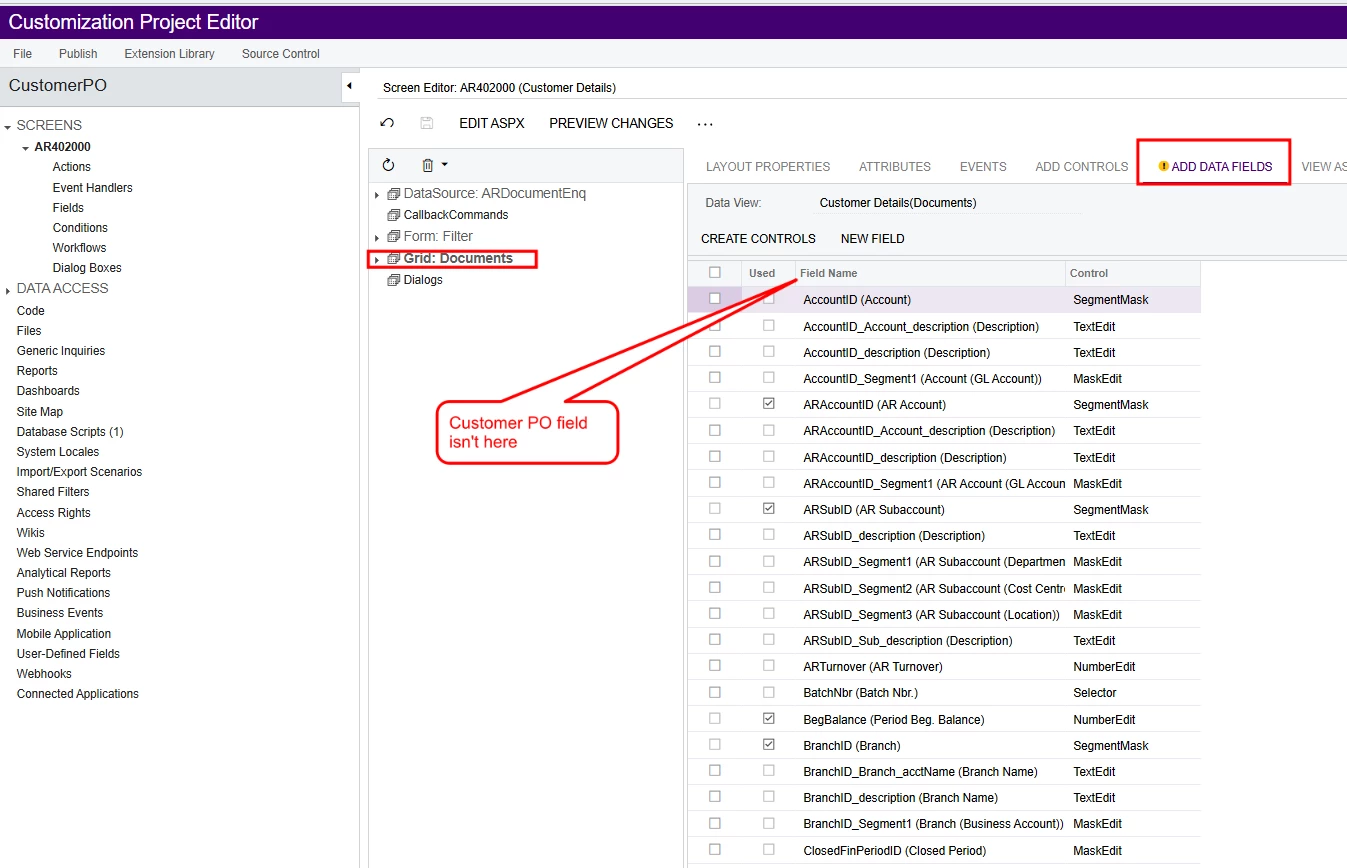
I’ve tried going into Customization Editor → Graph:Documents, but the Customer PO isn’t there:
Hi, how do I add the Customer PO in Customer Details (AR402000)?
I want to add Customer PO below:
To populate here:
I’ve tried going into Customization Editor → Graph:Documents, but the Customer PO isn’t there:
Best answer by Meri36
Why “Customer PO” is not visible in Customer Details (AR402000)
You cannot see Customer PO because it does not exist in the main DAC used by AR402000.
AR402000 (Customer Details) uses ARDocumentResult as its main DAC
SOOrder.UsrCustOrdExtra belongs to SOOrder
Therefore, it will never appear directly in AR402000
Step 1: Add the field to ARInvoice (stored)
ARInvoice is linked to Customer Details, so we store the value here first.
public class BZARInvoiceExt : PXCacheExtension<ARInvoice>
{
public abstract class usrCustPO : BqlString.Field<usrCustPO> { }
[PXDBString(50)]
[PXUIField(DisplayName = "Customer PO")]
public string UsrCustPO { get; set; }
}
Step 2: Transfer value from SOOrder → ARInvoice
Add logic in SOInvoiceEntry to copy the value during invoice creation.
public class SOInvoiceEntry_Ext : PXGraphExtension<SOInvoiceEntry>
{
protected void _(Events.RowInserted<ARInvoice> e)
{
if (e.Row == null) return;
SOOrder so = PXSelect<
SOOrder,
Where<SOOrder.orderType, Equal<Required<SOOrder.orderType>>,
And<SOOrder.orderNbr, Equal<Required<SOOrder.orderNbr>>>>>
.Select(Base, e.Row.SOOrderType, e.Row.SOOrderNbr);
if (so != null)
{
e.Row.GetExtension<BZARInvoiceExt>().UsrCustPO =
so.GetExtension<SOOrderExt>().UsrCustOrdExtra;
}
}
}
Step 3: Add an unbound field to ARDocumentResult
ARDocumentResult is the main DAC for AR402000, so we expose the field here.
public class BZARDocumentResultExt : PXCacheExtension<ARDocumentResult>
{
public abstract class usrCustPO : BqlString.Field<usrCustPO> { }
[PXString(50)]
[PXUIField(DisplayName = "Customer PO")]
public string UsrCustPO { get; set; }
}
Step 4: Populate the field in ARDocumentEnq
Read the stored value from ARRegister and assign it to the inquiry row.
public class BZARDocumentEnqExt : PXGraphExtension<ARDocumentEnq>
{
protected void _(Events.RowSelected<ARDocumentResult> e)
{
if (e.Row == null) return;
ARRegister reg = ARRegister.PK.Find(Base, e.Row.DocType, e.Row.RefNbr);
if (reg != null)
{
var ext = reg.GetExtension<BZARRegisterExt>();
if (ext != null)
{
e.Row.GetExtension<BZARDocumentResultExt>().UsrCustPO = ext.UsrCustPO;
}
}
}
}
Customer PO will be visible in Customer Details.
Enter your E-mail address. We'll send you an e-mail with instructions to reset your password.
