Hi,
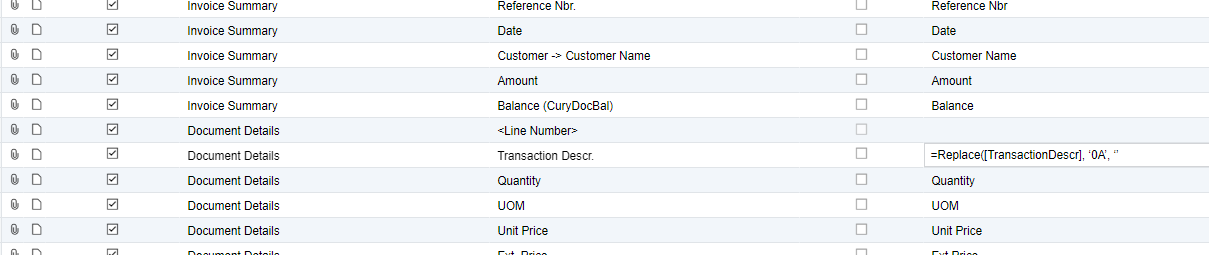
I want to use the replace function in an export scenario to replace the hex character 0A from the middle of a string with a blank. How would I code that in the replace statement? The field name is: Transaction Descr

Thanks



Hi,
I want to use the replace function in an export scenario to replace the hex character 0A from the middle of a string with a blank. How would I code that in the replace statement? The field name is: Transaction Descr
Thanks
No account yet? Create an account
Enter your E-mail address. We'll send you an e-mail with instructions to reset your password.