Answer

Journal Transaction Import Scenario - Customer/Vendor field

  • October 5, 2023
  • 5 replies
  • 147 views

Forum|alt.badge.img

Is it possible to populate the Customer/Vendor field in the detail section of the Journal Transaction through an import scenario?
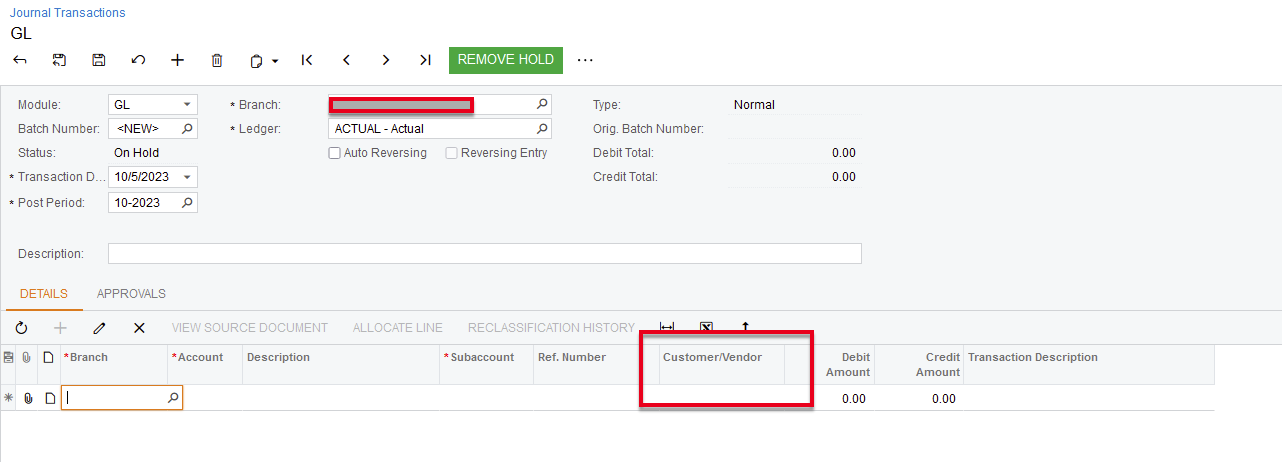
 

I cannot get the filed to populate - if it is possible am I using the Customer ID or BAcctID?

Thanks for the help!


~Coleen

Best answer by Laura03

Hello,

We can only import what we can enter manually.  If you manually enter a GL batch in Journal Transactions,  you won’t be able to populate the Vendor/Customer field.

One work-around is to use the Reference number field, or include the Customer/Vendor ID as part of your imported transaction description.

Another solution is to speak to your developer or VAR about possibly customizing the screen to expose the Customer/Vendor field so that you can populate it.


Laura

5 replies

hkabiri
Acumatica Moderator
Forum|alt.badge.img+8
  • Acumatica Support Team
  • October 5, 2023

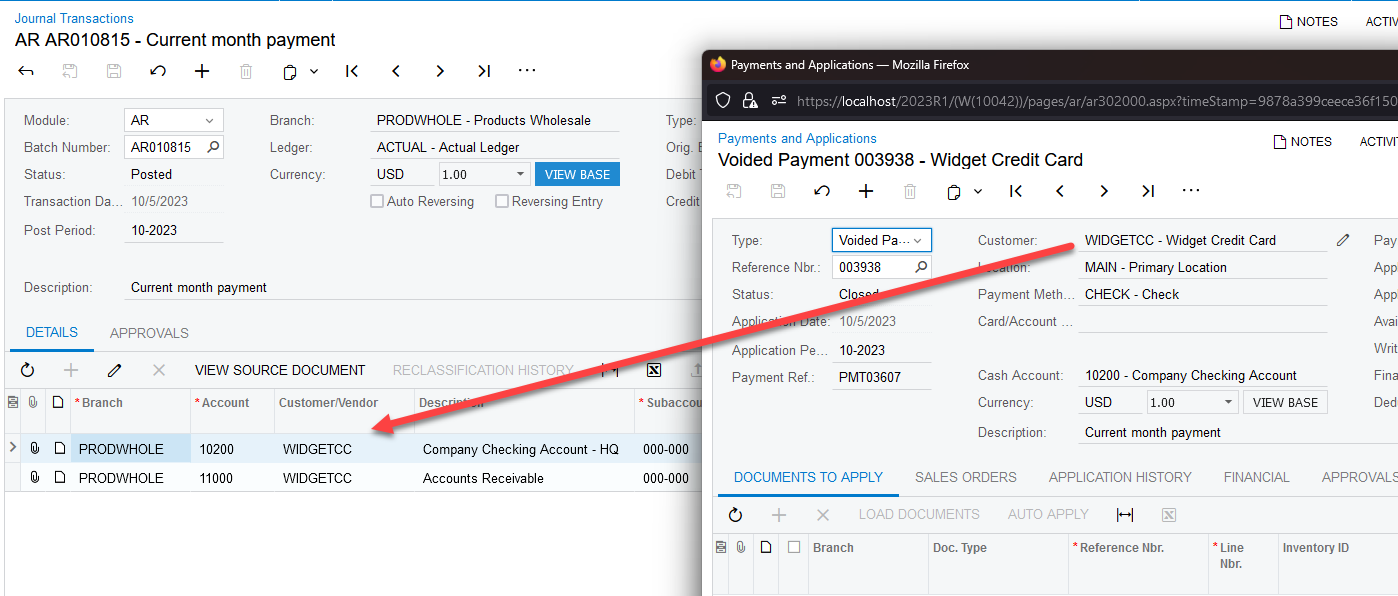
@coleenmcnally22  This field is getting populated automatically for AR or AP Module Document. This means the GL Module would not have this enabled as it is a referenceID to the original document posted from these Modules. That being said the field is disabled on Finance Module but being used by AR and AP to reference the Batch to the Original Document.

source document


Laura03
Captain II
Forum|alt.badge.img+19
  • Captain II
  • Answer
  • October 5, 2023

Hello,

We can only import what we can enter manually.  If you manually enter a GL batch in Journal Transactions,  you won’t be able to populate the Vendor/Customer field.

One work-around is to use the Reference number field, or include the Customer/Vendor ID as part of your imported transaction description.

Another solution is to speak to your developer or VAR about possibly customizing the screen to expose the Customer/Vendor field so that you can populate it.


Laura


Forum|alt.badge.img

@Laura02  - thanks that is what I thought - I can see if I can open that field through a customization.  My customer would really like that populated instead of adding it to the description (that was my first thought),  and we are already populating the ref nbr field.


Appreciate your help.

Have a great day!


bcoutermash09
Jr Varsity III
Forum|alt.badge.img
  • Jr Varsity III
  • August 26, 2024

Hi Coleen! Were you able to accomplish this through a Customization?


Forum|alt.badge.img

@bcoutermash09  - we opted for to add it to the description