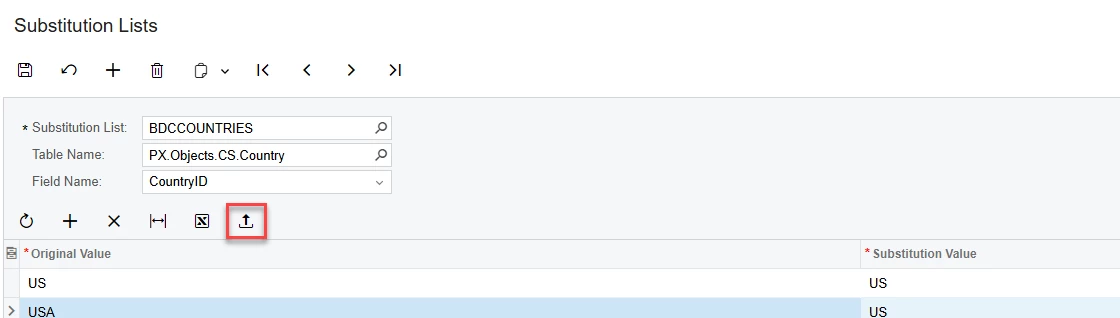


We have a client who is using a third-party timecard and payroll system which utilizes Alpha-based employee IDs in these systems. We also need to import time card data into Acumatica, but our employees are numerically assigned and have limited 7-character codes due to the BIZACCT segmented key setting. For this reason we are using “Substitution Lists” to cross-reference the Timecard’s employee identifier with the Employee ID in Acumatica. We are storing the timecard system’s employee ID using External Ref Nbr field in the Employee screen.
In order to keep our substitution list up to date, we’re using the Employee GI as a data provider to update the GI using an import scenario. Knowing that the substitution list will error if we try using the “=1” code for new lines, we’re using the @@OriginalValue constant to define the row key and mapping it to the Native Field [SubstitutionValues.OriginalValue]. The expectation is that the import will locate the Original Value in the grid, if it exists, and then update the substitution value accordingly.
What we’re finding is that Acumatica actually throws an error if it finds the Original Value in the grid, as opposed to updating the substitution value associated with the Key Original Value.
Has anyone had any success using a GI to update substitution lists by way of an import scenario? If so, show your work below.
Here’s a screenshot of our import scenario: