Question

Import Scenario - import bank transaction via csv data provider

  • February 3, 2026
  • 7 replies
  • 33 views

Forum|alt.badge.img

Hi, I am creating an import scenario for import bank transactions screen to import a csv file as my data provider. I was hoping to get answers to a couple of questions below please.

  1. In my csv file, I have a Beginning and Ending balance column which I think is wrong because you only enter them once in the UI. You don’t enter them line by line. How should I include my beginning and ending balance in my CSV file? 

     
    CSV file with Beginning and Ending Balance


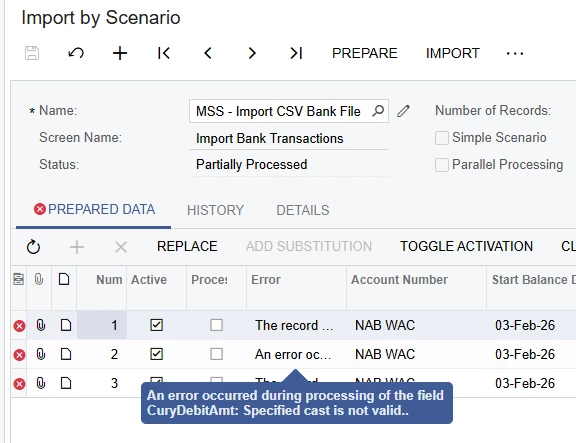
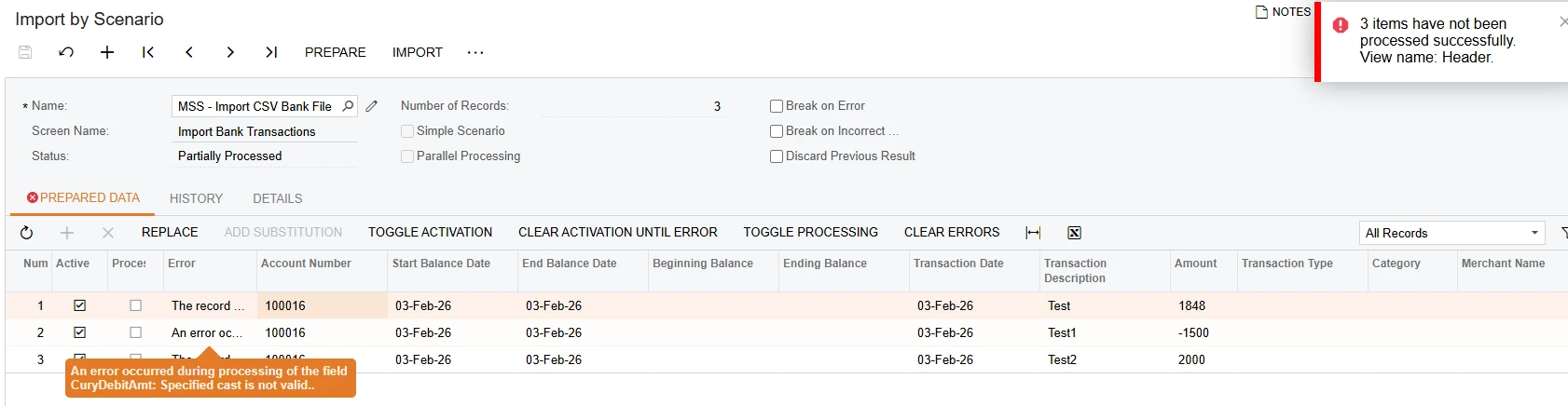
  2. In the above screenshot, the Amount column goes to positive and negative goes to disbursement. I’ve attached my import scenario. However, it is giving me an error below.


7 replies

Forum|alt.badge.img
  • Varsity I
  • February 3, 2026

Hello ​@MarkD,

Could you please clarify which field the “Amount” field on the “Import Bank Transactions” screen is mapped to?

Regards,

Vard


Forum|alt.badge.img
  • Author
  • Jr Varsity III
  • February 3, 2026

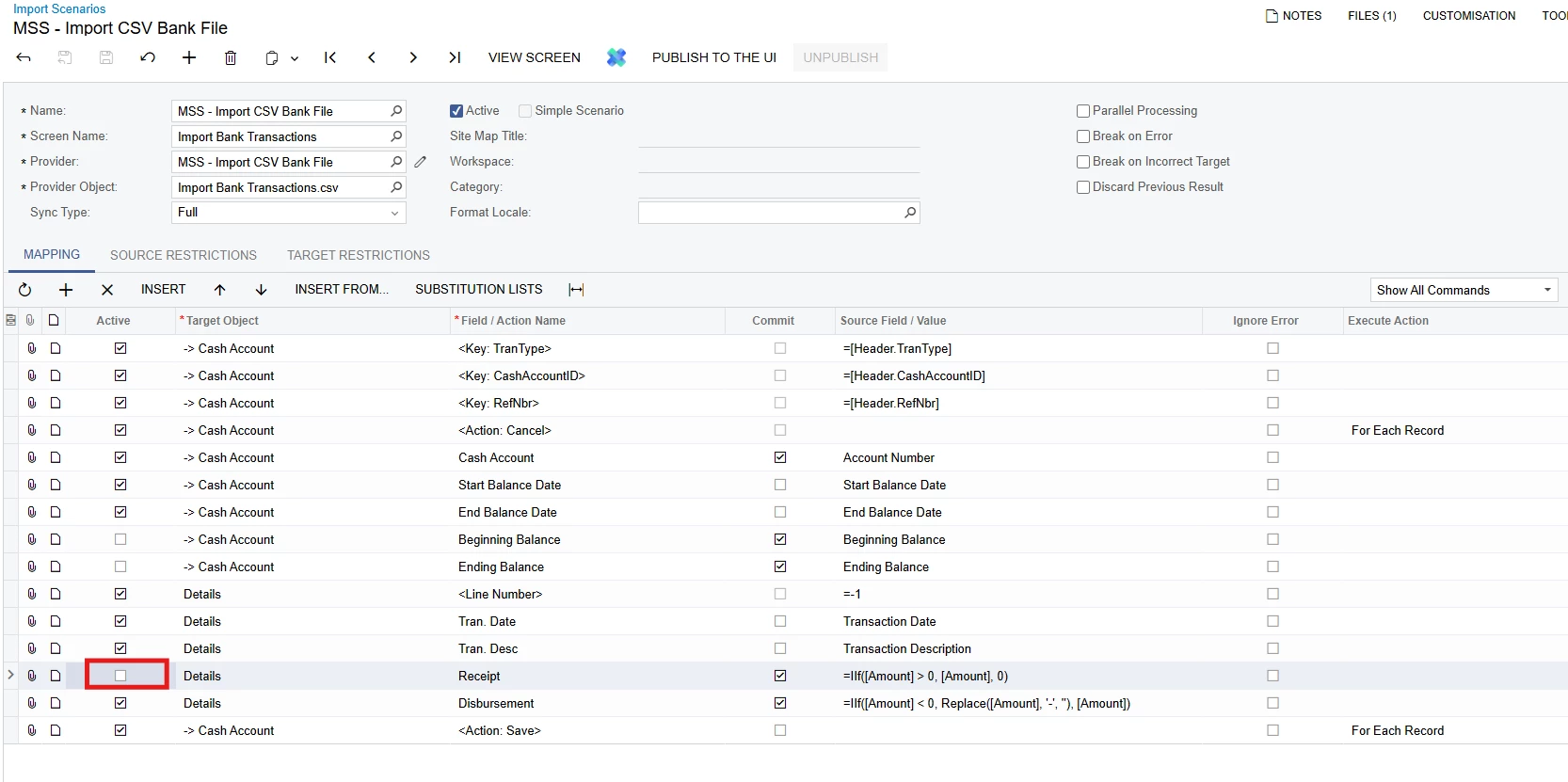
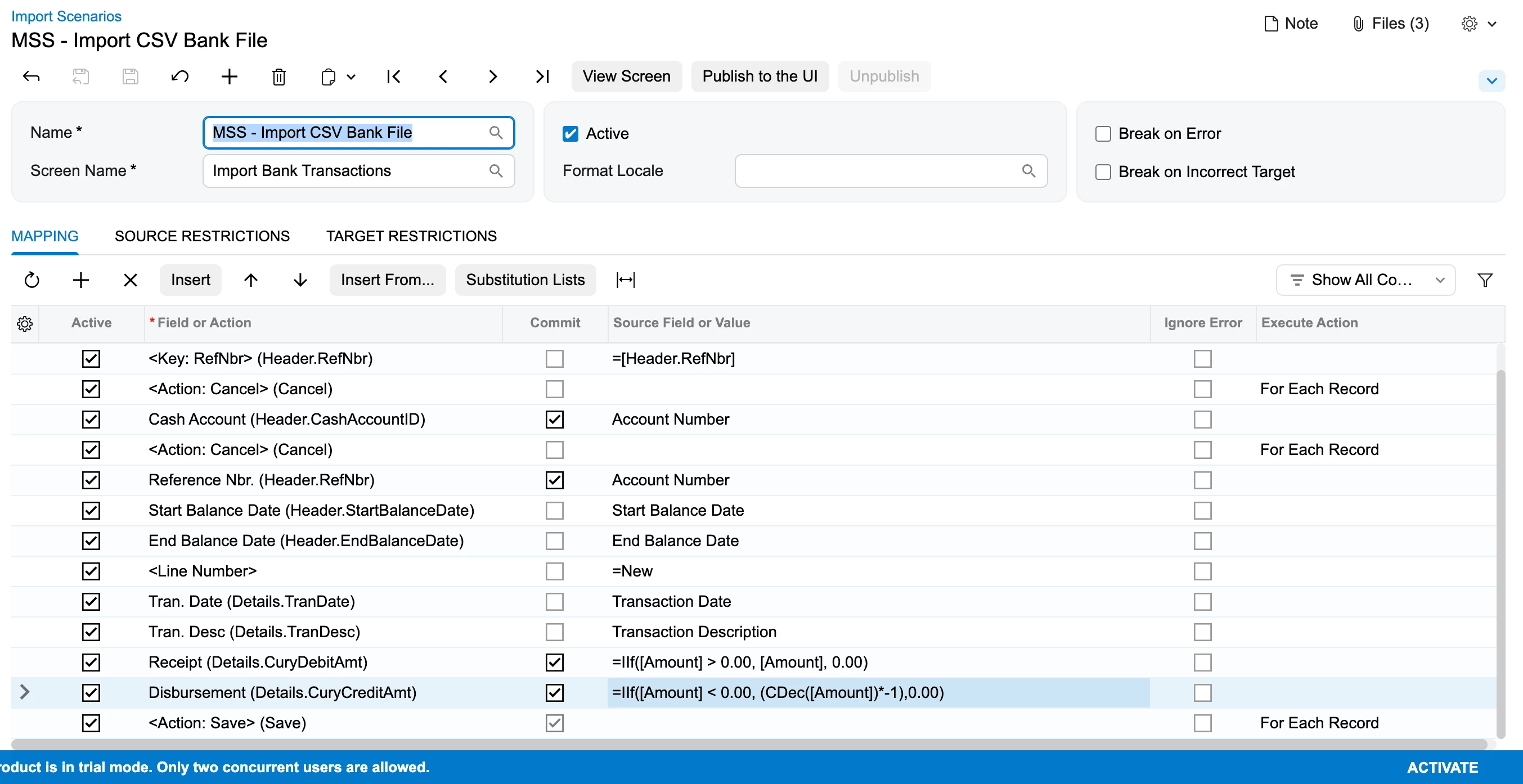
It is mapped to both Receipt (for positive amounts) and Disbursement (for negative amounts) which can be found in the import scenarios I’ve attached earlier, but here’s the screenshot of my mapping:

You will notice I’ve unticked the one for Receipt field to test the Disbursement first which works, but when both are active, I get an error below


I’ve attached the CSV file as well.


Forum|alt.badge.img
  • Varsity I
  • February 3, 2026

@MarkD 

Am I explaining this to you correctly? If Amount is negative, the value should go to Disbursement and Receipt should be 0; if Amount is positive, the value should go to Receipt and Disbursement should be 0.

Is this what you requested?"

Regards,

Vard


Forum|alt.badge.img
  • Author
  • Jr Varsity III
  • February 3, 2026

@Vard86 

Receipt - If the value of Amount is greater than 0, use Amount; otherwise, use 0.

Disbursement - If Amount is less than 0, remove the minus sign and show it as a positive number; otherwise, show Amount as it is.


Forum|alt.badge.img+1

hey ​@MarkD , can you please share the xml file of your import scenario?


Forum|alt.badge.img
  • Author
  • Jr Varsity III
  • February 16, 2026

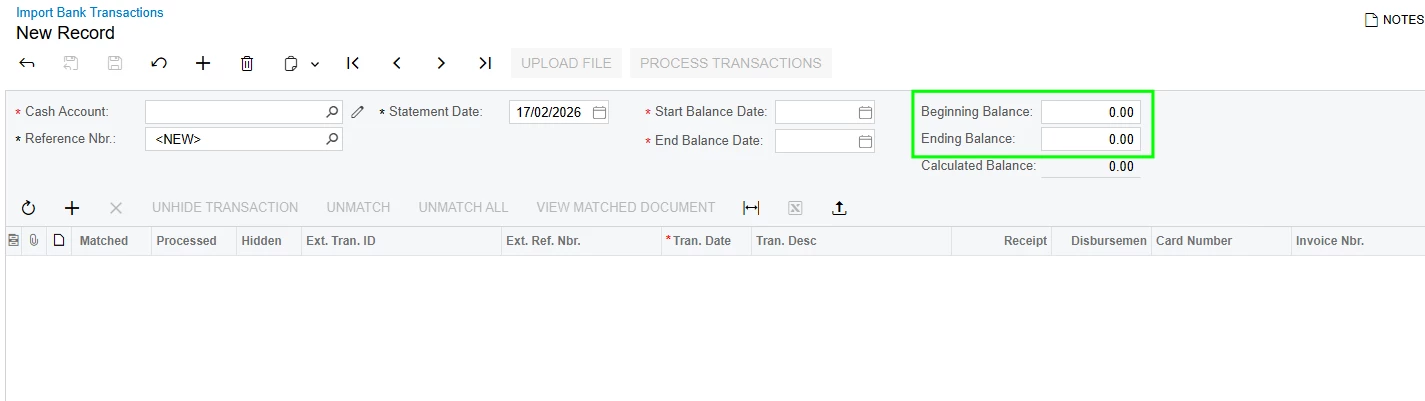
Attached as requested ​@harshitasethia74 - please also advise how do I enter the beginning and ending balance in my CSV file as it shouldn’t be per line. There is only one field for each balance:


Forum|alt.badge.img+1

Hi ​@MarkD ,
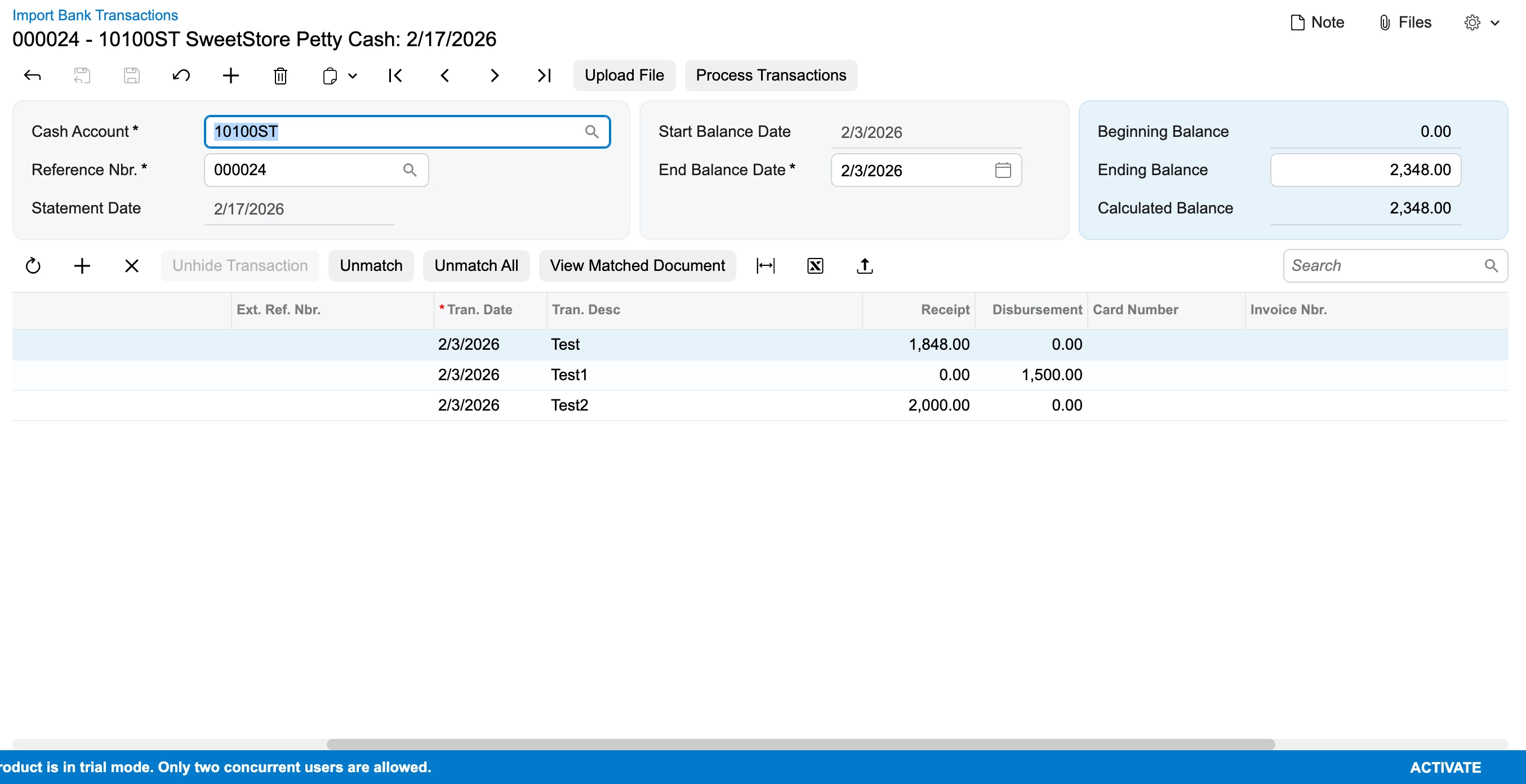
For the beginning & ending balances:

I have also modified the import scenario which I am attaching here.

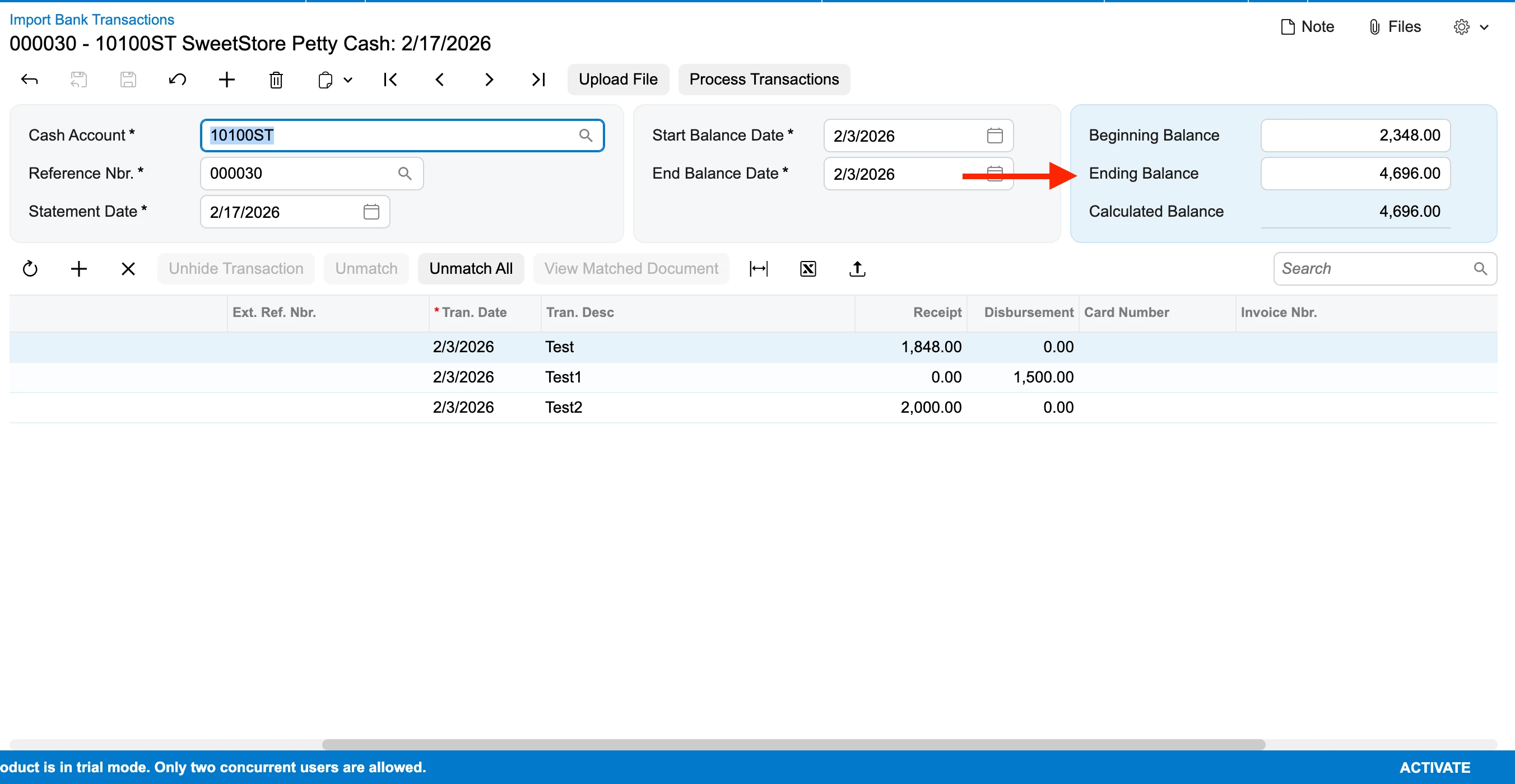
For ending Balance, you would need to manually enter since, it should match the Calculated Bal.

the first set of transaction imported, processed & matched.


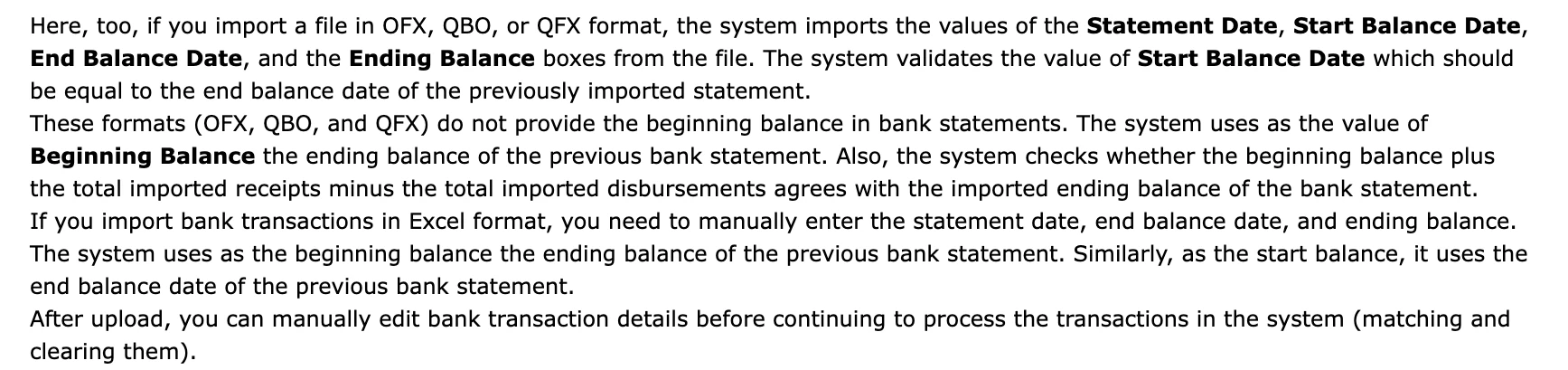
The further set of transactions where the Beg. balance is picked up from the Ending Bal of previous record & Ending Bal entered manually & then to be processed.


The Mapping


Hope this helps!!