Hii @mdyer ,
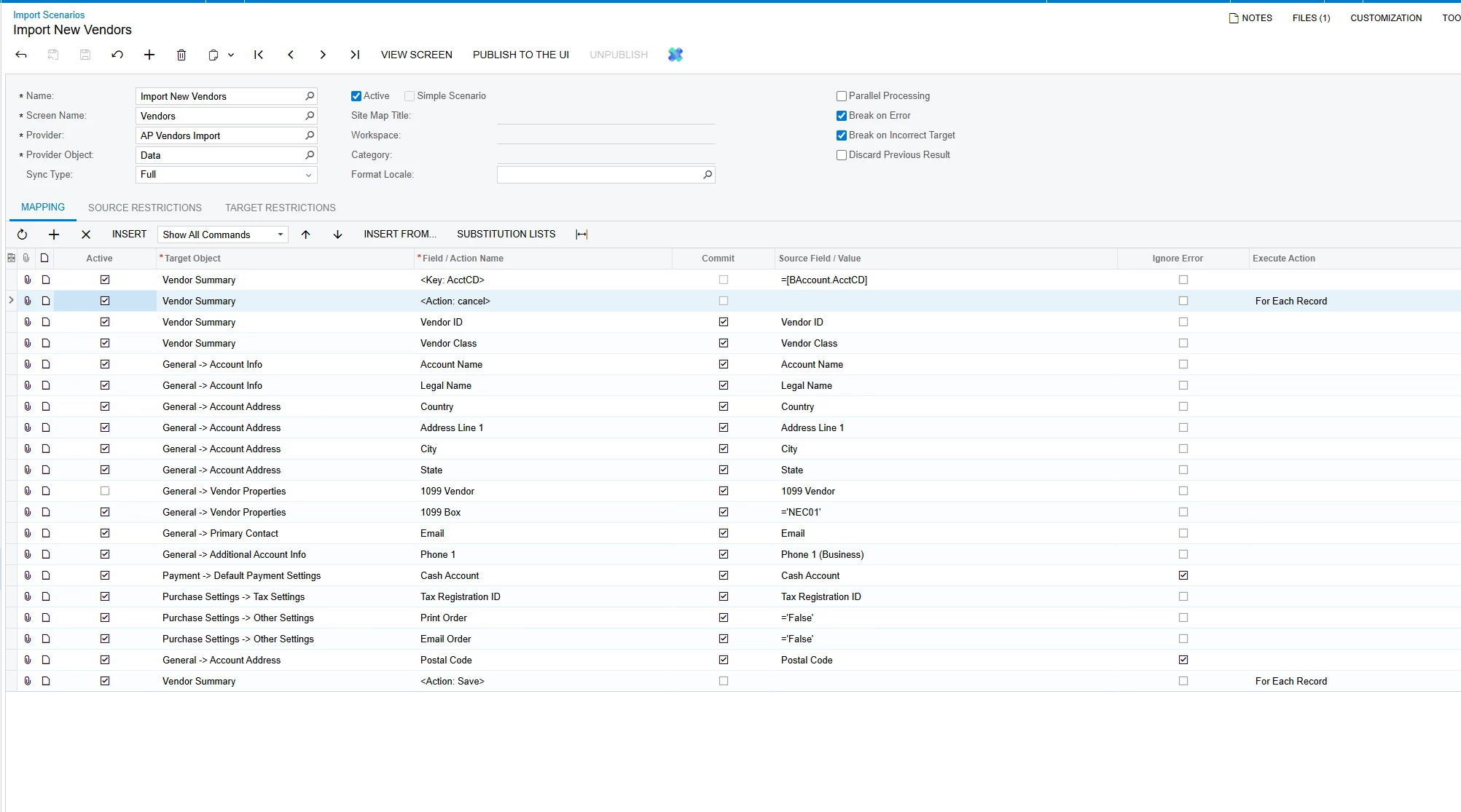
The Cash Discount Sub is not related to the Cash Account mapping in the Excel file. They are separate fields.
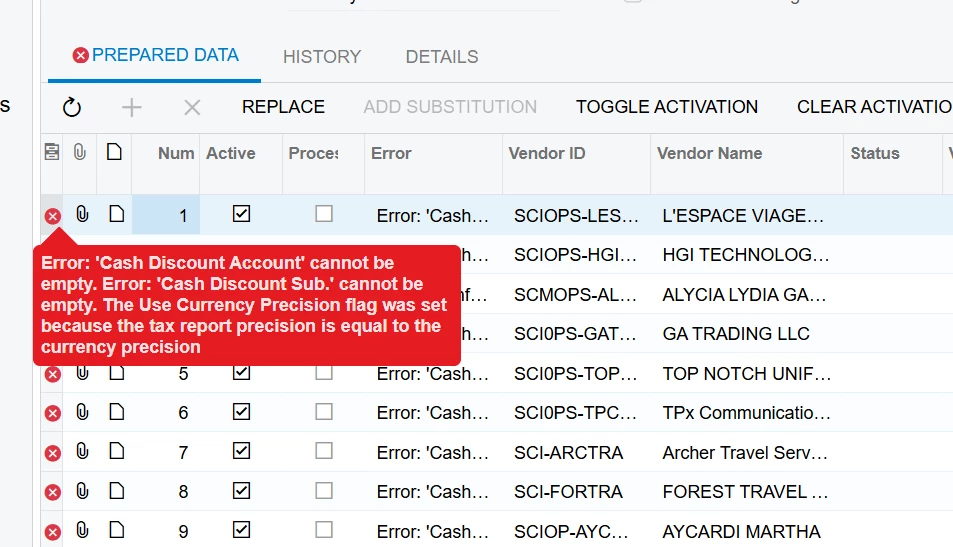
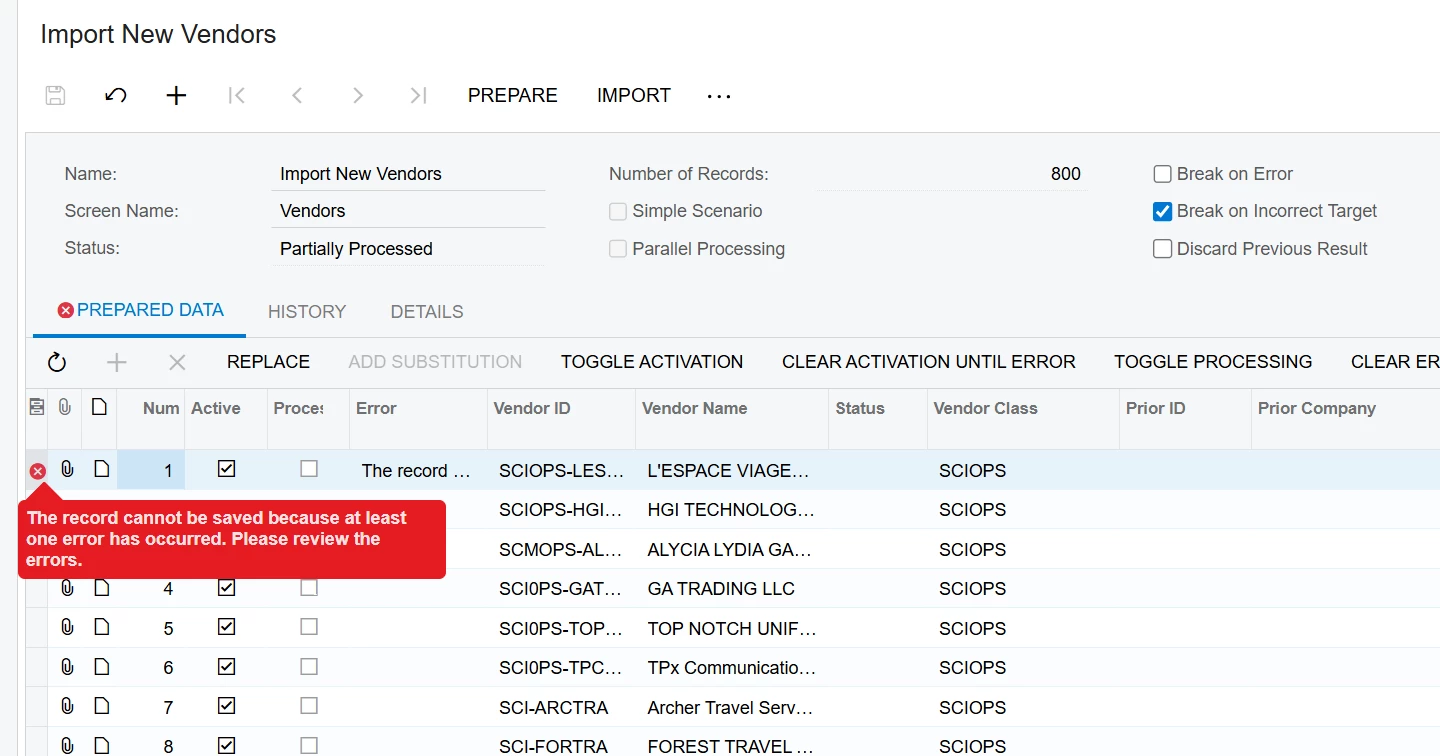
I reviewed the scenario and source file. All 800 rows are assigned to vendor class SCIOPS, and the scenario does not map Cash Discount Account or Cash Discount Sub. When a new vendor is created, Acumatica attempts to default those GL values from the selected Vendor Class. If the class is missing the Cash Discount Sub, the vendor cannot be saved and the import fails.
To resolve this:
- Open Vendor Classes (
AP201000) and select the vendor class used in the import (SCIOPS). - On the GL Accounts tab, verify that both Cash Discount Account and Cash Discount Sub. are populated with valid values.
- Save the vendor class.
- Test by manually creating one vendor with that class. If it saves manually, rerun the import with one record before processing the full file.
If SCIOPS does not exist in the tenant, the XML/data file came from a different tenant. In that case, update the Excel Vendor Class column to an existing, appropriate local class, or create SCIOPS with the correct GL defaults.
Hard-coding Cash Discount Account and Cash Discount Sub in the import scenario is also possible, but correcting the Vendor Class is usually the better approach because all new vendors will inherit the same valid defaults.