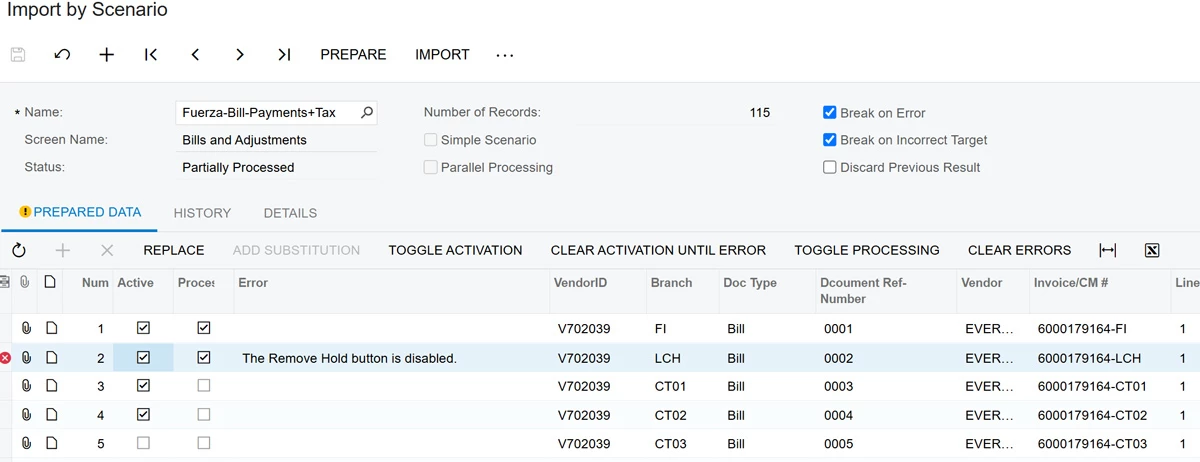
You can only remove the hold once for a document. There’s 2 options. For both scenarios, in your import scenario, disabled/deactivate the step that has the remove hold action.
- On the AP Preferences screen, unselect the “hold documents on entry” option so that all documents are automatically in the “Balanced” status (this won’t work if you have an approval map) and could cause other issues if you’re not in migration mode (i.e. your total in the header doesn’t match your line totals)
- Once everything is imported, take all the documents off hold. I usually do this by updating my Bills and Adjustments GI to allow for mass updates and add the remove hold action.