Answer

How to import Prepayment into Customer Refund in Payments and Application (AR302000)

  • September 9, 2021
  • 1 reply
  • 210 views

We have had a payment issue from a third party that sends us orders and payments to import adn we need to create Customer refunds for thousands of Prepayments. I have created a simple import that fills in the necessary Form Elements, but when it tries to add the Prepayment in the Documents to Apply section I et an error saying : “The system failed to commit the Adjustments row.

Here is the import:
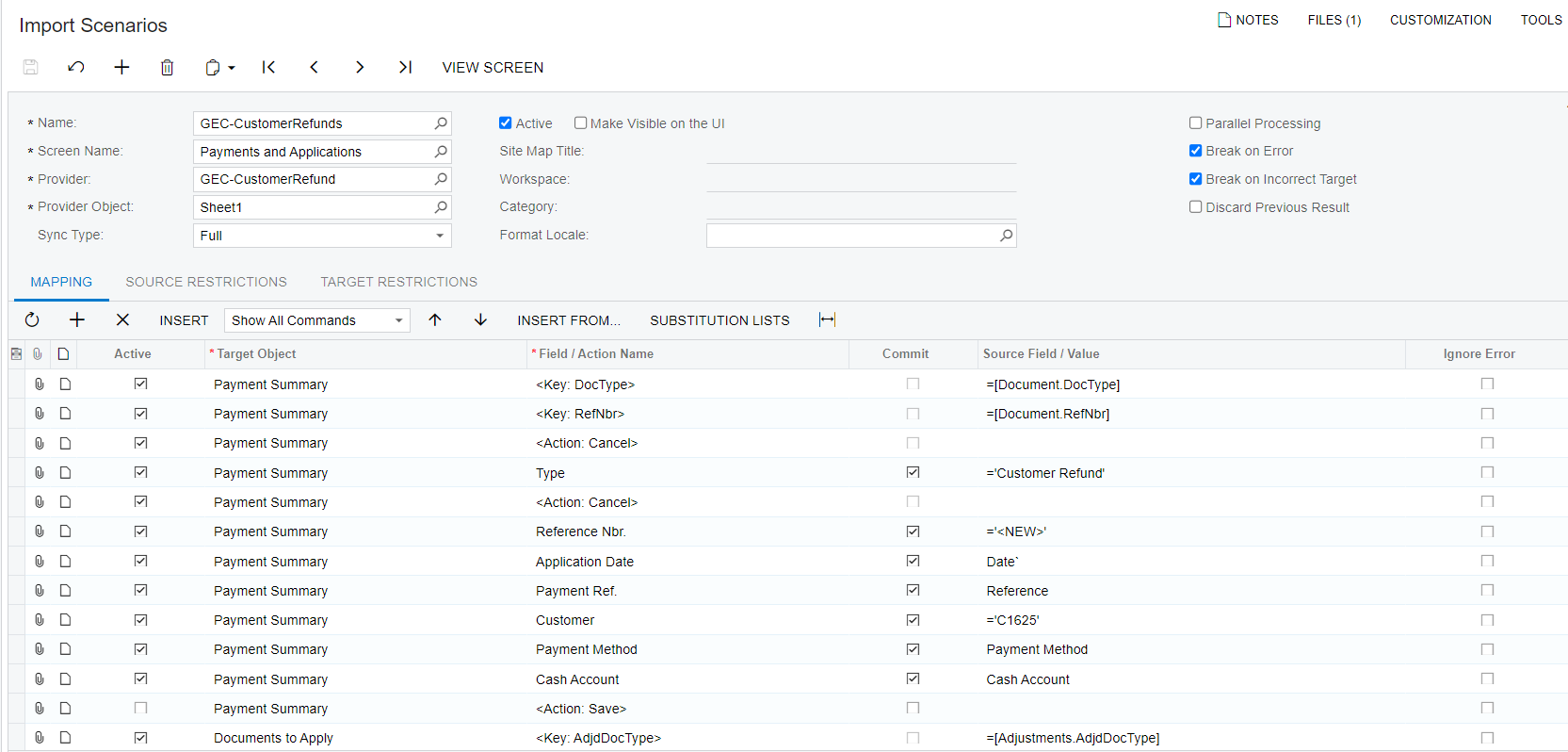
 

If I have the Documents to Apply section unchecked it will create the document as seen here:
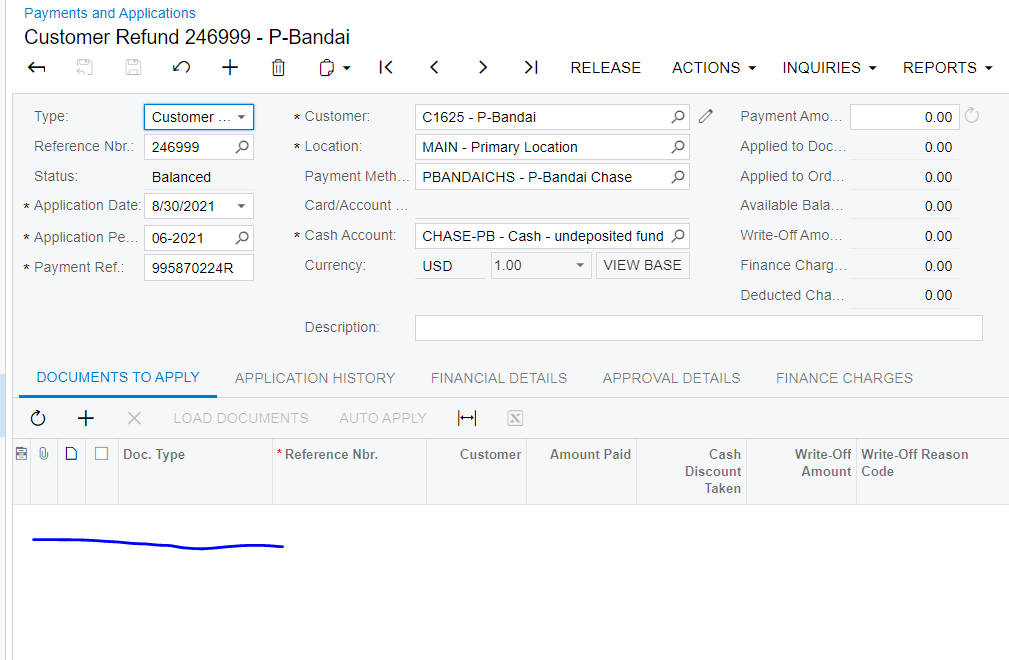
 

I need help getting it to fill in the Adjustments/Documents to apply section with the single prepayment that should be tied to it.


Thanks,

Harrison

Best answer by JTang

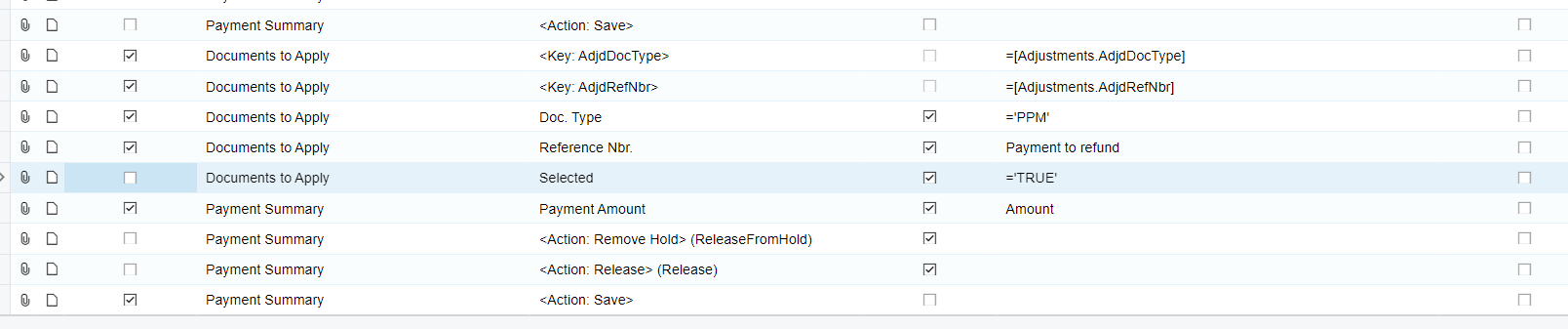
Add a line number = -1 before the [documents to apply] key. See if it now imports. If not, inactivate the payment amount field and try. That should work, just the detail and header won't have values for amounts. If the auto apply action is available to be ran during import that solves the details, which you can just add to header after. 

1 reply

JTang
Jr Varsity II
  • Answer
  • November 17, 2023

Add a line number = -1 before the [documents to apply] key. See if it now imports. If not, inactivate the payment amount field and try. That should work, just the detail and header won't have values for amounts. If the auto apply action is available to be ran during import that solves the details, which you can just add to header after.