


Is it possible to add scanners to Acumatica to the receiving process?
Solved
How to add scanners to receiving process in Acumatica
Best answer by rosenjon
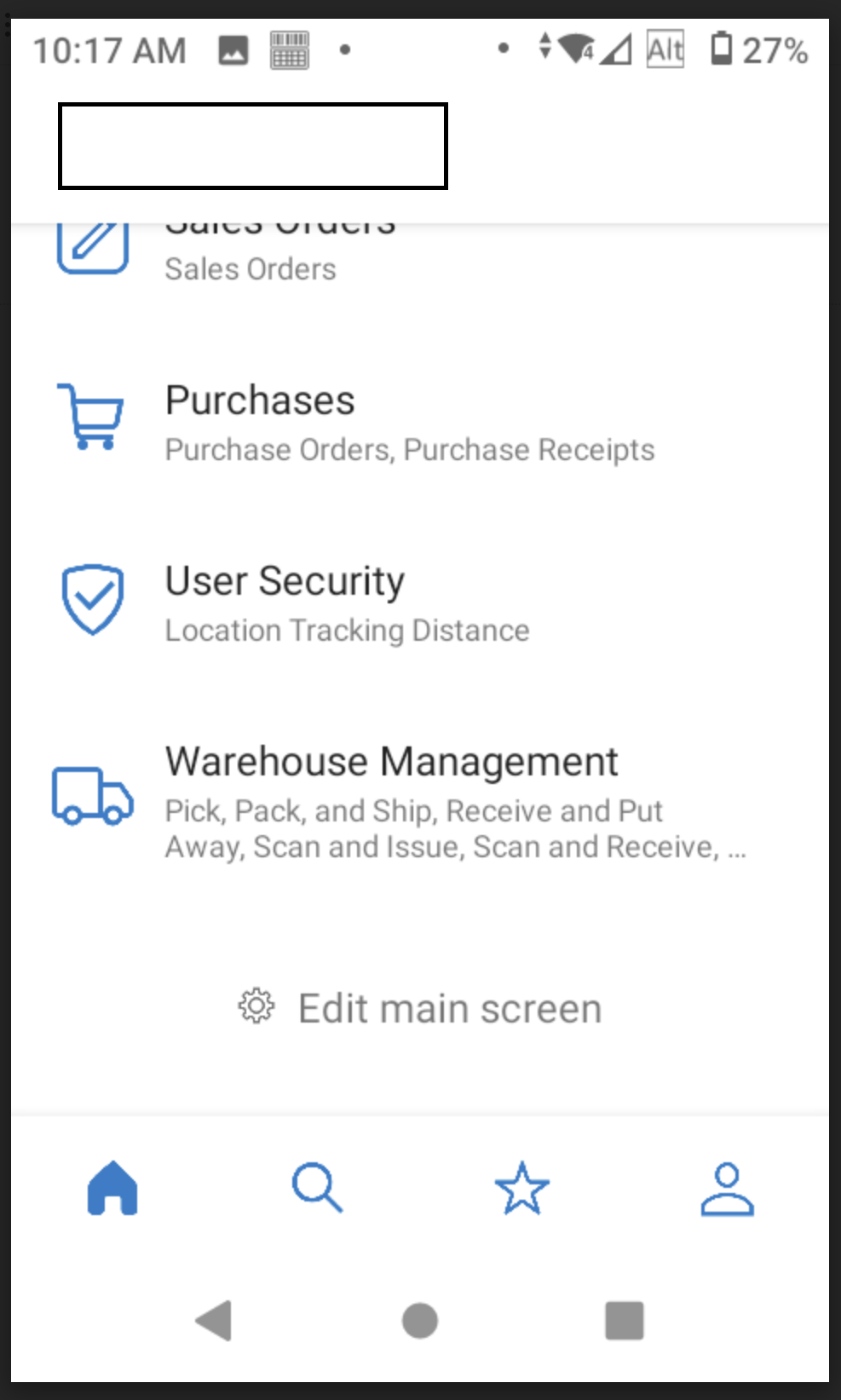
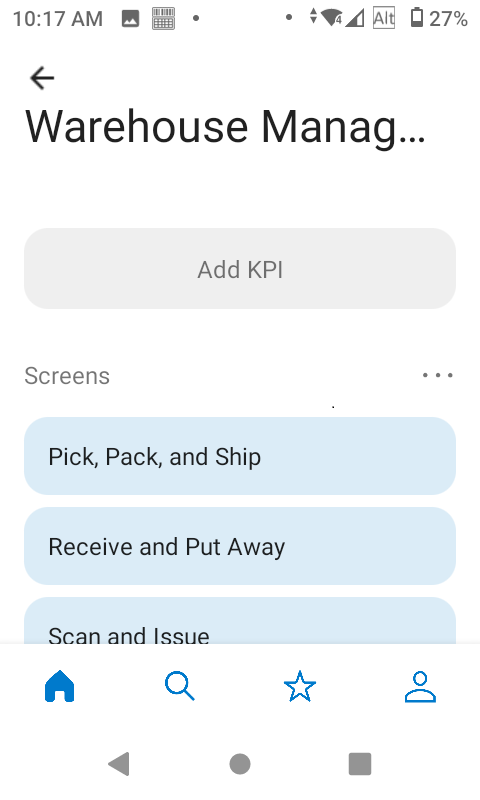
Yes, Acumatica has a mobile app with a built in WMS. The WMS product is not as mature as some other solutions on the market, so I would recommend testing it for your use case (it can be a little laggy and its user interface a bit confusing, in my opinion). However, it does exist and function for relatively low volume warehouse work. In newer versions of Acumatica, they have “paperless” workflows where you can send orders straight to the handheld to be picked, packed and shipped.
For receiving work, you issue a purchase receipt and remove the hold in the desktop app, and then product can be received and put away from the mobile app (scanned to a location in the warehouse).
You will have to setup at least one warehouse with locations for racks etc to put stuff away in order to use WMS for receiving. You can enable the WMS feature in the Enable Features section of Acumatica. Then do necessary setup, and download the Acumatica mobile app for Android or iOS to use the WMS app for receiving or shipping product.








Login to the community
No account yet? Create an account
Social Login
Login with your Acumatica accountEnter your E-mail address. We'll send you an e-mail with instructions to reset your password.