



Answer

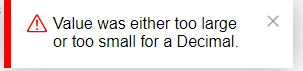
Error during import scenario: Value either too large or too small

  • March 16, 2023
  • 5 replies
  • 299 views

Kandy Beatty
Captain II
Forum|alt.badge.img+17

Hi all,

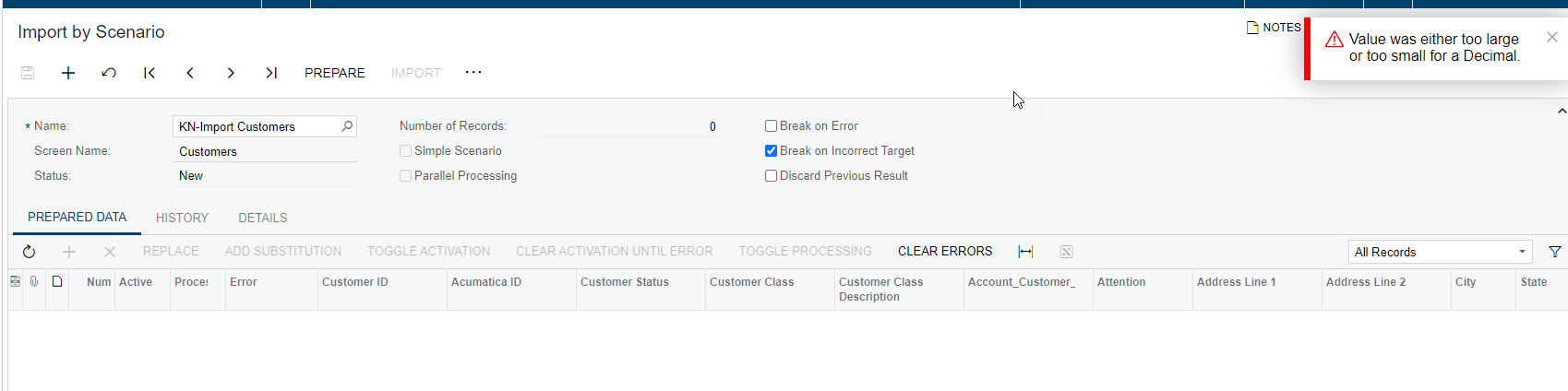
I am receiving this error when trying to import Contacts for CRM, has anyone seen it before?
at System.Decimal..ctor(Double value) at PX.DataSync.ExcelSYProvider.<>c__DisplayClass12_1.<InternalImport>b__0(Int32 index) at PX.DataSync.PXSYBaseFileProvider.ImportRowFill(PXSYTable table, List`1 sourceColumns, Func`2 action) at PX.DataSync.ExcelSYProvider.InternalImport(PXSYTable table) at PX.DataSync.PXSYBaseFileProvider.Import(String objectName, String[] fieldNames, PXSYFilterRow[] filters, String lastTimeStamp, PXSYSyncTypes syncType) at PX.Api.SyMappingUtils.QueryProvider(SYProcess graph, SYMapping mapping, SYImportOperation operation, IList`1 sources, List`1 filters) at PX.Api.SyMappingUtils.QueryProviderForPreparedData(SYProcess graph, SYMapping mapping, SYImportOperation operation) at PX.Api.SyMappingUtils.PrepareData(SYProcess graph, SYMappingActive mapping, SYImportOperation operation, SYMappingActive updated) at PX.Api.SyMappingUtils.ProcessMapping(SYProcess graph, SYMappingActive mapping, SYImportOperation operation) at PX.Api.SYImportProcessSingle.<>c__DisplayClass67_0.<PerformOperation>b__0() at PX.Concurrency.CancellationIgnorantExtensions.RunWithCancellationViaThreadAbort(Action method, CancellationToken cancellationToken) at PX.Concurrency.CancellationIgnorantExtensions.<>c__DisplayClass1_0.<ToCancellationViaThreadAbort>b__0(CancellationToken cancellationToken) at PX.Concurrency.Internal.PXLongOperationPars.PopAndRunDelegate(CancellationToken cancellationToken) at PX.Concurrency.Internal.RuntimeLongOperationManager.PerformOperation(PXLongOperationPars p)
Best answer by Manikanta Dhulipudi

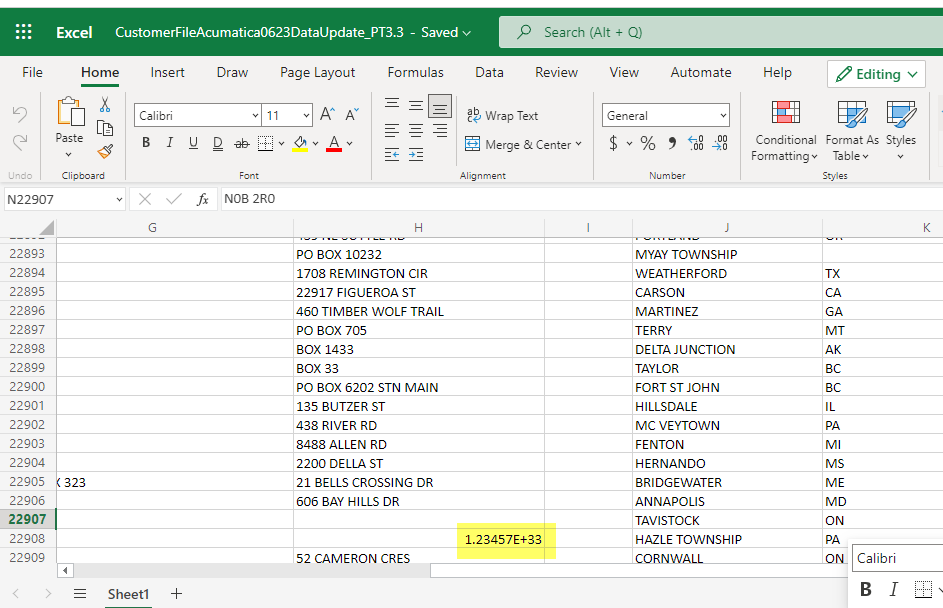
Hi @kandybeatty49 This was a data issue in the excel. we have handled it I believe.


Thanks


5 replies

Naveen Boga
Captain II
Forum|alt.badge.img+19
  • Captain II
  • March 17, 2023

Hi @kandybeatty49  

The decimal type in C#.NET has a range from approximately -79,228,162,514,264,337,593,543,950,335 to 79,228,162,514,264,337,593,543,950,335, with up to 28 digits of precision. If the value being assigned is outside of this range, you will encounter the error message.

In your import scenario, can you please check the decimal fields to make sure fall in this range?


Forum|alt.badge.img+12
  • Acumatica Support Team
  • March 17, 2023

Hi @kandybeatty49 

Please check the source data. The error could come due one of the following reason :

  • The format of a column being incorrect ( general v/s number/ decimal etc)
  • The column has an incorrect or large value as compared to the format specified

Are you using standard import scenario ?

Regards,


Kandy Beatty
Captain II
Forum|alt.badge.img+17
  • Author
  • Captain II
  • March 17, 2023

Hi @kandybeatty49  

The decimal type in C#.NET has a range from approximately -79,228,162,514,264,337,593,543,950,335 to 79,228,162,514,264,337,593,543,950,335, with up to 28 digits of precision. If the value being assigned is outside of this range, you will encounter the error message.

In your import scenario, can you please check the decimal fields to make sure fall in this range?

It is an issue with the data given. I am working to fix it. 


Kandy Beatty
Captain II
Forum|alt.badge.img+17
  • Author
  • Captain II
  • March 17, 2023

Hi @kandybeatty49 

Please check the source data. The error could come due one of the following reason :

  • The format of a column being incorrect ( general v/s number/ decimal etc)
  • The column has an incorrect or large value as compared to the format specified

Are you using standard import scenario ?

Regards,

Yes, it is an out of the box import. I tested with about 100 records and they worked so it needs to somewhere else in the rest. 


Manikanta Dhulipudi
Captain II
Forum|alt.badge.img+15

Hi @kandybeatty49 This was a data issue in the excel. we have handled it I believe.


Thanks


