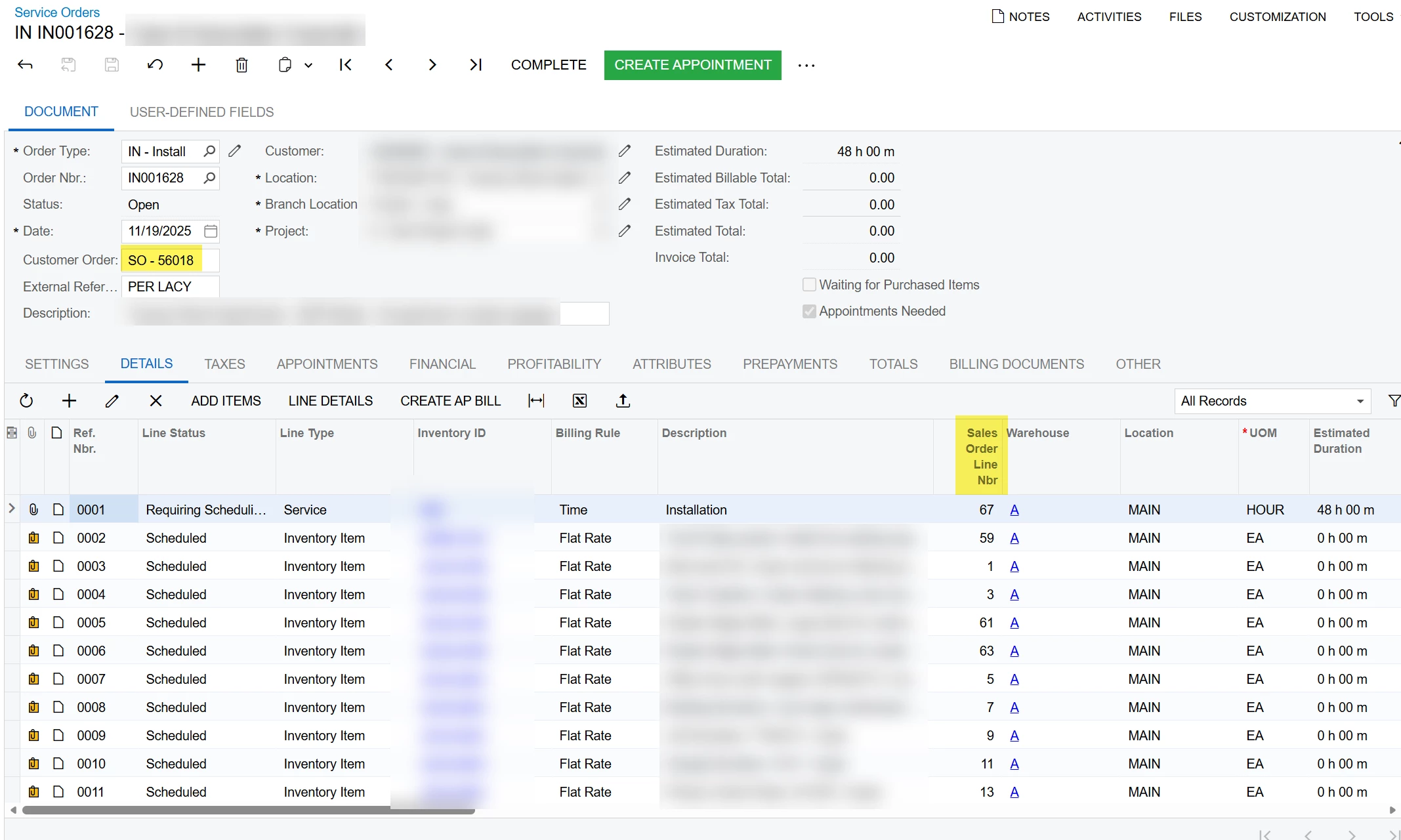
Does anyone have a working Import Scenario to create a service order from a sales order?
When the ‘Create Service Order’ action is executed through the UI, it redirects to the Service Order screen and the user has to press the Save button. An import scenario that starts on the Service Order screen can populate the dialog box options but cannot press save.
Another approach it to create a Service Order starting on the Service Order screen, but in this case there doesn’t seem to be any option in the User Interface to identify the source of the service order, which needs to be linked back to the Sales Order. Even on a new Service Order, these fields are not editable. The only way that I can find to create the linkage is using the ‘Create Service Order’ action from the Sales Order.
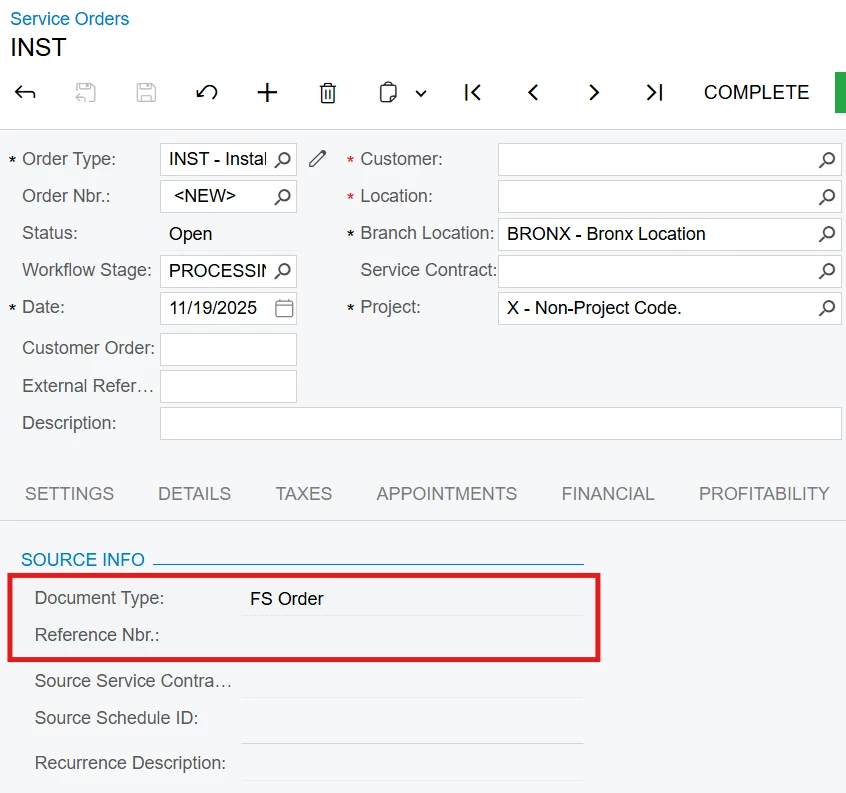
I have reviewed several threads including this one. While this seems to be on topic and is marked as Solved, I have not found a working solution. If someone has been able to get this working, I would be grateful to see how.
Ideally, IMO, there would be an option on the Process Orders screen to filter (for example based on prepayment status) and Create Service Orders in an automated process for sales orders that meet the criteria.
Thoughts from the experts out there?
Thanks in advance!