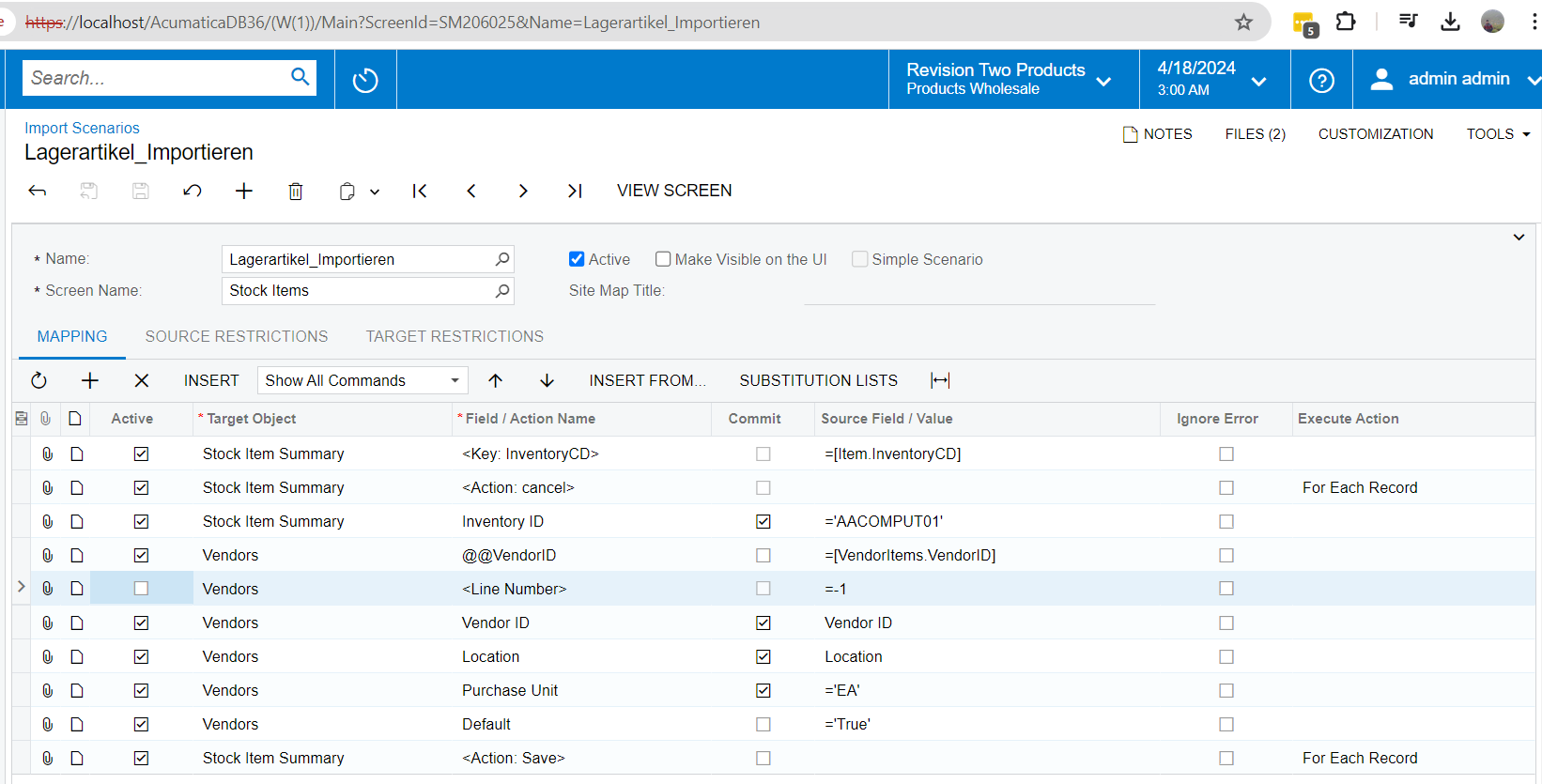
I have the problem that I want to add several suppliers to a stock item. This works so far, but I need a way to skip empty rows in Excel.
For example:
I have three possible suppliers in my Excel list.
Two are imported.
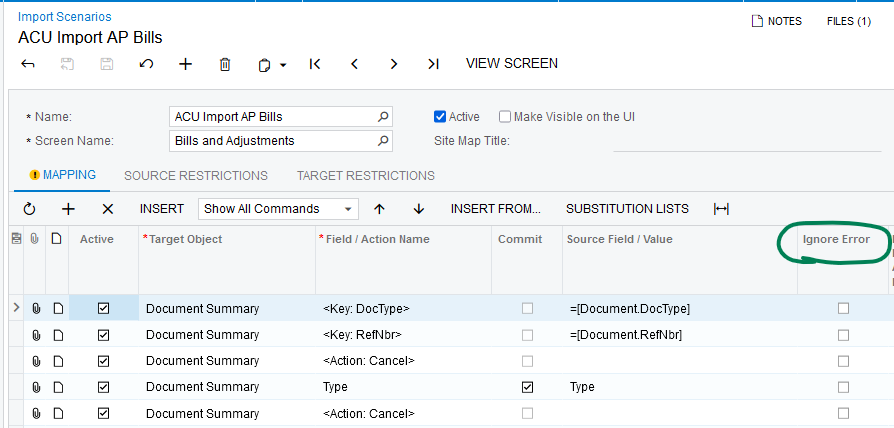
For the third one, it throws an error because there is none, for example.
Does anyone have any idea how I can work around this?
Kind regards
Best answer by Manikanta Dhulipudi
Hi @ernst97
Please find the attached Import scenairo
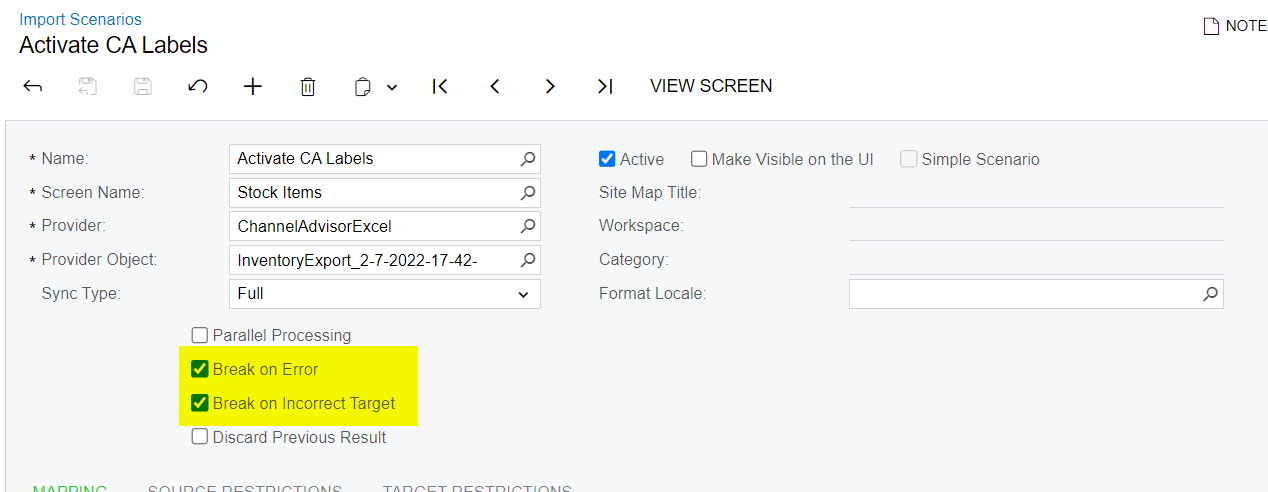
can you update your data provider as below ( Attached for reference). If the data is missing and it is null then the record will shows as failed, In this way we can upload the vendor which are available.
can you update your data provider as below ( Attached for reference). If the data is missing and it is null then the record will shows as failed, In this way we can upload the vendor which are available.
Is there a kind of zero or skip command? Then I think it would be possible via an IIF query.
for example IIF([VENDORID] = null, 0 / skip, [VENDORID])
I think you’re looking for putting something in the Source Restrictions tab which will allow you to filter out the records from the source file before they are processed by the import scenario.