How can I make the following pivot table display periods ascending chronologically, and sort the GL accounts by name?
The constraints of this task are that the GL account displayed on the pivot table is a concatenation of the account CD and the account name, and the financial period displayed is a concatenation of the last 2 and first 4 digits of the Fin period ID.
In this example, I was able to sort the columns chronologically only after including the Fin Period ID on the pivot table, but I would like to hide it for readability.
Thank You!!!
Best answer by bwhite49
Ah, I see. Is it best to use ARM for financial reporting instead of pivot tables? Would that solve the secondary issue of the pivot table taking a white to load for large generic inqs?
ARM or creating this in report designer would work better here for sure, but they are a bit more technical to put together. Report designer is especially tricky.
Pivot tables are great for what they are, and they have a lot of potential to be amazing in the future, but they are not the best solution for what you are trying to do here.
ARM reports are usually faster from my experience.
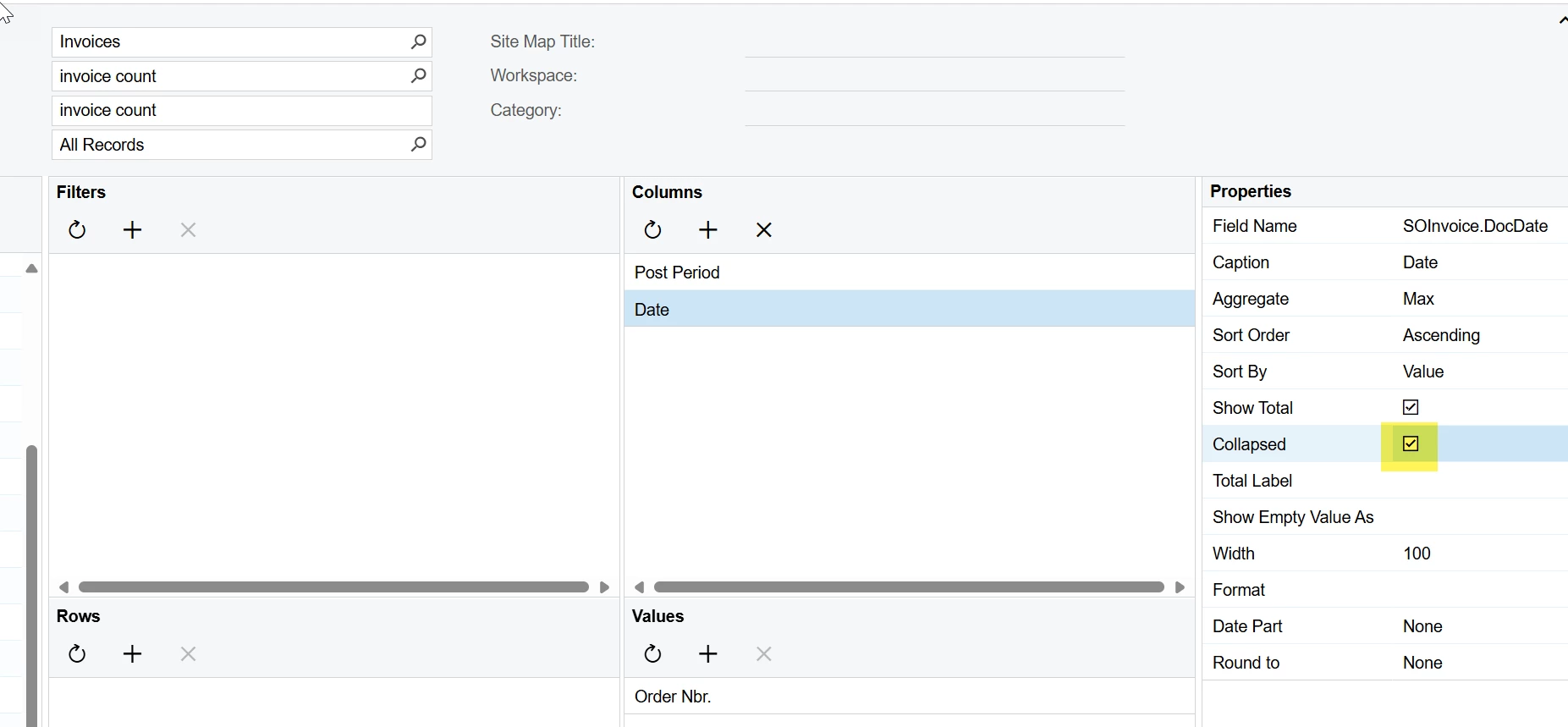
I would rather not collapse it, since I'd like to retain the expand / collapse all functionality on the bottom left corner of the screen. The ideal solution would be to display the desired fields but have them be sorted on different fields that are not displayed.
I see - I’m pretty sure it’s not possible. There are lots of limitations with pivot tables at the moment.
I would love to be able to create calculated columns so that we can calculate percentages and such between two columns - that has frustrated me for a long time. Visibility controls should exist too… you should create an Acumatica idea for this.
Ah, I see. Is it best to use ARM for financial reporting instead of pivot tables? Would that solve the secondary issue of the pivot table taking a white to load for large generic inqs?
Ah, I see. Is it best to use ARM for financial reporting instead of pivot tables? Would that solve the secondary issue of the pivot table taking a white to load for large generic inqs?
ARM or creating this in report designer would work better here for sure, but they are a bit more technical to put together. Report designer is especially tricky.
Pivot tables are great for what they are, and they have a lot of potential to be amazing in the future, but they are not the best solution for what you are trying to do here.
ARM reports are usually faster from my experience.