Hi there,
I’m wanting to create journals that hit Inventory ID.
For background, we only have non-stock items, and don’t have any stock items as our business doesn’t deal with inventory.
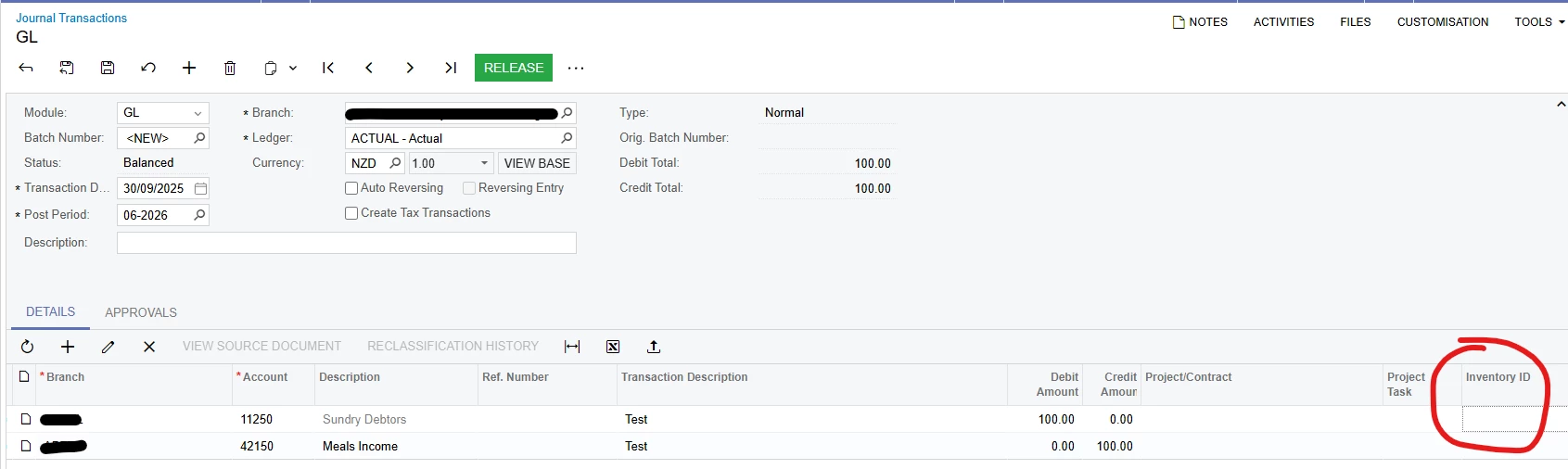
However, when I click into Inventory ID to select a stock item, the pop up only shows Stock items, which of course we don’t use/don’t have any.
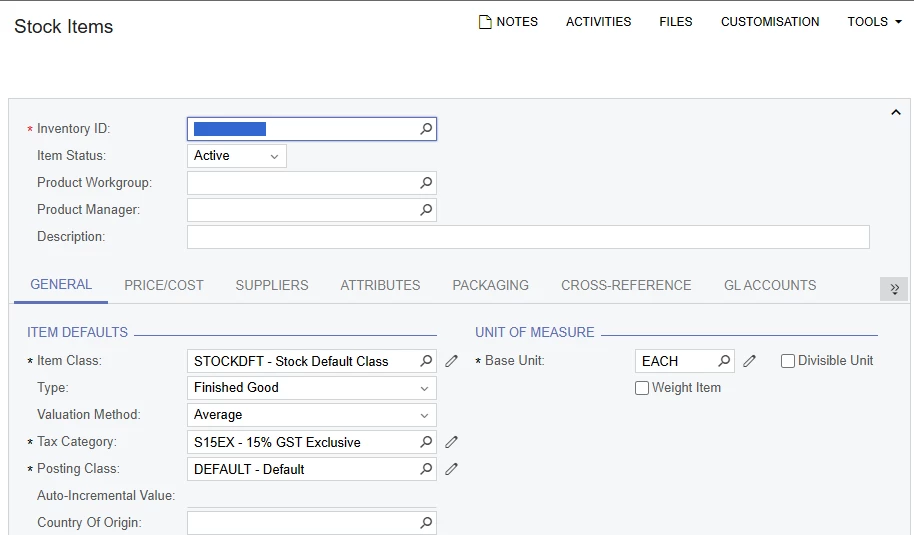
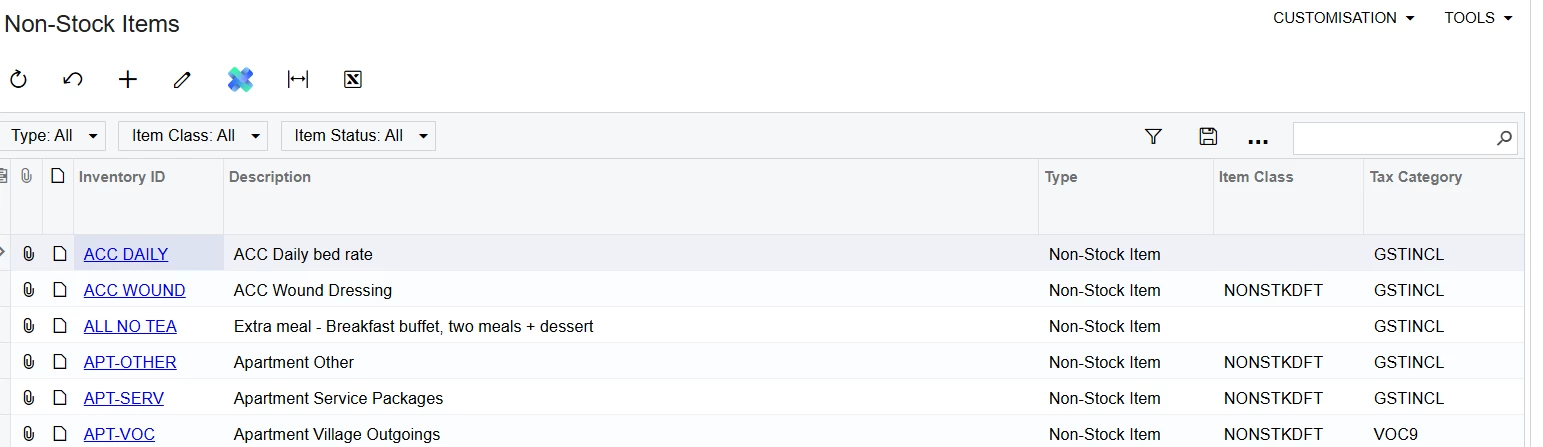
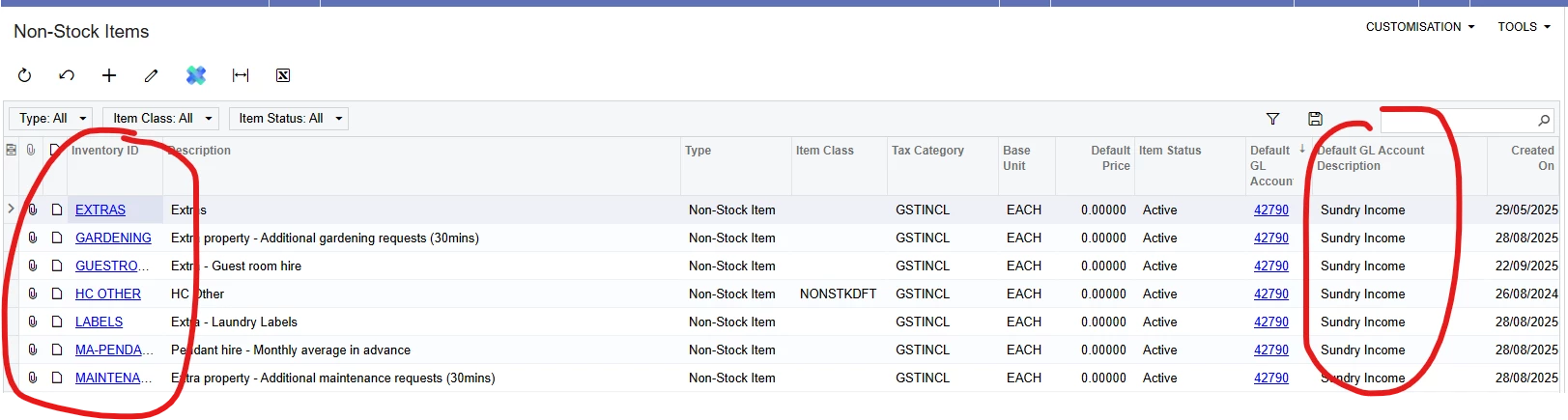
How do I get it to show our Non Stock so I can select that?
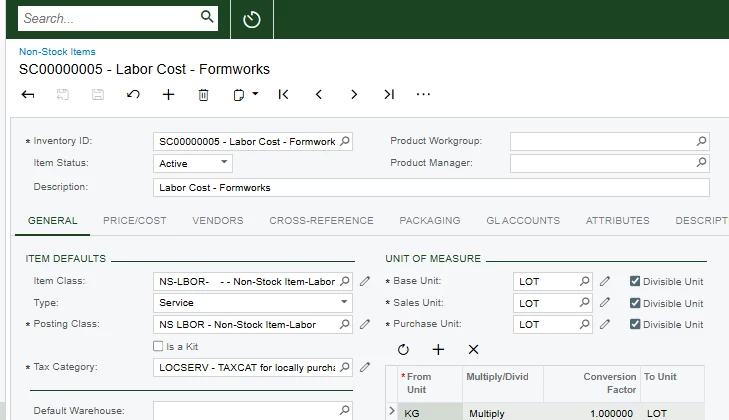
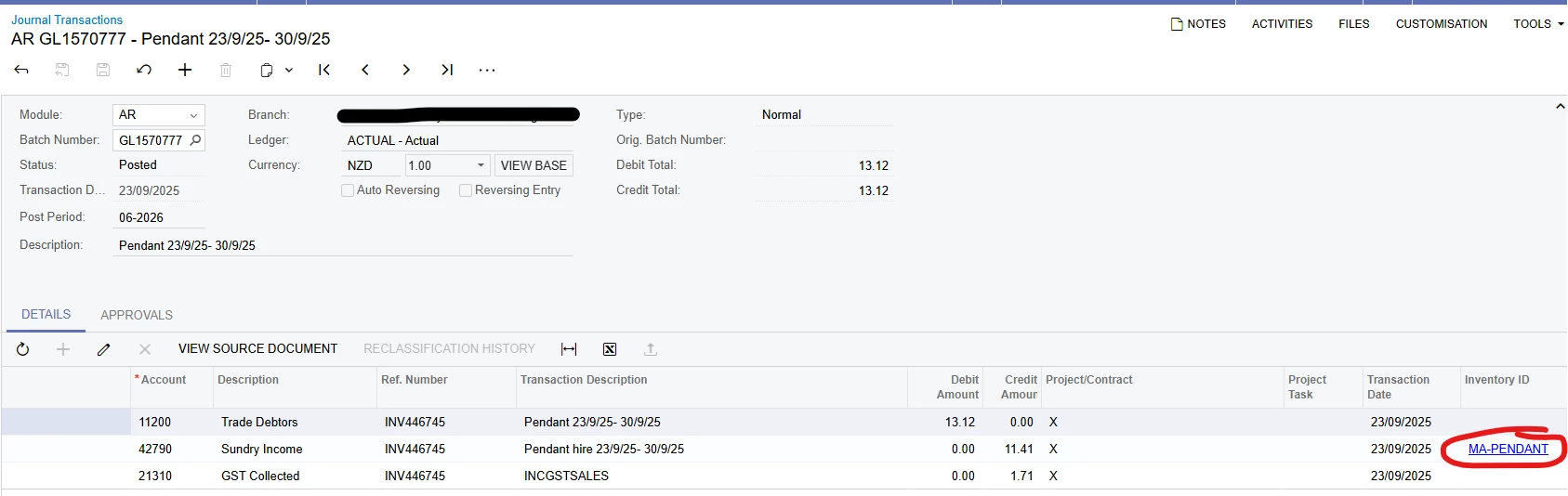
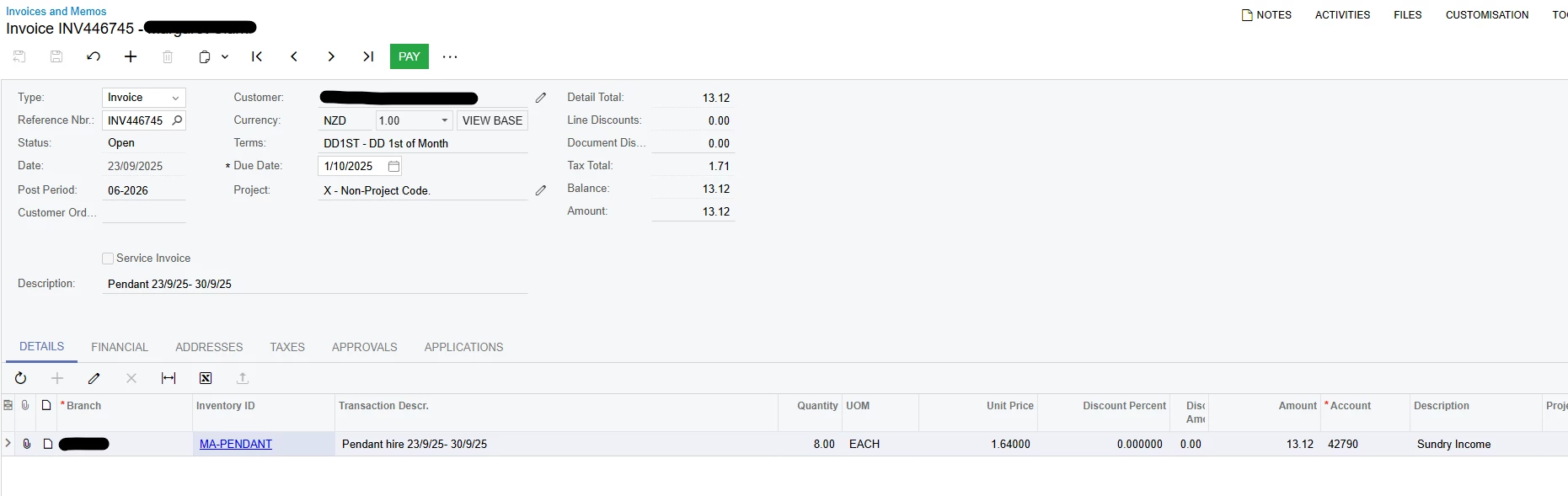
In contrast, the journals seem to be able to do this, below is a journal with a source document originating from the Receivables module, where the non stock item has been chosen on the invoice document.
Invoice:
Thank you.