Question

Purchase Accrual Account Clearing Issue

  • March 10, 2026
  • 2 replies
  • 28 views

Forum|alt.badge.img

Hello, 

  1. How do you clear the purchase accrual account when you have a receipt and a return for a vendor, but the amounts don’t match exactly?  Example:
    1. You have a PO receipt for $500 of goods and PO return $450 – I am guessing that it may have something to do with the average cost changing between when the goods were received and when they were returned.
    2. The opposite of the above could happen as well – PO receipt for $450 and a PO return for $500.

2 replies

jhalling52
Jr Varsity I
Forum|alt.badge.img
  • Jr Varsity I
  • March 10, 2026

Hi ​@ChantellBeaty,


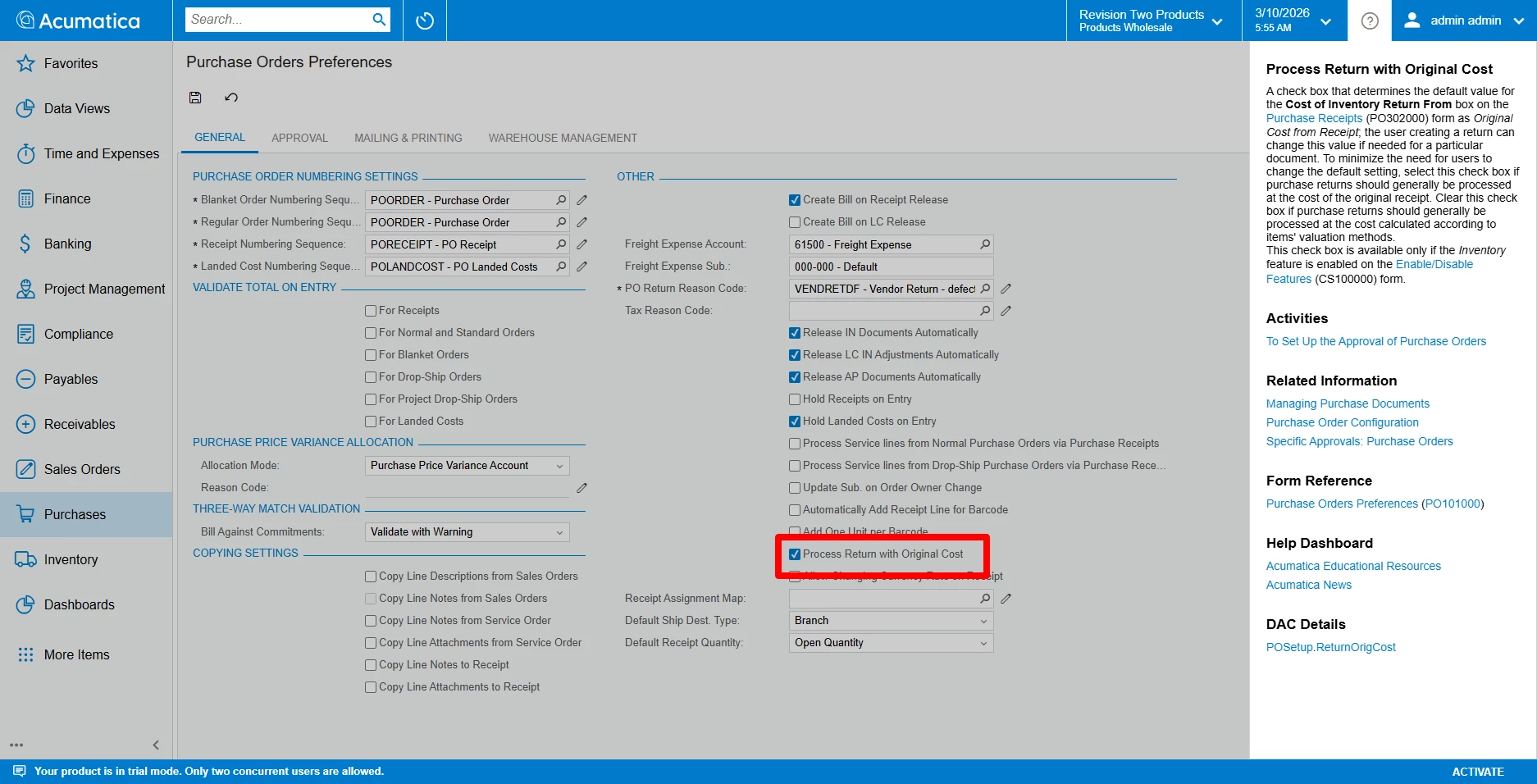
One setting to consider is the Process Return with Original Cost checkbox on the Purchase Order Preferences screen:


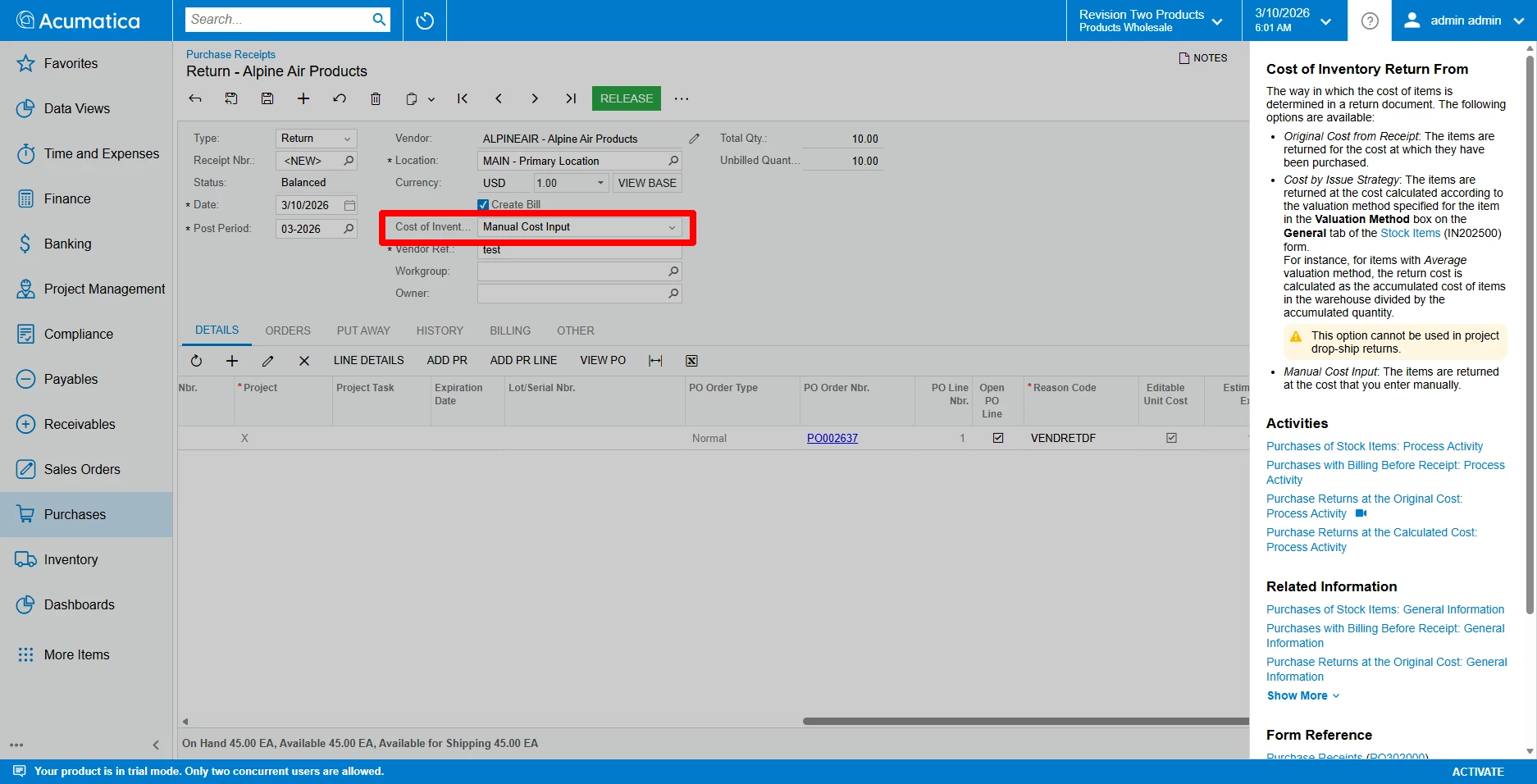
The cost on the return can also be controlled on the Purchase Receipt (Return) Cost of Inventory Return From:


To clear the remaining balance, I believe you could create a journal entry that posts the amount from the Purchase Accrual account to a Purchase Price Variance (PPV) or Inventory Adjustment account.


Kandy Beatty
Captain II
Forum|alt.badge.img+18

How to Clear the Accrual When the Receipt and Return Don’t Match

  •  Use an AP Bill + Debit Adjustment 

This works when you cannot pair the receipt and return directly.

Steps

  1. Create an AP Bill for the receipt.

  2. Release the Bill.

  3. The system will generate a Debit Adjustment for the return side (or you create one manually).

  4. Release the Debit Adjustment.

  5. Apply the Debit Adjustment to the Bill.

This clears the accrual even if receipt and return quantities/costs do not match.

This process is confirmed as the standard correction method in Acumatica community guidance:

  • Reverse or adjust the bill, then enter a new bill with the correct quantities and apply the debit adjustment.