Hi,
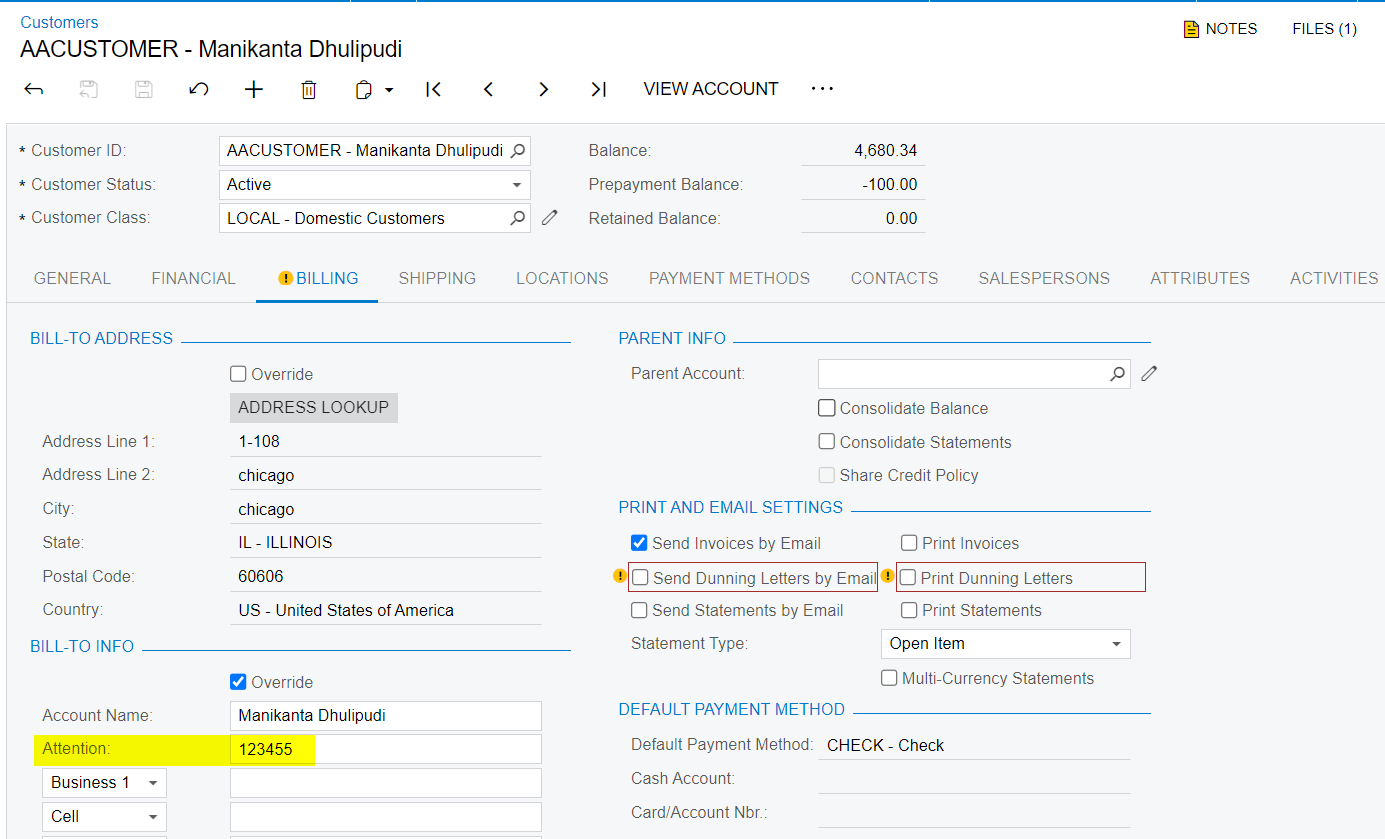
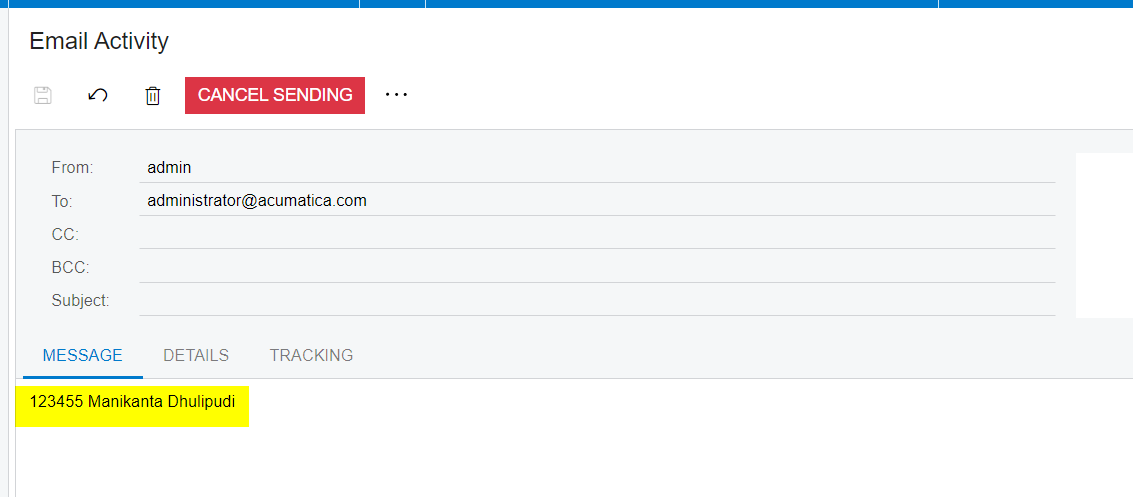
I need to change the attention field on an email notificaiton template.
I need to include the bill-to info → account name
However, everything I try only gives the account info → account name
Is it possible to get to the bill-to info account name in an notification template?
These are all of the fields I have tried and do not work -
((DefaultCompanyContact.FullName))
((DefaultCompanyContact.BAccountID))
((Customer.DefContactID.FullName))
((DefaultCompanyContact.MemberName))
((DefaultCompanyContact.FullName))
((Customer.AcctName))
((Customer.BillCustomerID))
((Customer.BillLocationID.Descr))
((Customer.BillLocationID.DefContactID.FullName))
((Customer.BillLocationID.DefContactID.MemberName))
((Customer.BillLocationID.DefContactID.BAccountID))
((Customer.BillLocationID.DefContactID.BAccountID.SendInvoicesTo))
((Customer.BillLocationID.DefContactID.BAccountID.BillCustomerID))