Solved

How to Default Processing Center for Acumatica Payments

  • August 22, 2024
  • 2 replies
  • 156 views

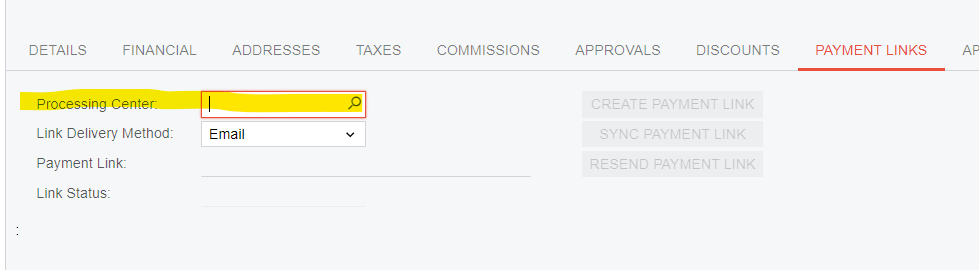
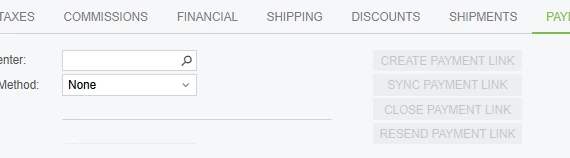
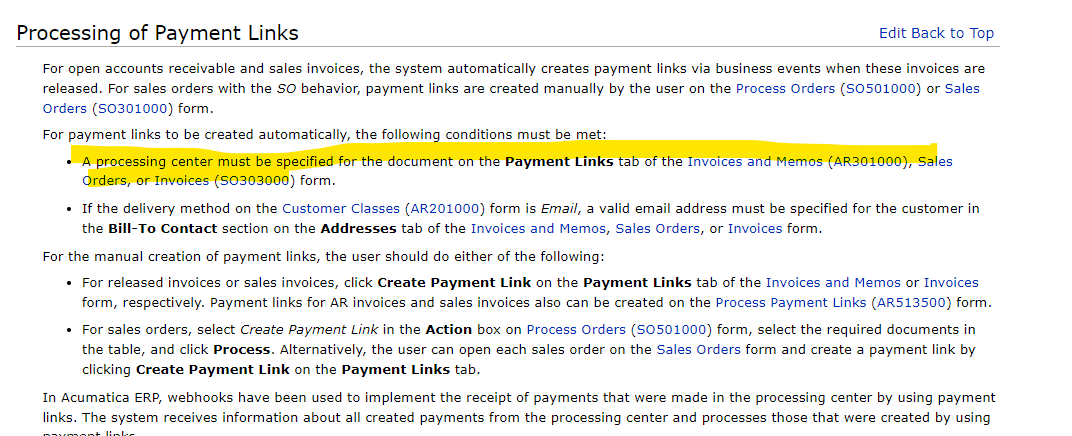
Hello!  We recently went live with Acumatica and are using the Acumatica Payments.  The embedded help information says that for a payment link to be automatically sent with an invoice a Processing Center must be selected.  - First screenshot


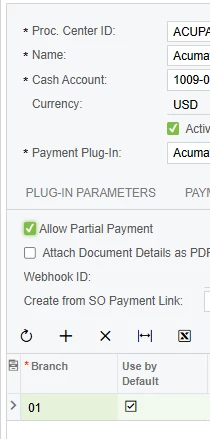
I can’t find a way to default this processing center to ACuPay (or something that’s not blank).  Is there a way to do this or does our Billing Specialist have to populate this for each invoice?  - Second screenshot
 

Best answer by Dmitrii Naumov

Hi @dspeas

To set it up as a default processing center, you need to go on the Processing Centers screen, open "Payment Links" tab and set "Default" checkbox for the branch that you want the processing center to default for. 

2 replies

Dmitrii Naumov
Acumatica Moderator
Forum|alt.badge.img+7
  • Acumatica Moderator
  • Answer
  • August 22, 2024

Hi @dspeas

To set it up as a default processing center, you need to go on the Processing Centers screen, open "Payment Links" tab and set "Default" checkbox for the branch that you want the processing center to default for. 


Melissalutrick21
Freshman II
Forum|alt.badge.img

Is there any advice when setting this does not work? 


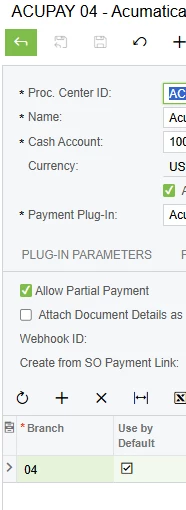
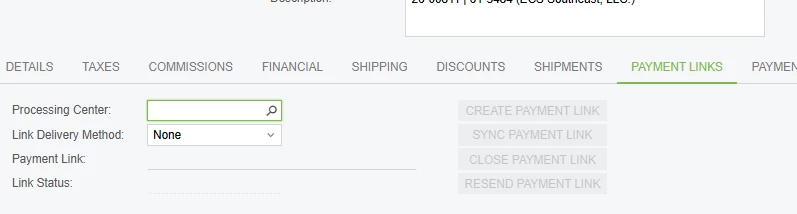
I recently upgraded a customer on Acumatica Payments to 2025R2 and they have 3 processing Centers running. I have each processing center set as a default on a different branch, unfortunately only branch 01 is actually applying branch 04 and 06 are showing up empty.
An additional issue is the business event that was functioning to create payment links no longer works and users are having to manually create the links, so less are being created. 
I’d love some expertise!