So there are two types of ‘open’ POs: (That I use anyways)
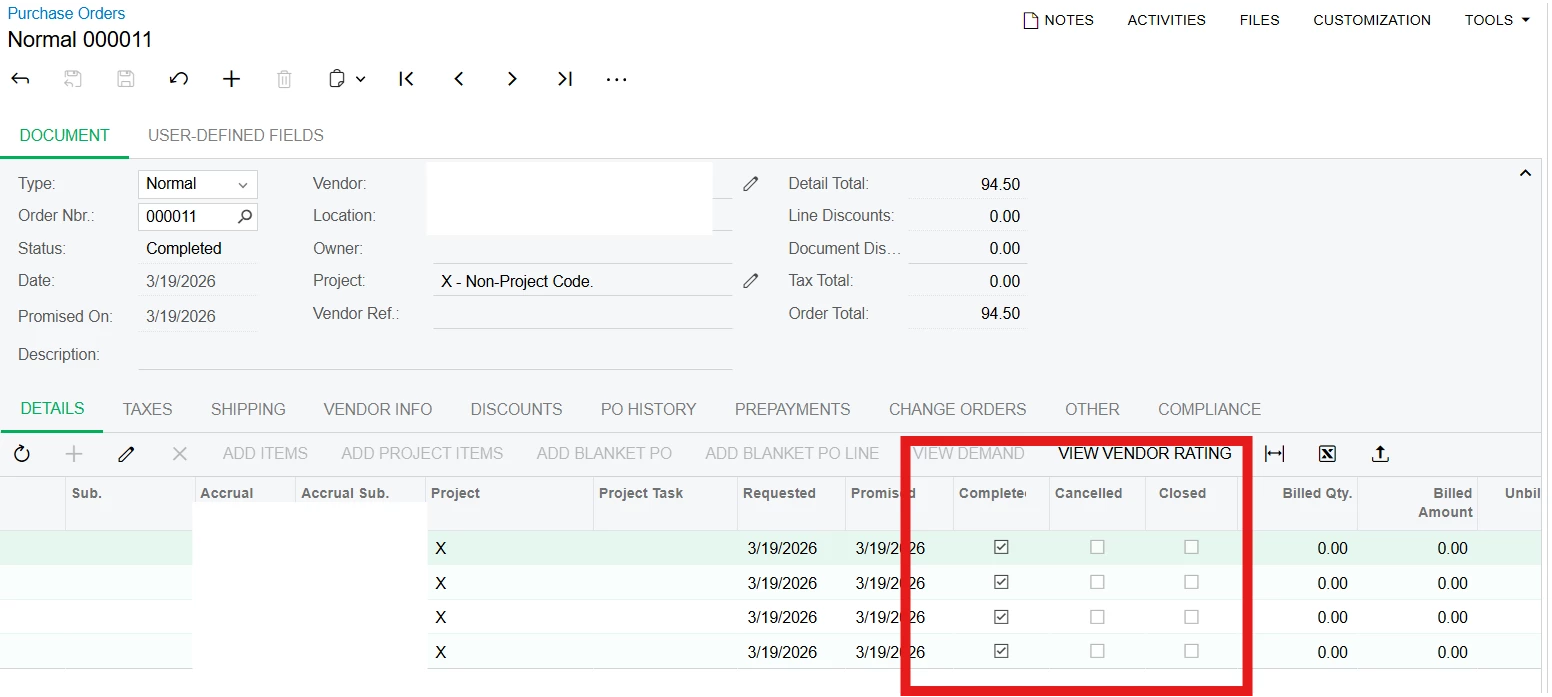
Po’s that have nothing billed against them - I can easily cancel these
Po’s that have something billed against them, but not the whole amount, so there is a remaining ‘open’ amount.
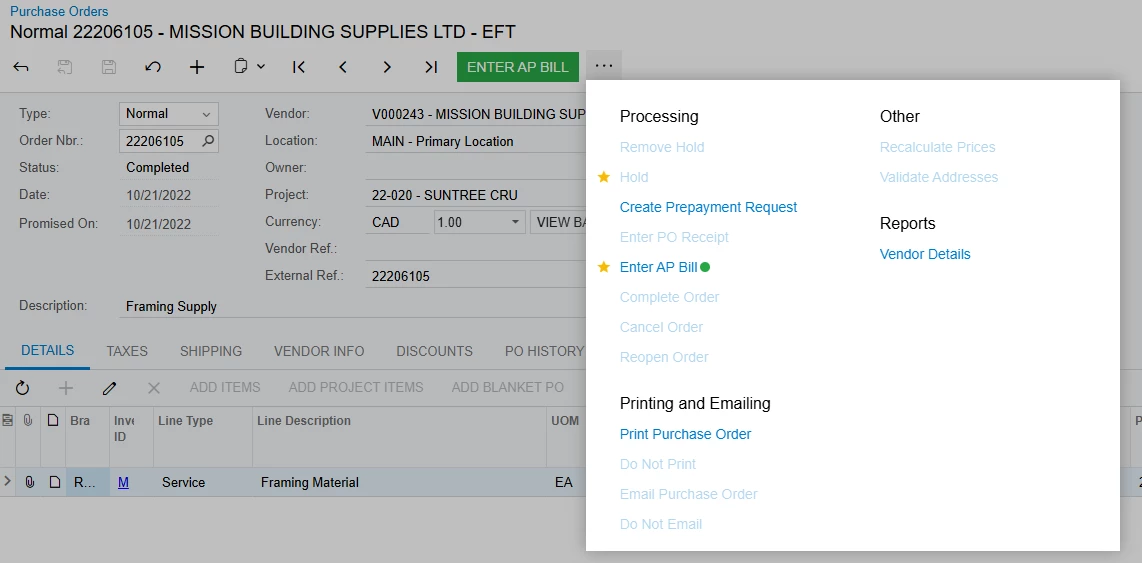
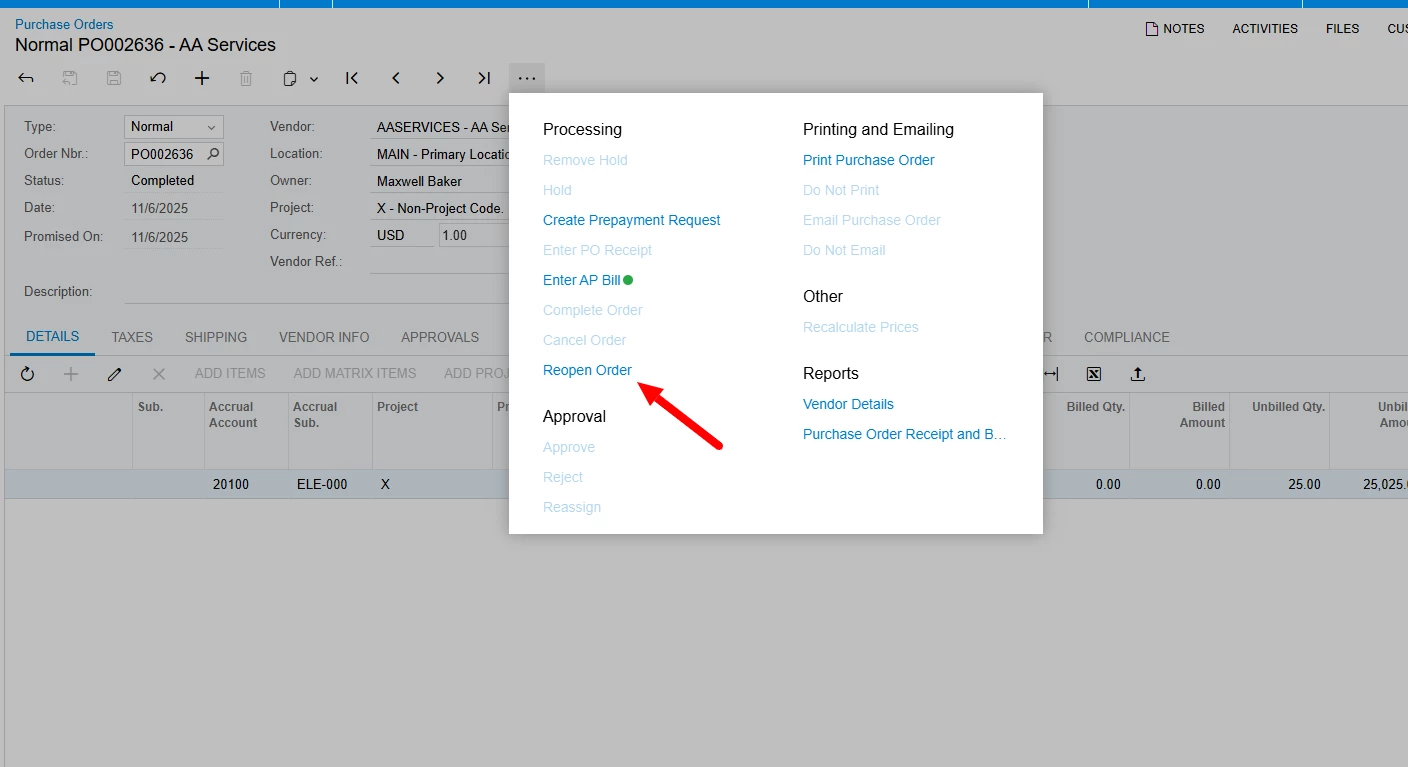
The top one I can easily cancel and remove, but the second one has a partial amount remaining and I get no options to ‘cancel’ or close it:
How can I close/cancel this so when I enter another invoice with a po, it doesn’t show up as an available po?
Any help would be greatly appreciated b(^_^)d Thanks
Best answer by Laura03
Hello,
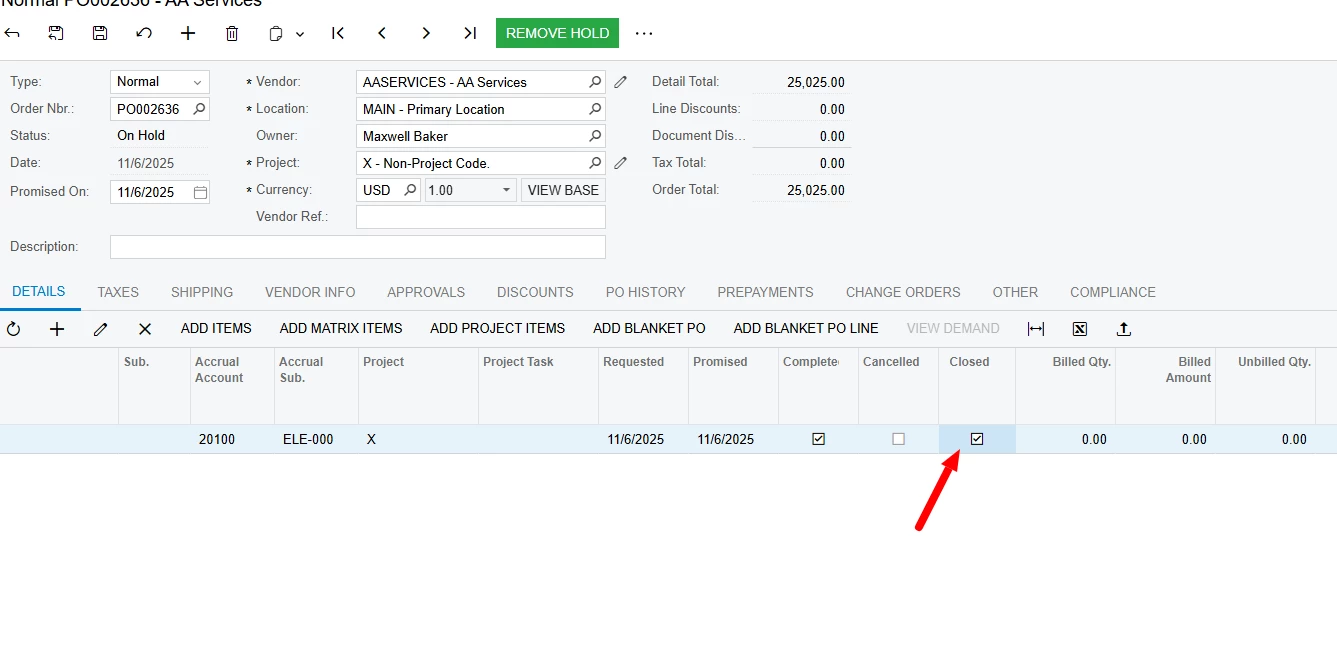
POs will be Closed when all lines are received (or returned or cancelled) and all lines that were received are Billed. Your POs show Unbilled amounts, and that is why its status is Completed.
Next Steps:
Enter a Bill for the vendor shown and connect the bill to the unbilled PO lines or to the unbilled PO Receipt lines.
If the vendor is not owed $$ / has already been paid, perhaps via Cash Purchase screen (no link to PO/PO Receipt) or paid with a Bill that was incorrectly entered with no link to PO/PO Receipt…
Enter a Debit Adjustment to the same vendor, for the same amount *with no link to the PO or PO Receipt* and then apply this new Debit Adjustment to the Bill created in step 1.
Apply the Debit Adjustment from step 2 to the Bill in Step 1. At this point the PO will remove itself from the Purchase Accrual reports, and the PO status will become Closed.
POs will be Closed when all lines are received (or returned or cancelled) and all lines that were received are Billed. Your POs show Unbilled amounts, and that is why its status is Completed.
Next Steps:
Enter a Bill for the vendor shown and connect the bill to the unbilled PO lines or to the unbilled PO Receipt lines.
If the vendor is not owed $$ / has already been paid, perhaps via Cash Purchase screen (no link to PO/PO Receipt) or paid with a Bill that was incorrectly entered with no link to PO/PO Receipt…
Enter a Debit Adjustment to the same vendor, for the same amount *with no link to the PO or PO Receipt* and then apply this new Debit Adjustment to the Bill created in step 1.
Apply the Debit Adjustment from step 2 to the Bill in Step 1. At this point the PO will remove itself from the Purchase Accrual reports, and the PO status will become Closed.
POs will be Closed when all lines are received (or returned or cancelled) and all lines that were received are Billed. Your POs show Unbilled amounts, and that is why its status is Completed.
Next Steps:
Enter a Bill for the vendor shown and connect the bill to the unbilled PO lines or to the unbilled PO Receipt lines.
If the vendor is not owed $$ / has already been paid, perhaps via Cash Purchase screen (no link to PO/PO Receipt) or paid with a Bill that was incorrectly entered with no link to PO/PO Receipt…
Enter a Debit Adjustment to the same vendor, for the same amount *with no link to the PO or PO Receipt* and then apply this new Debit Adjustment to the Bill created in step 1.
Apply the Debit Adjustment from step 2 to the Bill in Step 1. At this point the PO will remove itself from the Purchase Accrual reports, and the PO status will become Closed.
Laura
The steps I suggested above will not only Close your POs, the steps will clean the Unbilled PO’s from your Purchase Accrual account balance and from all Purchase Accrual reports.
The preferred practice is to link every Bill that references a PO directly to the related POs or to the related PO Receipts using Add PO or Add Purchase Receipt buttons located above the grid on the AP Bills & Adjustments screen when the vendor invoice is received and entered.
Sometimes we goof and then steps 1,2,3 will help you correct the entries.
For POs with no receipts or bills, you can cancel them directly. For POs with activity (received and/or billed), the system won’t allow canceling because there’s already financial impact.
For partially open POs, you have a couple options:
Reduce the PO line quantity/amount to match what was actually received/billed
Use “Complete PO” to close out the remaining balance
If applicable, ensure receipts are marked complete so the PO can close properly
Once the remaining quantity/amount is addressed, the PO will no longer show as open.