Answer

How to add signatures for system account emails

  • June 25, 2024
  • 6 replies
  • 371 views

Forum|alt.badge.img

Hi All,


I have client that created system account emails. How do I add signatures to these account.


thx

Dries

Best answer by Manikanta Dhulipudi

Hi @driesdeklerk50 


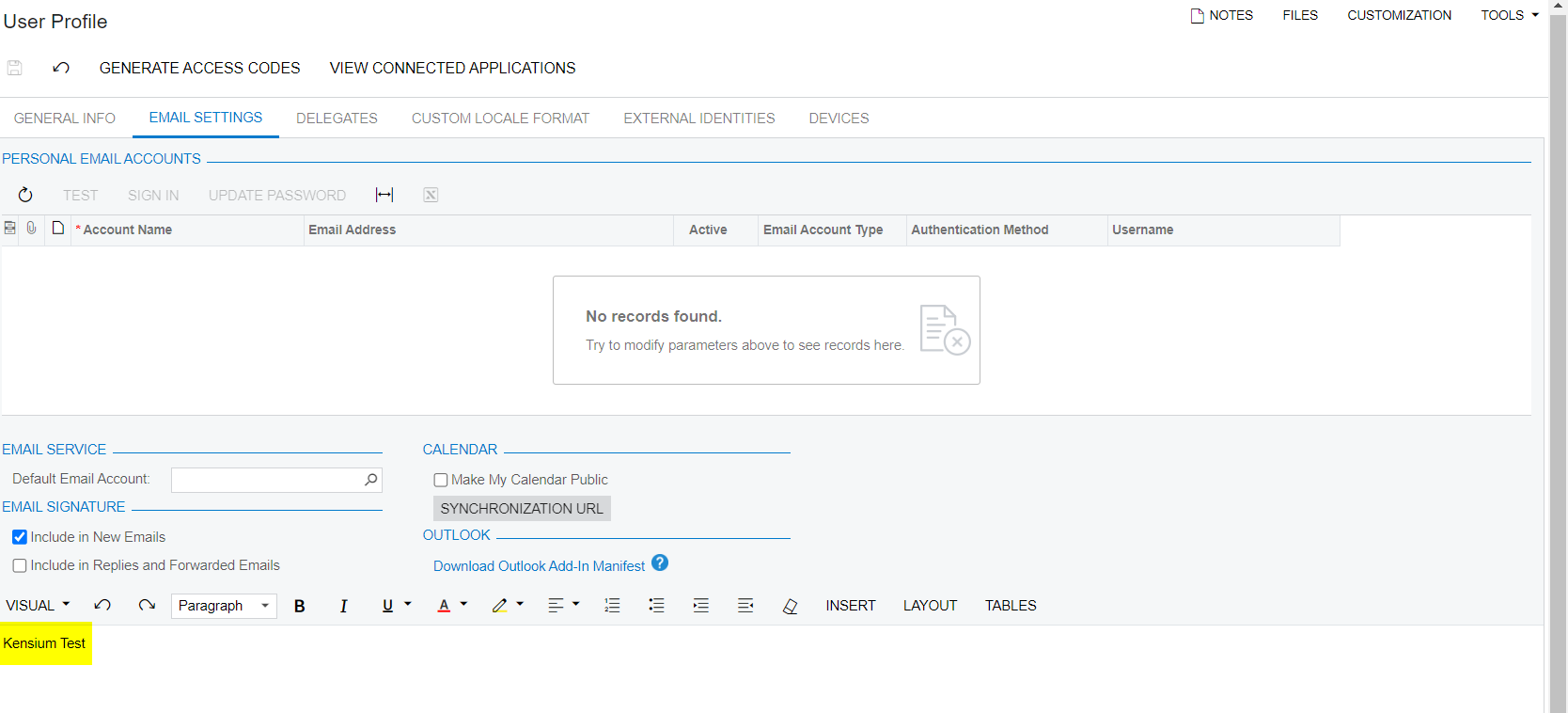
Navigate to user profile and update the signature as shown below 
 

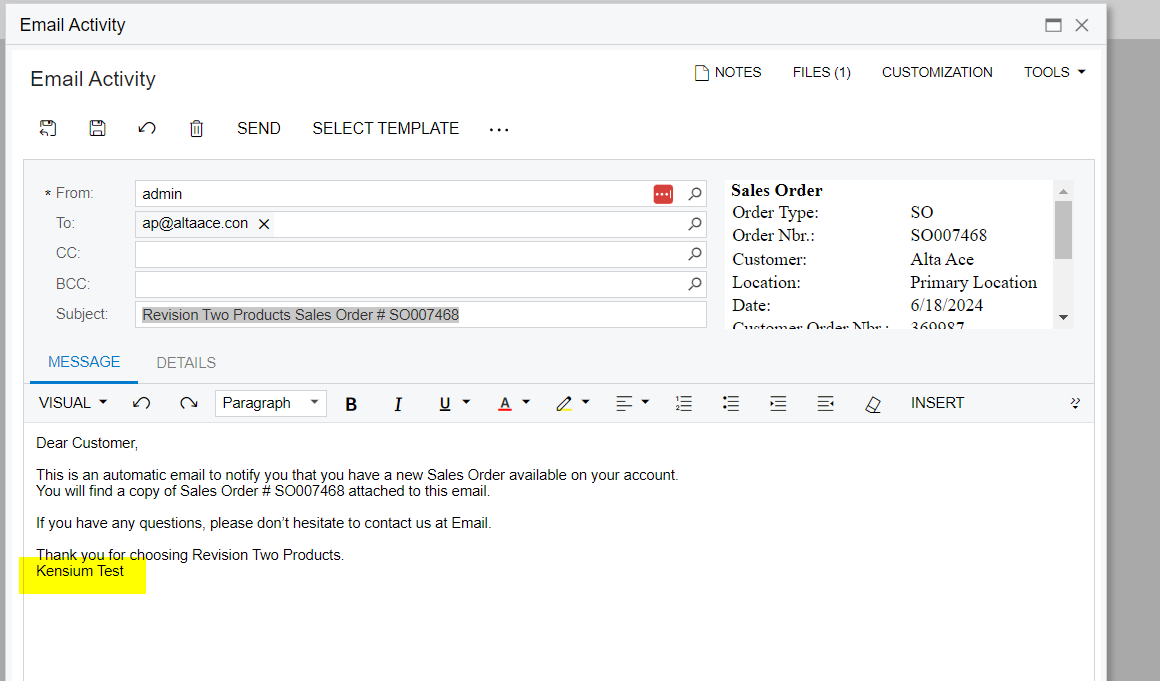
Now when the user send an email the signature will display below
 

6 replies

Manikanta Dhulipudi
Captain II
Forum|alt.badge.img+15

Hi @driesdeklerk50 

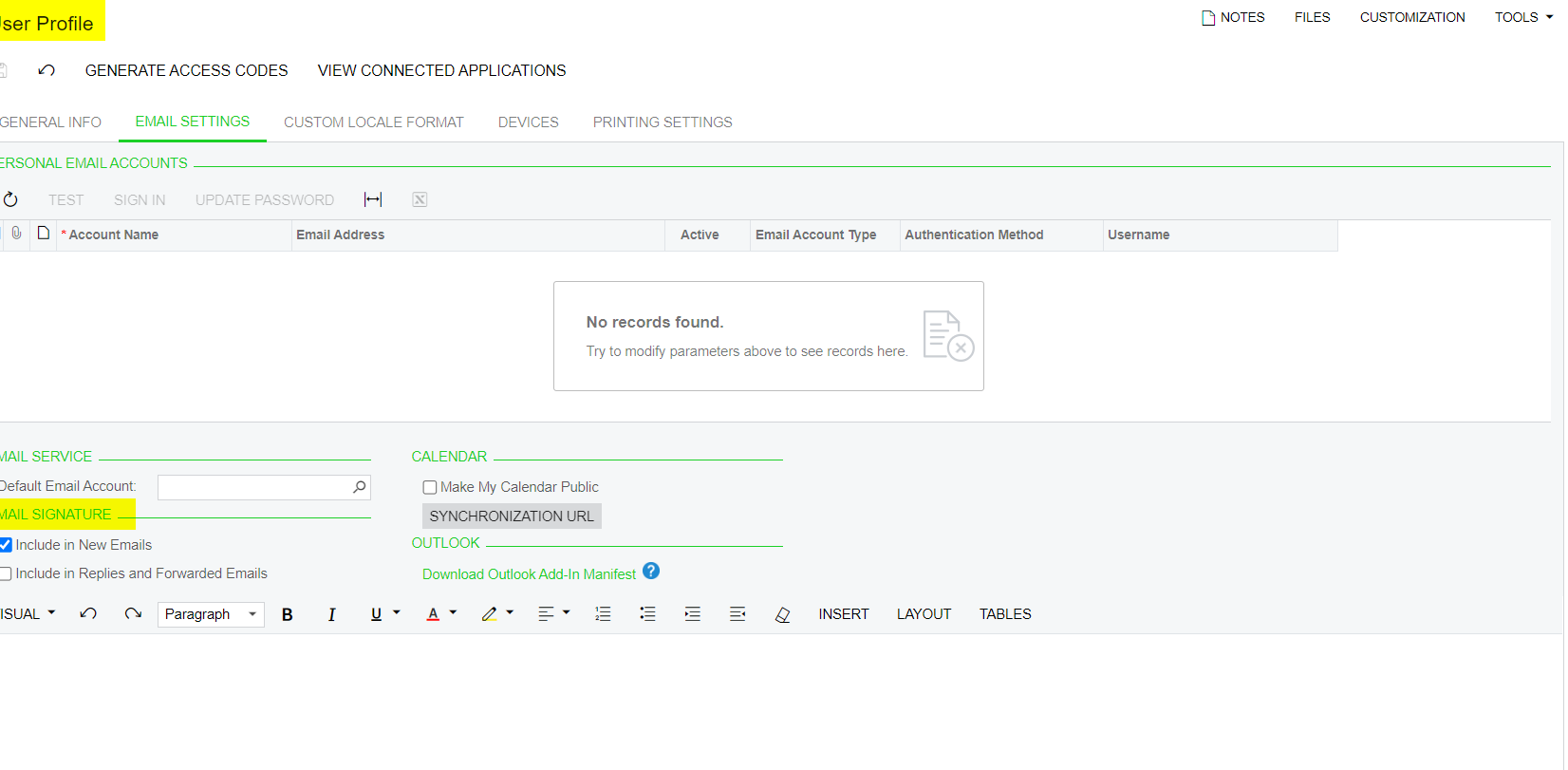
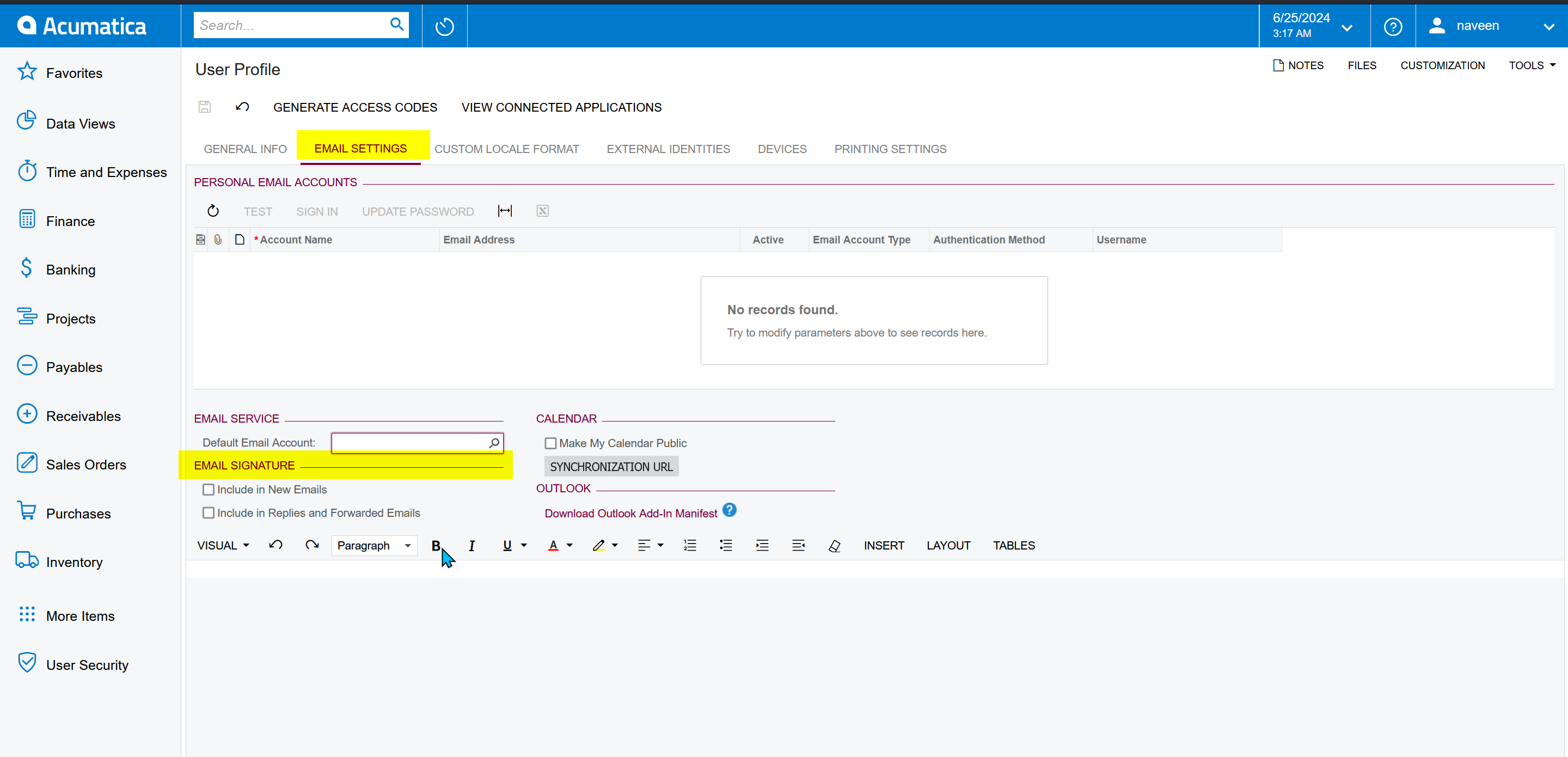
You have an option in User profile.


Naveen Boga
Captain II
Forum|alt.badge.img+19
  • Captain II
  • June 25, 2024

@driesdeklerk50  Please try here 


Forum|alt.badge.img
  • Author
  • Jr Varsity III
  • June 25, 2024

So do I need to create these system accounts as users?


Manikanta Dhulipudi
Captain II
Forum|alt.badge.img+15

Hi @driesdeklerk50 


Navigate to user profile and update the signature as shown below 


Now when the user send an email the signature will display below


Forum|alt.badge.img
  • Author
  • Jr Varsity III
  • June 25, 2024

So what you are saying is that i have to set the account email up as a user?


Laura03
Captain II
Forum|alt.badge.img+19
  • Captain II
  • June 25, 2024

Hello,

Please Vote for your idea here, to improve options we can use for default corporate email accounts in Acumatica:

Please add a comment to the Idea above, to specifically include the System Email Accounts.

Thank you.

Laura