Hi Acumatica Team,
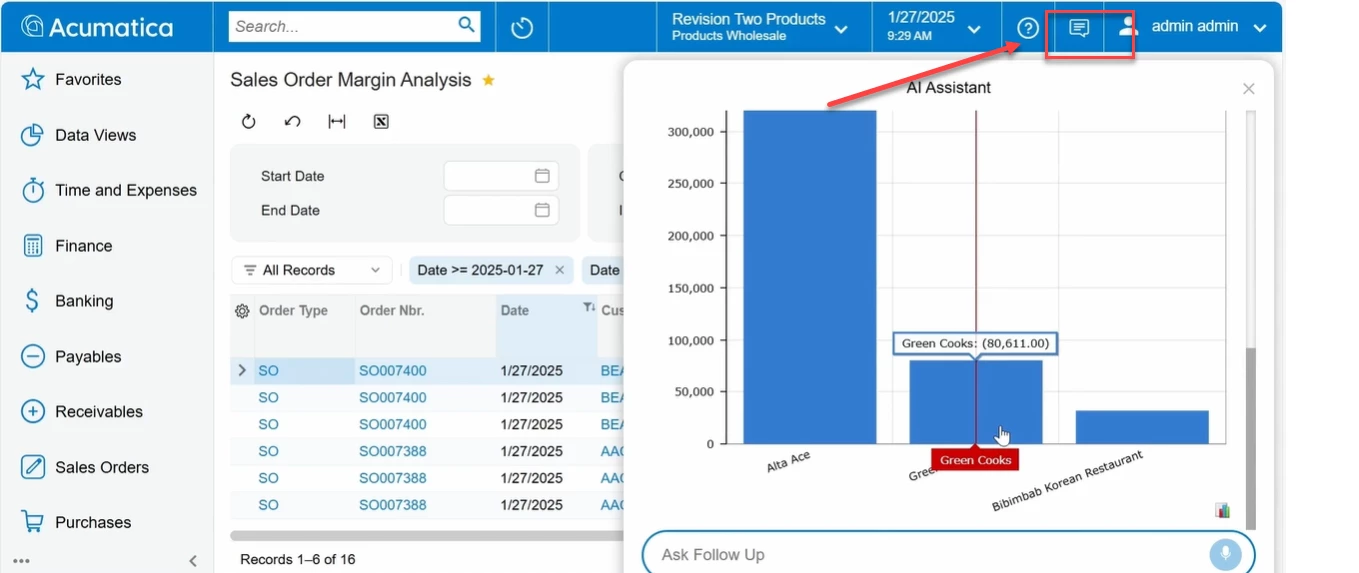
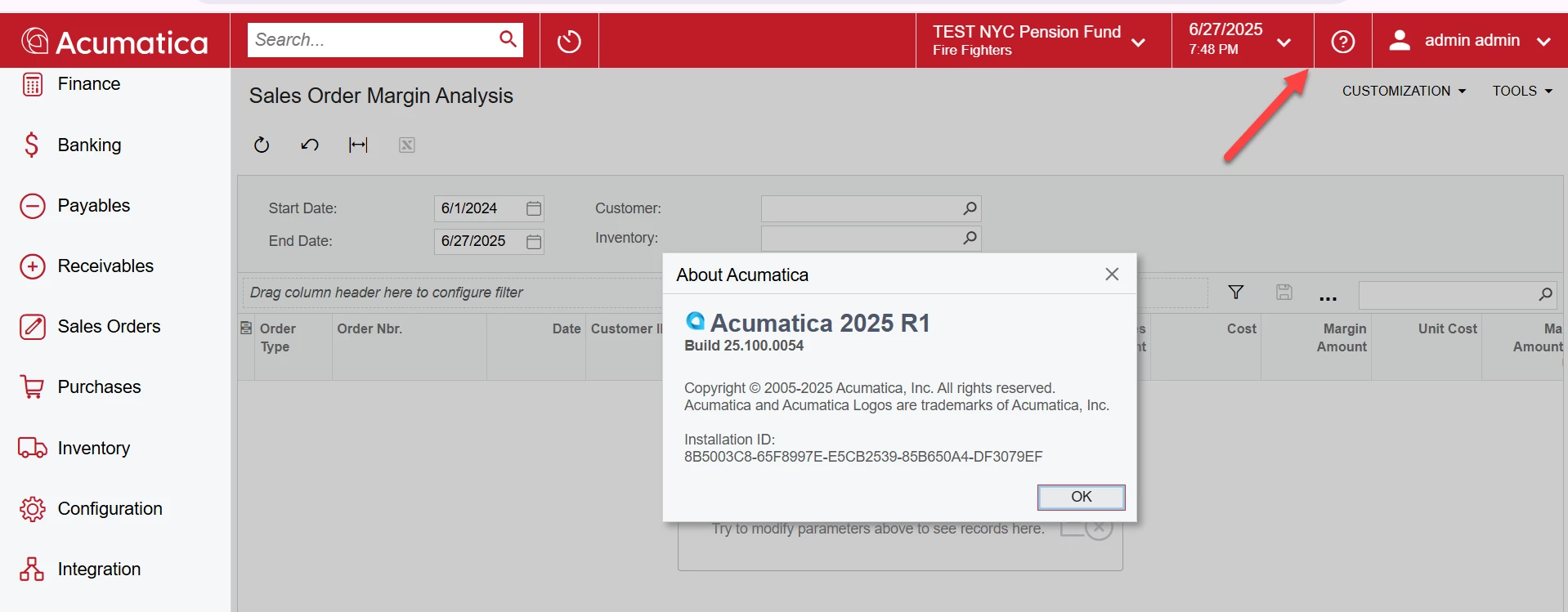
Related to Acumatica Artificial Intelligence how can I habilitate the AI Acumatica Assistant button or features AI in 2025v1, I see in the demo videos that appear this botton, but in my Acumatica I cant see this feature:
Thanks,


Hi Acumatica Team,
Related to Acumatica Artificial Intelligence how can I habilitate the AI Acumatica Assistant button or features AI in 2025v1, I see in the demo videos that appear this botton, but in my Acumatica I cant see this feature:
Thanks,
Best answer by Abhishek Niikam
Hello
They showed a demo using a special build that is not yet available to partners and customers. The feature is actively being worked on, but there is no scheduled release date at this time.
No account yet? Create an account
Enter your E-mail address. We'll send you an e-mail with instructions to reset your password.




