Question

Funds Transfer between 2 accounts with different currencies

  • February 18, 2026
  • 4 replies
  • 26 views

Forum|alt.badge.img

I need to transfer funds from one bank account in 1 currency to another bank account in a different currency. I can’t have a funds transfer or a journal entry with accounts that have different currencies. Is there a way to do this? 

4 replies

dgodsill97
Varsity I
Forum|alt.badge.img+6
  • Varsity I
  • February 18, 2026

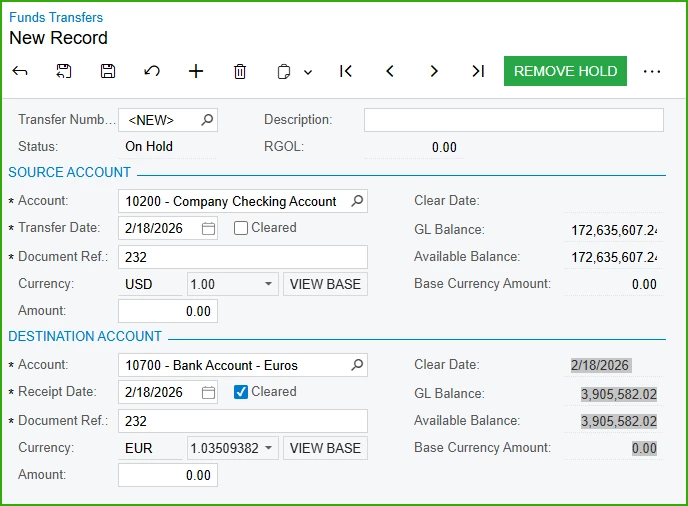
Currency is on the form for both the source and destination.  The cash account has to denominated in the currency,


Forum|alt.badge.img
  • Author
  • Freshman II
  • February 18, 2026

Currency is on the form for both the source and destination.  The cash account has to denominated in the currency,


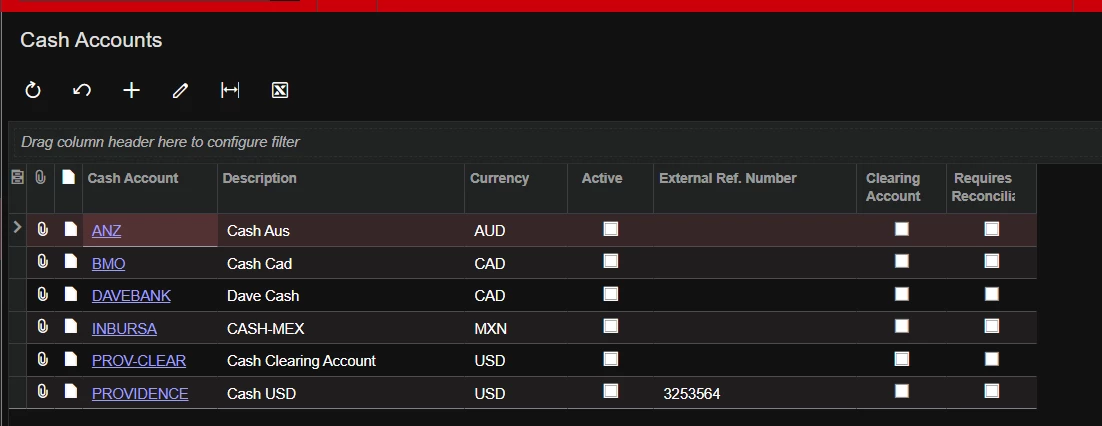
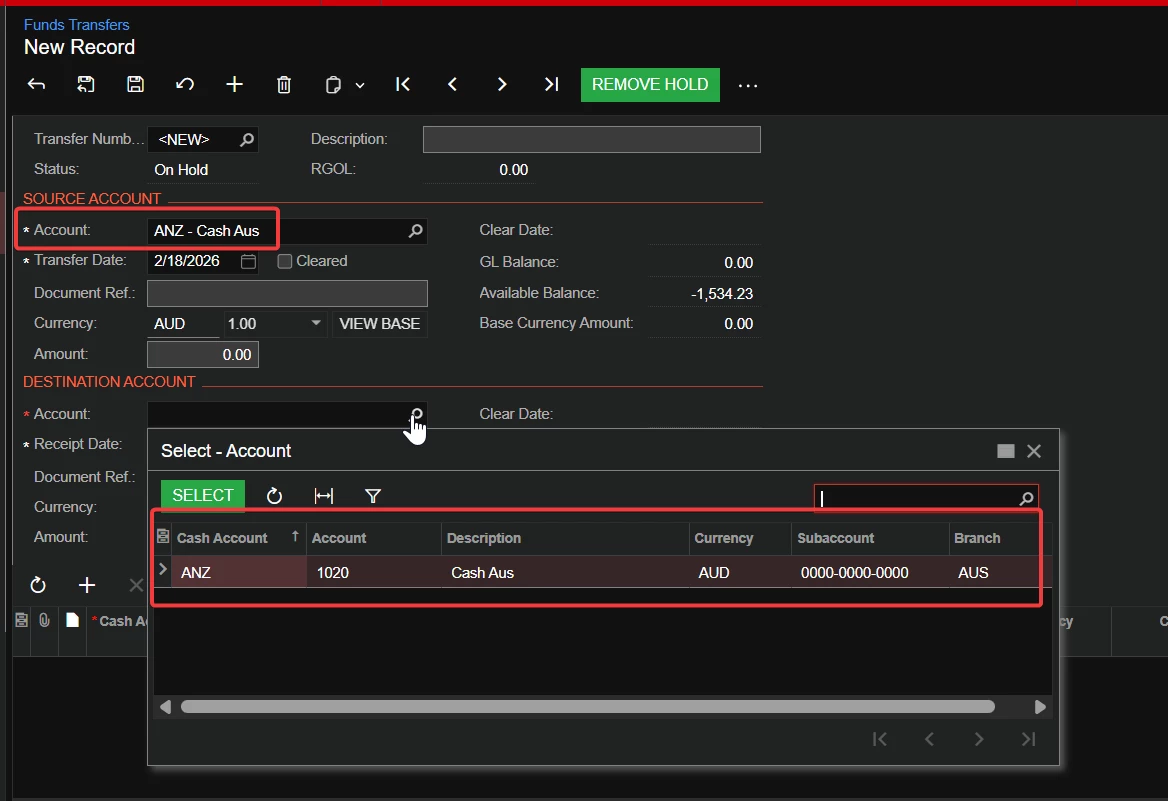
After I select a source or destination account, my list of accounts to select on the other side is limited to accounts that have the same currency. Is there a setting somewhere to allow for this? Or is there something on the cash account setup preventing me?


Cash Accounts:

Funds Transfer:


dgodsill97
Varsity I
Forum|alt.badge.img+6
  • Varsity I
  • February 18, 2026

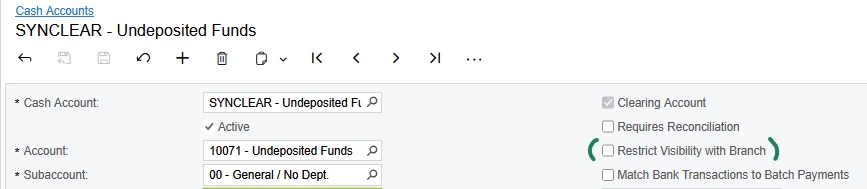
I don’t see anything in features or on the Cash Management Preferences or the Cash Accounts. The GL account linked to the Cash Account has to have the currency specified.  I assume Currency has been configured (currency type, rate type, gains/losses accounts, etc.)


Forum|alt.badge.img
  1. Ensure that the Standard Financials and Multicurrency Accounting features are enabled in your Acumatica instance [
  2. Configure the necessary cash accounts for multicurrency funds transfers, linking them to the appropriate general ledger accounts 
  3. Navigate to the Funds Transfer form in Acumatica.
  4. Specify the source account and destination account, including their respective currencies on the funds transfer form 
  5. Enter the amount to be transferred in the source currency.
  6. If needed, adjust the exchange rate for the transfer to reflect the current market rate.
  7. Review the calculated realized gain or loss (RGOL) if the source and destination currencies differ.
  8. Release the funds transfer to post the transaction to the general ledger and cash management modules

Multicurrency Funds Transfers: Implementation Checklist