Answer

Financial periods generated, but unavailable to open

  • November 5, 2025
  • 4 replies
  • 57 views

jhouser
Captain II
Forum|alt.badge.img+6

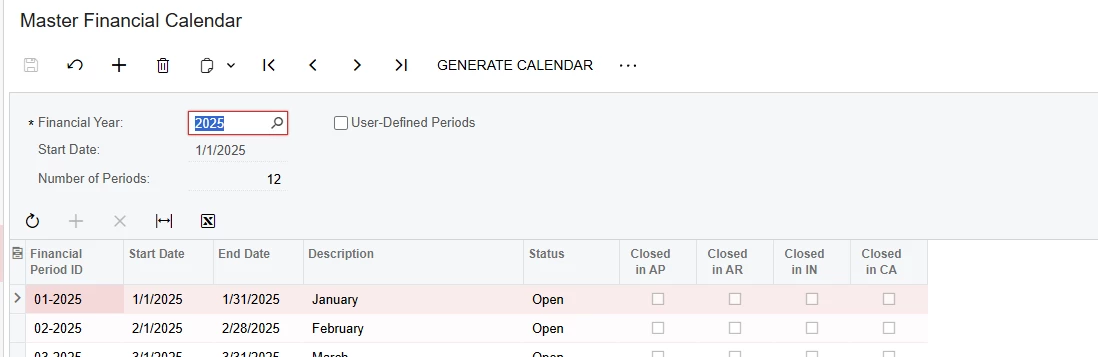
I generated periods for 2026. When I try to open them on Manage Financial Periods, 2026 is unavailable for selection. I’m in the Sales Demo environment, but I don’t think that should make a difference. 

Thoughts?

Best answer by pranavkhare34
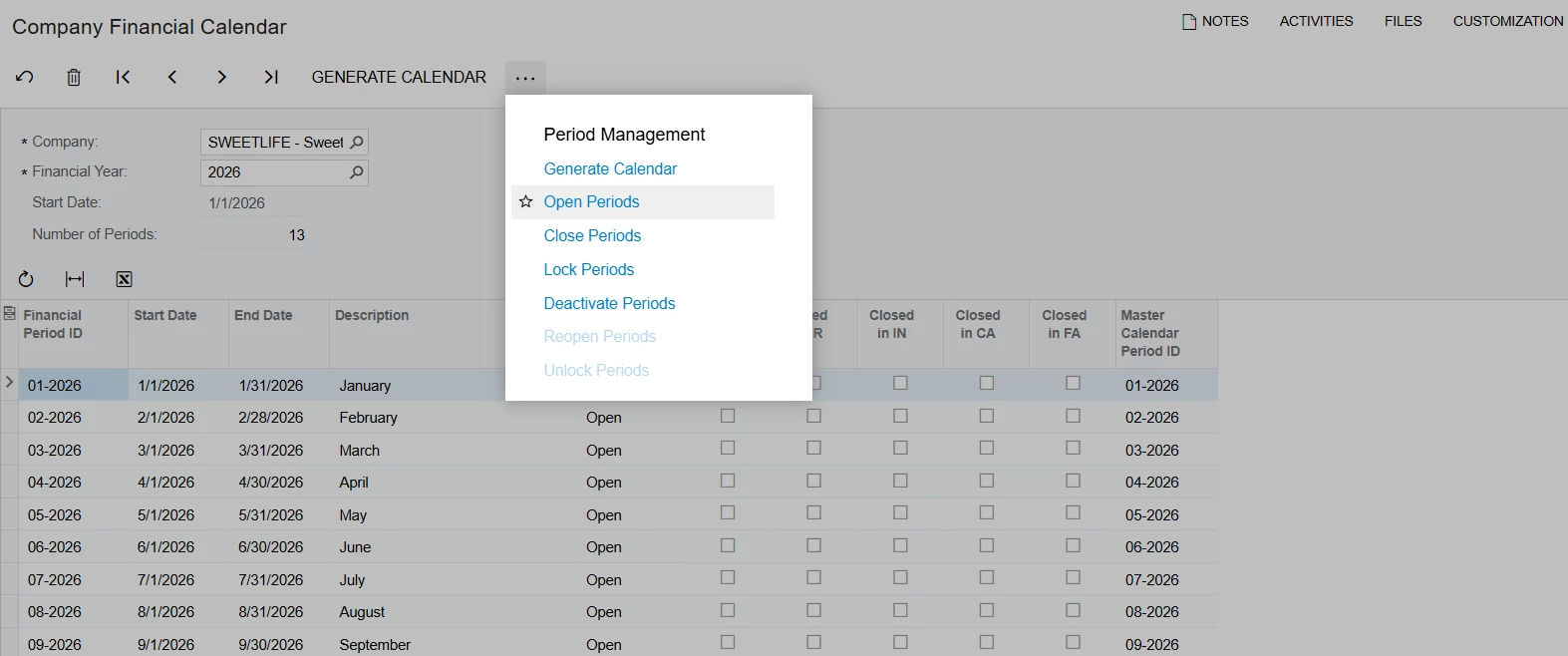
On the company financial calendar form, using more menu, you can select “Open periods”. The system will take you to manage the financial period form. From there, you can select the periods and click “process” 


4 replies

dcomerford
Captain II
Forum|alt.badge.img+15
  • Captain II
  • November 5, 2025

@jhouser Have you Generated the Calender for 2026 on the 


jhouser
Captain II
Forum|alt.badge.img+6
  • Author
  • Captain II
  • November 5, 2025

@jhouser Have you Generated the Calender for 2026 on the 


Yes, that’s what I meant by generated periods. 


  • Freshman II
  • Answer
  • November 20, 2025
On the company financial calendar form, using more menu, you can select “Open periods”. The system will take you to manage the financial period form. From there, you can select the periods and click “process” 


jhouser
Captain II
Forum|alt.badge.img+6
  • Author
  • Captain II
  • November 21, 2025

@pranavkhare34 You’re right! I needed to generate 2026 calendar on the Company Financial Calendar screen for each company (instead of using Master Financial Calendar), then open the periods. Not used to having separate calendars for each company. Thanks!