Answer

Expenses Item Can Not Found While Try to Selected for Expense Claim

  • October 23, 2025
  • 7 replies
  • 58 views

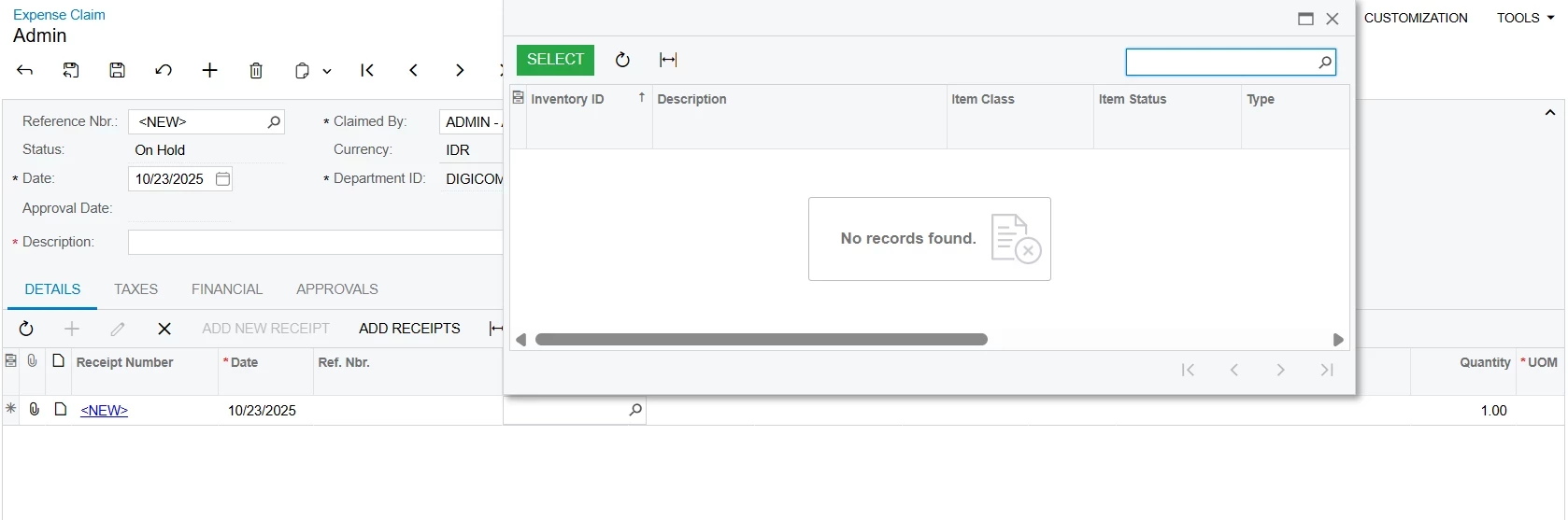
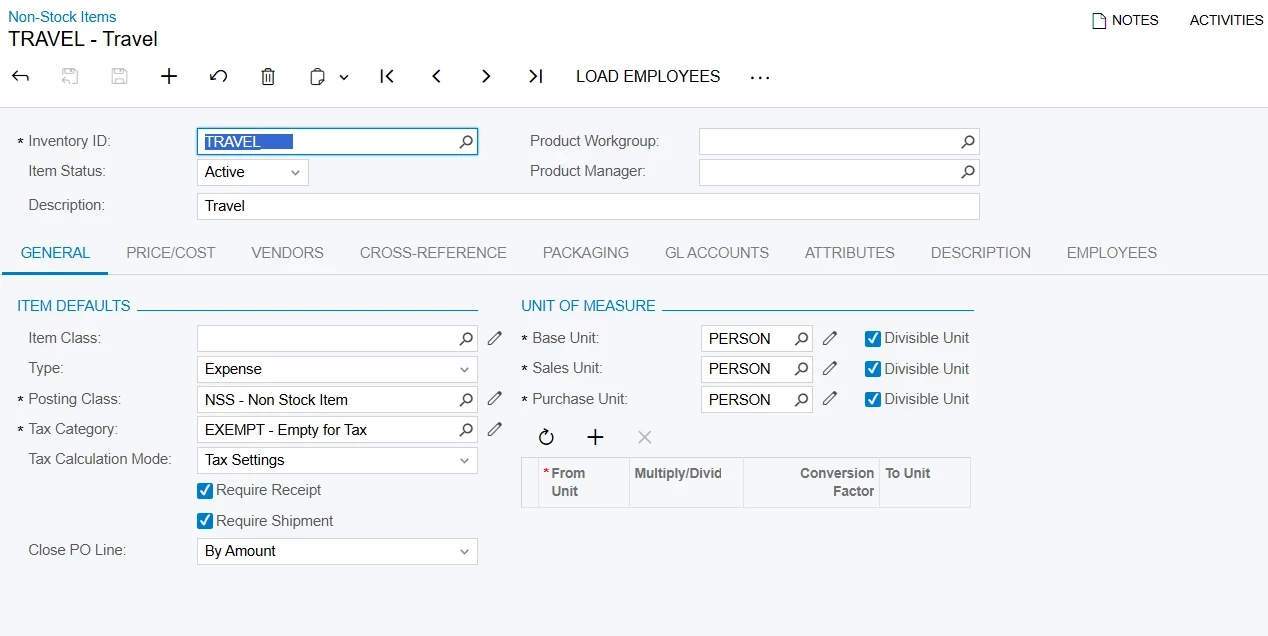
Hi, I want to create expense claim but when i try to select the expense item, i can not find any list of my Inventory ID (Non-Stock Item with type Expenses). Please help me to to solve about this, thank you.


Best answer by Manikanta Dhulipudi

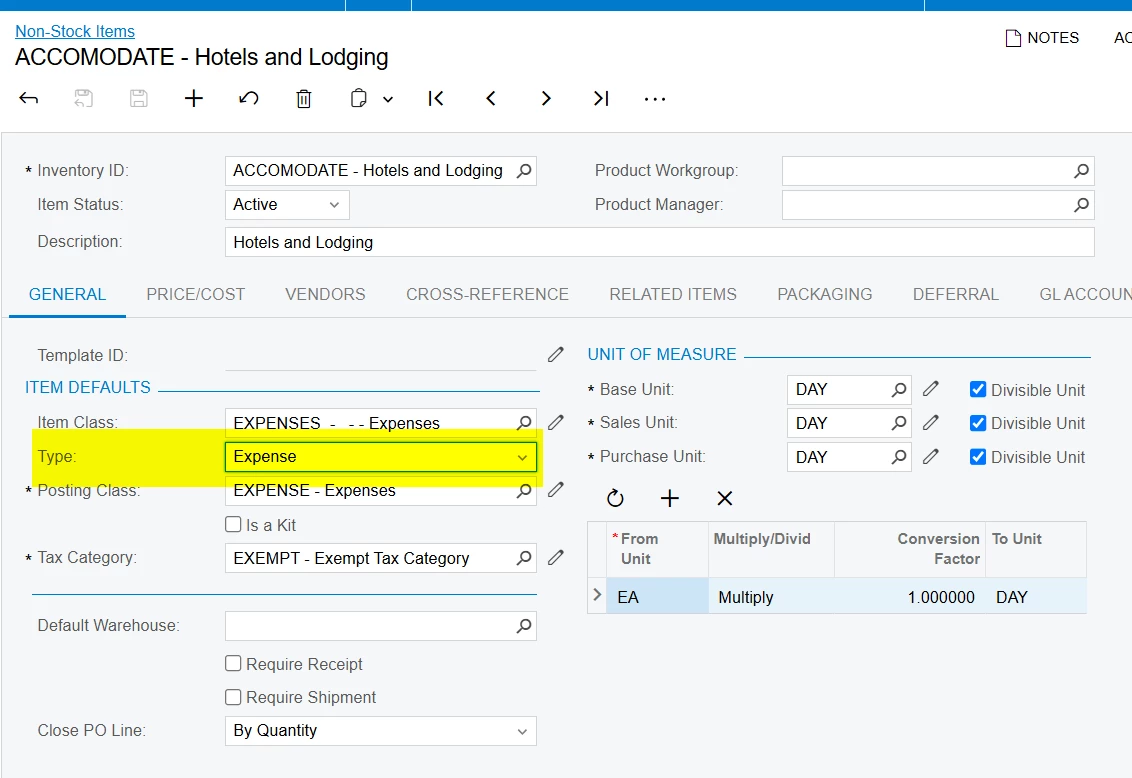
@lutfi15 Did you create a item with expense type?


7 replies

Manikanta Dhulipudi
Captain II
Forum|alt.badge.img+15

@lutfi15 Did you create a item with expense type?


Forum|alt.badge.img
  • Freshman I
  • October 23, 2025

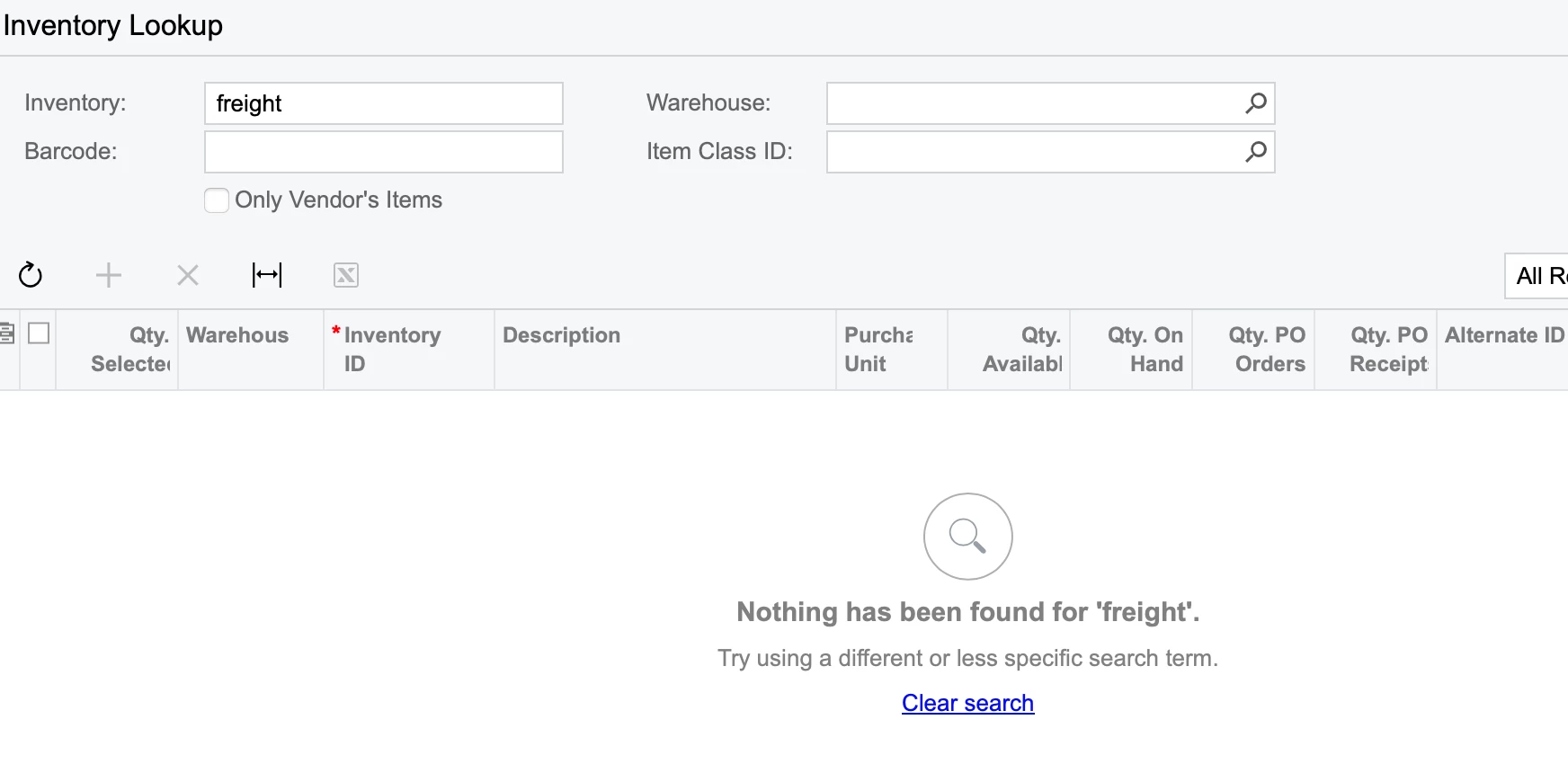
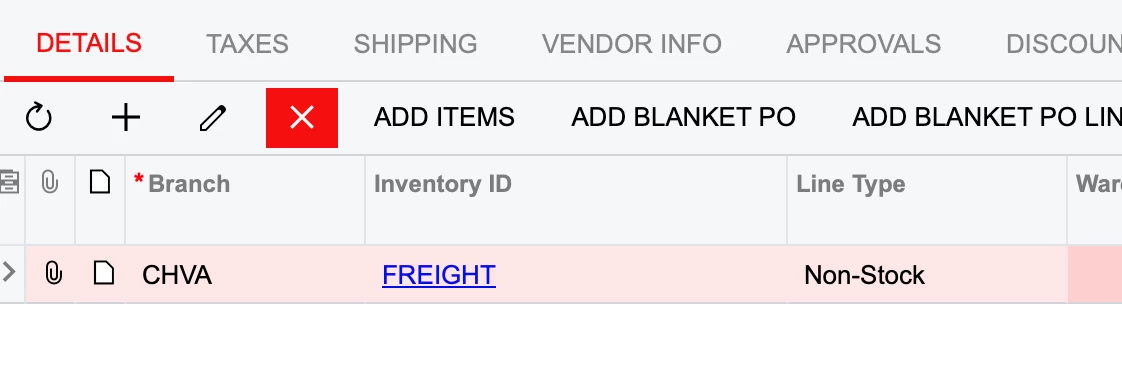
I believe non-stock items will not show in those list of values but you can manually enter in the line item


Manikanta Dhulipudi
Captain II
Forum|alt.badge.img+15

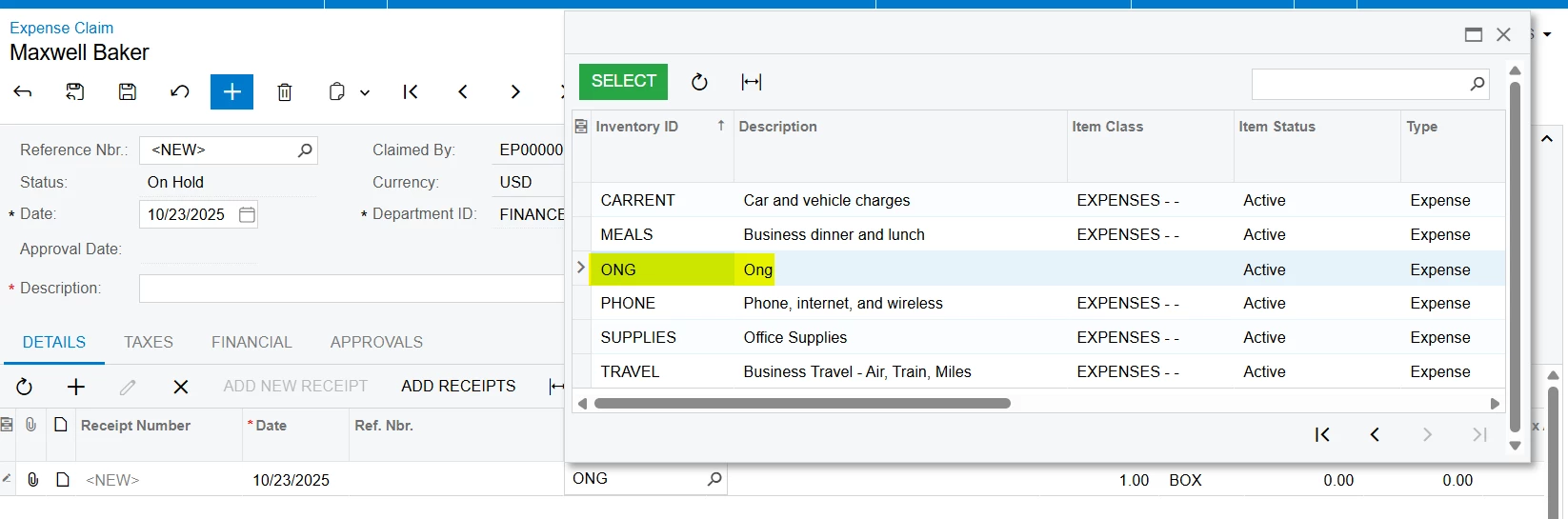
@bwaldie I created a Non stock items and able to see in expense claim 


Forum|alt.badge.img
  • Freshman I
  • October 23, 2025

Do you have that form customized? We are very new to Acumatica and that is one item that I have noticed OOB.


Forum|alt.badge.img
  • Freshman I
  • October 23, 2025

I will admit, we do not have T/E entries but I noticed more on the PO side, which is probably very similar. But I would agree expense entries should show non-stock items, while it would make more sense to display stock items in POs.


meganfriesen37
Captain II
Forum|alt.badge.img+12

@lutfi15 It looks like you may have a customization on your non-stock items form as I have not seen the “Employees” tab before.  Is this tab to restrict who can select different expense items?  Maybe take a look at that and chat with your Acumatica VAR (partner) to ask them for more information about this customization.


annais
Freshman I
  • Freshman I
  • October 23, 2025

@lutfi15 What do you see under the Employees tab of the Non-Stock Item for this expense? Is it restricted by specific employees?

That tab is used to define which employees can use the item on their Expense Claims. If one or more employees are listed there, only they will be able to select this item in their expense reports. If it’s blank, the item should be available to everyone who can submit expenses.