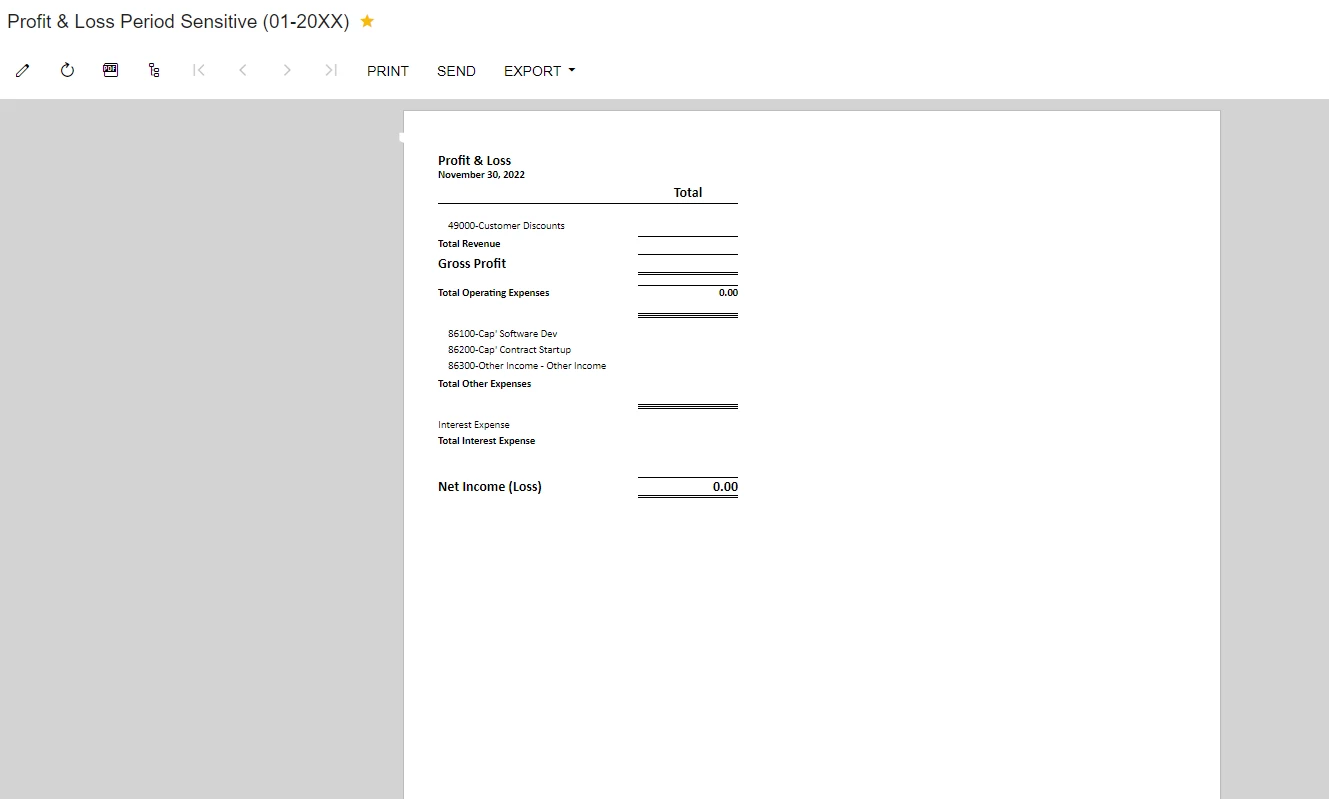
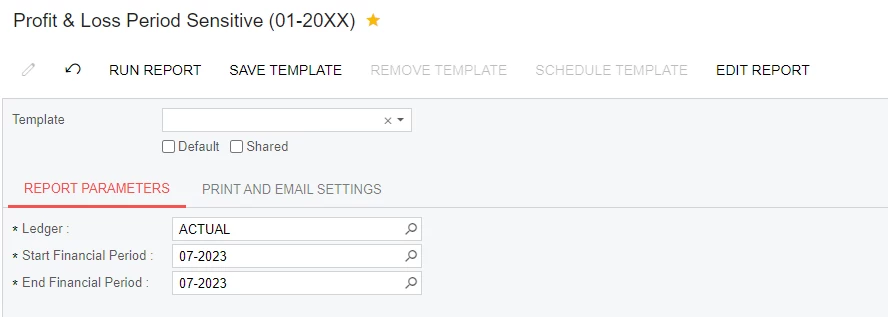
Error on Proft & Loss Period Sensitive Statement when date range goes from 2022-2023. So if I ran a P&L statement from April - November 2022 it would be fine or January - March 2023. But when I try to run a report across years this is how it shows up:
Best answer by Laura03
Hello,
I see one column of figures on your P & L report. Is this column printing Period to Date (current period Turnover) or is it printing Year to Date (ending balance in account)? With a report that prints one total and we select periods spanning across two years, there would be two different year to date balances in the system, for the first year and the second. (P & L accounts are reset to 0 at year end and start over every year, so ending balance of the second year is all you need.)
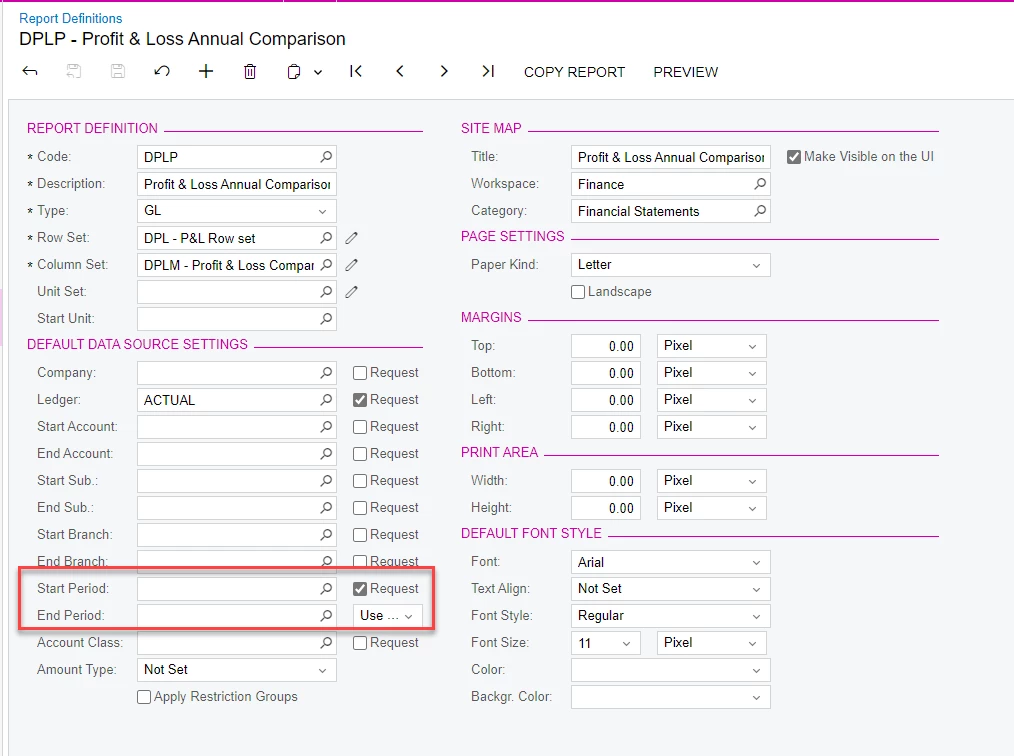
How are your columns defined? Are there additional Period/Year criteria defined in the Column Set?
Please consider showing multiple Turnover columns when printing your P & L across years. Try printing current period, then current period - 1 in the next column (for prior period), -2 in a 3rd column etc. for a “Rolling Period” effect that will show you amounts for periods, across year-end if needed, with each period’s balances in a different column.
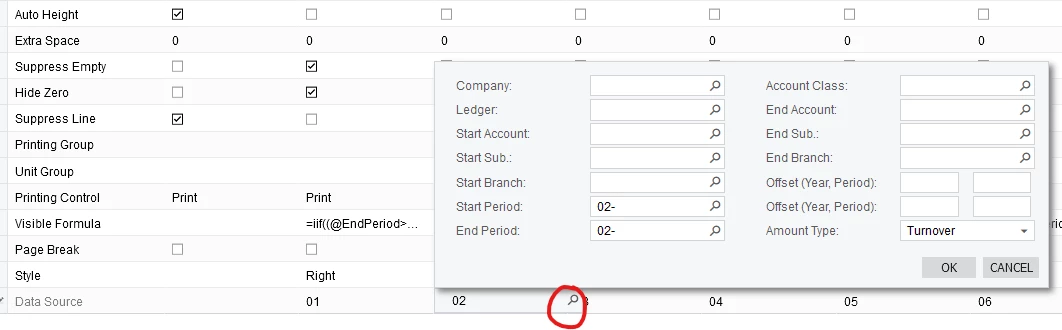
In addition to Rolling month idea above, you could try selecting periods 1 to 12 across the page, like this:
I see one column of figures on your P & L report. Is this column printing Period to Date (current period Turnover) or is it printing Year to Date (ending balance in account)? With a report that prints one total and we select periods spanning across two years, there would be two different year to date balances in the system, for the first year and the second. (P & L accounts are reset to 0 at year end and start over every year, so ending balance of the second year is all you need.)
How are your columns defined? Are there additional Period/Year criteria defined in the Column Set?
Please consider showing multiple Turnover columns when printing your P & L across years. Try printing current period, then current period - 1 in the next column (for prior period), -2 in a 3rd column etc. for a “Rolling Period” effect that will show you amounts for periods, across year-end if needed, with each period’s balances in a different column.
In addition to Rolling month idea above, you could try selecting periods 1 to 12 across the page, like this: