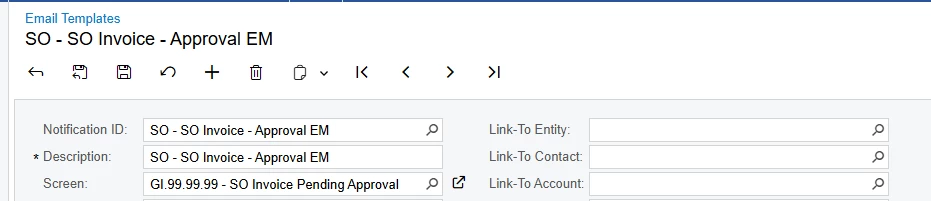
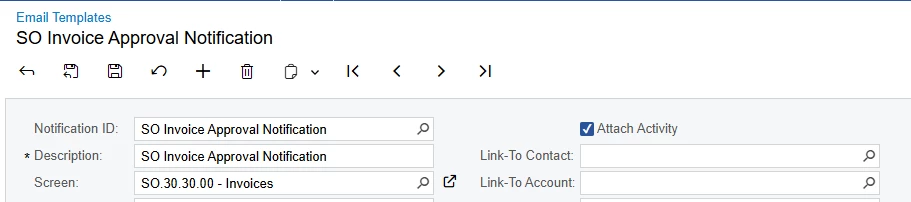
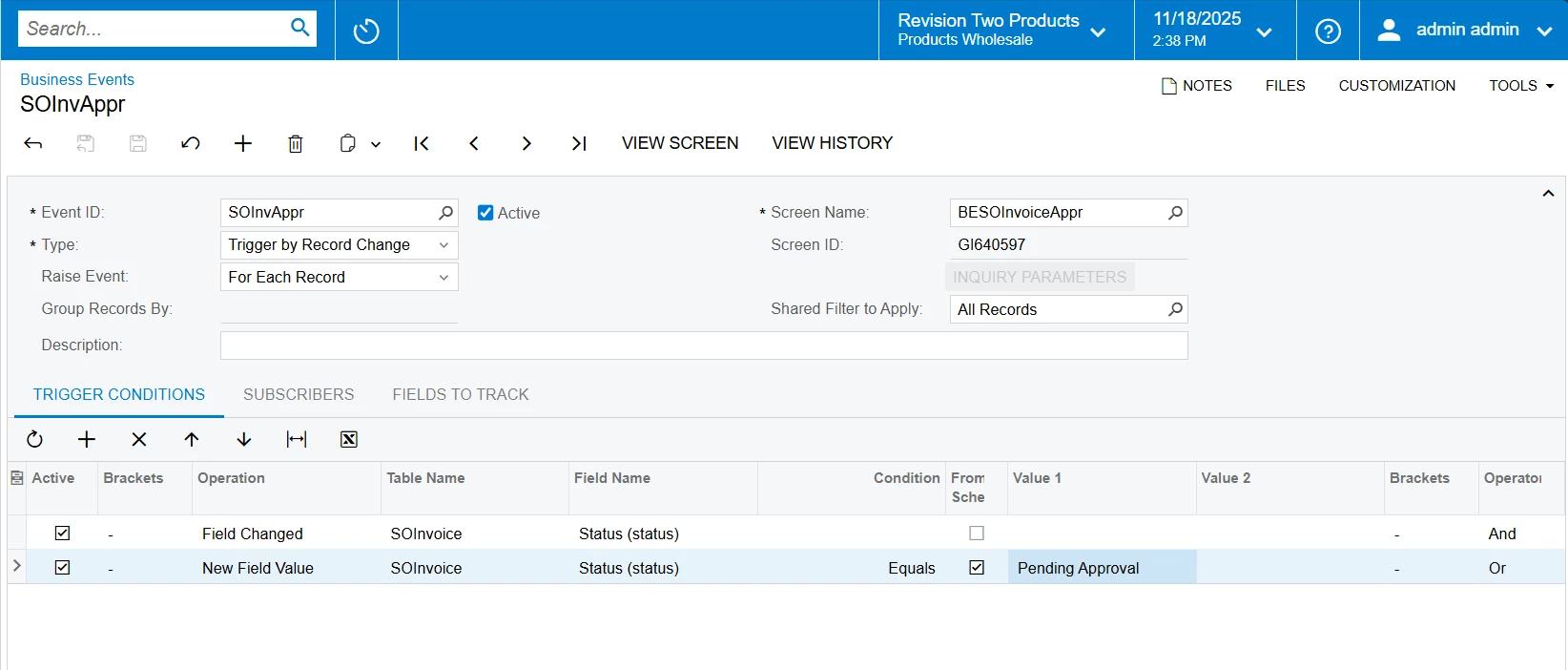
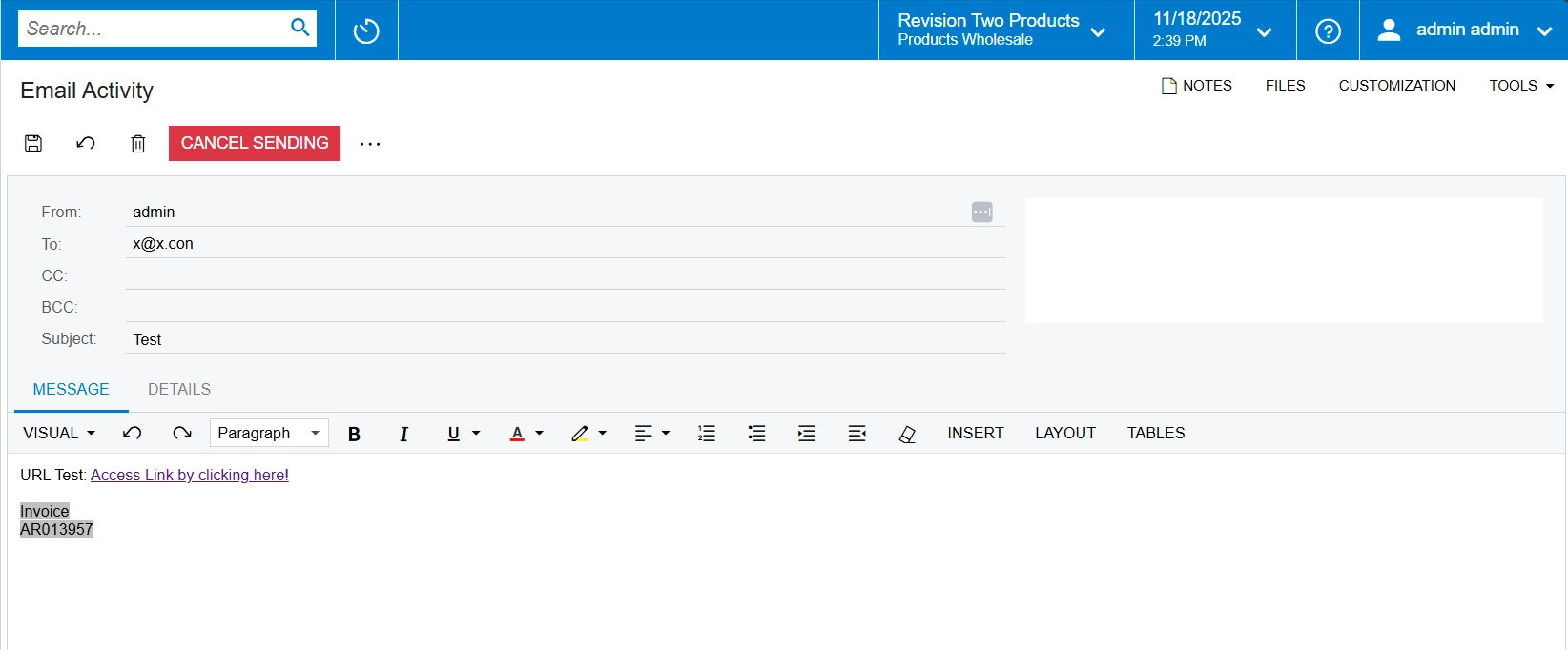
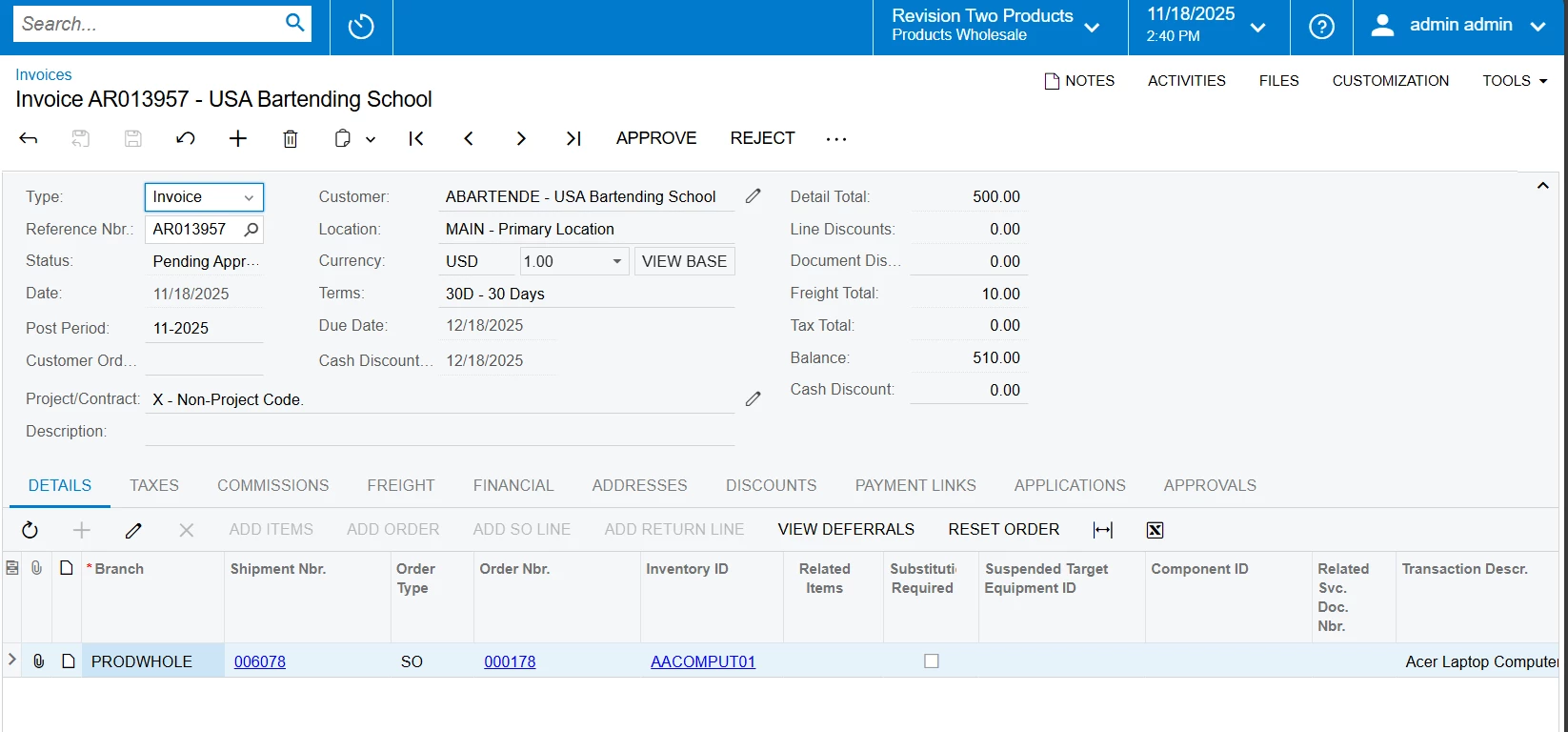
We are working on an Email Notification Template for SO Invoice approval. The email is triggered from a Business Event based on a Generic Inquiry that includes SOInvoice fields (DocType, RefNbr, DocDate, Amount, CustomerID).
Our goal is to include a link in the email that opens the SO Invoice screen (SO303000) for the specific document.
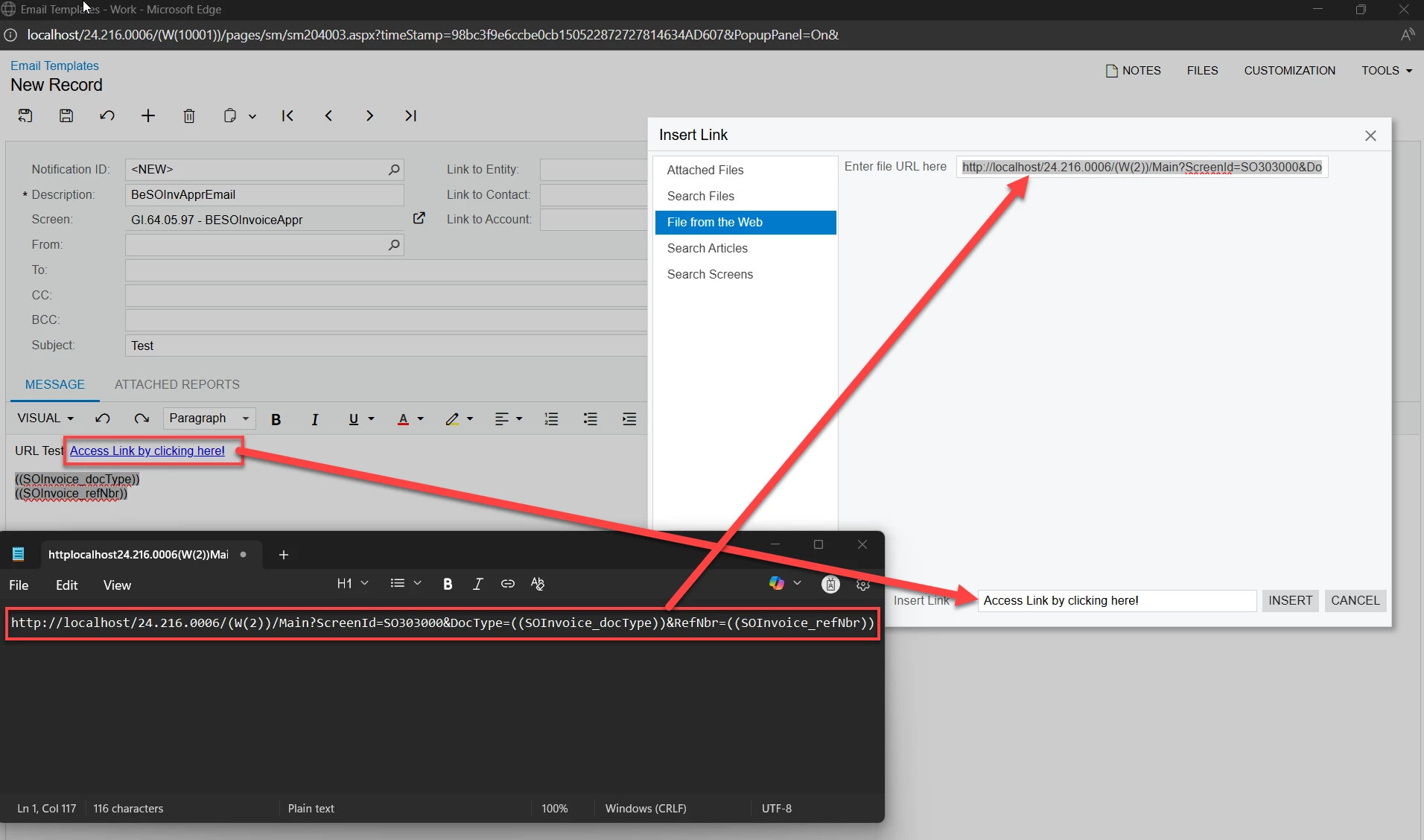
Here are the URLs we’ve tried:
Here’s the URL I’m using:
old link: https://international.acumatica.com/(W(63))/Main?CompanyID=Live&ScreenId=SO303000&DocType=((SOInvoice_DocType))&RefNbr=((SOInvoice_RefNbr))
Issue:
When the email is sent, the link does not navigate to the correct record. It either opens the screen without filtering or fails completely. Interestingly, the same URL (New Link) works fine in the Approved notification, which is tied to the standard approval process.
Questions:
- Does Acumatica support passing
DocTypeandRefNbrin the URL for SO303000 when the email is triggered from a GI-based Business Event? - Are there any special requirements for token resolution in GI-based templates?
- Is there a recommended approach to generate a working link for SO Invoice approval?
Any guidance or examples would be greatly appreciated!