Answer

Edit Branch in Bills and Adjustment

  • May 19, 2025
  • 2 replies
  • 58 views

Forum|alt.badge.img

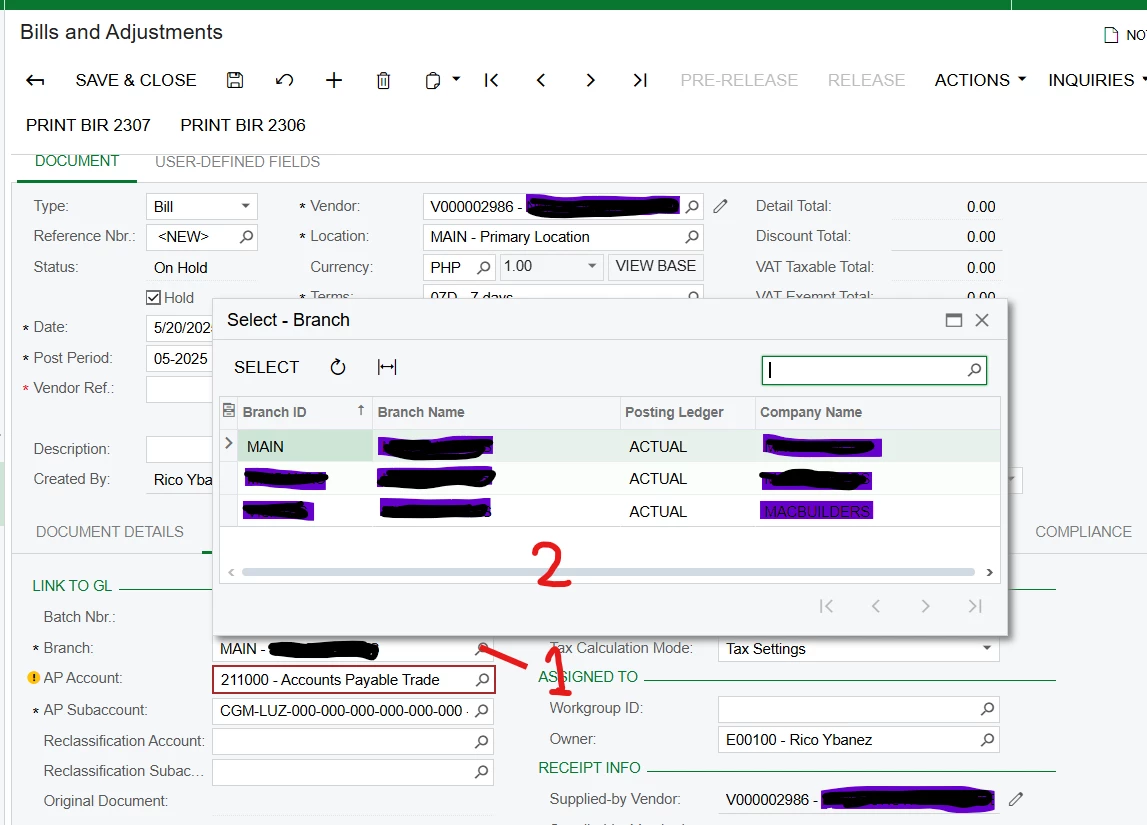
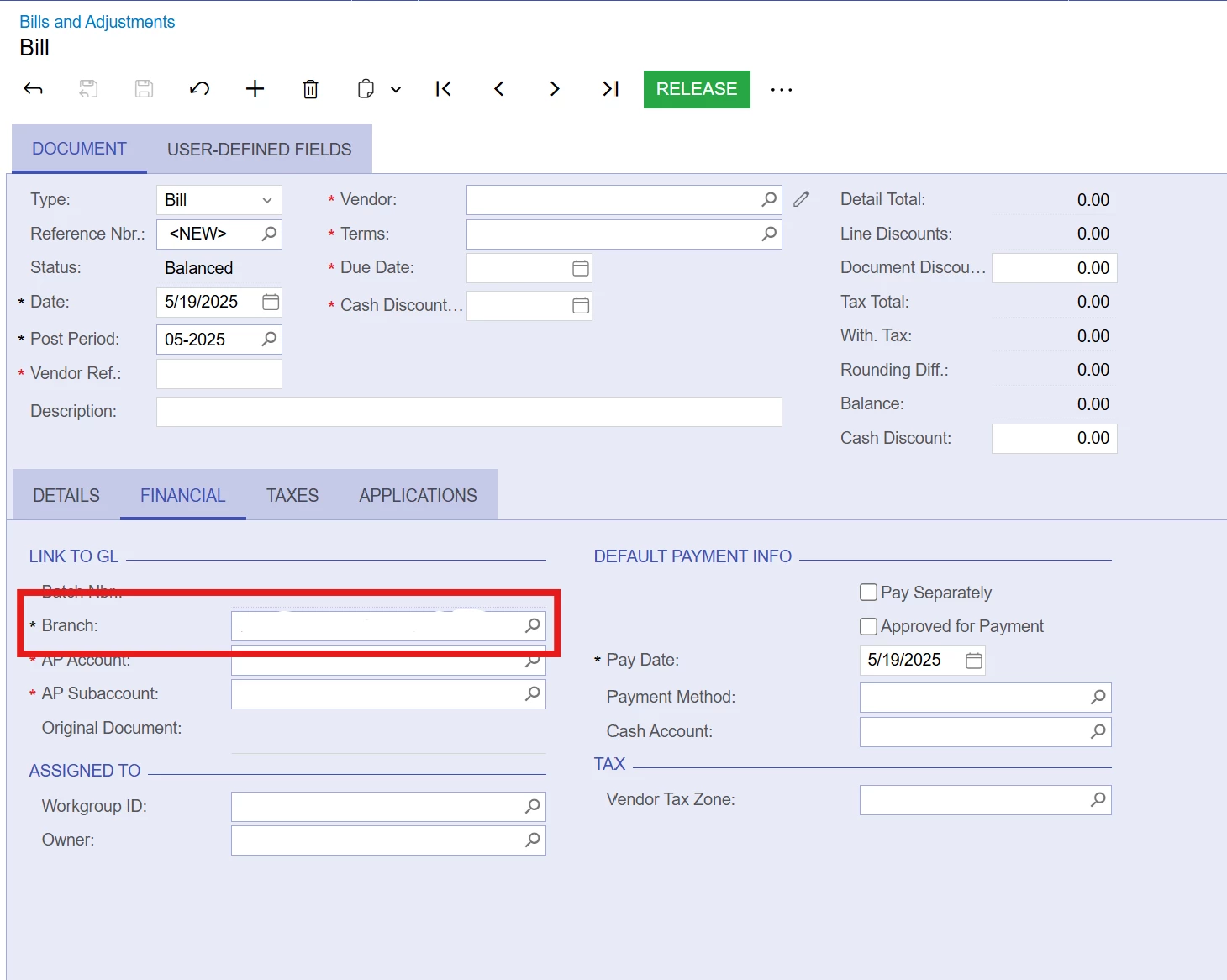
Edit Branch in Bills and Adjustment.  How can I edit the option for branch in Bills and Adjustment?
 

Best answer by nhatnghetinh

Hi ​@ehernandez 

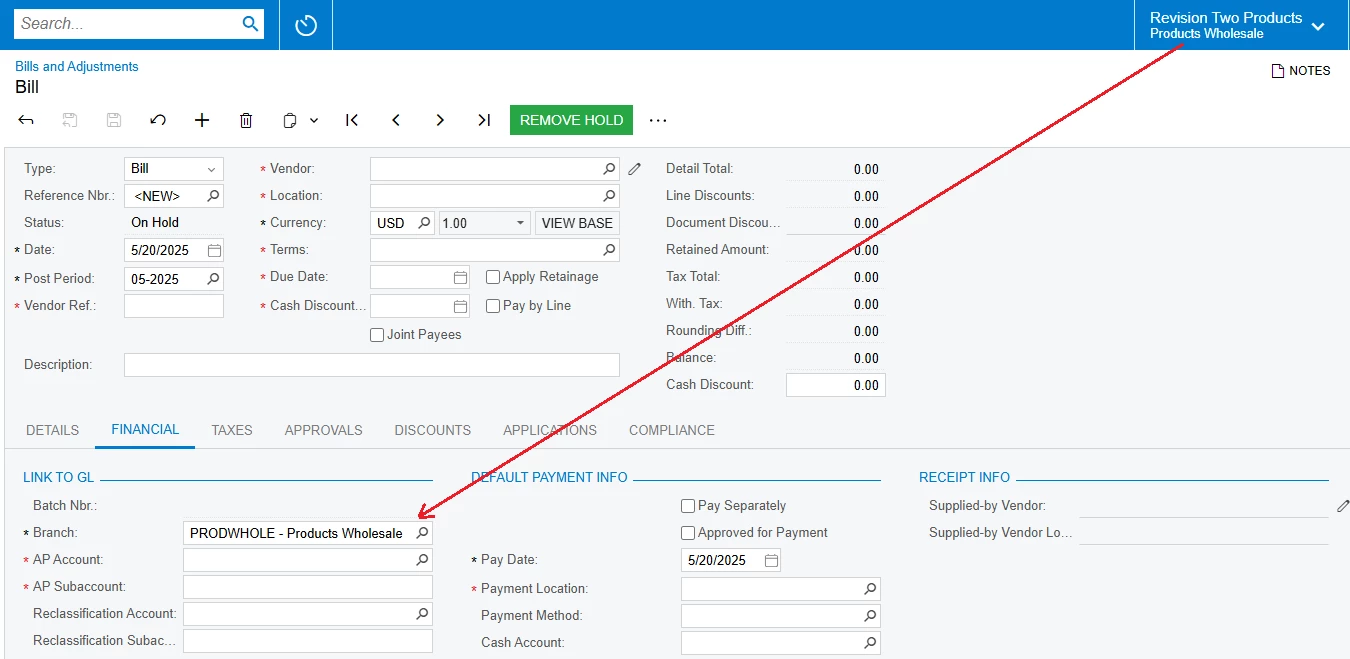
When you click create new Bills and Adjustments. The Branch in the FINANCIAL tab will take the default Branch as the Branch you selected on the header menu bar.
 

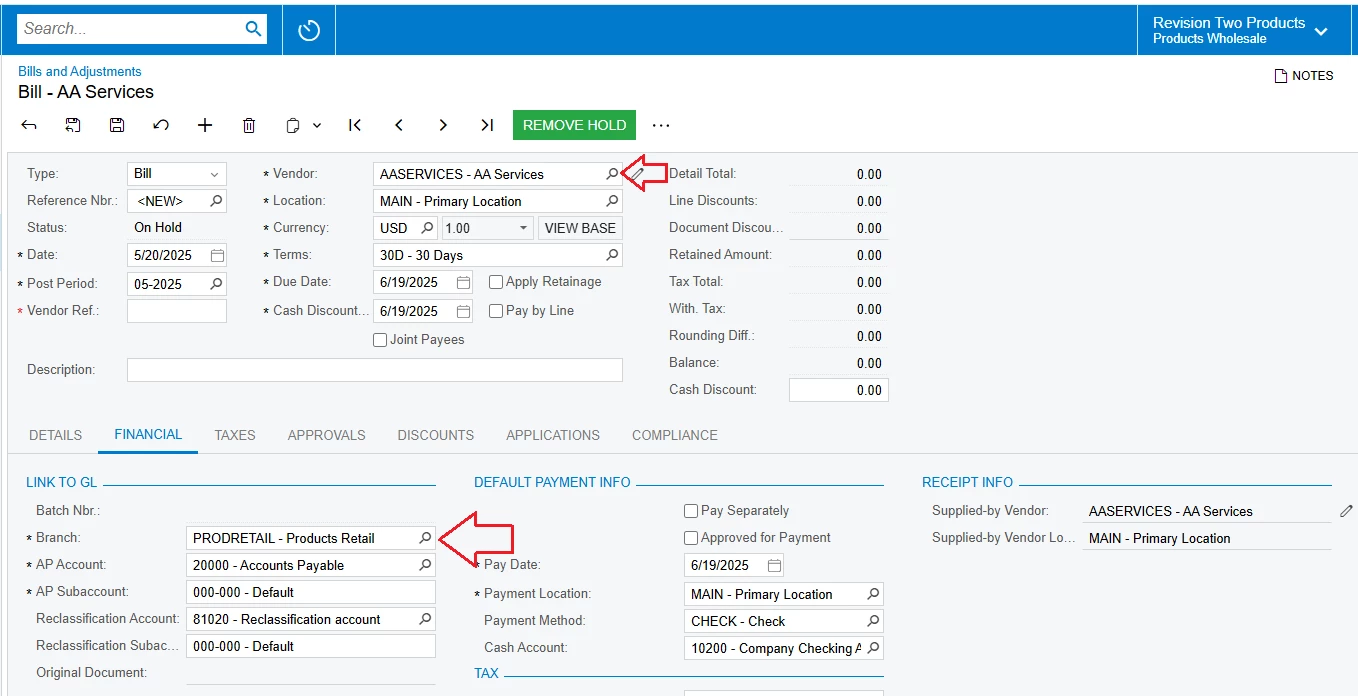
You can edit Branch in Bills and Adjustment screen by taking the default Branch in the Vendor screen.


After selecting Vendor, the system will take Branch as the default Branch in the Vendor screen.
 

Best Regards,

NNT

2 replies

nhatnghetinh
Captain II
Forum|alt.badge.img+11
  • Captain II
  • Answer
  • May 20, 2025

Hi ​@ehernandez 

When you click create new Bills and Adjustments. The Branch in the FINANCIAL tab will take the default Branch as the Branch you selected on the header menu bar.


You can edit Branch in Bills and Adjustment screen by taking the default Branch in the Vendor screen.


After selecting Vendor, the system will take Branch as the default Branch in the Vendor screen.


Best Regards,

NNT


ricoybanez
Jr Varsity III
Forum|alt.badge.img+3
  • Jr Varsity III
  • May 20, 2025

@ehernandez 

For Multiple Branches:

  1. You can put a default branch on your users, every time they will make an entry they carry the Default Branch. (But still you can change it and select other Branch if needed)
  2. To change Branch on AP Bill Entry
    1. Click on the [magnifying] icon
    2. Select other Branch