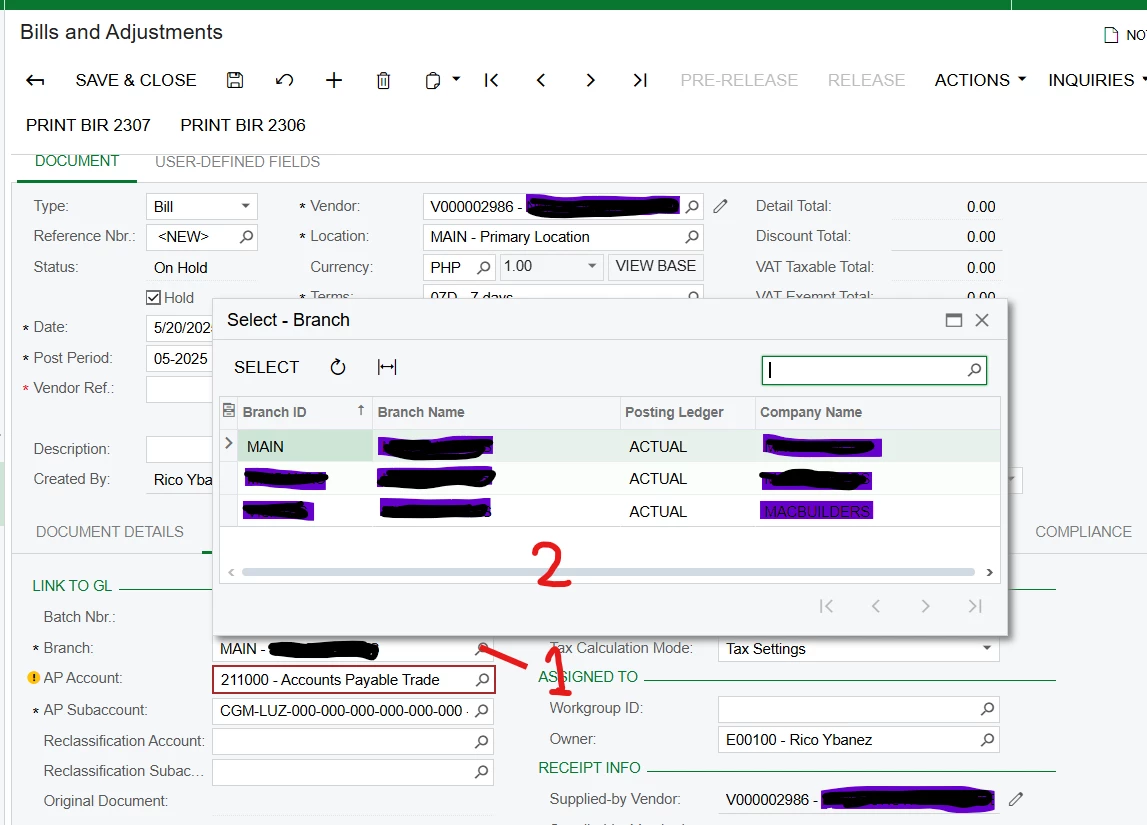
Edit Branch in Bills and Adjustment. How can I edit the option for branch in Bills and Adjustment?
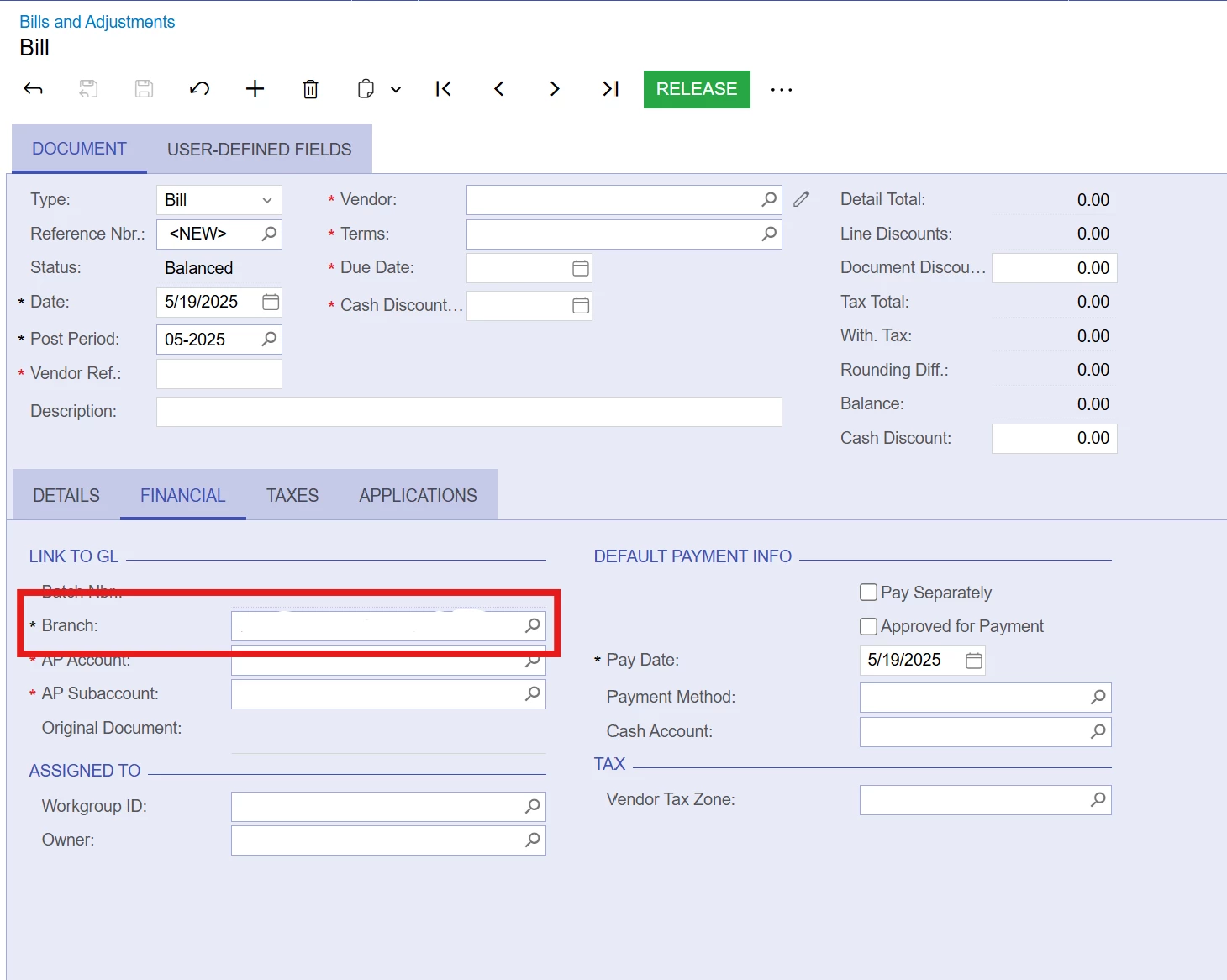
Edit Branch in Bills and Adjustment. How can I edit the option for branch in Bills and Adjustment?
Best answer by nhatnghetinh
Hi
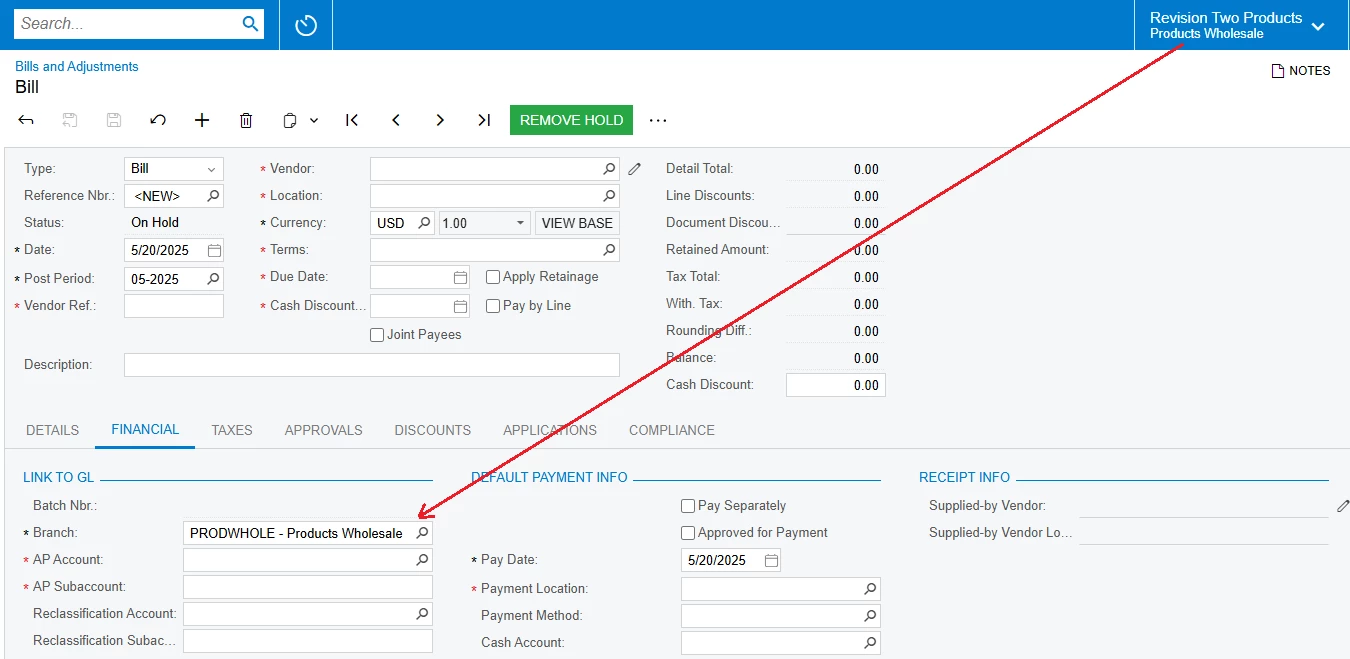
When you click create new Bills and Adjustments. The Branch in the FINANCIAL tab will take the default Branch as the Branch you selected on the header menu bar.
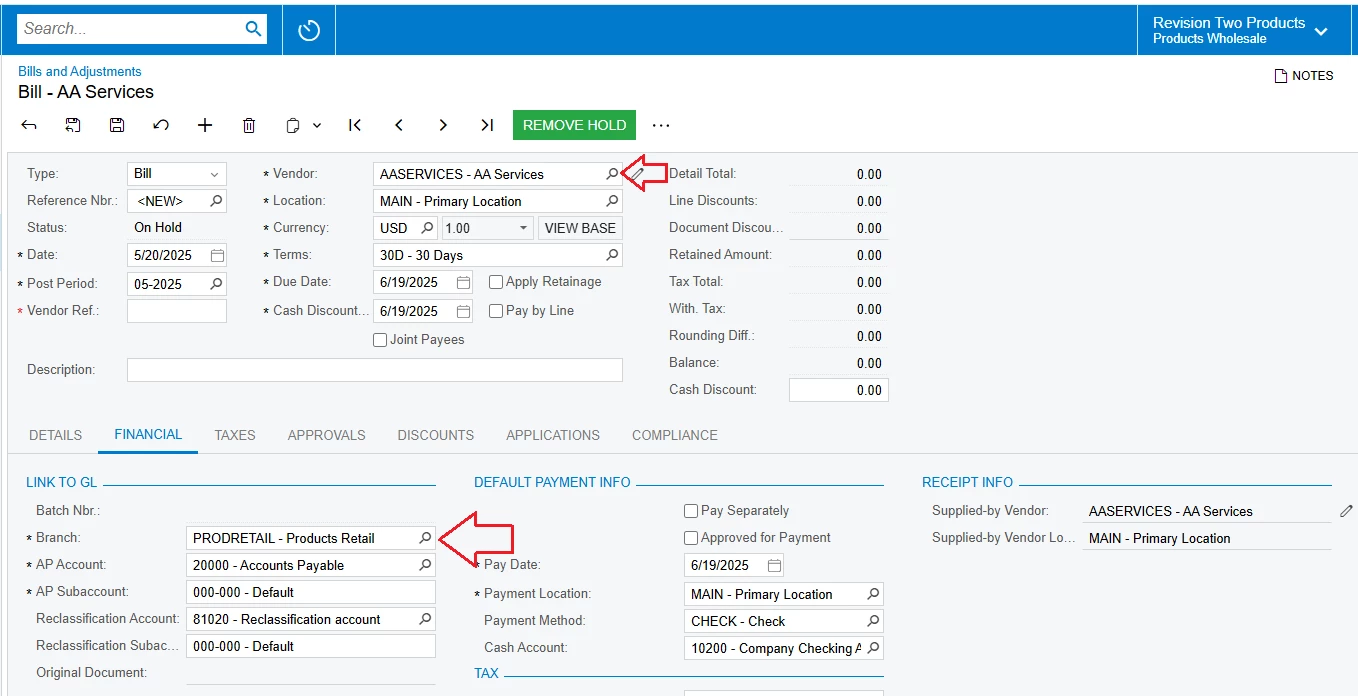
You can edit Branch in Bills and Adjustment screen by taking the default Branch in the Vendor screen.

After selecting Vendor, the system will take Branch as the default Branch in the Vendor screen.
Best Regards,
NNT
Enter your E-mail address. We'll send you an e-mail with instructions to reset your password.