@swartzfeger Without additional information on how ACU is currently managing your customer prices, it is difficult to determine the best solution.
Discounts can be used by creating a Discount Code with Discount Type = Line and Applicable To =Customer & Item (or item class). Next, the specific customer, item (class) & discount (negative) should be added on the Discounts form (a discounts record/sequence needs to be created specific to this customer and related items). All the related items and/or item classes need to be included on the Discounts record. Assuming there is centralized price management that is updated when item prices are updated, this method would not need to be maintained once created
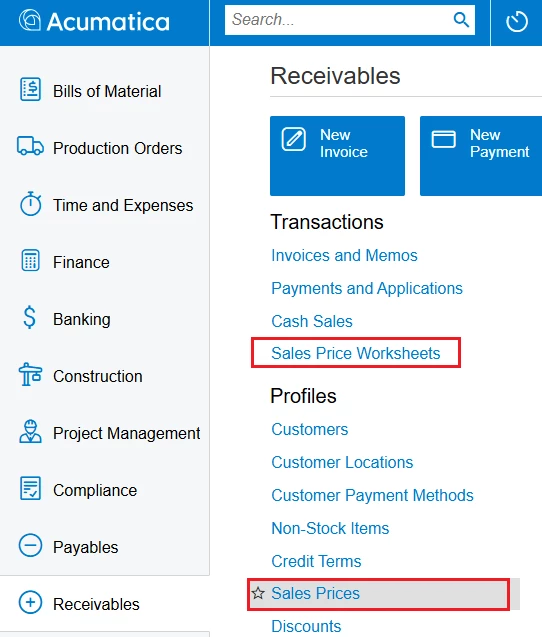
This can also be achieved using Sales Prices form. Customer specific item & item class prices can be created: Price Type = Customer. Price Code= customer id. Inventory items need to be added individually. These records can be uploaded on the Sales Price Worksheets form. Once created, these customer specific records would have to be maintained when pricing changes.
This would need to be tested with your ecom portal.
Hope this helps